Zum Hauptinhalt springen

Kalibrierungen

Serie: 16000-17000

Filter


Getting Started (12)
Verwendung und Betrieb (105)
Wartung und Reparatur (117)
Handbuch (0)

Results: 16 items found
  • Ansicht:
Sortieren nach
Relevanz

Filter


Getting Started (12)
Verwendung und Betrieb (105)
Wartung und Reparatur (117)
Handbuch (0)

Fokus-Kalibrierungsassistent

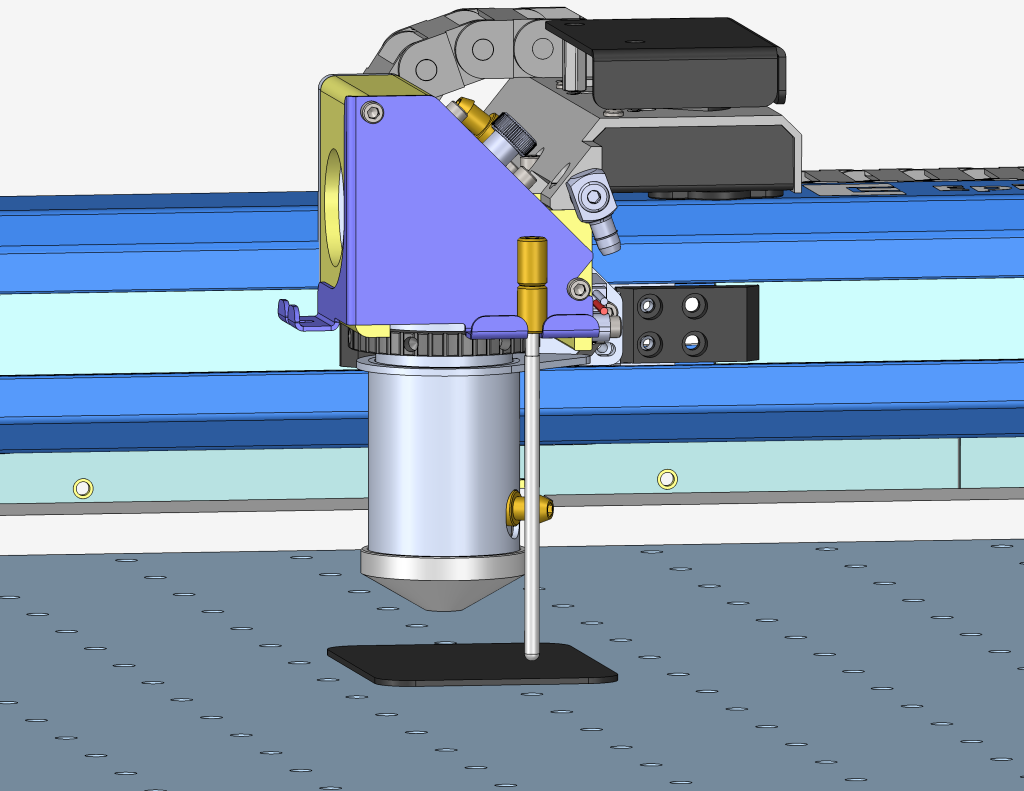
Schrittweise Anleitung zur Verwendung des Fokuskalibrierungsassistenten, verfügbar in Firmware-Version 1.1.2.1 und höher.

Estimated Time: 5–10 Minutes   |   Skill Level: Basic The Focus Calibration Wizard allows the laser system to automatically determine the optimal focal height for the installed lens. This process engraves a test pattern on anodized aluminum and identifies the focus position that produces the brightest mark. Running the (...)
Manuelle Kalibrierung der Fokussieranzeige – Fusion Maker, Edge, Pro
Pro 24, Pro 36

Erfahren Sie, wie Sie die manuelle Fokussieranzeige an einer Fusion Maker-, Edge- oder Pro-Maschine kalibrieren.

This procedure outlines the steps required to calibrate the manual focus gauge after completing the Focus Calibration Wizard. Proper calibration ensures that the gauge accurately reflects the correct focal height determined using the Calibration Wizard. Note: The Calibration Wizard is available only on firmware version 1.1.2.1 or later. To update (...)
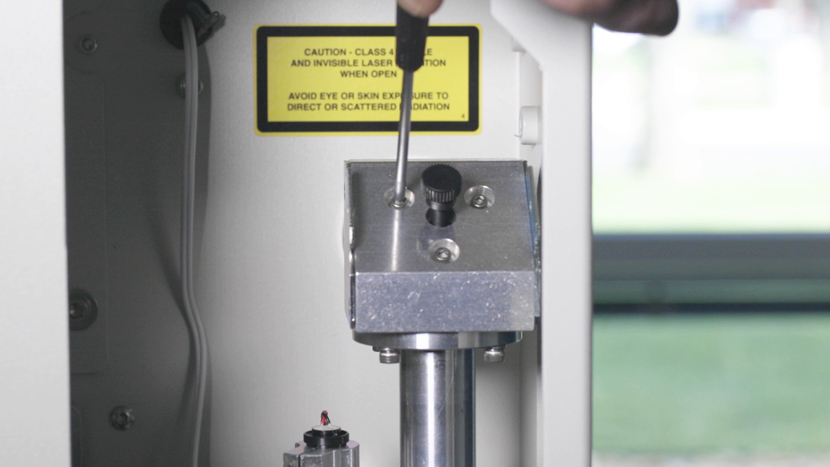
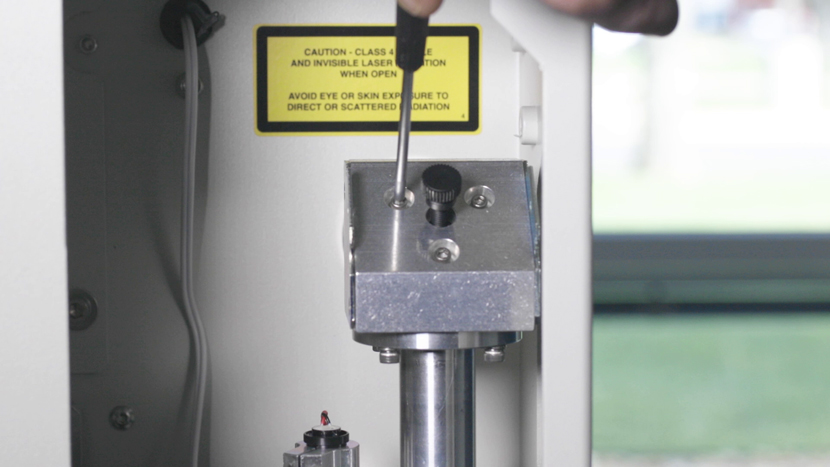
Laserausrichtung (Optik mit großer Blende) – Fusion Pro
Pro 24, Pro 36

Wie richte ich den Laser meines Fusion Pro mit einer Optik mit großer Blende aus?

To ensure your CO2 laser engraver delivers optimal performance and consistent cutting quality, proper beam alignment is essential. Over time, vibration, wear, or component replacement can cause the laser beam to deviate from its intended path. This can result in reduced cutting power, inconsistent engraving, or premature wear of optics. (...)
Anleitung zur Kalibrierung der IRIS-Kamera
Pro 24/36, Pro 32/48

Wie kalibriere ich das IRIS-Kamerasystem bei den Modellen Maker, Edge, Pro und Ascent?

Estimated Time: 20–40 Minutes • Skill Level: Intermediate Important: All focus calibration procedures must be completed before performing a camera calibration to ensure accurate results. Click the tabs below to switch between machine types. Each tab shows the camera calibration procedure specific to that machine. Overview & Requirements Fusion Edge (...)
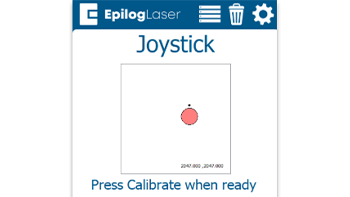
Kurzanleitung: Kalibrieren des Joysticks für präzise Bewegungen

Durch Kalibrieren des Joysticks können Probleme wie verzögerte Bewegungen, ungenaue Steuerung oder das selbstständige Driften des Schlittens im Jog-Modus behoben werden.

Steps to Calibrate the Joystick Open the Settings Menu On the display panel, press the gear icon in the top-right corner to open the Settings menu. Image 1: Home screen with gear icon in top-right corner Access Advanced Settings Press and hold the word “Settings” on the screen until the (...)
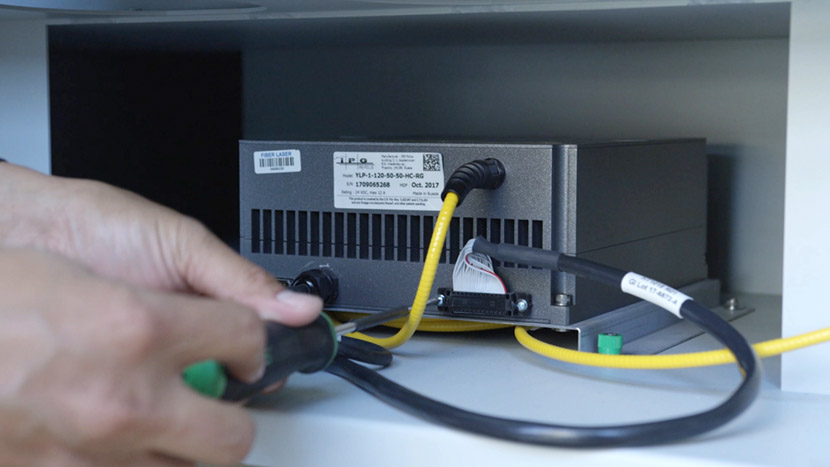
Faserausrichtung – Fusion Pro 32 & 48
Pro 32, Pro 48

Wie richte ich den Laser in meinem Fusion Pro Fiber- oder Dual Source-Gerät aus?

This guide provides step-by-step instructions for performing precise laser alignment on the Fusion Pro CO2 and Fiber laser systems. Proper alignment ensures optimal engraving performance and reduces the risk of hardware damage. Whether you’re troubleshooting a drop in laser power or aligning after maintenance, this document will walk you through (...)
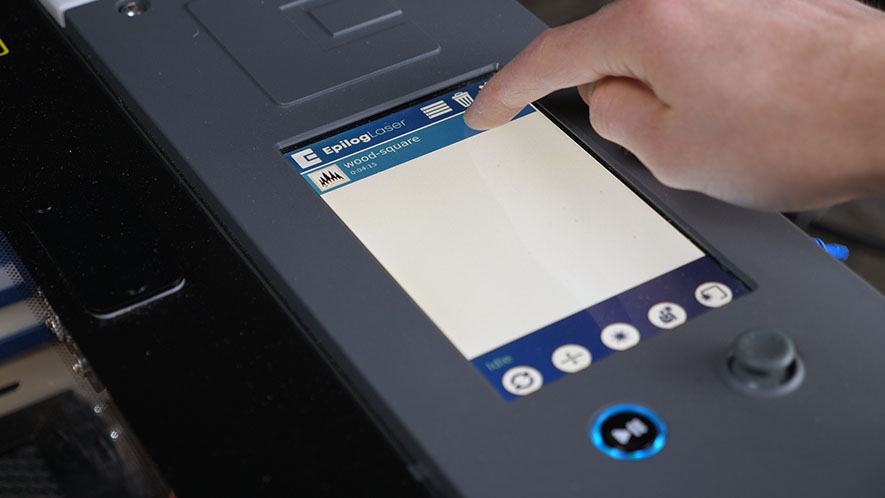
Touchpad-Kalibrierung – Fusion Maker, Edge und Pro 24 und 36
Pro 24, Pro 36

Wie kalibriere ich das Touchpad auf dem Fusion Maker, Edge und Pro 24 und 36?

Estimated time: 5 minutes • Skill: Basic Touchscreen calibration ensures accurate touch response when selecting options and settings on the display. This procedure is rarely required and should only be performed if the touchscreen is registering incorrect inputs or responding inconsistently. Touchscreen Calibration Procedure Open the Settings menu. At the (...)