Ir al contenido principal

Requisitos del sistema y configuración

Serie: 13000-14000

Filtros


Getting Started (10)
Uso y funcionamiento (92)
Servicio y reparación (40)
Manual (0)

Results: 20 items found
  • Ver:
Ordenar por
Relevancia

Filtros


Getting Started (10)
Uso y funcionamiento (92)
Servicio y reparación (40)
Manual (0)

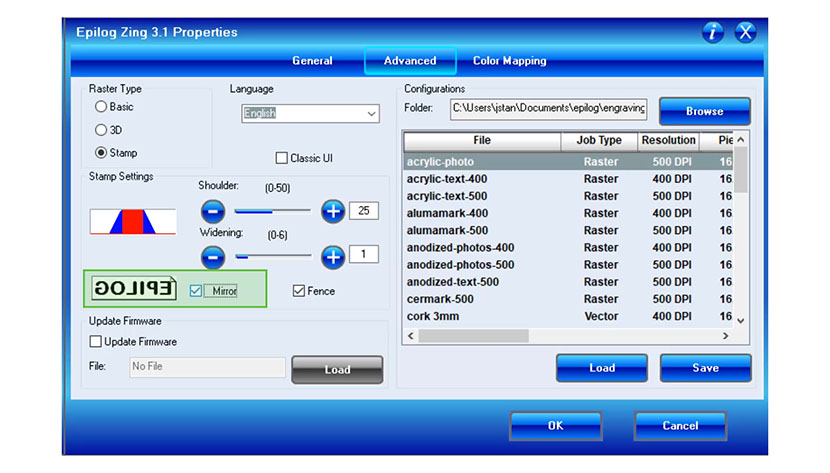
Cómo configurar el software gráfico para Epilog Laser

Esta guía proporciona instrucciones paso a paso para configurar y utilizar los programas de diseño gráfico más populares con Epilog Laser .

Software Setup CorelDRAW Setup Open CorelDRAW. Note: CorelDRAW Graphics Suite is the recommended CorelDraw version for use with Epilog Laser systems. Other versions, such as the Student or Standard version, may have different menu options and settings. Select Tools > Options > Global > Printing > Driver Compatibility. Choose Epilog (...)
Uso de la opción Centro-Centro en el Epilog Laser

¿Cómo puedo utilizar la opción Centro-Centro en el controlador de impresión para facilitar el posicionamiento de mi grabado?

When engraving a uniquely-shaped item, the Center-Center option within the Epilog Laser Dashboard can be an invaluable tool. The Center-Center option allows you to define the center of your artwork as the primary reference point (home position) of your engraving or cutting. Designed to be used in conjunction with the (...)
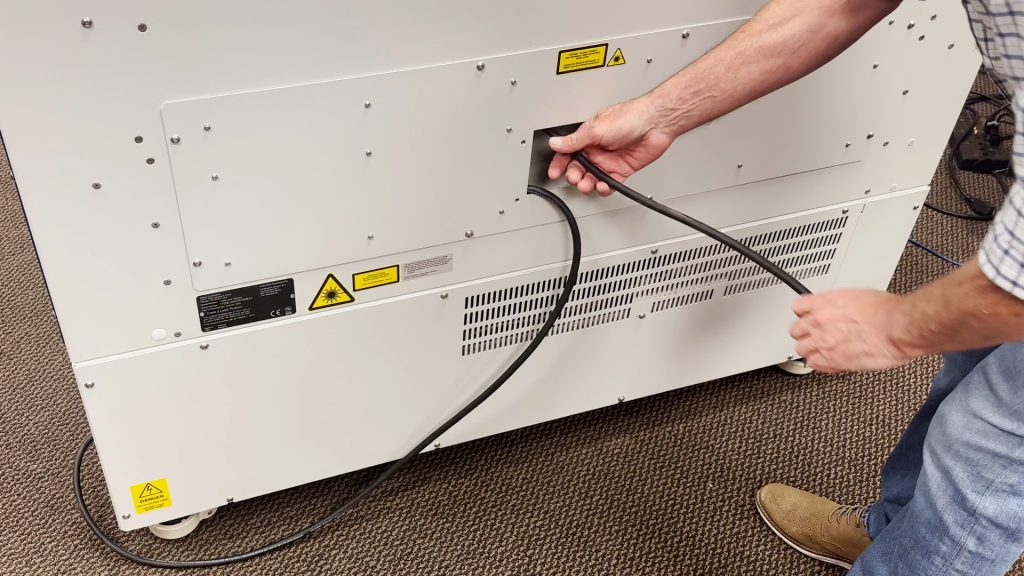
Conexiones de alimentación de 220 VCA: tipo de extremo del núcleo y foto

¿Qué tipo de cable de alimentación necesito para funcionar con 220 VCA?

Epilog’s laser systems are equipped with auto-switching power supplies that accommodate input voltages ranging from 110 to 240 volts at 50–60Hz. We recommend using a dedicated 15A circuit breaker regardless of the operating voltage to ensure stable and reliable performance. For Systems Operating on 220V in the United States The (...)