Ir al contenido principal

Requisitos del sistema y configuración

Serie: 16000-17000

Filtros


Getting Started (12)
Uso y funcionamiento (105)
Servicio y reparación (117)
Manual (0)

Results: 26 items found
  • Ver:
Ordenar por
Relevancia

Filtros


Getting Started (12)
Uso y funcionamiento (105)
Servicio y reparación (117)
Manual (0)

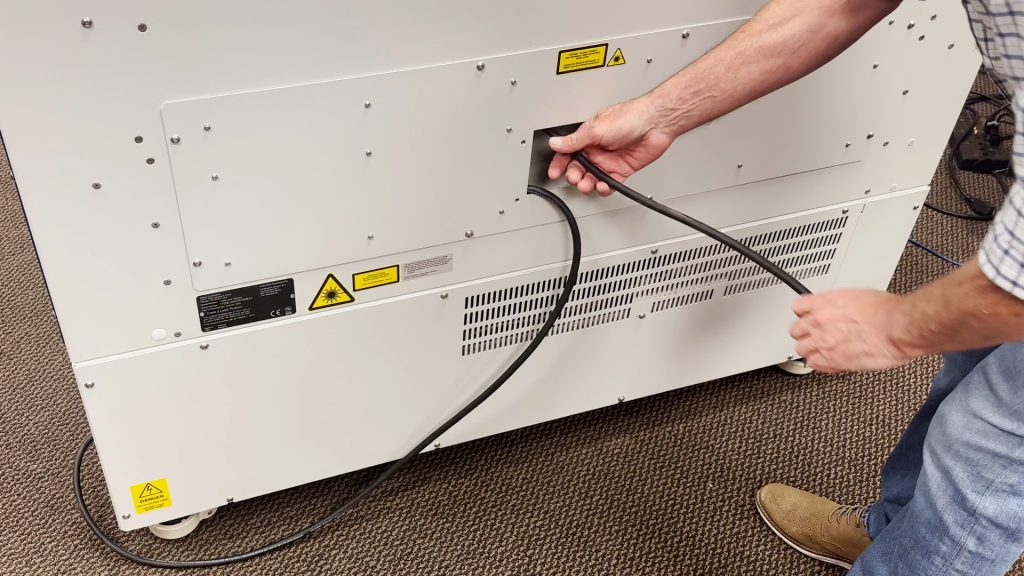
Conexiones de alimentación de 220 VCA: tipo de extremo del núcleo y foto

¿Qué tipo de cable de alimentación necesito para funcionar con 220 VCA?

Epilog’s laser systems are equipped with auto-switching power supplies that accommodate input voltages ranging from 110 to 240 volts at 50–60Hz. We recommend using a dedicated 15A circuit breaker regardless of the operating voltage to ensure stable and reliable performance. For Systems Operating on 220V in the United States The (...)
Uso de la opción Centro-Centro en el Epilog Laser

¿Cómo puedo utilizar la opción Centro-Centro en el controlador de impresión para facilitar el posicionamiento de mi grabado?

When engraving a uniquely-shaped item, the Center-Center option within the Epilog Laser Dashboard can be an invaluable tool. The Center-Center option allows you to define the center of your artwork as the primary reference point (home position) of your engraving or cutting. Designed to be used in conjunction with the (...)
Guía de configuración de Epilog Pulse

¿Cómo configuro y conecto mi láser utilizando la nueva aplicación Epilog Pulse?

Epilog Pulse App Guide Streamline your workflow by sending jobs directly to your laser from any modern web browser. System Requirements & Setup Compatibility Firmware: Version 1.1.0.2 or newer Browser: Chrome, Edge, Safari, or Firefox Processor: Intel Core i3/i5/i7, AMD Ryzen/FX/A-Series, or ARM Connection Required Before utilizing the Pulse application, (...)
Optimice su flujo de trabajo: cambiar la configuración predeterminada de los trabajos

¿Cómo puedo configurar los ajustes predeterminados de trabajo en el paquete de software?

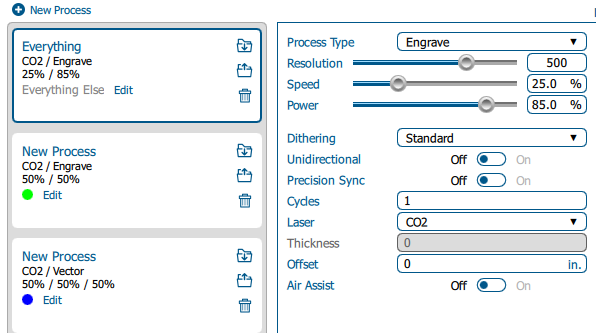
Estimated time: 5–10 minutes • Skill: Beginner By default, jobs sent to the Epilog Software Suite use standard settings. You can customize these defaults to save setup time or better match your materials and applications. Follow the steps below to change the default job settings. Changing Default Job Settings Send (...)
Selección de una fuente de alimentación ininterrumpida para su Epilog Laser

¿Qué fuente de alimentación ininterrumpida es la más adecuada para mi Epilog Laser ?

Spring is a time for many things, including unpredictable weather. While many people have battery backup for clocks, computers and other important devices, many don’t think of taking this important precaution when it comes to their laser. No one wants to lose a whole project because of an unexpected power (...)