Passer au contenu principal

Cartes de commande / cartes électroniques

Série : 16000-17000

Filtres


Getting Started (12)
Utilisation et fonctionnement (105)
Entretien et réparation (117)
Manuel (0)

Results: 12 items found
  • Afficher :
Trier par
Pertinence

Filtres


Getting Started (12)
Utilisation et fonctionnement (105)
Entretien et réparation (117)
Manuel (0)

Comment remplacer le pilote du moteur de l'axe X : guide étape par étape
Pro 24, Pro 36

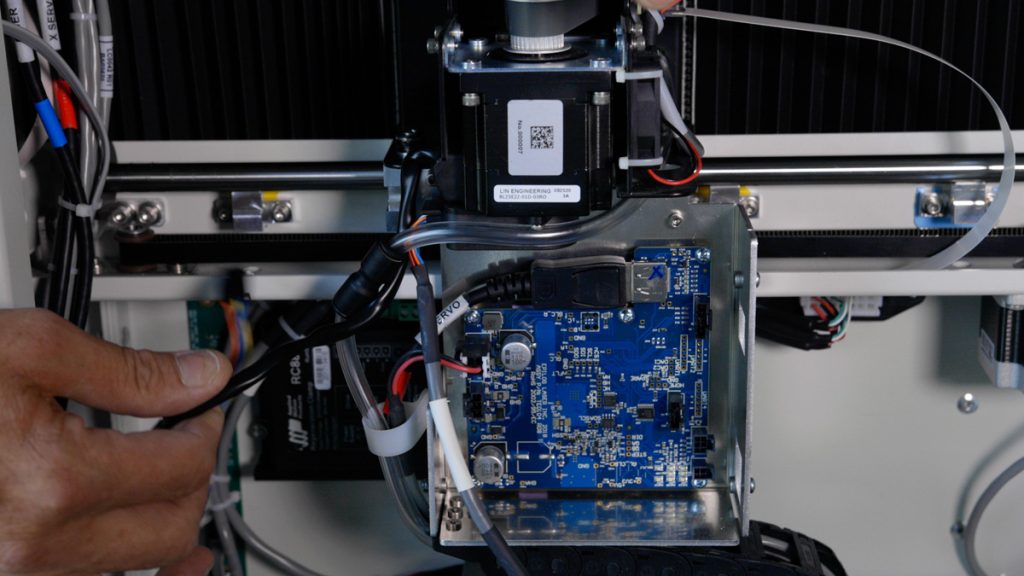
Apprenez à remplacer la carte d'entraînement de l'axe X TE0104 sur les machines 17000 Edge et Pro. Cette réparation peut potentiellement résoudre divers problèmes de mouvement de l'axe X et aider à rétablir un fonctionnement fluide.

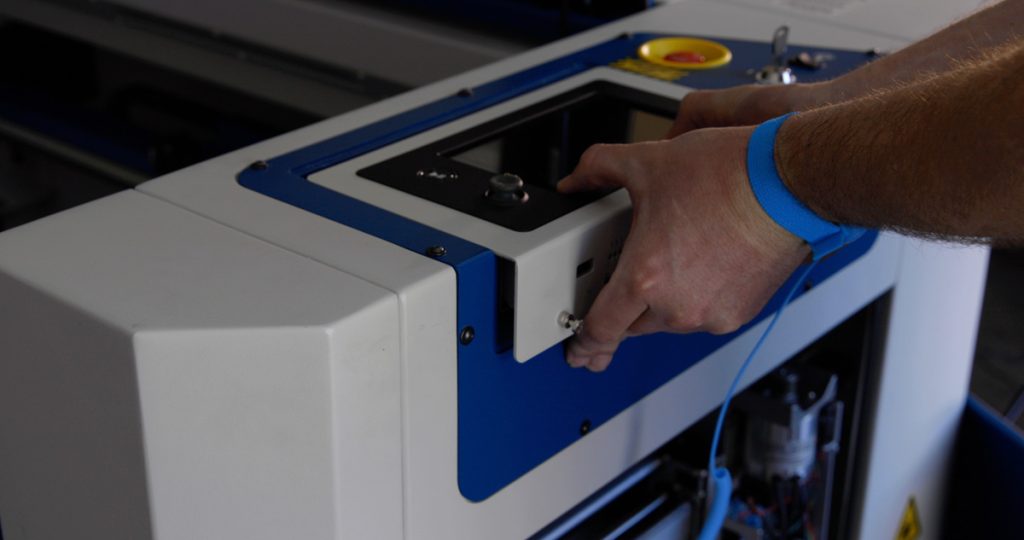
This guide will walk you through the process of removing, installing, and programming the X-Axis Drive Board for Fusion Edge and Pro 24 / 36 models. Proper precautions, including the use of an anti-static strap, are essential to ensure the safe handling of electronic components. Drive Board Replacement Procedure Models: (...)
Remplacement du module de commande – Fusion Pro 32 et 48
Pro 32, Pro 48

Comment remplacer le module de commande dans les modèles Fusion Pro 32 et 48 ?

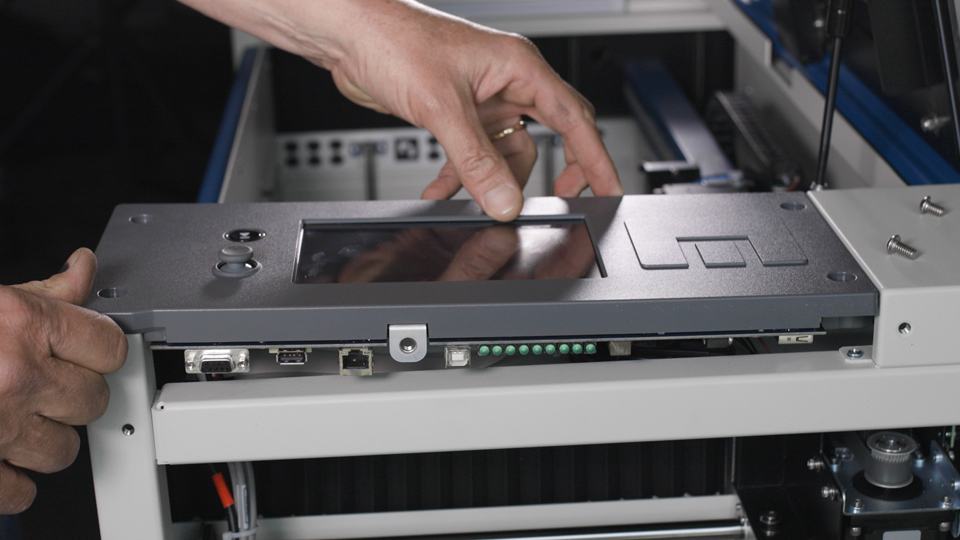
This document provides a step-by-step guide on how to replace the control board in your laser system. Replacing the control board is a crucial process that ensures your laser operates efficiently and reliably. Follow these instructions carefully to safely remove the old control board and install the new one, getting (...)
Remplacement de la carte SD et de la pile bouton – Fusion Pro 32 et 48
Pro 32, Pro 48

Comment remplacer la carte SD ou la pile bouton dans les modèles Fusion Pro 32 et 48 ?

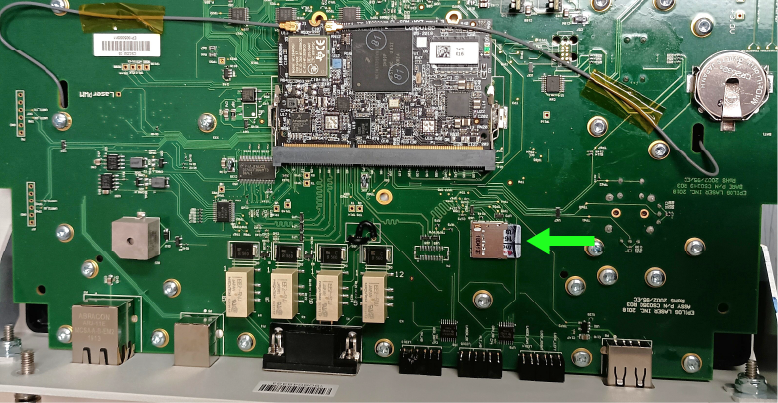
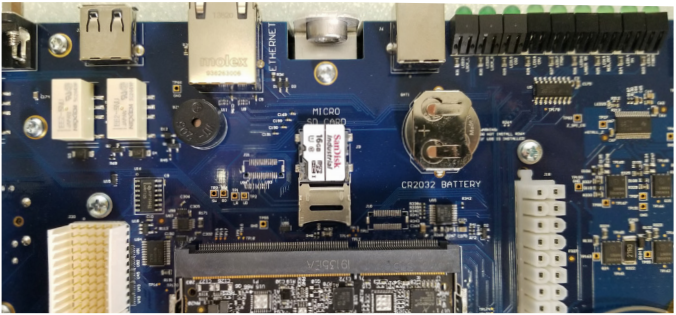
This guide provides instructions for replacing the SD card and coin battery in the control module of Fusion Pro 32 and 48 systems. Always follow proper anti-static precautions and use the correct tools and parts. Control Module Removal Turn off the engraver. Disconnect the engraver from the power source. Disconnect (...)
Mise à niveau du fond de panier flottant
Pro 32, Pro 48

Comment installer le fond de panier flottant dans les Fusion Pro 32 et 48 ?

Applies to: Fusion Pro 32 • Fusion Pro 48 This guide provides step-by-step instructions for upgrading the floating backplane board in Fusion Pro 32 and 48 engravers. Designed for models manufactured before mid-2020, this procedure ensures proper installation and configuration of the new backplane board. By following these instructions, you (...)
Remplacement de la carte de la caméra et du câble USB-C – Fusion Pro 32 et 48
Pro 32, Pro 48

Comment remplacer la carte de l'objectif de la caméra dans les modèles Fusion Pro 32 et 48 ?

This procedure outlines how to replace both the Carriage Camera PCB and the X-Axis USB-C cable on a 16000 Series Fusion Pro laser system. The Carriage Camera PCB also integrates the Auto Focus sensor, which is critical to system performance. Follow each step carefully to ensure proper installation and avoid (...)
Remplacement de la carte fond de panier
Pro 24, Pro 36

Comment remplacer la carte fond de panier dans les modèles Fusion Pro 24 36 ?

This document provides step-by-step instructions for the removal and installation of the backplane board for Fusion Pro 24 & 36 engravers. It includes all the necessary parts, tools, and materials required for the process, as well as detailed guidance on disconnecting electrical components, handling the board with care, and reassembling (...)
Remplacement de la carte SD et de la pile bouton – Fusion Maker, Edge, Pro 24 et 36
Pro 24, Pro 36

Comment remplacer la carte SD et la pile bouton dans les modèles Fusion Maker, Edge et Pro 24 et 36 ?

This guide provides step-by-step instructions for replacing the SD card and coin battery on Fusion Maker, Edge, and Pro systems. Be sure to follow anti-static precautions and use the required tools for each step. SD Card Replacement (Fusion Maker & Edge) Control Module / SD Card Removal Turn off the (...)