Note:Camera calibration on the Fusion Galvo is only necessary if recommended by Epilog’s Technical Support.
Note: Before beginning, reboot your machine if you have recently run any jobs.

You will need an 8x8 inch piece of Anodized aluminum as well as the calibration target included with your machine to run this process.
- Click the Settings button to enter the Settings menu.
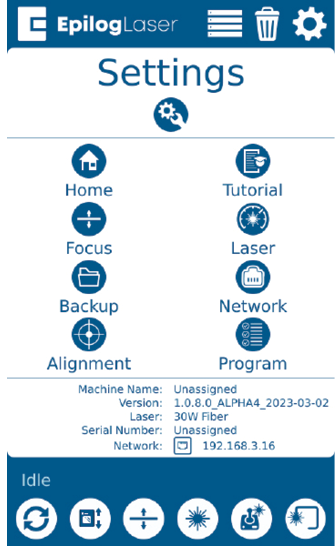
- Long Press the “Settings” text for 5 seconds to enter the Advanced Settings Menu.
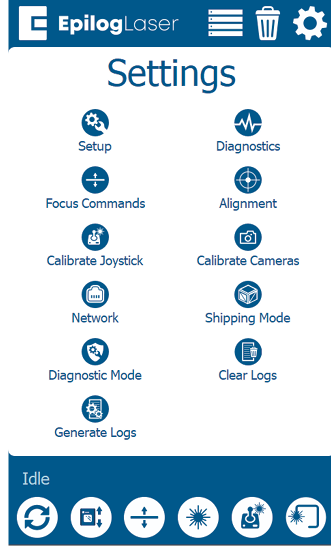
- Click on “Calibrate Cameras”to enter the Camera Calibration menu.
- While the machine is Idle, follow the prompt, and begin the calibration routine by selecting “Ok”. Use the calibration target included with your machine.
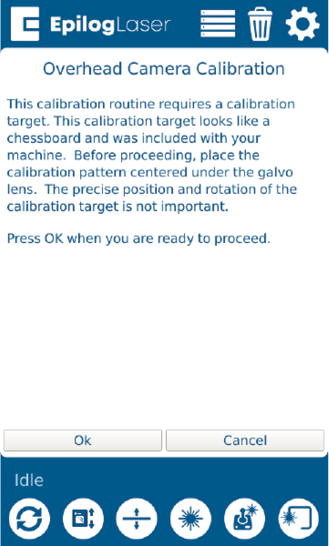
- Once the calibration target is placed on the table, press “OK” and the laser will start the calibration process.
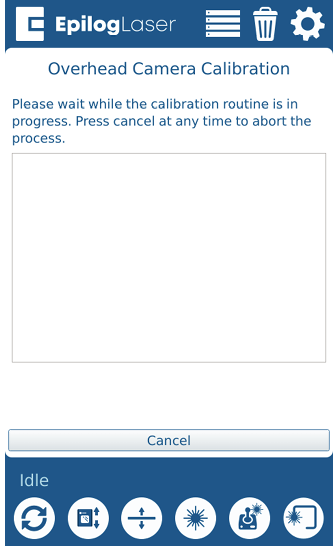
- Allow the job to run until completion.
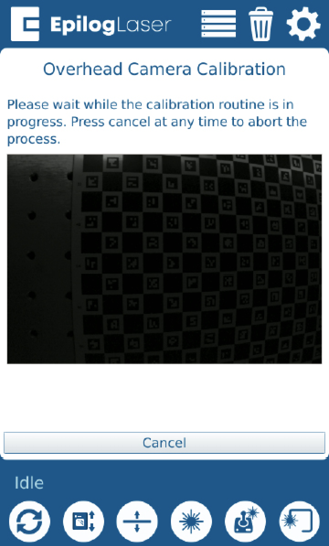
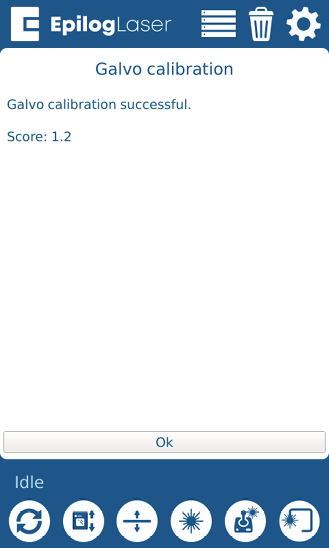
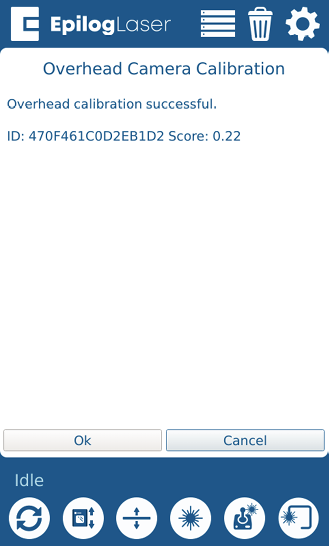
- Once the calibration of the target has finished, you will see the following prompt. Press OK.
- Now it’s time to place a sheet of anodized aluminum on the table in place of the calibration target. We recommend using something to weigh down the aluminum so that it is perfectly flat
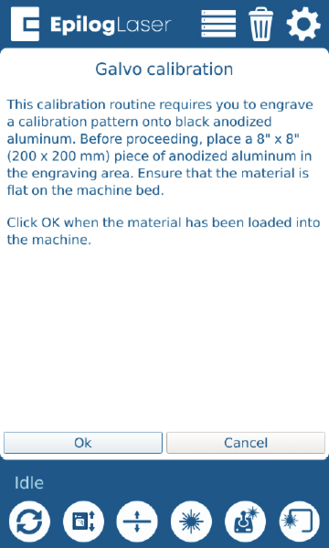
- Follow the prompt and press OK when you are ready to run the calibration job.
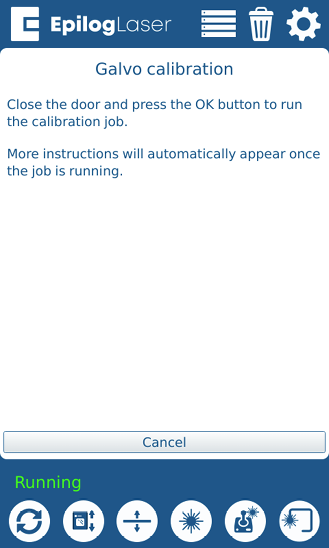
- Allow the calibration job to run.
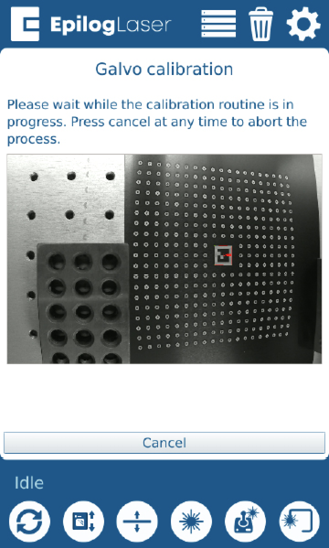
- The camera should now be calibrated to your machine and ready to use. If the final score result is 1.3 or higher, please contact Technical Support.