Ga naar de hoofdinhoud

Kalibraties

Serie: 17000

Filters


Getting Started (8)
Usage and Operation (100)
Service and Repair (56)
Handleiding (0)

Results: 12 items found
  • Bekijk:
Sorteren op
Relevantie

Filters


Getting Started (8)
Usage and Operation (100)
Service and Repair (56)
Handleiding (0)

Wizard voor het kalibreren van de focus

Stapsgewijze handleiding voor het gebruik van de Focus Calibration Wizard, beschikbaar in firmwareversie 1.1.2.1 en hoger.

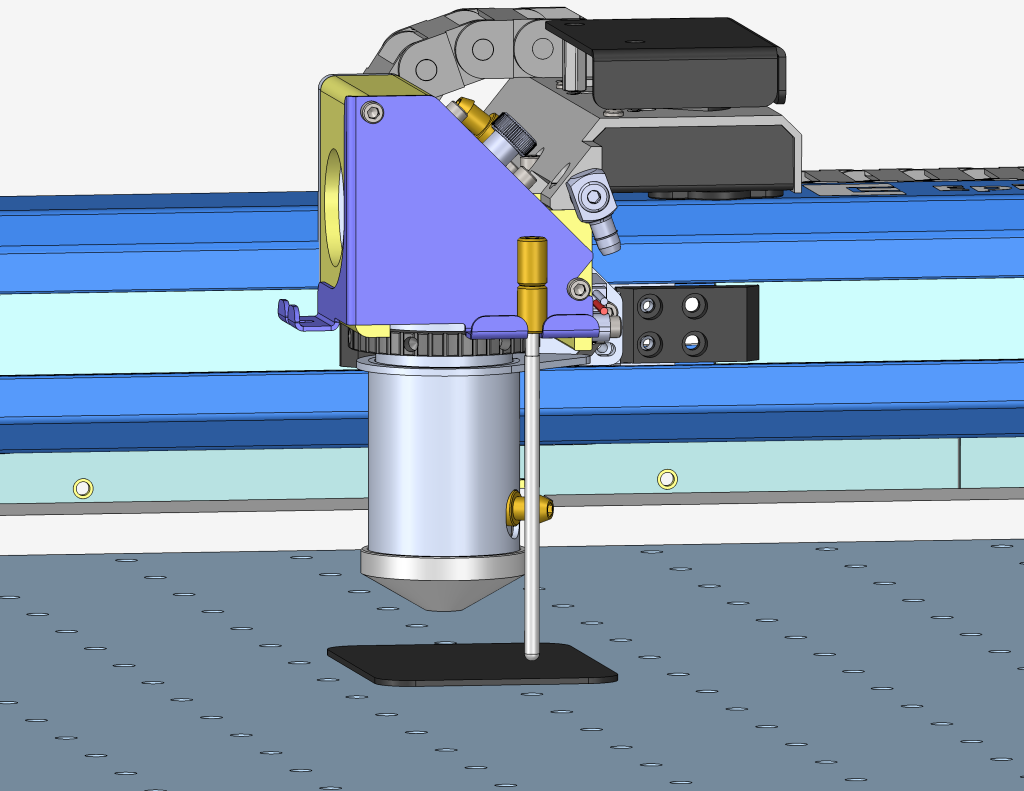
Estimated Time: 5–10 Minutes   |   Skill Level: Basic The Focus Calibration Wizard allows the laser system to automatically determine the optimal focal height for the installed lens. This process engraves a test pattern on anodized aluminum and identifies the focus position that produces the brightest mark. Running the (...)
Handmatige kalibratie van de focusmeter – Fusion Maker, Edge, Pro
Pro 24, Pro 36

Leer hoe je de handmatige focusmeter op een Fusion Maker-, Edge- of Pro-machine kunt kalibreren.

This procedure outlines the steps required to calibrate the manual focus gauge after completing the Focus Calibration Wizard. Proper calibration ensures that the gauge accurately reflects the correct focal height determined using the Calibration Wizard. Note: The Calibration Wizard is available only on firmware version 1.1.2.1 or later. To update (...)
Handleiding voor het kalibreren van de IRIS-camera
Pro 24/36, Pro 32/48

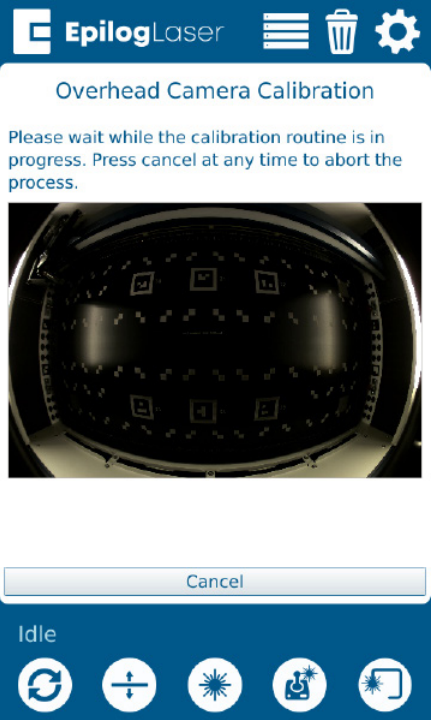
Hoe kalibreer ik het IRIS-camerasysteem in de Maker, Edge, Pro en Ascent?

Estimated Time: 20–40 Minutes • Skill Level: Intermediate Important: All focus calibration procedures must be completed before performing a camera calibration to ensure accurate results. Click the tabs below to switch between machine types. Each tab shows the camera calibration procedure specific to that machine. Overview & Requirements Fusion Edge (...)
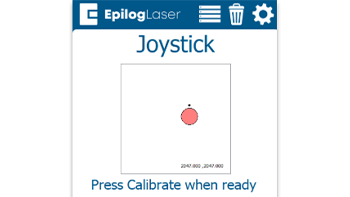
Snelle handleiding: De joystick kalibreren voor nauwkeurige bewegingen

Door de joystick te kalibreren, kun je problemen oplossen zoals vertraagde bewegingen, onnauwkeurige besturing of het zelfstandig verschuiven van de slede in de jogmodus.

Steps to Calibrate the Joystick Open the Settings Menu On the display panel, press the gear icon in the top-right corner to open the Settings menu. Image 1: Home screen with gear icon in top-right corner Access Advanced Settings Press and hold the word “Settings” on the screen until the (...)
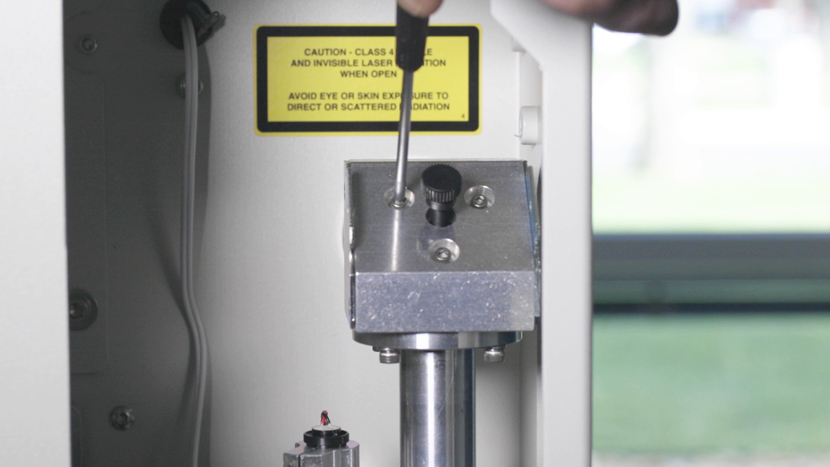
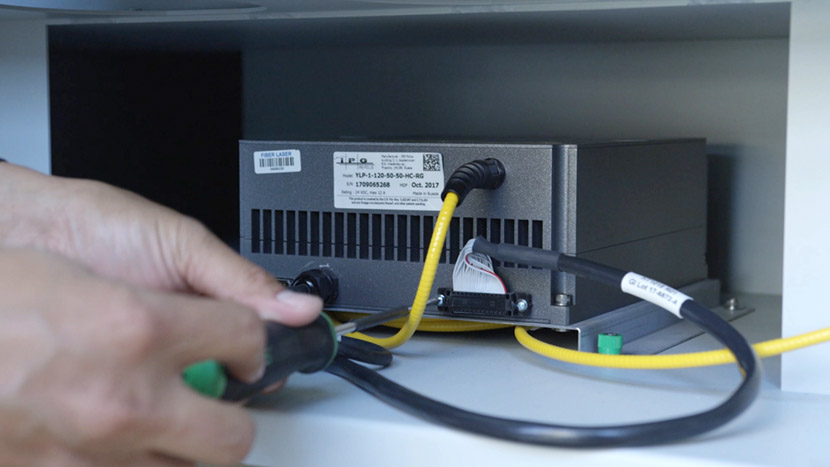
Vezeluitlijning – Fusion Pro 32 & 48
Pro 32, Pro 48

Hoe stel ik de laser in op mijn Fusion Pro Fiber- of Dual Source-machine?

This guide provides step-by-step instructions for performing precise laser alignment on the Fusion Pro CO2 and Fiber laser systems. Proper alignment ensures optimal engraving performance and reduces the risk of hardware damage. Whether you’re troubleshooting a drop in laser power or aligning after maintenance, this document will walk you through (...)
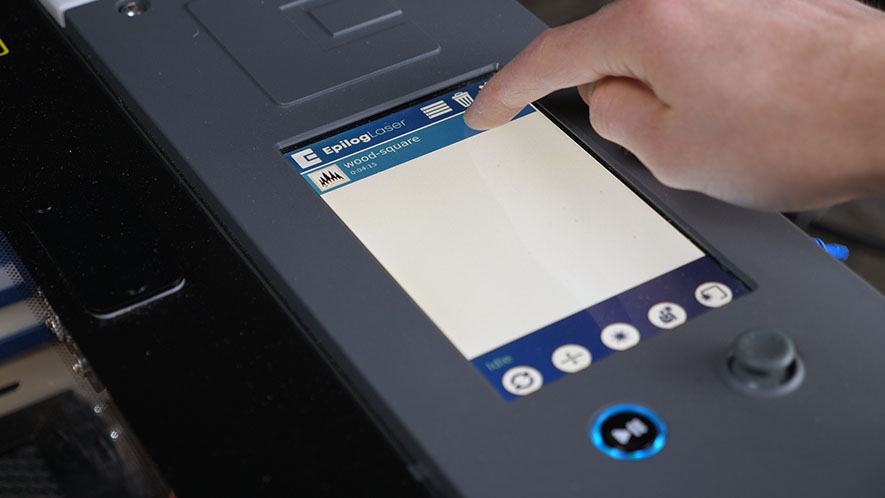
Touchpad kalibreren – Fusion Maker, Edge en Pro 24 en 36
Pro 24, Pro 36

Hoe stel ik het touchpad in op de Fusion Maker, Edge en Pro 24 en 36?

Estimated time: 5 minutes • Skill: Basic Touchscreen calibration ensures accurate touch response when selecting options and settings on the display. This procedure is rarely required and should only be performed if the touchscreen is registering incorrect inputs or responding inconsistently. Touchscreen Calibration Procedure Open the Settings menu. At the (...)