メインコンテンツへスキップ

使用方法と操作

シリーズ: 4000-6000

フィルター


はじめに (1)
使用方法と操作 (86)
サービスおよび修理 (5)
マニュアル (0)

Results: 86 items found
  • 表示:
順序で
関連性

フィルター


はじめに (1)
使用方法と操作 (86)
サービスおよび修理 (5)
マニュアル (0)

注文の支払い方法

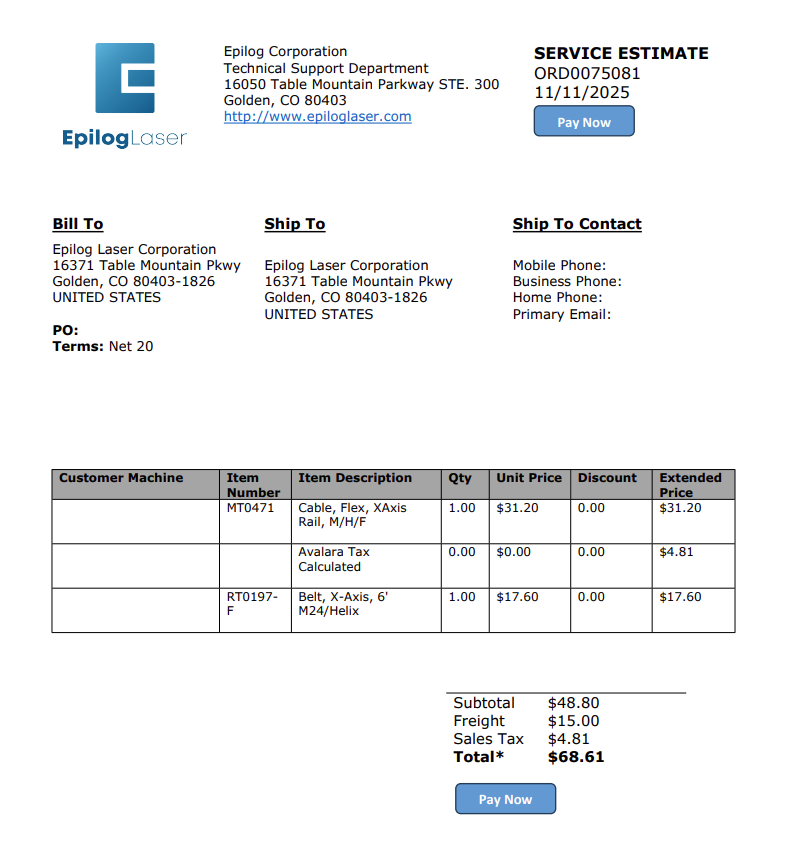
エピログから見積もりを取得しましたか?注文を確認し、安全にクレジットカード決済を行うための簡易ガイドをご覧ください。

Estimated time: 5 minutes • Skill: Basic This guide explains how to submit a credit card payment for an Epilog Laser order after receiving a quote from a technician. Follow the steps below to complete your payment quickly and securely. Submit Payment from Your Quote Locate and click the Pay (...)
Epilog Laser 用グラフィックソフトウェアの設定方法

このガイドでは、Epilog Laser で一般的なグラフィックデザインソフトウェアを設定し使用する手順を段階的に説明します。

Software Setup CorelDRAW Setup Open CorelDRAW. Note: CorelDRAW Graphics Suite is the recommended CorelDraw version for use with Epilog Laser systems. Other versions, such as the Student or Standard version, may have different menu options and settings. Select Tools > Options > Global > Printing > Driver Compatibility. Choose Epilog (...)
クリップアートを加工して独自のデザインを作成する

クリップアートの一部を変更して、彫刻に適した状態にするにはどうすればよいですか?

One of the most common challenges we hear from customers has absolutely nothing to do with lasers. Instead, we hear a lot of laser operators looking for unique and creative artwork they can use to create samples or custom projects for customers. If your customer doesn’t supply you with a (...)
レーザーシステムとプリント基板

PCBEpilog Laser をどのように使用できますか?

Epilogに寄せられる最もよくある質問の一つは、「御社のレーザーでプリント基板の加工は可能ですか?」というものです。その答えは多面的ですが、用途によっては、レーザーをプリント基板の加工に活用する方法がいくつかあります。ここでは、レーザーに適したプリント基板の用途についていくつか見ていきましょう(…)
非デザイナーのためのデザイン術

私はデザイナーではないので、レーザーで見た目が良いサンプルをどうやって作ればいいですか?

Depending on the engraving services you provide and how you operate your business, you may be required to produce different designs, either for your own sample purposes or when completing jobs for customers. This can make even the best engravers a little nervous – especially those who don’t necessarily consider (...)