メインコンテンツへスキップ

ロータリー

フィルター


Getting Started (48)
使用方法および操作 (125)
サービスおよび修理 (270)
Manual (66)

結果: 3 件が見つかりました
  • 表示:
順序で
関連性

フィルター


Getting Started (48)
使用方法および操作 (125)
サービスおよび修理 (270)
Manual (66)

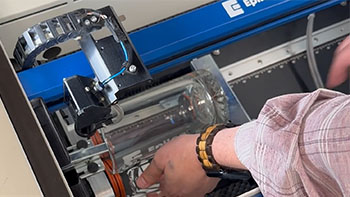
リム式ロータリーアタッチメントの使用

ここでは、リムドライブロータリーアタッチメントを使用してガラスマグをカスタマイズする手順をご説明します。

Install the Rim-Style Rotary   To install the Rim-Style Rotary Attachment, lower the table and turn off the machine.   Place the Rotary at the top-left corner of the table. Attach the plug to the machine at the top-right corner of the bed.   Turn the machine back on.   (...)
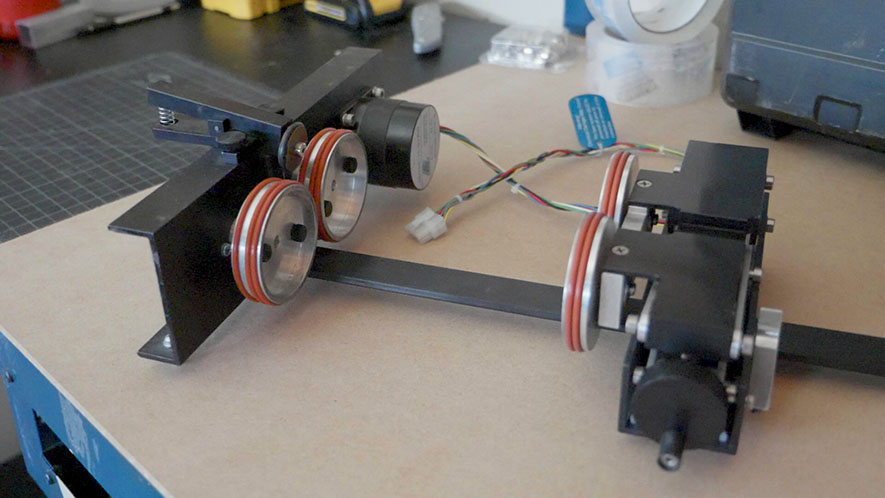
リム駆動ロータリーアタッチメントの取り付け

リムドライブ式ロータリーアタッチメントの取り付け方法と取り外し方法を学びましょう。

Installing the Rim-Drive Rotary Attachment To begin installing the Rim-Drive Rotary Attachment, make sure your machine is plugged in and powered on. We then suggest opening the front door on your machine you so you can view the vertical position of the machine’s table. At the control panel, press the (...)
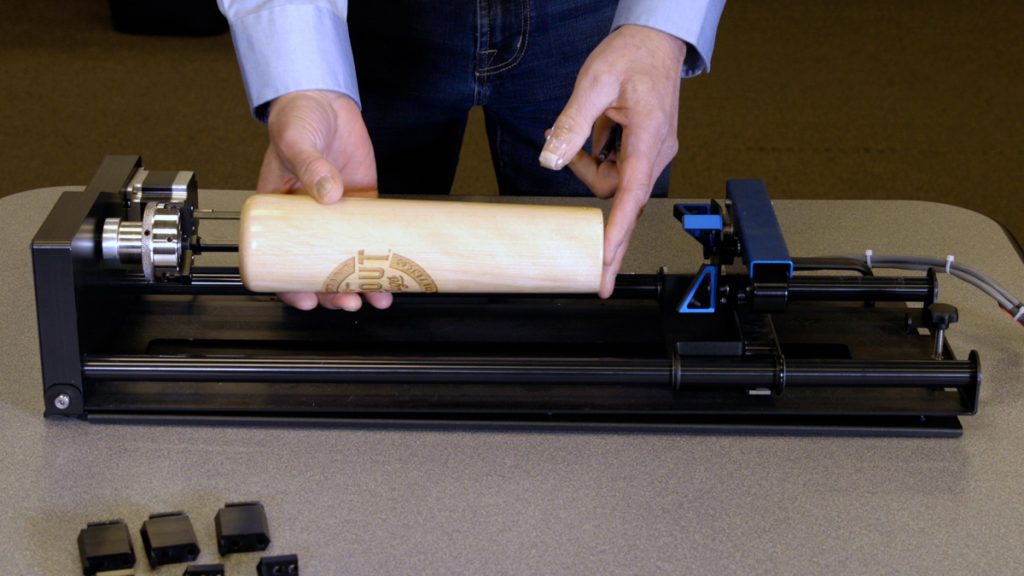
3爪チャック回転アタッチメントの使用

3爪チャック式ロータリーアタッチメントは、円筒状物体のマーキングや彫刻に極めて汎用性の高い工具です。

Installing the 3-Jaw Chuck   Before we get started, we will need to lower the laser table far enough to accommodate the 3-Jaw Chuck Rotary Attachment Once the table is low enough, power off the machine. Measure & record the diameter of the cylinder you plan on engraving; you will (...)