メインコンテンツへスキップ

サービスと修理

シリーズ:17000

フィルター


はじめに (8)
使用方法および操作 (102)
サービスおよび修理 (64)
マニュアル (0)

Results: 64 items found
  • 表示:
順序で
関連性

フィルター


はじめに (8)
使用方法および操作 (102)
サービスおよび修理 (64)
マニュアル (0)

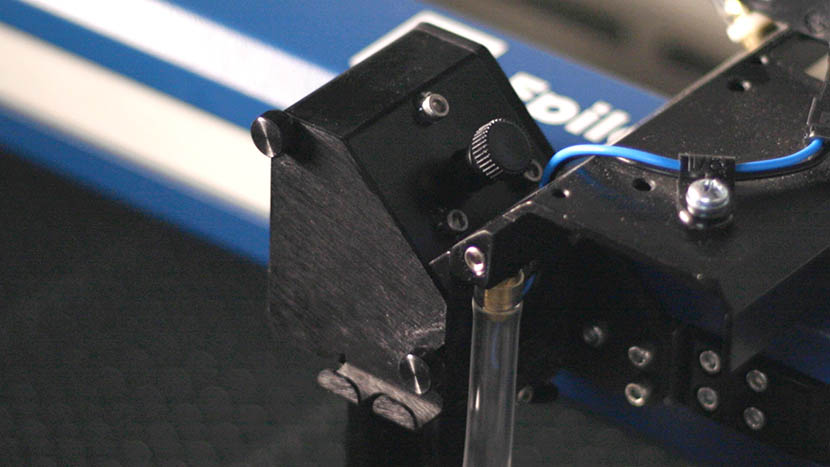
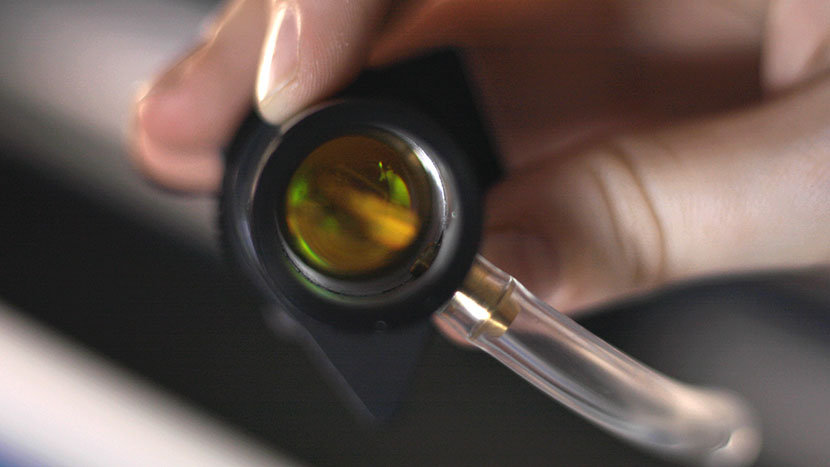
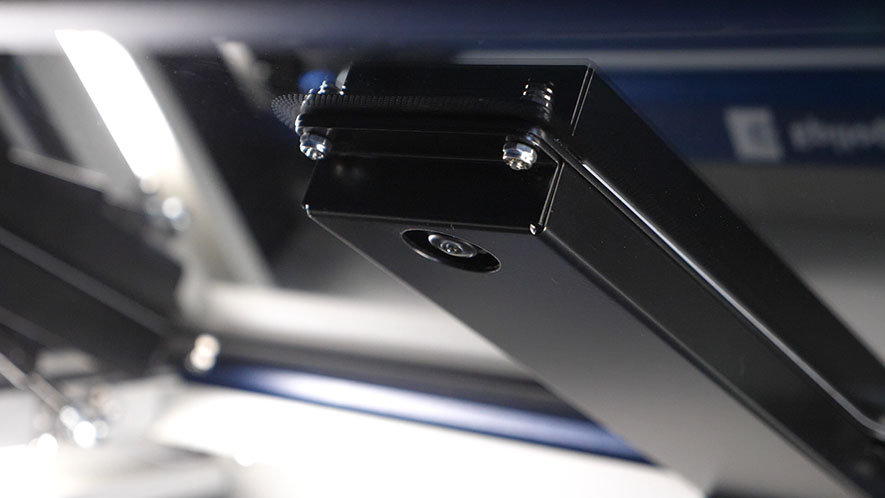
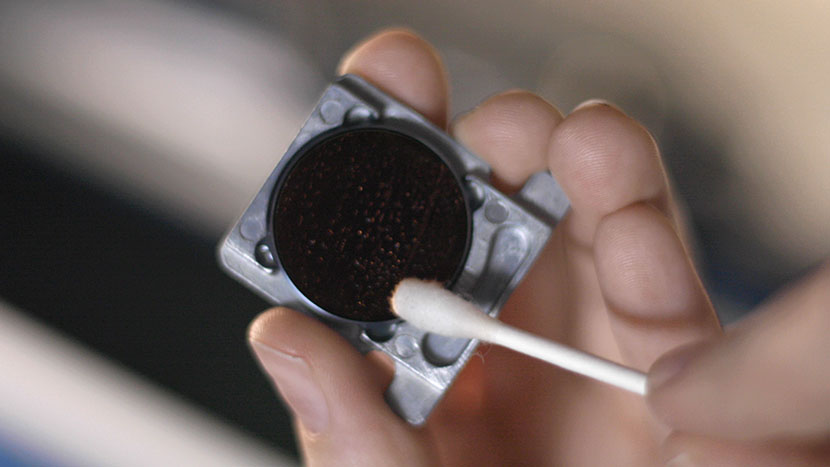
光学系クリーニング – Fusion Maker、Edge、およびPro

この文書では、Fusion Maker、Edge、およびProキャリッジの光学系を適切に清掃する方法を詳細に説明します。

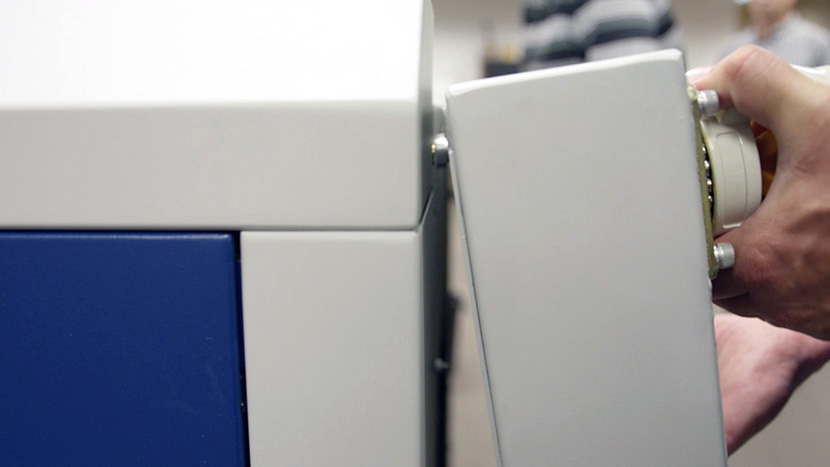
Daily Maintenance Cleaning Remove the lens and carriage mirror. Safely detach both the lens and carriage mirror using the video guide below. Figure 1. Lens and carriage mirror removal process. Carriage Optics Removal Steps Disconnect the air tubing from the lens. Loosen the thumb screws on the carriage cover and (...)
私のアートワークがエピログダッシュボードに表示されません

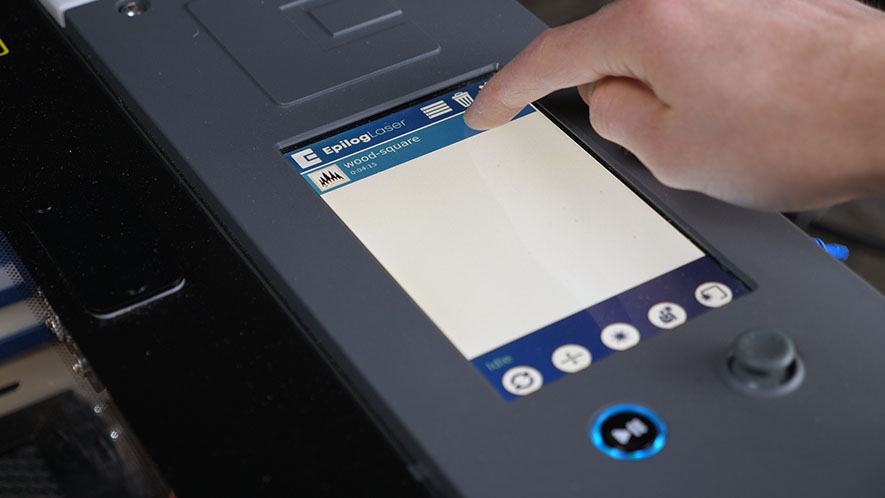
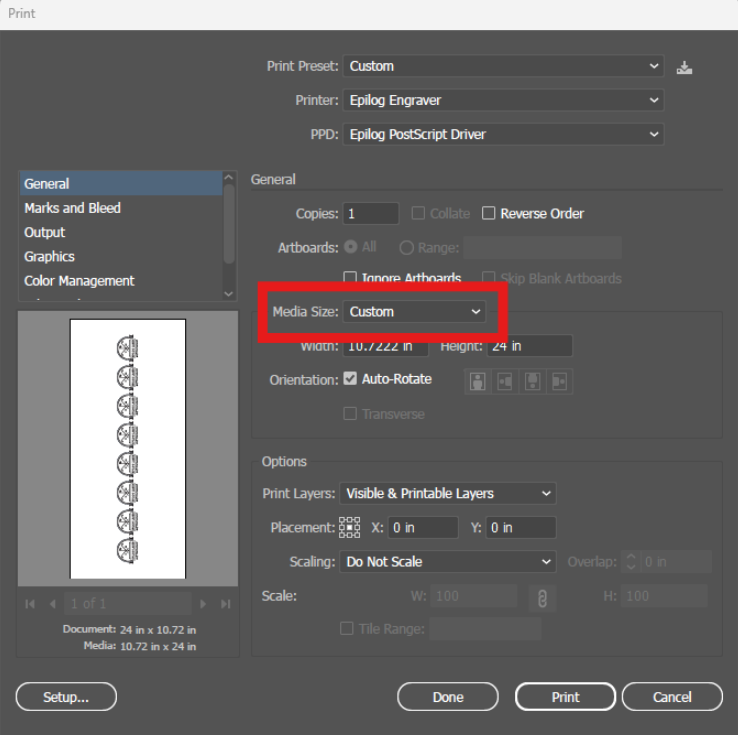
私のアートワークがエピログのダッシュボードに表示されず、実行時間が0:00と表示されるのはなぜですか?

Explanation of the Symptoms When encountering this issue, you may see something similar to the image below—here we can see the artwork in the preview thumbnail, but the artwork does not appear in the work area: However, if zoomed out, we can see that the artwork did transfer to the (...)
マニュアルフォーカスゲージのキャリブレーション – Fusion Maker、Edge、Pro
プロ24、プロ36

Fusion Maker、Edge、またはProマシンにおけるマニュアルフォーカスゲージの調整方法を学びましょう。

This procedure outlines the steps required to calibrate the manual focus gauge after completing the Focus Calibration Wizard. Proper calibration ensures that the gauge accurately reflects the correct focal height determined using the Calibration Wizard. Note: The Calibration Wizard is available only on firmware version 1.1.2.1 or later. To update (...)
X軸モータードライバーの交換方法:ステップバイステップガイド
プロ24、プロ36

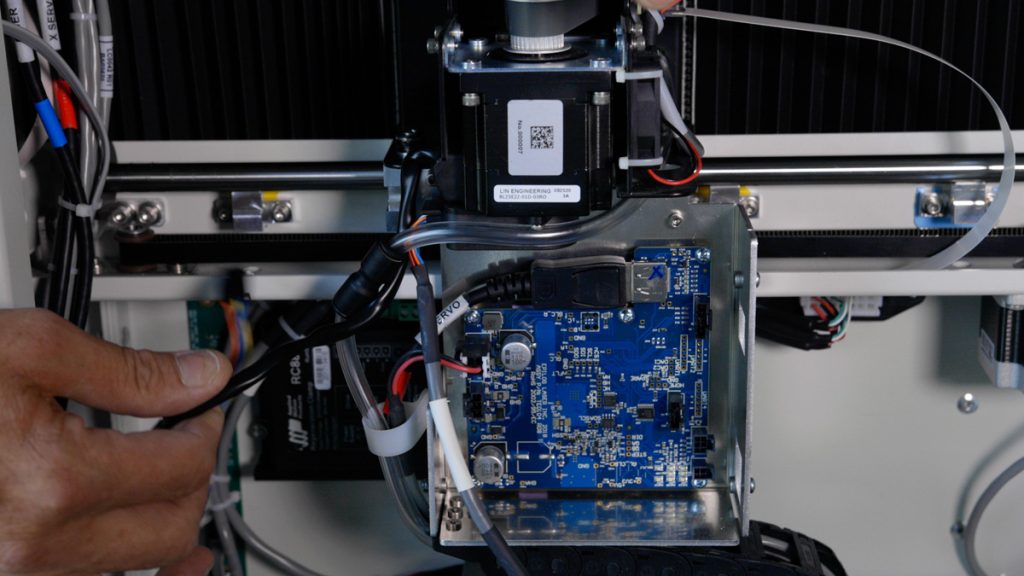
17000 EdgeおよびProマシンにおけるTE0104 X軸ドライブボードの交換方法を学びましょう。この修理により、様々なX軸動作の問題が解決され、スムーズな動作の回復が期待できます。

このガイドでは、Fusion Edge およびPro 24 / 36モデル向けのX軸ドライブボードの取り外し、取り付け、およびプログラミングの手順について解説します。電子部品を安全に取り扱うためには、静電気防止ストラップの使用など、適切な予防措置を講じることが不可欠です。ドライブボードの交換手順 対象モデル:(...)
クリーニング手順 – Fusion Maker、Edge、および Pro

この文書は、Fusion Maker、Edge、およびProマシンの一般的な清掃とメンテナンスについて詳しく説明しています。

Regular cleaning of the Fusion Pro engraver will result in a longer service life of the engraver and less down time. Additionally, regular cleaning of the Fusion Pro engraver can mitigate the risk of flare-ups and other thermal events. A mild household cleaner or degreaser can be used to clean (...)
CO2 交換チェックリスト/低出力

このガイドは、17000シリーズレーザーシステムの出力低下問題の診断と解決を支援します。

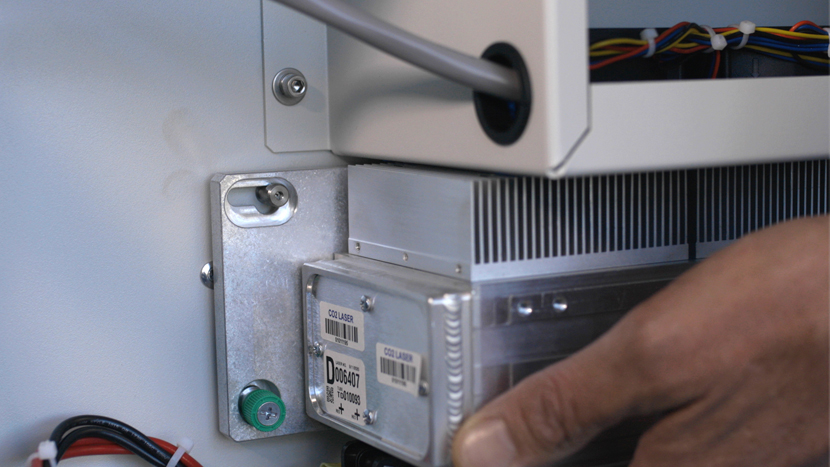
Having to continually reduce speed and increase power can indicate low output from the laser. This document will help identify a low output laser tube on a 17000 Maker, Edge, or Pro machine. Checklist Optics Alignment Focus Reference Engraving Download the sample file below. Reference Engraving Open the file and (...)
制御モジュール交換 –Fusion Edge、Maker、Pro
プロ24、プロ36
コントロールモジュールは、Fusion Maker、Fusion Edge 、またはFusion Pro彫刻機の重要な構成部品であり、スムーズな動作と正確な制御を実現します。このガイドでは、最適な性能を確保するために、コントロールモジュールを安全に取り外し、新しいモジュールを取り付ける手順を段階的に説明します。これらの手順に従うことで、彫刻機の(…)を維持することができます。
クイックガイド:正確な操作のためのジョイスティックのキャリブレーション

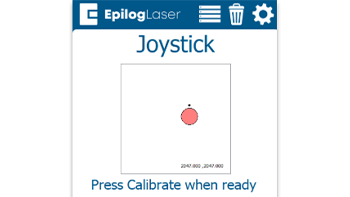
ジョイスティックのキャリブレーションを行うことで、動作の遅延、制御の不正確さ、またはジョグモード中にキャリッジが勝手に移動するといった問題を解決できます。

Steps to Calibrate the Joystick Open the Settings Menu On the display panel, press the gear icon in the top-right corner to open the Settings menu. Image 1: Home screen with gear icon in top-right corner Access Advanced Settings Press and hold the word “Settings” on the screen until the (...)
IRISカメラのキャリブレーションガイド
Pro 24/36、Pro 32/48

Maker、Edge、Pro、およびAscentのIRISカメラシステムは、どのようにキャリブレーションすればよいですか?

Estimated Time: 20–40 Minutes • Skill Level: Intermediate Important: All focus calibration procedures must be completed before performing a camera calibration to ensure accurate results. Click the tabs below to switch between machine types. Each tab shows the camera calibration procedure specific to that machine. Overview & Requirements Fusion Edge (...)