メインコンテンツへスキップ

サービスと修理

シリーズ:18000

フィルター


はじめに (7)
使用方法および操作 (92)
サービスおよび修理 (25)
Manual (4)

Results: 25 items found
  • 表示:
順序で
関連性

フィルター


はじめに (7)
使用方法および操作 (92)
サービスおよび修理 (25)
Manual (4)

G100レーザーのカメラケーブルの交換方法
所要時間:30~45分 • 難易度:中級 このガイドでは、G100レーザーシステムのカメラケーブルの交換手順を解説します。この作業は、カメラケーブルが故障し、交換がどうしても必要な場合にのみ行ってください。いくつかの手順では、パネルを取り外したり、機械を背面に向けて傾けたりする必要があるため、 (...)
カメラ基板交換 – G100

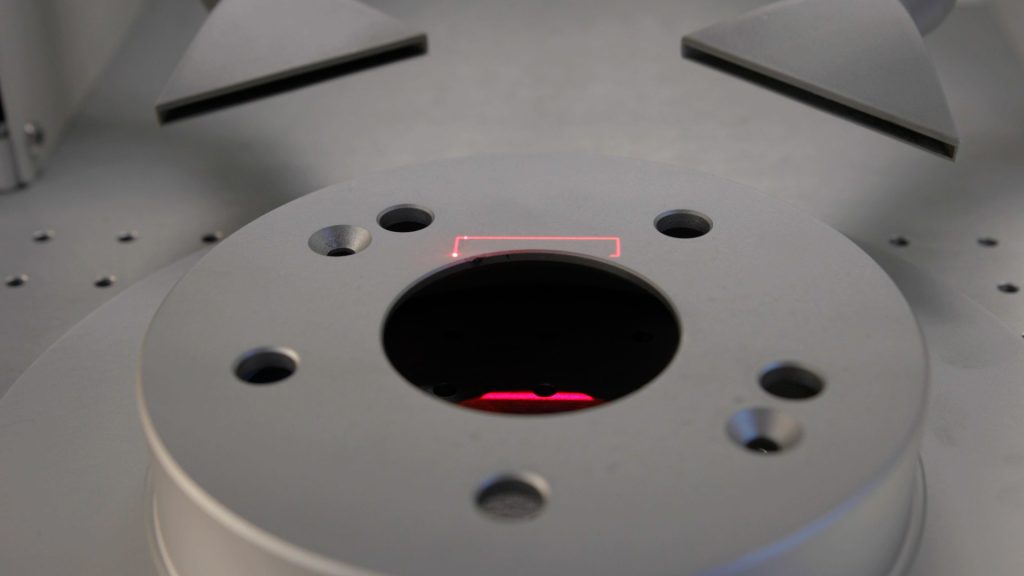
G100のオーバーヘッドカメラを交換するにはどうすればよいですか?

このガイドでは、G100レーザーシステムのオーバーヘッドカメラアセンブリを取り外し、交換するための手順を順を追って説明します。すべての指示に慎重に従い、メンテナンスを行う前には必ず電源を切ってください。カメラの取り外し 装置の電源を切ります。装置の電源プラグを抜きます。上部のネジを緩めて取り外します。(...)を取り外します。
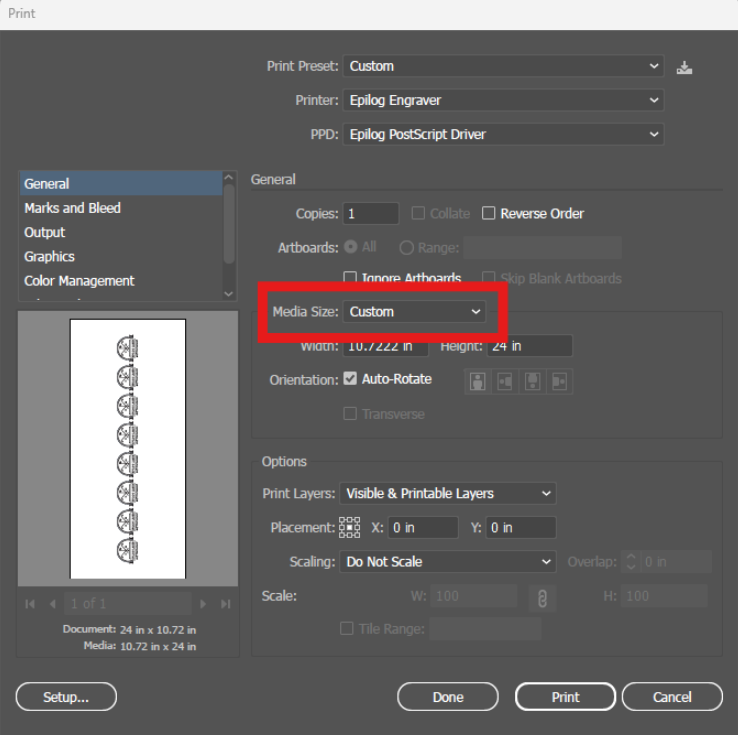
私のアートワークがエピログダッシュボードに表示されません

私のアートワークがエピログのダッシュボードに表示されず、実行時間が0:00と表示されるのはなぜですか?

Explanation of the Symptoms When encountering this issue, you may see something similar to the image below—here we can see the artwork in the preview thumbnail, but the artwork does not appear in the work area: However, if zoomed out, we can see that the artwork did transfer to the (...)
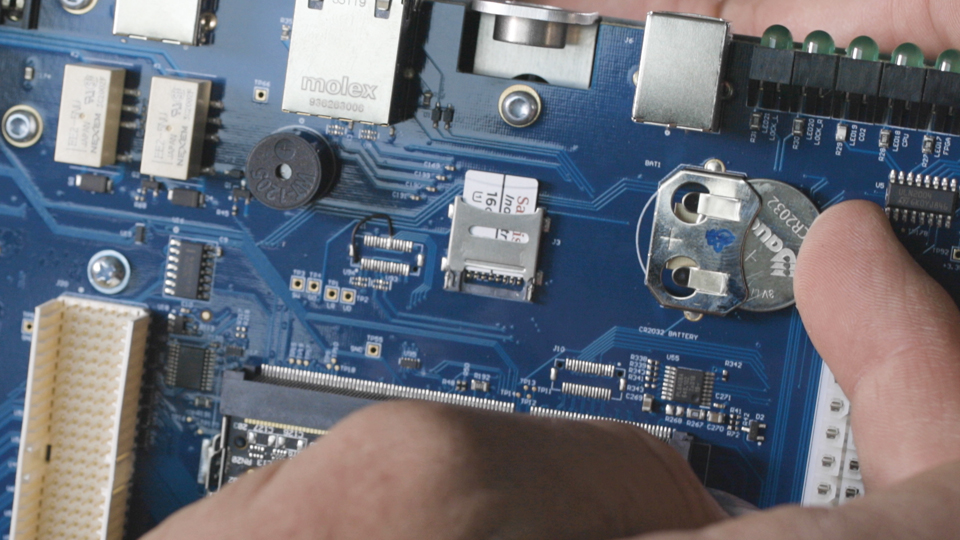
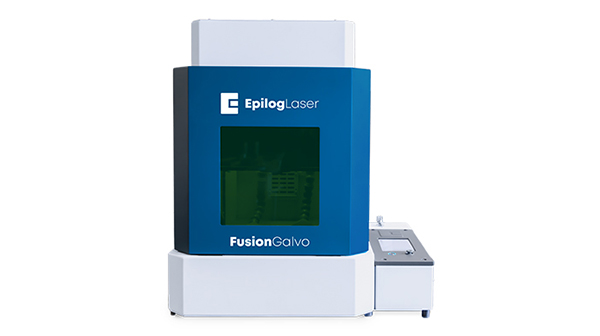
SDカードインストール – フュージョンガルボ

Fusion GalvoにSDカードを挿入するにはどうすればよいですか?

Installing an SD card in the Fusion Galvo laser system is a crucial step for maintaining system functionality and ensuring smooth operation. This guide provides detailed, step-by-step instructions for safely removing and replacing the SD card, including necessary precautions such as using an anti-static bracelet to prevent damage. Additionally, it (...)
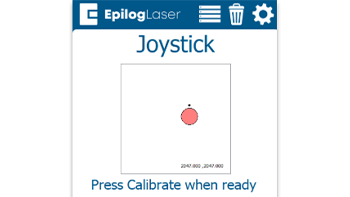
クイックガイド:正確な操作のためのジョイスティックのキャリブレーション

ジョイスティックのキャリブレーションを行うことで、動作の遅延、制御の不正確さ、またはジョグモード中にキャリッジが勝手に移動するといった問題を解決できます。

Steps to Calibrate the Joystick Open the Settings Menu On the display panel, press the gear icon in the top-right corner to open the Settings menu. Image 1: Home screen with gear icon in top-right corner Access Advanced Settings Press and hold the word “Settings” on the screen until the (...)