メインコンテンツへスキップ

サービスと修理

シリーズ: 16000-17000

フィルター


Getting Started (12)
Usage and Operation (105)
Service and Repair (117)
マニュアル (0)

Results: 117 items found
  • 表示:
順序で
関連性

フィルター


Getting Started (12)
Usage and Operation (105)
Service and Repair (117)
マニュアル (0)

フォーカス調整ウィザード

ファームウェアバージョン1.1.2.1以降で利用可能なフォーカスキャリブレーションウィザードの使用手順ガイド

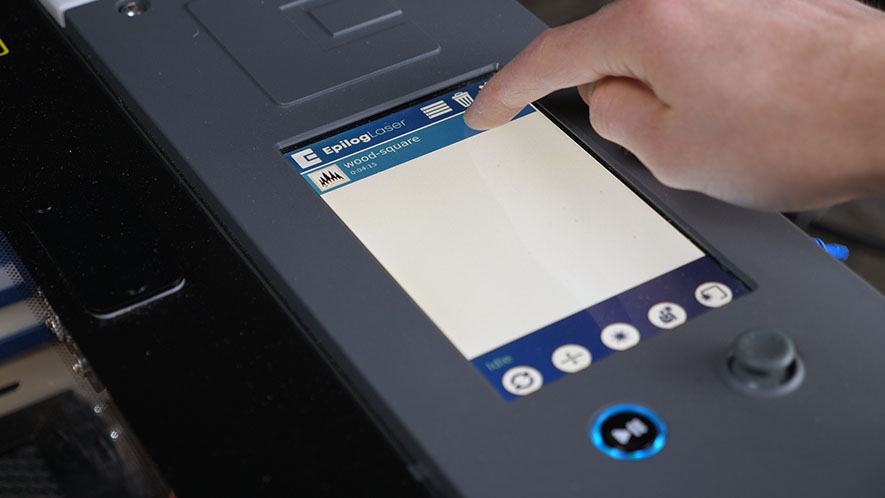
Estimated Time: 5–10 Minutes   |   Skill Level: Basic The Focus Calibration Wizard allows the laser system to automatically determine the optimal focal height for the installed lens. This process engraves a test pattern on anodized aluminum and identifies the focus position that produces the brightest mark. Running the (...)
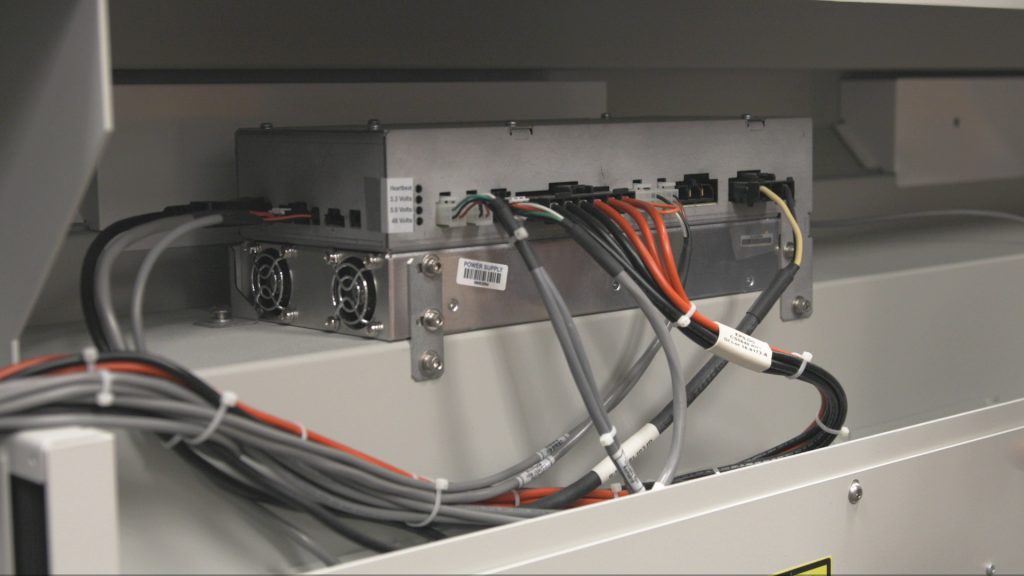
電源ユニット交換 –Fusion Pro 48 200ワット
プロ48

Fusion Pro 48 200ワットレーザーシステムの電源ユニット交換手順書

WARNING: Servicing the power supply while the engraver is powered on can cause serious injury or damage to internal components. Always disconnect all power sources before beginning. Power Supply Removal Power OFF the system and disconnect the power cable. Remove the rear-top panel. Disconnect all electrical harnesses from the power (...)
オートフォーカススイッチ交換 – Fusion Maker、Edge、Pro 24 & 36
プロ24、プロ36

Fusion Maker、Edge、およびPro 24と36のオートフォーカススイッチを交換するにはどうすればよいですか?

This procedure outlines the steps required to safely and effectively replace the Autofocus Switch on the Fusion Maker, Edge, and Pro, laser system. The Autofocus Switch is a critical component responsible for maintaining the proper focal distance during operation. This document provides detailed instructions to ensure proper removal, and installation (...)
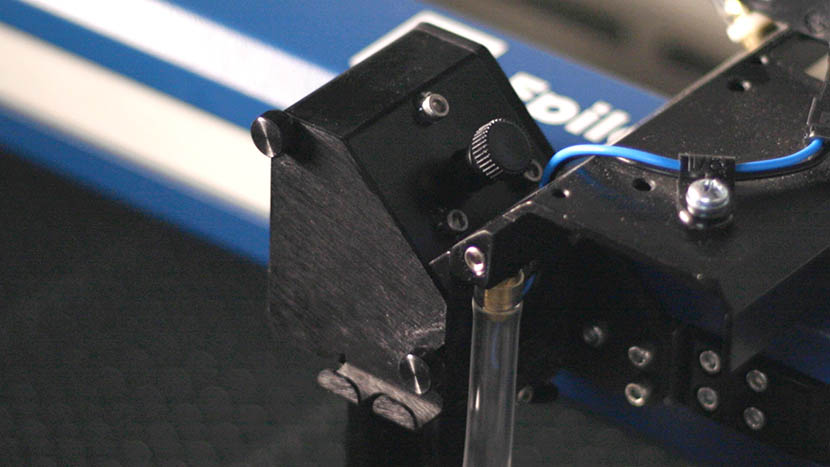
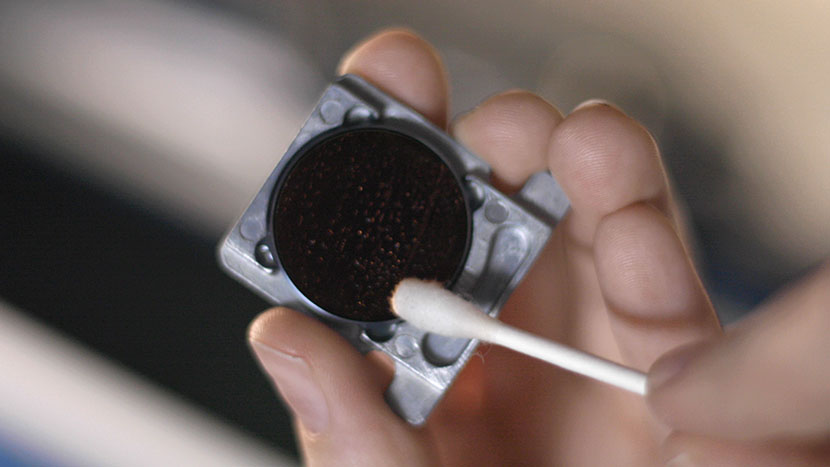
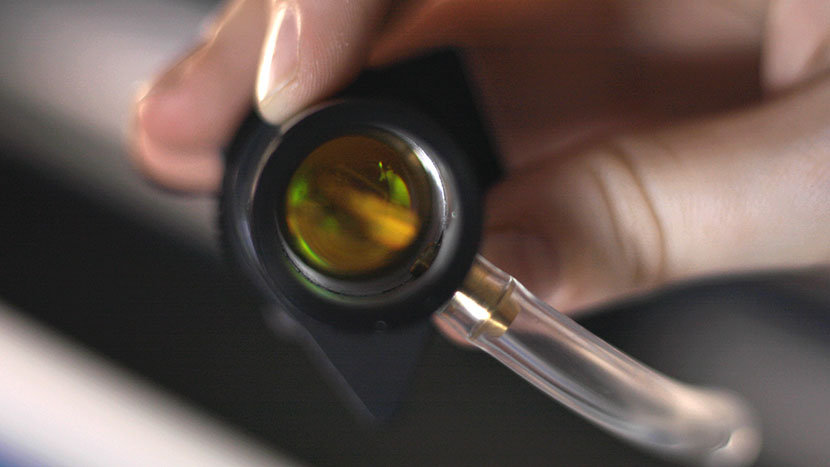
光学系クリーニング – Fusion Maker、Edge、およびPro

この文書では、Fusion Maker、Edge、およびProキャリッジの光学系を適切に清掃する方法を詳細に説明します。

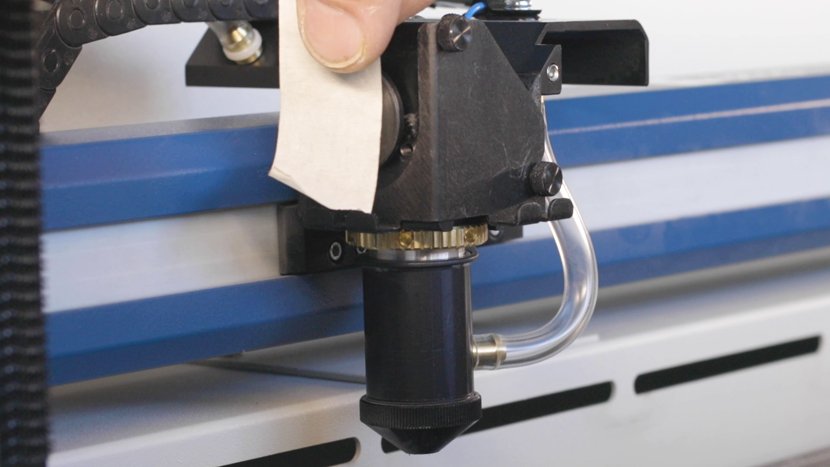
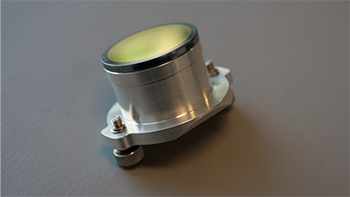
Daily Maintenance Cleaning Remove the lens and carriage mirror. Safely detach both the lens and carriage mirror using the video guide below. Figure 1. Lens and carriage mirror removal process. Carriage Optics Removal Steps Disconnect the air tubing from the lens. Loosen the thumb screws on the carriage cover and (...)
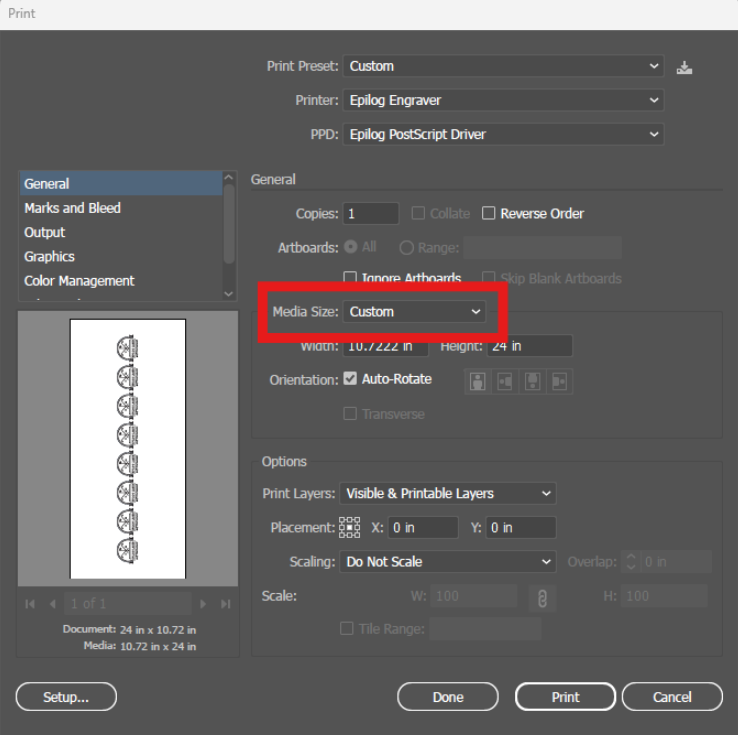
私のアートワークがエピログダッシュボードに表示されません

私のアートワークがエピログのダッシュボードに表示されず、実行時間が0:00と表示されるのはなぜですか?

Explanation of the Symptoms When encountering this issue, you may see something similar to the image below—here we can see the artwork in the preview thumbnail, but the artwork does not appear in the work area: However, if zoomed out, we can see that the artwork did transfer to the (...)
マニュアルフォーカスゲージのキャリブレーション – Fusion Maker、Edge、Pro
プロ24、プロ36

Fusion Maker、Edge、またはProマシンにおけるマニュアルフォーカスゲージの調整方法を学びましょう。

This procedure outlines the steps required to calibrate the manual focus gauge after completing the Focus Calibration Wizard. Proper calibration ensures that the gauge accurately reflects the correct focal height determined using the Calibration Wizard. Note: The Calibration Wizard is available only on firmware version 1.1.2.1 or later. To update (...)
X軸モータードライバーの交換方法:ステップバイステップガイド
プロ24、プロ36

17000 EdgeおよびProマシンにおけるTE0104 X軸ドライブボードの交換方法を学びましょう。この修理により、様々なX軸動作の問題が解決され、スムーズな動作の回復が期待できます。

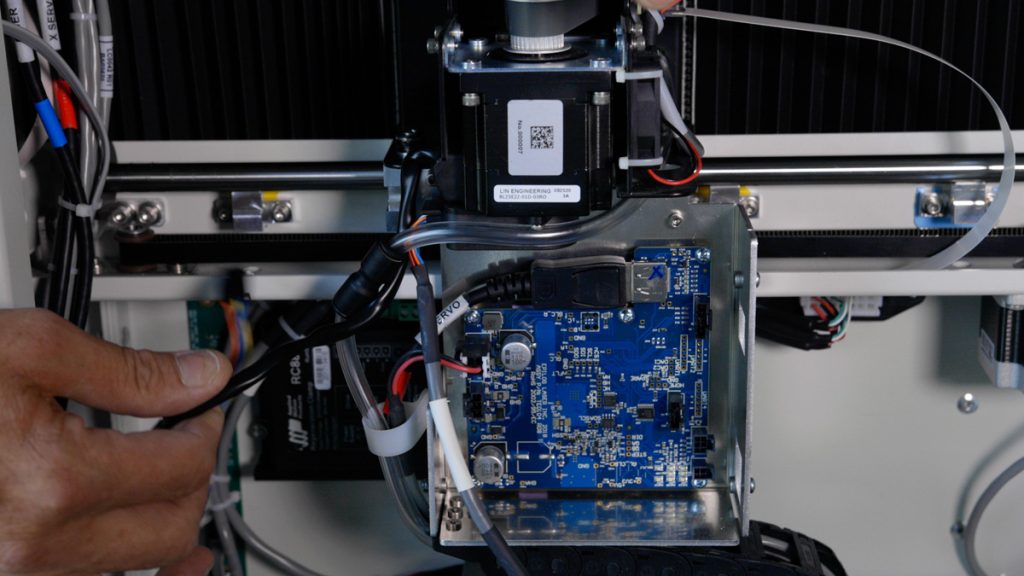
このガイドでは、Fusion Edge およびPro 24 / 36モデル向けのX軸ドライブボードの取り外し、取り付け、およびプログラミングの手順について解説します。電子部品を安全に取り扱うためには、静電気防止ストラップの使用など、適切な予防措置を講じることが不可欠です。ドライブボードの交換手順 対象モデル:(...)
レーザーアライメント(大口径光学系) – Fusion Pro
プロ24、プロ36

Fusion Proのレーザーを大口径光学系に合わせるにはどうすればよいですか。

To ensure your CO2 laser engraver delivers optimal performance and consistent cutting quality, proper beam alignment is essential. Over time, vibration, wear, or component replacement can cause the laser beam to deviate from its intended path. This can result in reduced cutting power, inconsistent engraving, or premature wear of optics. (...)
クリーニング手順 – Fusion Maker、Edge、および Pro

この文書は、Fusion Maker、Edge、およびProマシンの一般的な清掃とメンテナンスについて詳しく説明しています。

Regular cleaning of the Fusion Pro engraver will result in a longer service life of the engraver and less down time. Additionally, regular cleaning of the Fusion Pro engraver can mitigate the risk of flare-ups and other thermal events. A mild household cleaner or degreaser can be used to clean (...)