メインコンテンツへスキップ

サービスと修理

シリーズ: 16000-17000

フィルター


Getting Started (12)
Usage and Operation (105)
Service and Repair (117)
マニュアル (0)

Results: 117 items found
  • 表示:
順序で
関連性

フィルター


Getting Started (12)
Usage and Operation (105)
Service and Repair (117)
マニュアル (0)

CO2 交換チェックリスト/低出力

このガイドは、17000シリーズレーザーシステムの出力低下問題の診断と解決を支援します。

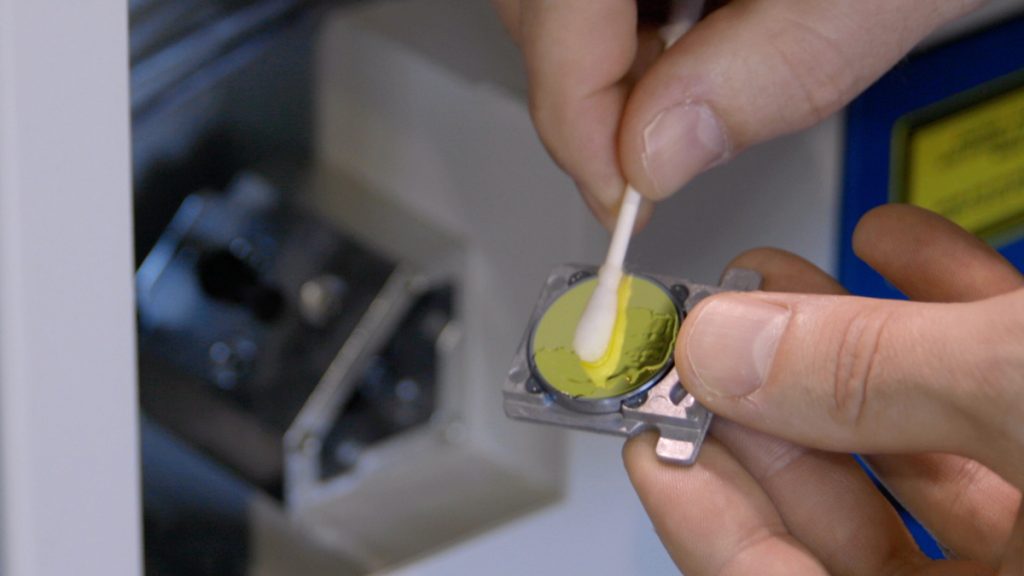
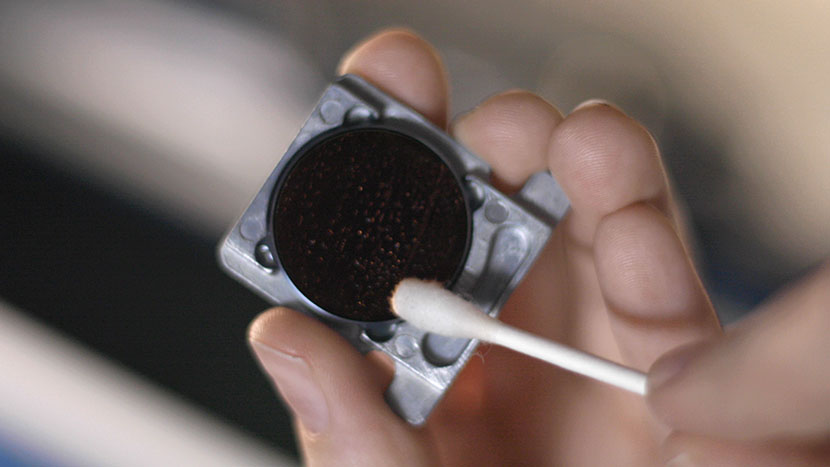
Having to continually reduce speed and increase power can indicate low output from the laser. This document will help identify a low output laser tube on a 17000 Maker, Edge, or Pro machine. Checklist Optics Alignment Focus Reference Engraving Download the sample file below. Reference Engraving Open the file and (...)
制御モジュール交換 –Fusion Edge、Maker、Pro
プロ24、プロ36
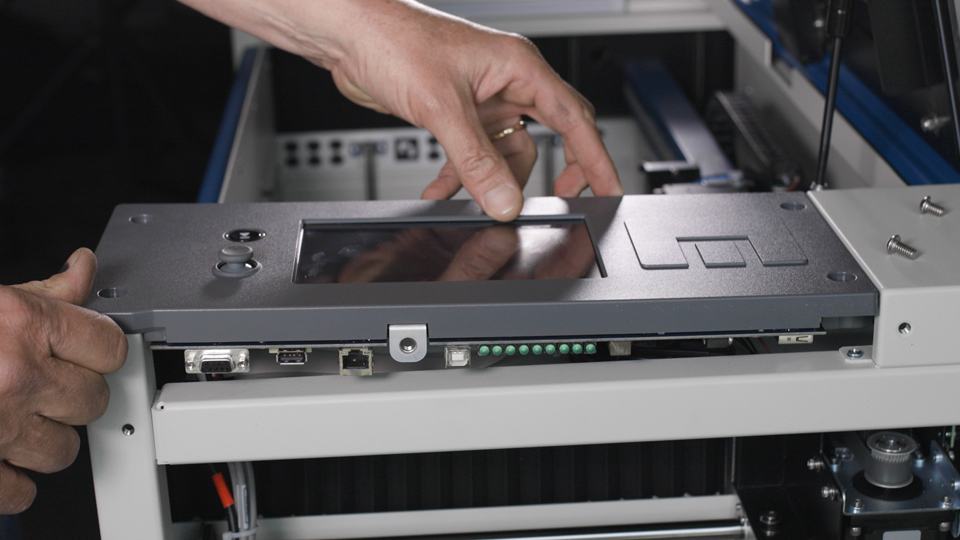
コントロールモジュールは、Fusion Maker、Fusion Edge 、またはFusion Pro彫刻機の重要な構成部品であり、スムーズな動作と正確な制御を実現します。このガイドでは、最適な性能を確保するために、コントロールモジュールを安全に取り外し、新しいモジュールを取り付ける手順を段階的に説明します。これらの手順に従うことで、彫刻機の(…)を維持することができます。
制御モジュール交換 – Fusion Pro 32 & 48
プロ32、プロ48

Fusion Pro 32および48の制御モジュールを交換するにはどうすればよいですか?

This document provides a step-by-step guide on how to replace the control board in your laser system. Replacing the control board is a crucial process that ensures your laser operates efficiently and reliably. Follow these instructions carefully to safely remove the old control board and install the new one, getting (...)
IRISカメラのキャリブレーションガイド
Pro 24/36、Pro 32/48

Maker、Edge、Pro、およびAscentのIRISカメラシステムは、どのようにキャリブレーションすればよいですか?

Estimated Time: 20–40 Minutes • Skill Level: Intermediate Important: All focus calibration procedures must be completed before performing a camera calibration to ensure accurate results. Click the tabs below to switch between machine types. Each tab shows the camera calibration procedure specific to that machine. Overview & Requirements Fusion Edge (...)
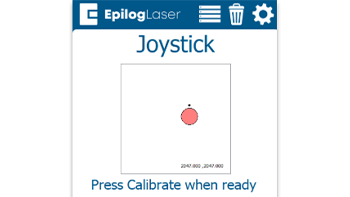
クイックガイド:正確な操作のためのジョイスティックのキャリブレーション

ジョイスティックのキャリブレーションを行うことで、動作の遅延、制御の不正確さ、またはジョグモード中にキャリッジが勝手に移動するといった問題を解決できます。

Steps to Calibrate the Joystick Open the Settings Menu On the display panel, press the gear icon in the top-right corner to open the Settings menu. Image 1: Home screen with gear icon in top-right corner Access Advanced Settings Press and hold the word “Settings” on the screen until the (...)
レーザーアライメント – Maker / Edge / Pro
プロ24、プロ36

光学システムのミラーを調整し、レーザーが正確に発射されるようにしてください。

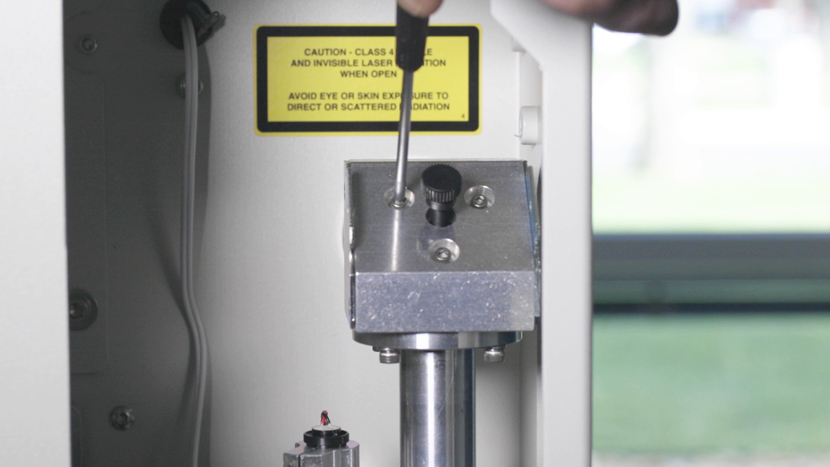
Turn On To begin the laser alignment procedure, power on the laser. For the following procedures, the table will be broken into four (4) positions. Each position is identified by its relative distance to the laser source and corresponds with the mirror to adjust for that position. Three of the (...)