メインコンテンツへスキップ

制御/回路基板

シリーズ: 16000-17000

フィルター


Getting Started (12)
Usage and Operation (105)
Service and Repair (117)
マニュアル (0)

Results: 12 items found
  • 表示:
順序で
関連性

フィルター


Getting Started (12)
Usage and Operation (105)
Service and Repair (117)
マニュアル (0)

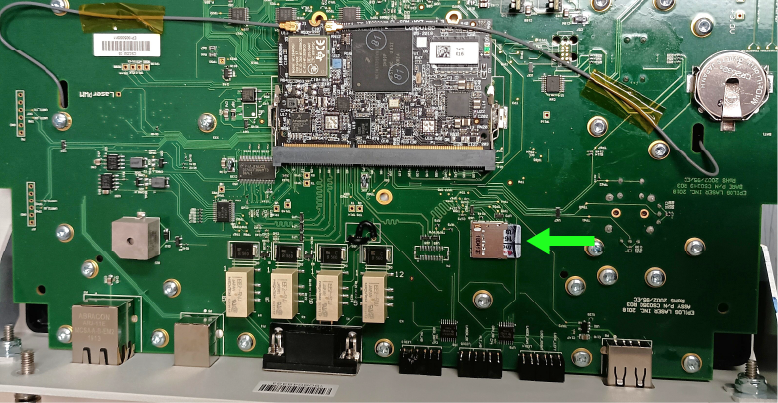
SDカードのフラッシュ

BalenaEpilog Laser Laserシステム用のSDカードをフラッシュする方法を学びましょう。

このガイドでは、レーザーシステム用のSDカードにファームウェアを書き込む手順について説明します。この手順を完了するには、技術者が必要なディスクイメージファイルを用意する必要があります。お使いの機種に適合した正しいファイルを事前に入手しない限り、作業を進めないでください。SDカードへのファームウェア書き込み SDカードの取り外し 制御基板を取り外します(...)
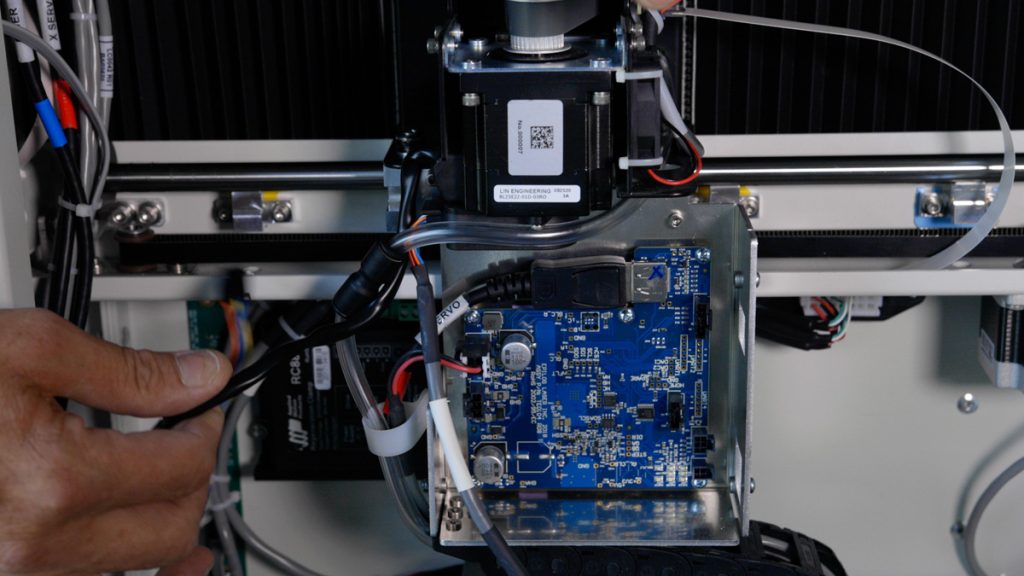
X軸モータードライバーの交換方法:ステップバイステップガイド
プロ24、プロ36

17000 EdgeおよびProマシンにおけるTE0104 X軸ドライブボードの交換方法を学びましょう。この修理により、様々なX軸動作の問題が解決され、スムーズな動作の回復が期待できます。

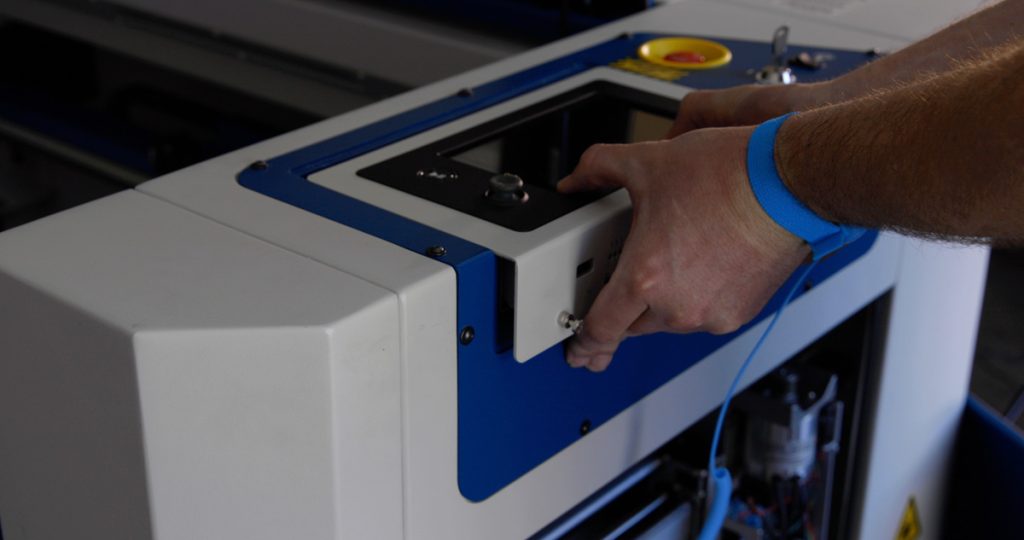
このガイドでは、Fusion Edge およびPro 24 / 36モデル向けのX軸ドライブボードの取り外し、取り付け、およびプログラミングの手順について解説します。電子部品を安全に取り扱うためには、静電気防止ストラップの使用など、適切な予防措置を講じることが不可欠です。ドライブボードの交換手順 対象モデル:(...)
制御モジュール交換 –Fusion Edge、Maker、Pro
プロ24、プロ36
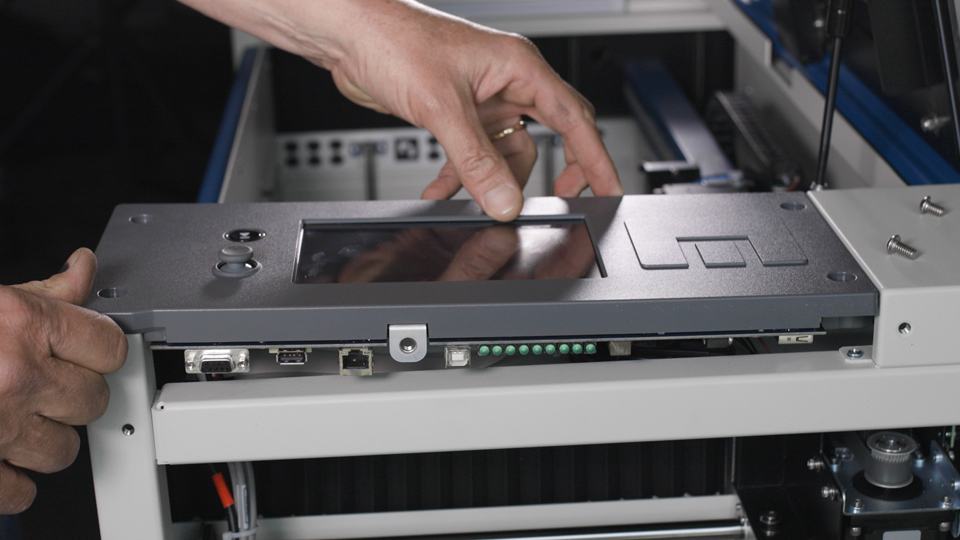
コントロールモジュールは、Fusion Maker、Fusion Edge 、またはFusion Pro彫刻機の重要な構成部品であり、スムーズな動作と正確な制御を実現します。このガイドでは、最適な性能を確保するために、コントロールモジュールを安全に取り外し、新しいモジュールを取り付ける手順を段階的に説明します。これらの手順に従うことで、彫刻機の(…)を維持することができます。
制御モジュール交換 – Fusion Pro 32 & 48
プロ32、プロ48

Fusion Pro 32および48の制御モジュールを交換するにはどうすればよいですか?

This document provides a step-by-step guide on how to replace the control board in your laser system. Replacing the control board is a crucial process that ensures your laser operates efficiently and reliably. Follow these instructions carefully to safely remove the old control board and install the new one, getting (...)
SDカードとコイン型電池の交換 – Fusion Pro 32 & 48
プロ32、プロ48

Fusion Pro 32 および 48 の SD カードまたはコイン型電池を交換するにはどうすればよいですか?

This guide provides instructions for replacing the SD card and coin battery in the control module of Fusion Pro 32 and 48 systems. Always follow proper anti-static precautions and use the correct tools and parts. Control Module Removal Turn off the engraver. Disconnect the engraver from the power source. Disconnect (...)
フローティング・バックプレーンのアップグレード
プロ32、プロ48

Fusion Pro 32 および 48 にフローティングバックプレーンをインストールするにはどうすればよいですか?

Applies to: Fusion Pro 32 • Fusion Pro 48 This guide provides step-by-step instructions for upgrading the floating backplane board in Fusion Pro 32 and 48 engravers. Designed for models manufactured before mid-2020, this procedure ensures proper installation and configuration of the new backplane board. By following these instructions, you (...)
レンズカメラボードとUSB-Cケーブルの交換 – Fusion Pro 32 & 48
プロ32、プロ48

Fusion Pro 32 および 48 のレンズカメラボードを交換するにはどうすればよいですか?

This procedure outlines how to replace both the Carriage Camera PCB and the X-Axis USB-C cable on a 16000 Series Fusion Pro laser system. The Carriage Camera PCB also integrates the Auto Focus sensor, which is critical to system performance. Follow each step carefully to ensure proper installation and avoid (...)
バックプレーン基板の交換
プロ24、プロ36

Fusion Pro 24 36 のバックプレーンボードを交換するにはどうすればよいですか?

This document provides step-by-step instructions for the removal and installation of the backplane board for Fusion Pro 24 & 36 engravers. It includes all the necessary parts, tools, and materials required for the process, as well as detailed guidance on disconnecting electrical components, handling the board with care, and reassembling (...)
SDカードとコイン型電池の交換 – Fusion Maker、Edge、Pro 24 & 36
プロ24、プロ36

Fusion Maker、Edge、およびPro 24と36のSDカードとコイン型電池を交換するにはどうすればよいですか?

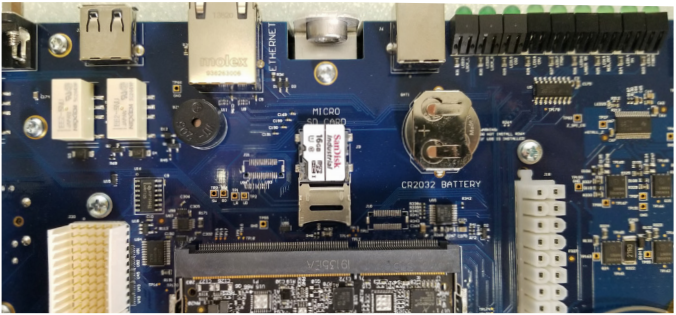
このガイドでは、Fusion Maker、Edge、およびProシステムのSDカードとコイン型電池の交換手順を段階的に説明します。静電気対策に十分注意し、各手順で必要な工具を使用してください。SDカードの交換(Fusion MakerおよびEdge) 制御モジュール/SDカードの取り外し 電源を切ってください(...)