メインコンテンツへスキップ

校正

シリーズ: 16000-17000

フィルター


Getting Started (12)
Usage and Operation (105)
Service and Repair (117)
マニュアル (0)

Results: 16 items found
  • 表示:
順序で
関連性

フィルター


Getting Started (12)
Usage and Operation (105)
Service and Repair (117)
マニュアル (0)

フォーカス調整ウィザード

ファームウェアバージョン1.1.2.1以降で利用可能なフォーカスキャリブレーションウィザードの使用手順ガイド

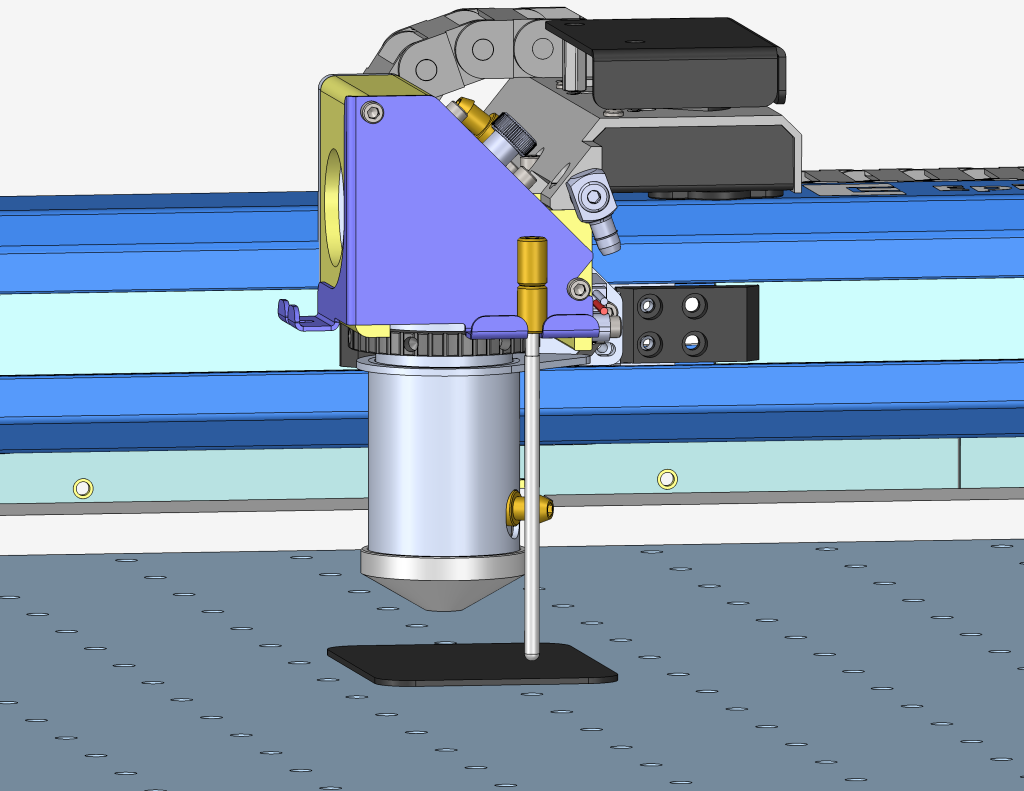
Estimated Time: 5–10 Minutes   |   Skill Level: Basic The Focus Calibration Wizard allows the laser system to automatically determine the optimal focal height for the installed lens. This process engraves a test pattern on anodized aluminum and identifies the focus position that produces the brightest mark. Running the (...)
マニュアルフォーカスゲージのキャリブレーション – Fusion Maker、Edge、Pro
プロ24、プロ36

Fusion Maker、Edge、またはProマシンにおけるマニュアルフォーカスゲージの調整方法を学びましょう。

This procedure outlines the steps required to calibrate the manual focus gauge after completing the Focus Calibration Wizard. Proper calibration ensures that the gauge accurately reflects the correct focal height determined using the Calibration Wizard. Note: The Calibration Wizard is available only on firmware version 1.1.2.1 or later. To update (...)
レーザーアライメント(大口径光学系) – Fusion Pro
プロ24、プロ36

Fusion Proのレーザーを大口径光学系に合わせるにはどうすればよいですか。

To ensure your CO2 laser engraver delivers optimal performance and consistent cutting quality, proper beam alignment is essential. Over time, vibration, wear, or component replacement can cause the laser beam to deviate from its intended path. This can result in reduced cutting power, inconsistent engraving, or premature wear of optics. (...)
IRISカメラのキャリブレーションガイド
Pro 24/36、Pro 32/48

Maker、Edge、Pro、およびAscentのIRISカメラシステムは、どのようにキャリブレーションすればよいですか?

Estimated Time: 20–40 Minutes • Skill Level: Intermediate Important: All focus calibration procedures must be completed before performing a camera calibration to ensure accurate results. Click the tabs below to switch between machine types. Each tab shows the camera calibration procedure specific to that machine. Overview & Requirements Fusion Edge (...)
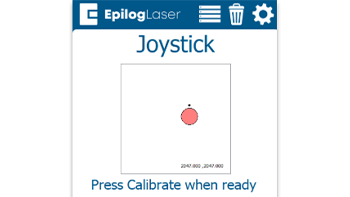
クイックガイド:正確な操作のためのジョイスティックのキャリブレーション

ジョイスティックのキャリブレーションを行うことで、動作の遅延、制御の不正確さ、またはジョグモード中にキャリッジが勝手に移動するといった問題を解決できます。

Steps to Calibrate the Joystick Open the Settings Menu On the display panel, press the gear icon in the top-right corner to open the Settings menu. Image 1: Home screen with gear icon in top-right corner Access Advanced Settings Press and hold the word “Settings” on the screen until the (...)
レーザーアライメント – Maker / Edge / Pro
プロ24、プロ36

光学システムのミラーを調整し、レーザーが正確に発射されるようにしてください。

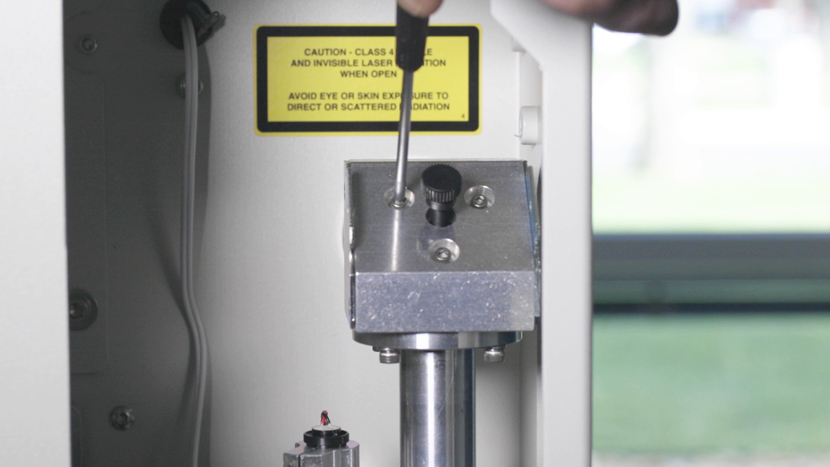
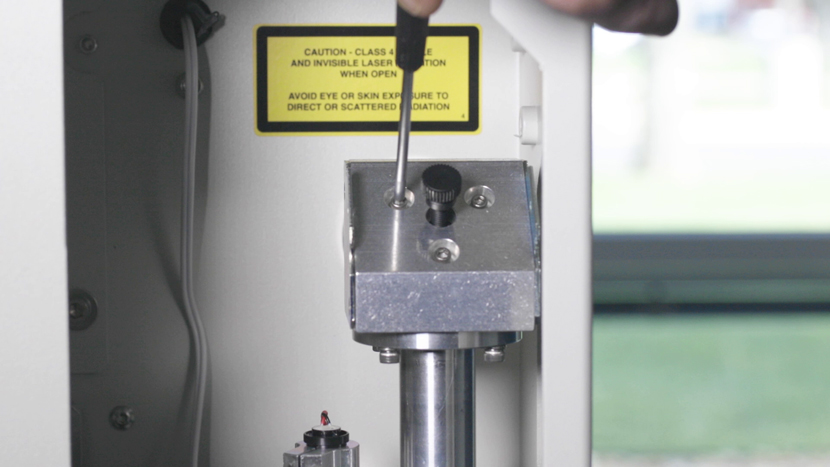
Turn On To begin the laser alignment procedure, power on the laser. For the following procedures, the table will be broken into four (4) positions. Each position is identified by its relative distance to the laser source and corresponds with the mirror to adjust for that position. Three of the (...)
ファイバーアライメント – Fusion Pro 32 & 48
プロ32、プロ48

Fusion Pro FiberまたはDual sourceマシンでレーザーを調整するにはどうすればよいですか。

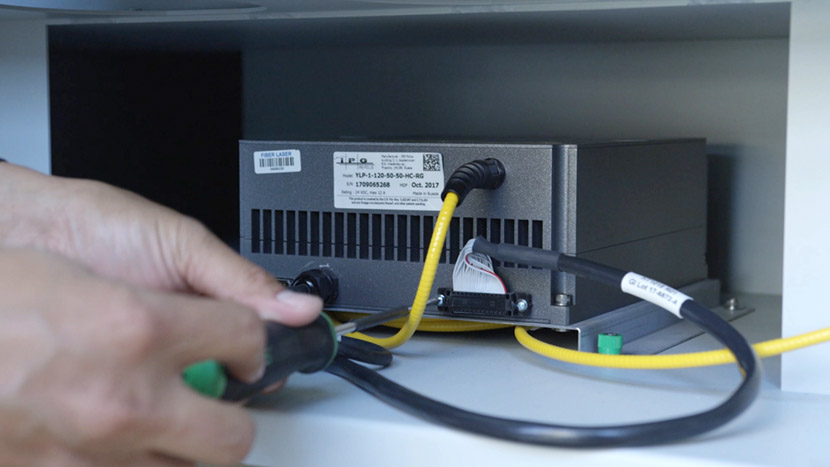
This guide provides step-by-step instructions for performing precise laser alignment on the Fusion Pro CO2 and Fiber laser systems. Proper alignment ensures optimal engraving performance and reduces the risk of hardware damage. Whether you’re troubleshooting a drop in laser power or aligning after maintenance, this document will walk you through (...)
タッチパッドキャリブレーション – Fusion Maker、Edge、およびPro 24および36
プロ24、プロ36

Fusion Maker、Edge、およびPro 24と36のタッチパッドをどのようにキャリブレーションしますか?

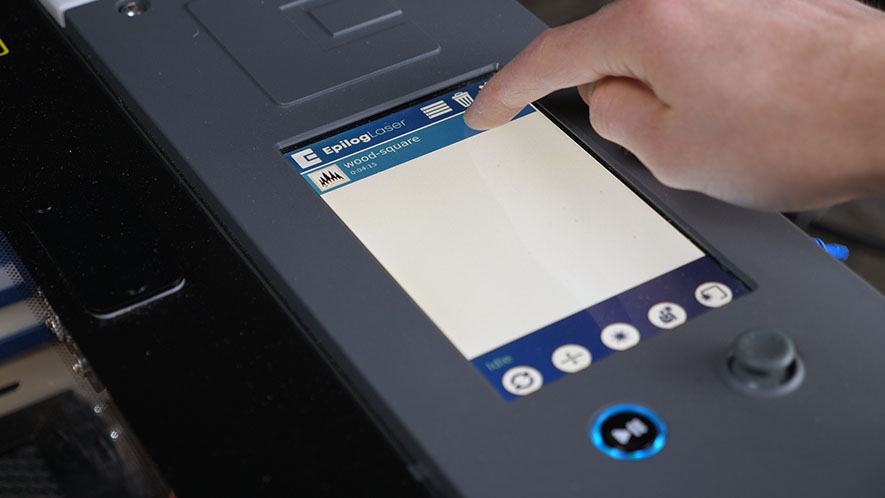
Estimated time: 5 minutes • Skill: Basic Touchscreen calibration ensures accurate touch response when selecting options and settings on the display. This procedure is rarely required and should only be performed if the touchscreen is registering incorrect inputs or responding inconsistently. Touchscreen Calibration Procedure Open the Settings menu. At the (...)