メインコンテンツへスキップ

システム要件とセットアップ

フィルター


Getting Started (48)
使用方法および操作 (125)
サービスおよび修理 (270)
Manual (66)

Results: 30 items found
  • 表示:
順序で
関連性

フィルター


Getting Started (48)
使用方法および操作 (125)
サービスおよび修理 (270)
Manual (66)

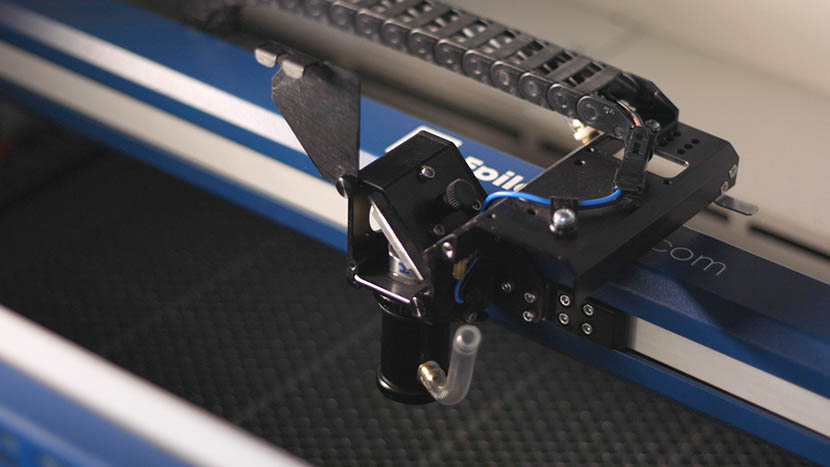
キャリッジ光学系の取り外しと取り付け

レーザーのキャリッジ光学系を取り外し、取り付けするにはどうすればよいですか?

Proper removal and installation of the carriage optics in the Fusion 17000 laser system are essential for maintaining optimal performance and precision. This guide provides step-by-step instructions for safely removing and reinstalling key components, including the mirror, lens tube, and air assist tubing. Following these procedures ensures that the optics (...)
ルーターEpilog Laser へのワイヤレス印刷

ルーターを使用して、Epilog Laser をワイヤレスプリンターとして設定するにはどうすればよいですか?

Did you know that current Epilog laser systems (Zing, Mini, Helix, EXT and FiberMark) have the ability to be set up as a wireless printer? This means you can print to your laser wirelessly from any computer that has wireless capability and is within range. It’s surprisingly easy to do (...)
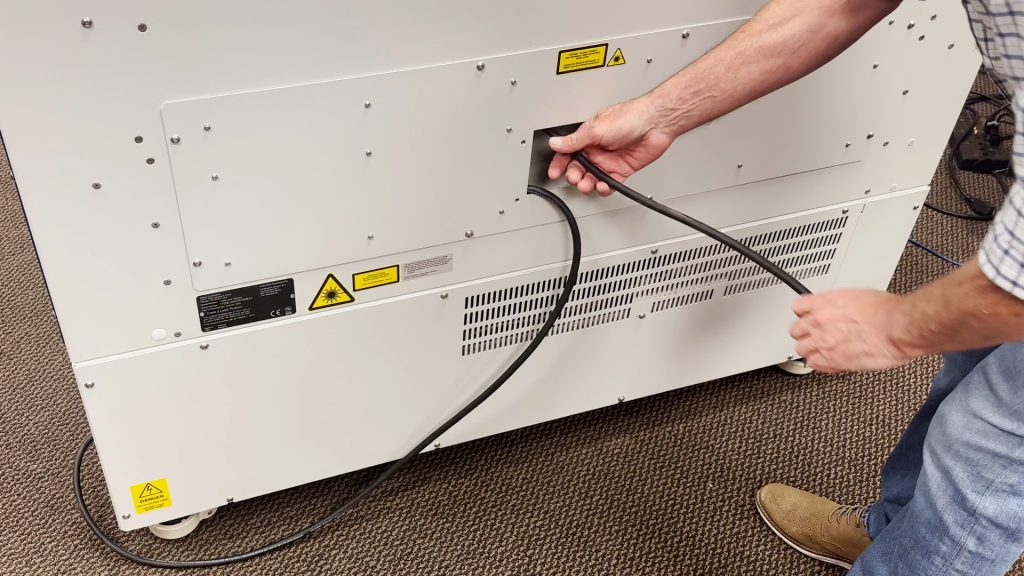
220VAC電源接続:コア端タイプと写真

220VACで動作させるには、どのような電源コードが必要ですか?

Epilog’s laser systems are equipped with auto-switching power supplies that accommodate input voltages ranging from 110 to 240 volts at 50–60Hz. We recommend using a dedicated 15A circuit breaker regardless of the operating voltage to ensure stable and reliable performance. For Systems Operating on 220V in the United States The (...)
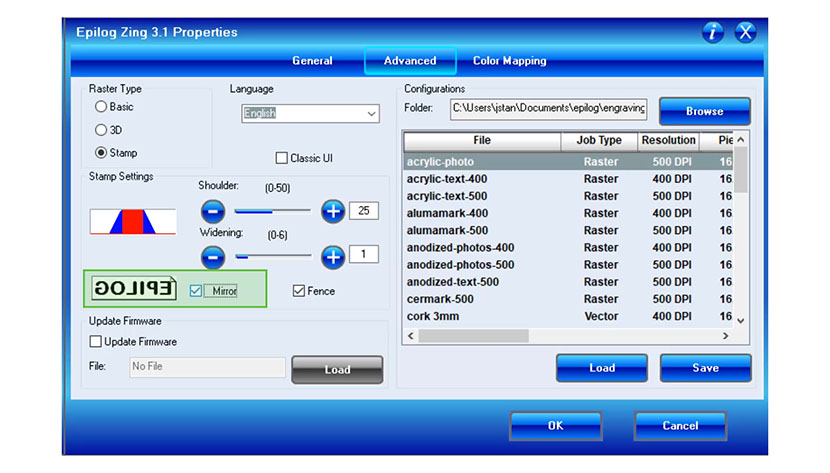
ロータリーアタッチメントを使用した彫刻用アートワークの設定方法

ロータリーアタッチメントで彫刻する際に、巻き込みアートワークを設定するにはどうすればよいですか?

Using your rotary attachment to create 360 degree engravings will give even more versatility to your Epilog laser system. Setting up the artwork to wrap around an object is very simple. In this exercise we will be using The Torch MAG-Lite Flashlight as an example on how to set up (...)
Epilog Laser におけるセンターセンターオプションの使用

印刷ドライバーの「センター-センター」オプションを使用して、彫刻の位置決めを簡単に行うにはどうすればよいですか?

When engraving a uniquely-shaped item, the Center-Center option within the Epilog Laser Dashboard can be an invaluable tool. The Center-Center option allows you to define the center of your artwork as the primary reference point (home position) of your engraving or cutting. Designed to be used in conjunction with the (...)
エピログパルス設定ガイド

新しいEpilog Pulseアプリを使用して、レーザーの設定と接続をどのように行いますか?

Epilog Pulse App Guide Streamline your workflow by sending jobs directly to your laser from any modern web browser. System Requirements & Setup Compatibility Firmware: Version 1.1.0.2 or newer Browser: Chrome, Edge, Safari, or Firefox Processor: Intel Core i3/i5/i7, AMD Ryzen/FX/A-Series, or ARM Connection Required Before utilizing the Pulse application, (...)
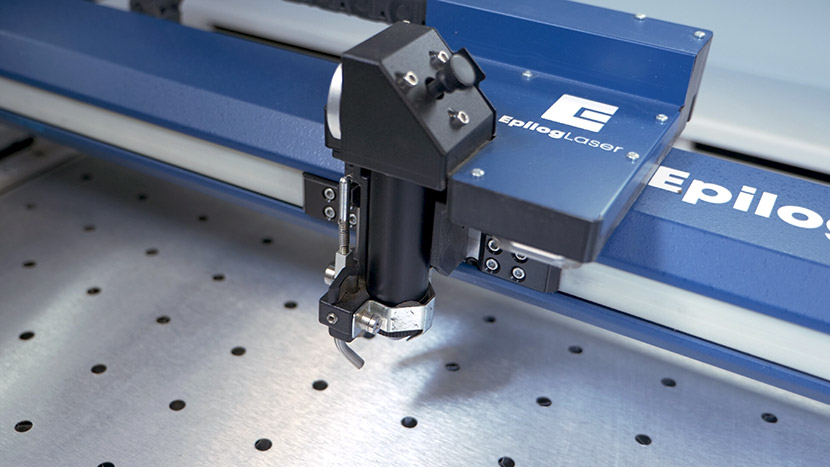
レンズの取り外しと取り付け

レーザーのレンズを取り外し、取り付けするにはどうすればよいですか?

Maintaining and replacing the lens tube on your Epilog laser system is a straightforward process that ensures optimal performance and engraving quality. This guide provides step-by-step instructions—with visuals—for safely removing and reinstalling the lens tube. Be sure to follow each step carefully to prevent damage to the components. Removal: Loosen (...)