メインコンテンツへスキップ

FiberMark

シリーズ:8000

フィルター


はじめに (5)
使用方法および操作 (88)
サービスおよび修理 (40)
マニュアル (0)

Results: 133 items found
  • 表示:
順序で
関連性

フィルター


はじめに (5)
使用方法および操作 (88)
サービスおよび修理 (40)
マニュアル (0)

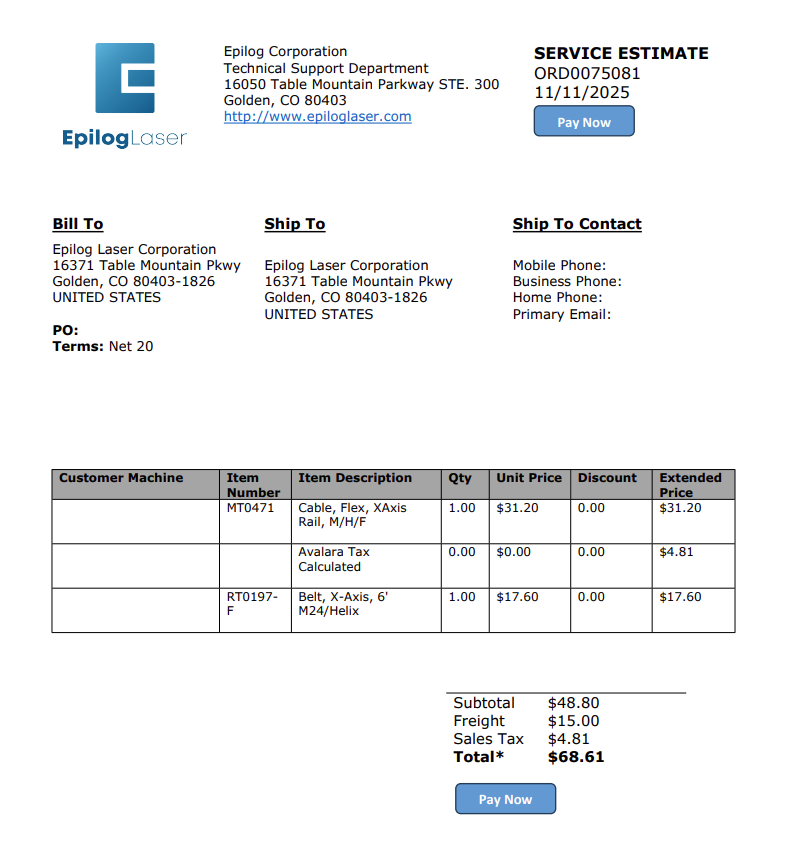
注文の支払い方法

エピログから見積もりを取得しましたか?注文を確認し、安全にクレジットカード決済を行うための簡易ガイドをご覧ください。

Estimated time: 5 minutes • Skill: Basic This guide explains how to submit a credit card payment for an Epilog Laser order after receiving a quote from a technician. Follow the steps below to complete your payment quickly and securely. Submit Payment from Your Quote Locate and click the Pay (...)
Epilog Laser 用グラフィックソフトウェアの設定方法

このガイドでは、Epilog Laser で一般的なグラフィックデザインソフトウェアを設定し使用する手順を段階的に説明します。

Software Setup CorelDRAW Setup Open CorelDRAW. Note: CorelDRAW Graphics Suite is the recommended CorelDraw version for use with Epilog Laser systems. Other versions, such as the Student or Standard version, may have different menu options and settings. Select Tools > Options > Global > Printing > Driver Compatibility. Choose Epilog (...)
私のアートワークがエピログダッシュボードに表示されません

私のアートワークがエピログのダッシュボードに表示されず、実行時間が0:00と表示されるのはなぜですか?

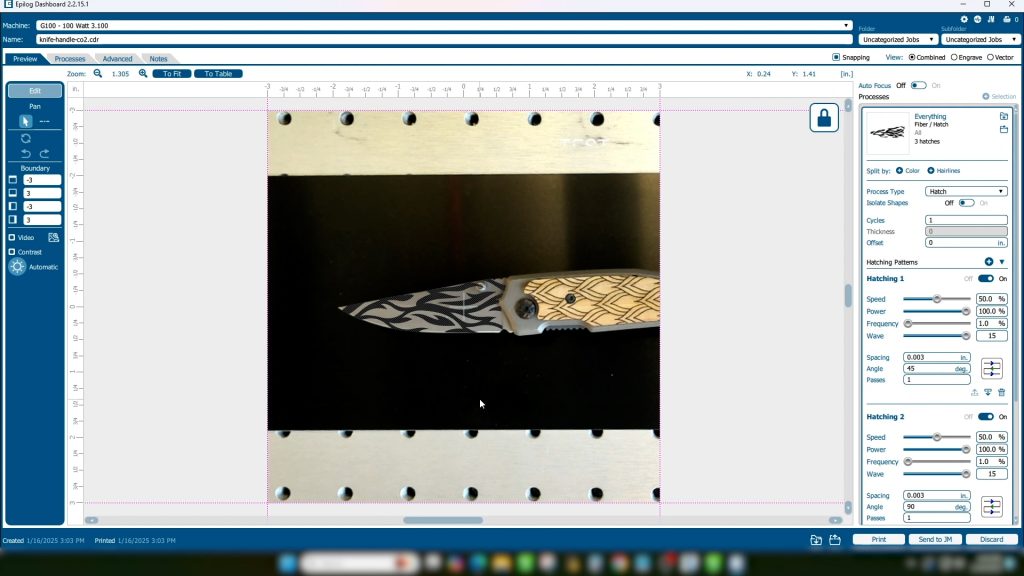
Explanation of the Symptoms When encountering this issue, you may see something similar to the image below—here we can see the artwork in the preview thumbnail, but the artwork does not appear in the work area: However, if zoomed out, we can see that the artwork did transfer to the (...)