メインコンテンツへスキップ

校正

19000

フィルター


はじめに (8)
Usage and Operation (9)
Service and Repair (12)
マニュアル (62)

Results: 4 items found
  • 表示:
順序で
関連性

フィルター


はじめに (8)
Usage and Operation (9)
Service and Repair (12)
マニュアル (62)

フォーカス調整ウィザード

ファームウェアバージョン1.1.2.1以降で利用可能なフォーカスキャリブレーションウィザードの使用手順ガイド

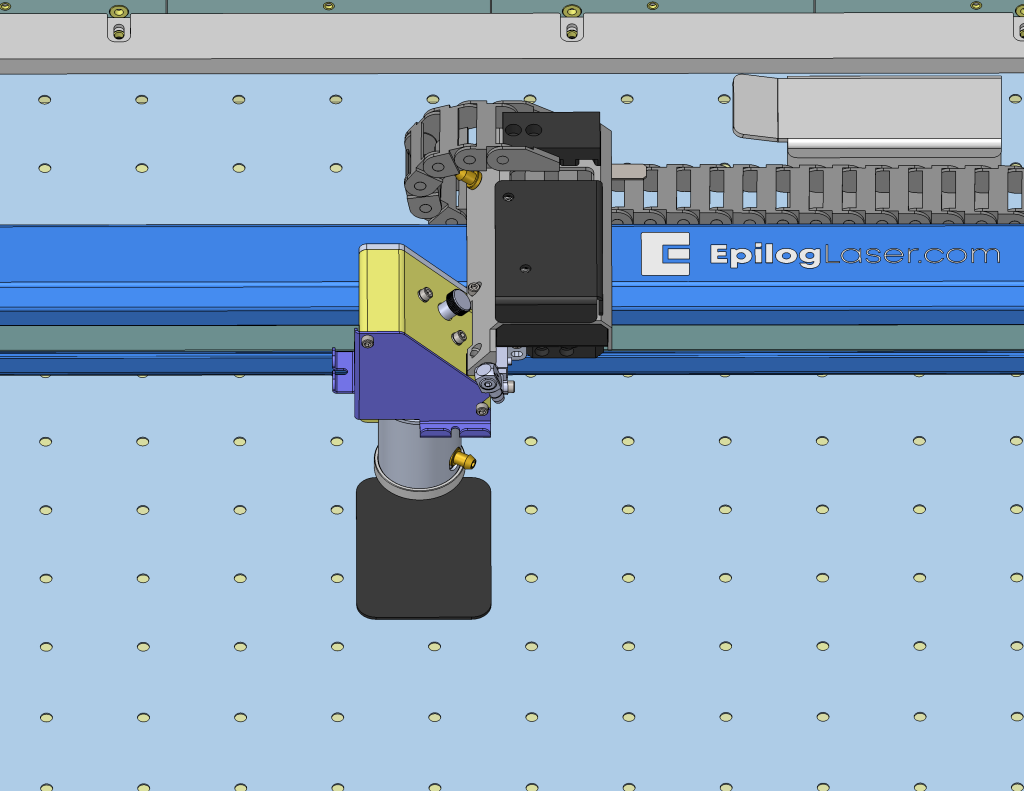
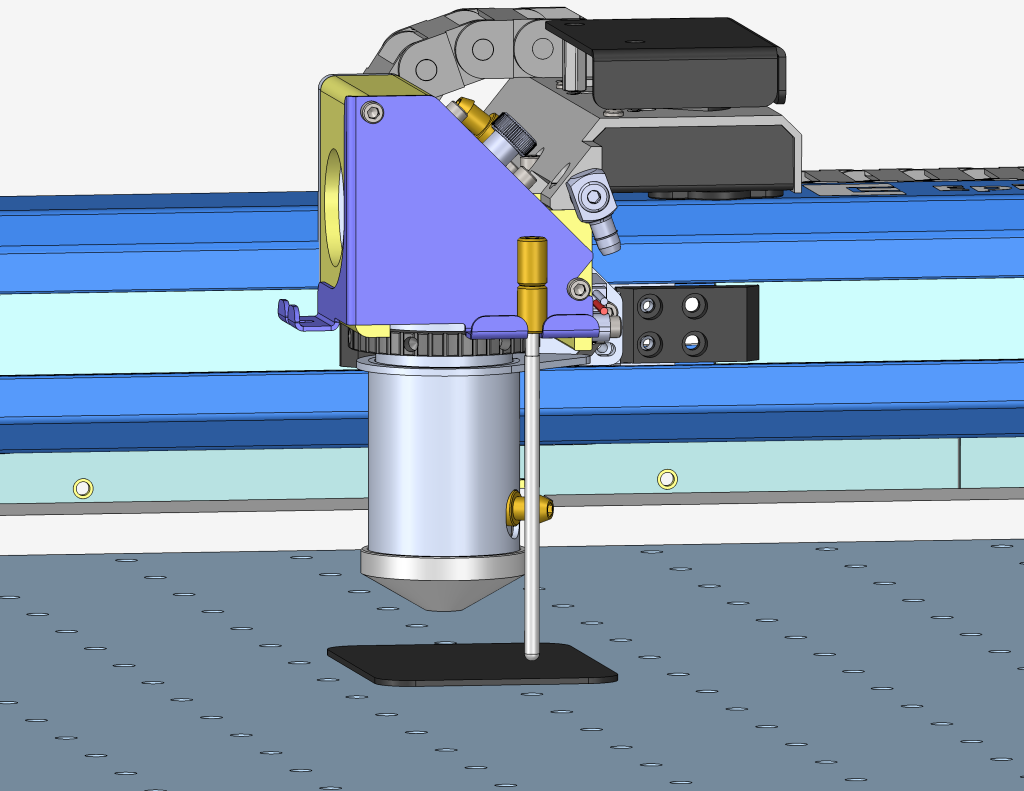
Estimated Time: 5–10 Minutes   |   Skill Level: Basic The Focus Calibration Wizard allows the laser system to automatically determine the optimal focal height for the installed lens. This process engraves a test pattern on anodized aluminum and identifies the focus position that produces the brightest mark. Running the (...)
IRISカメラのキャリブレーションガイド
Pro 24/36、Pro 32/48

Maker、Edge、Pro、およびAscentのIRISカメラシステムは、どのようにキャリブレーションすればよいですか?

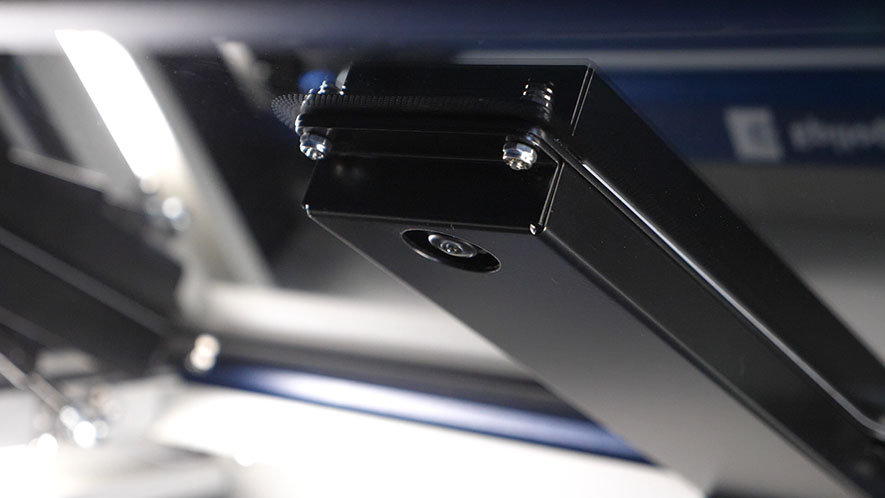
Estimated Time: 20–40 Minutes • Skill Level: Intermediate Important: All focus calibration procedures must be completed before performing a camera calibration to ensure accurate results. Click the tabs below to switch between machine types. Each tab shows the camera calibration procedure specific to that machine. Overview & Requirements Fusion Edge (...)
クイックガイド:正確な操作のためのジョイスティックのキャリブレーション

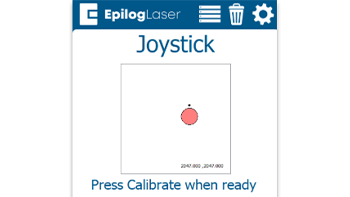
ジョイスティックのキャリブレーションを行うことで、動作の遅延、制御の不正確さ、またはジョグモード中にキャリッジが勝手に移動するといった問題を解決できます。

Steps to Calibrate the Joystick Open the Settings Menu On the display panel, press the gear icon in the top-right corner to open the Settings menu. Image 1: Home screen with gear icon in top-right corner Access Advanced Settings Press and hold the word “Settings” on the screen until the (...)