メインコンテンツへスキップ

使用方法と操作

19000

フィルター


はじめに (8)
Usage and Operation (9)
Service and Repair (12)
マニュアル (62)

Results: 9 items found
  • 表示:
順序で
関連性

フィルター


はじめに (8)
Usage and Operation (9)
Service and Repair (12)
マニュアル (62)

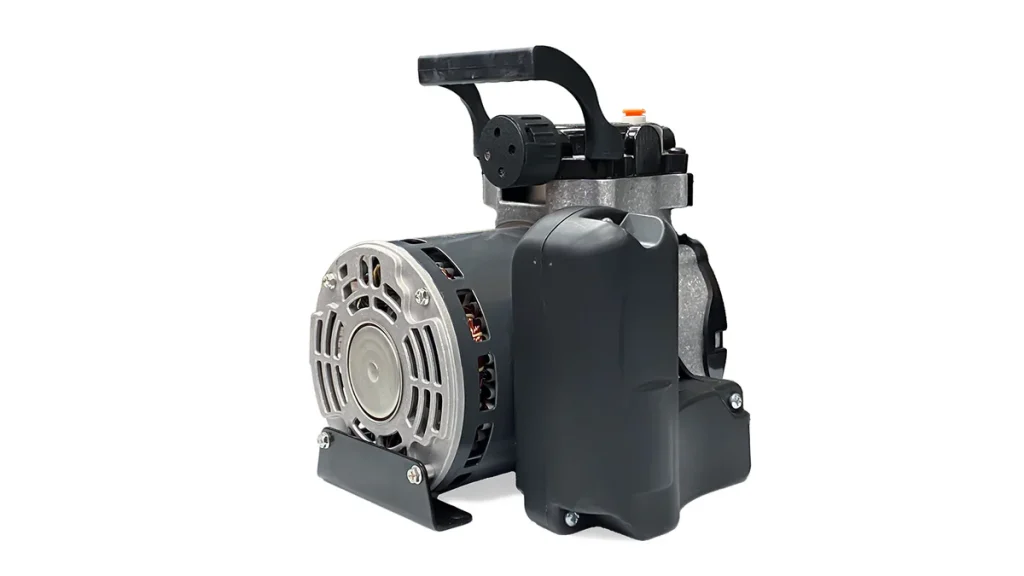
エアアシスト – 工場用エアへの変換(デフォルト設定)

さまざまなタイプのコンプレッサーに合わせて、レーザー装置のエアアシスト用ソレノイドを調整・変換し、安全かつ効率的な空気流量を維持する方法をご確認ください。

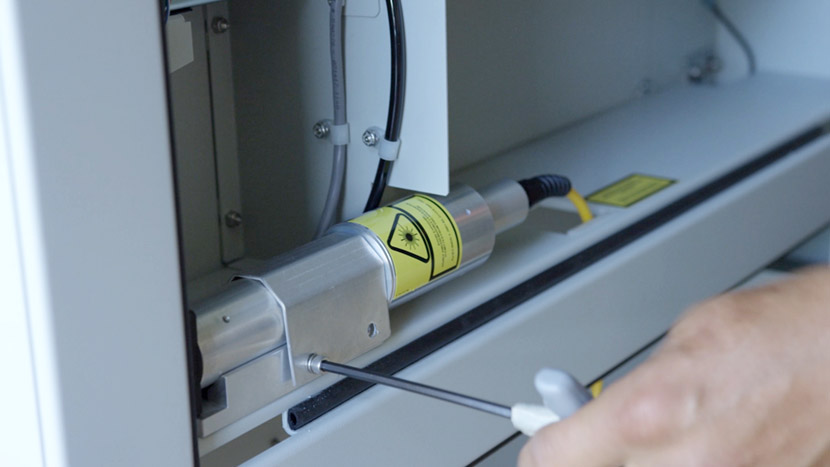
Understanding the Air Assist Solenoid The Ascent laser’s air assist solenoid manages airflow differently depending on your compressor setup. It is critical to configure the internal tubing correctly to prevent equipment damage or excessive compressor wear. Default Configuration (Constant-Run Pumps): Small diaphragm pumps lack a pressure shut-off switch and must (...)

注文の支払い方法

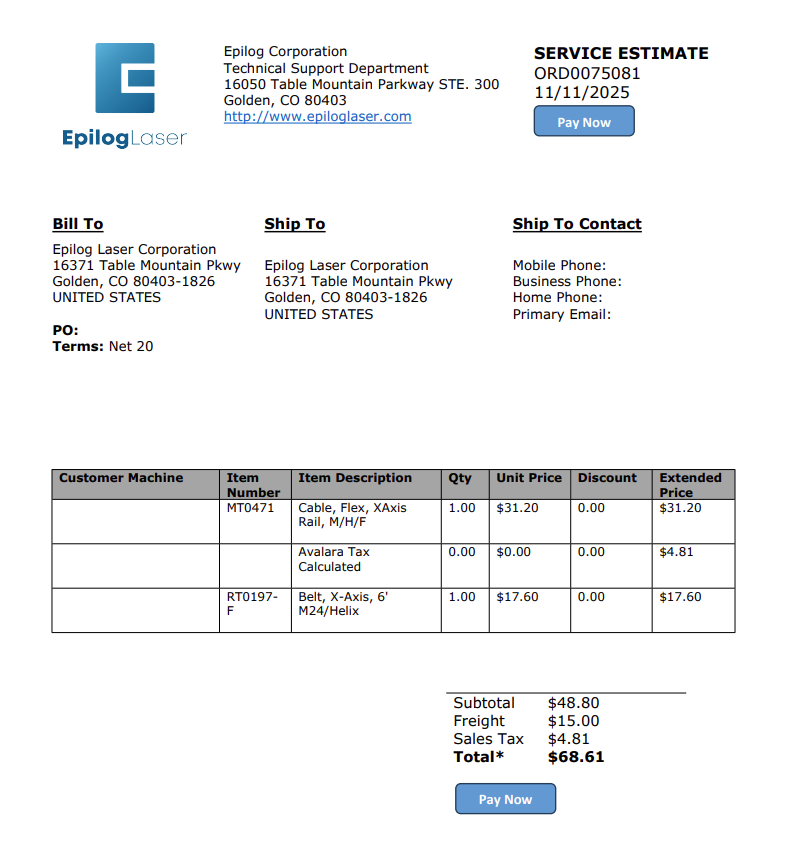
エピログから見積もりを取得しましたか?注文を確認し、安全にクレジットカード決済を行うための簡易ガイドをご覧ください。

Estimated time: 5 minutes • Skill: Basic This guide explains how to submit a credit card payment for an Epilog Laser order after receiving a quote from a technician. Follow the steps below to complete your payment quickly and securely. Submit Payment from Your Quote Locate and click the Pay (...)
周辺機器の更新

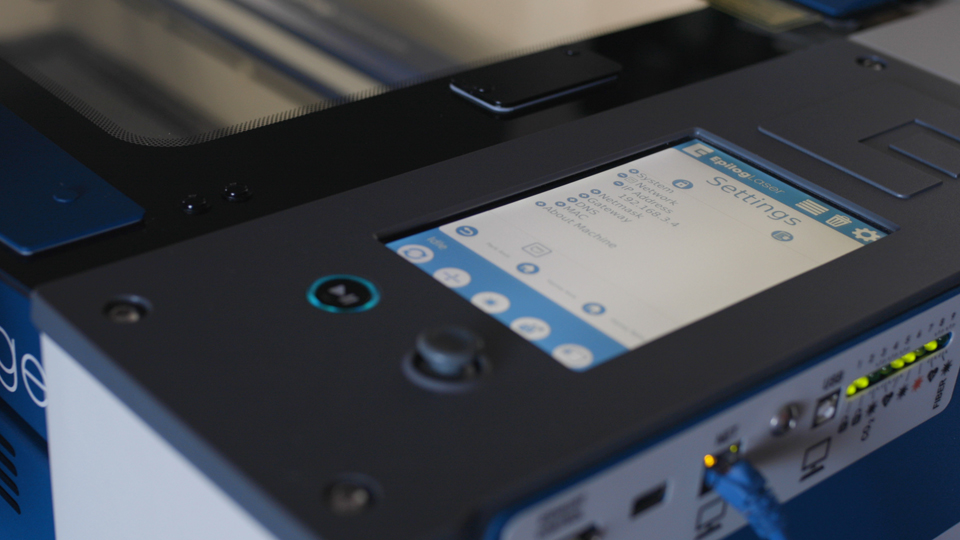
Fusion Maker、Edge、Pro、Galvoの周辺機器を更新するにはどうすればよいですか?

Peripheral updates ensure optimal performance and communication between the engraver’s programmable components by installing the latest firmware and configuration files. Programming the Peripherals On the display panel, tap the gear icon in the upper-right corner to open the Settings menu: Figure 1: Access the Settings menu by tapping the gear (...)