メインコンテンツへスキップ

システム要件とセットアップ

シリーズ:18000

フィルター


はじめに (7)
使用方法および操作 (92)
サービスおよび修理 (25)
Manual (4)

Results: 21 items found
  • 表示:
順序で
関連性

フィルター


はじめに (7)
使用方法および操作 (92)
サービスおよび修理 (25)
Manual (4)

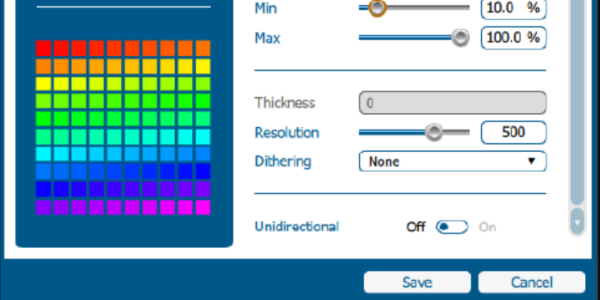
Epilog Laser 用グラフィックソフトウェアの設定方法

このガイドでは、Epilog Laser で一般的なグラフィックデザインソフトウェアを設定し使用する手順を段階的に説明します。

Software Setup CorelDRAW Setup Open CorelDRAW. Note: CorelDRAW Graphics Suite is the recommended CorelDraw version for use with Epilog Laser systems. Other versions, such as the Student or Standard version, may have different menu options and settings. Select Tools > Options > Global > Printing > Driver Compatibility. Choose Epilog (...)
周辺機器の更新

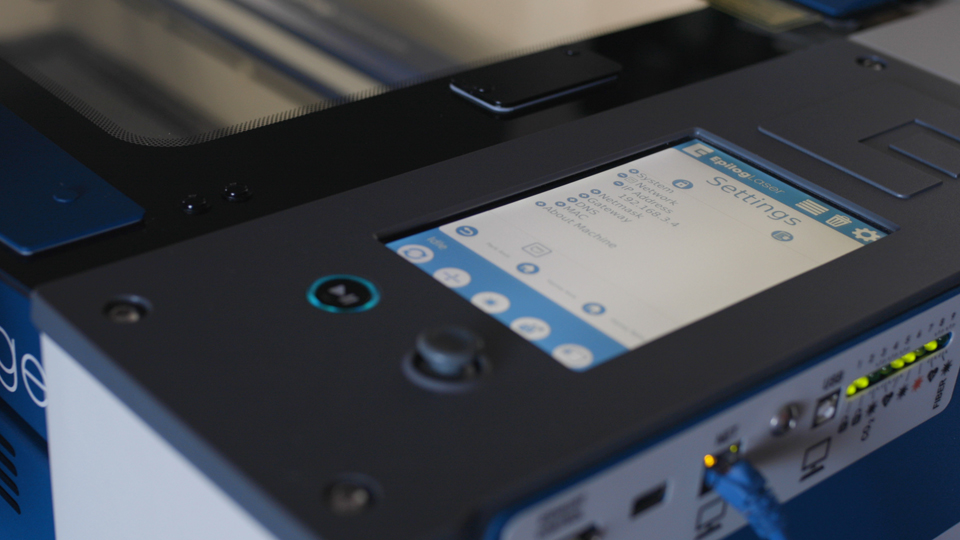
Fusion Maker、Edge、Pro、Galvoの周辺機器を更新するにはどうすればよいですか?

Peripheral updates ensure optimal performance and communication between the engraver’s programmable components by installing the latest firmware and configuration files. Programming the Peripherals On the display panel, tap the gear icon in the upper-right corner to open the Settings menu: Figure 1: Access the Settings menu by tapping the gear (...)
Epilog Laser におけるセンターセンターオプションの使用

印刷ドライバーの「センター-センター」オプションを使用して、彫刻の位置決めを簡単に行うにはどうすればよいですか?

When engraving a uniquely-shaped item, the Center-Center option within the Epilog Laser Dashboard can be an invaluable tool. The Center-Center option allows you to define the center of your artwork as the primary reference point (home position) of your engraving or cutting. Designed to be used in conjunction with the (...)
220VAC電源接続:コア端タイプと写真

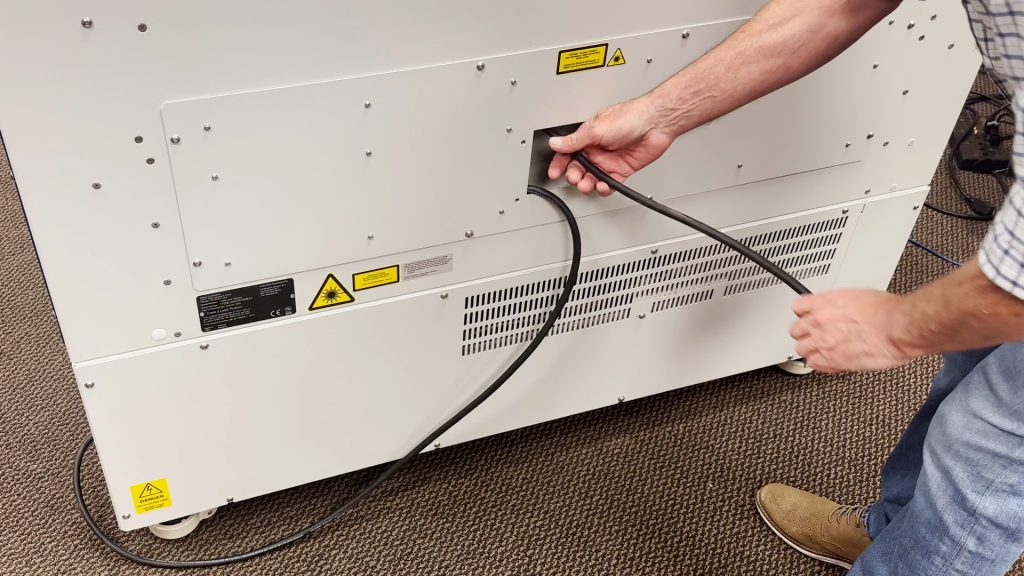
220VACで動作させるには、どのような電源コードが必要ですか?

Epilog’s laser systems are equipped with auto-switching power supplies that accommodate input voltages ranging from 110 to 240 volts at 50–60Hz. We recommend using a dedicated 15A circuit breaker regardless of the operating voltage to ensure stable and reliable performance. For Systems Operating on 220V in the United States The (...)