メインコンテンツへスキップ

使用方法と操作

シリーズ:18000

フィルター


はじめに (7)
使用方法および操作 (92)
サービスおよび修理 (25)
Manual (4)

Results: 92 items found
  • 表示:
順序で
関連性

フィルター


はじめに (7)
使用方法および操作 (92)
サービスおよび修理 (25)
Manual (4)

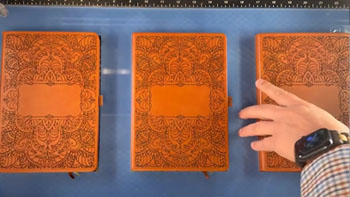
後でカスタマイズするために、ジグを使ってアイテムに下彫りを行う

最も人気のあるレーザー彫刻プロジェクトで時間を節約するジグの使い方を学びましょう。

Setup the Artwork   Here we are creating a jig to pre-engrave four leather notebooks.   We’ll add customized names to each one later.   The red lines are the outlines of the notebooks we’ll cut out in a jig. We’ll cut an arrow at the top left corner so (...)
プリントマージを使用して複数のアイテムをカスタマイズする

CorelDRAW 印刷マージ機能を使用して、複数のアイテムを簡単に識別CorelDRAW 、一度に彫刻CorelDRAW 学びましょう。

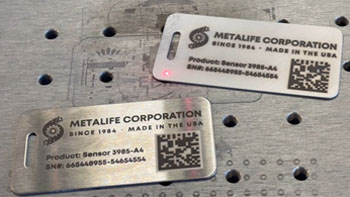
Import Data Here we have a series of name badges to engrave and cut on the laser using print merge. First we’ll need to pull in the list of names.   Select File > Print Merge > Create/Load Print Merge Click Import File and navigate to your .csv, .rtf, or (...)
センター・センター vs カスタムセンター彫刻

プリセット位置指定でアートワークを中央に配置する方法と、オフセットされたグラフィックを中央に配置するテクニックについて学びましょう。

Using Center-Center   There are many ways to use Center Engraving on the Epilog Laser Dashboard.   Let’s take a logo we want to engrave at the center of a coaster. In the Epilog Dashboard, choose the Advanced Tab.   Next to Centering Point you’ll see a list of all (...)