メインコンテンツへスキップ

サービスと修理

シリーズ:17000

フィルター


はじめに (8)
Usage and Operation (100)
Service and Repair (56)
マニュアル (0)

Results: 56 items found
  • 表示:
順序で
関連性

フィルター


はじめに (8)
Usage and Operation (100)
Service and Repair (56)
マニュアル (0)

SDカードのフラッシュ

BalenaEpilog Laser Laserシステム用のSDカードをフラッシュする方法を学びましょう。

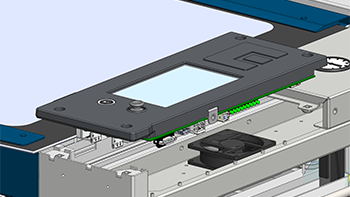
このガイドでは、レーザーシステム用のSDカードにファームウェアを書き込む手順について説明します。この手順を完了するには、技術者が必要なディスクイメージファイルを用意する必要があります。お使いの機種に適合した正しいファイルを事前に入手しない限り、作業を進めないでください。SDカードへのファームウェア書き込み SDカードの取り外し 制御基板を取り外します(...)
フォーカス調整ウィザード

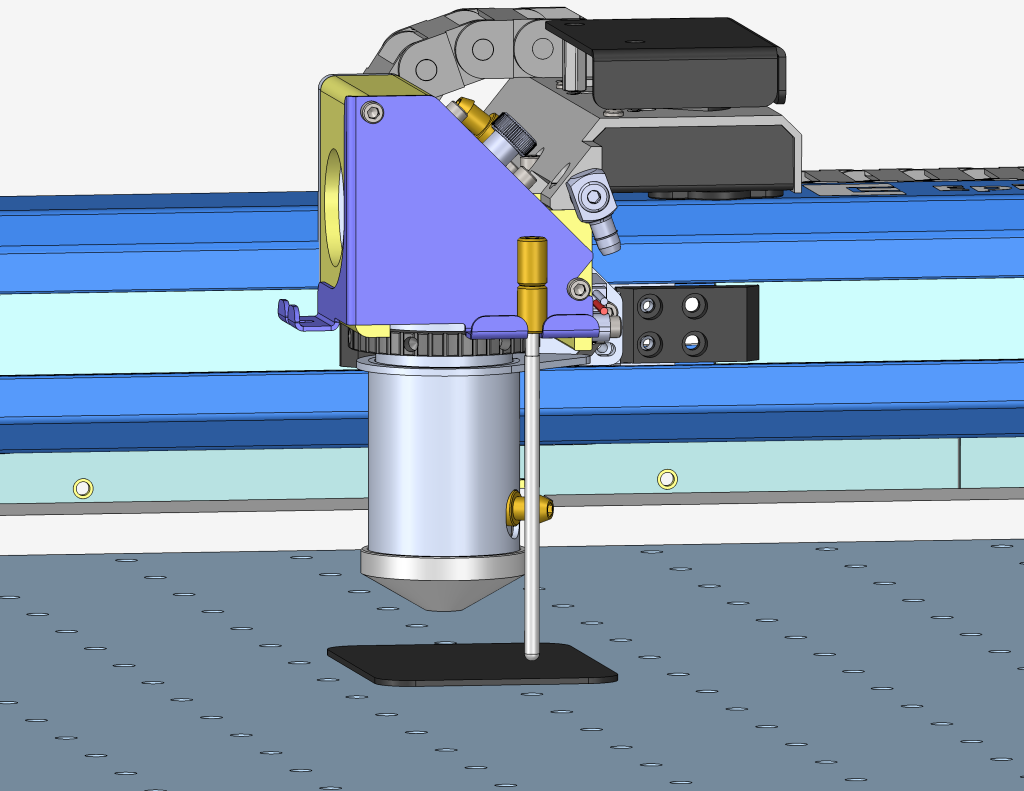
ファームウェアバージョン1.1.2.1以降で利用可能なフォーカスキャリブレーションウィザードの使用手順ガイド

Estimated Time: 5–10 Minutes   |   Skill Level: Basic The Focus Calibration Wizard allows the laser system to automatically determine the optimal focal height for the installed lens. This process engraves a test pattern on anodized aluminum and identifies the focus position that produces the brightest mark. Running the (...)
オートフォーカススイッチ交換 – Fusion Maker、Edge、Pro 24 & 36
プロ24、プロ36

Fusion Maker、Edge、およびPro 24と36のオートフォーカススイッチを交換するにはどうすればよいですか?

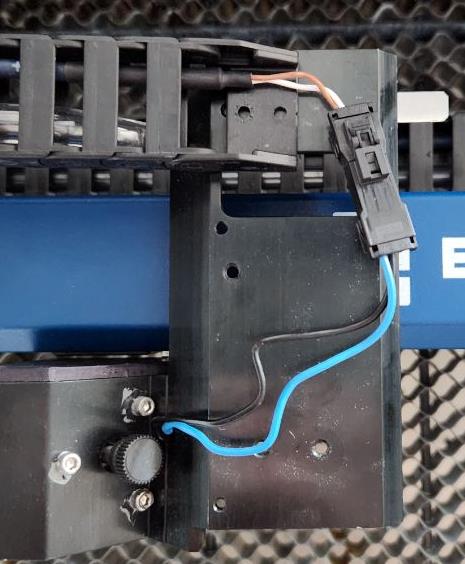
This procedure outlines the steps required to safely and effectively replace the Autofocus Switch on the Fusion Maker, Edge, and Pro, laser system. The Autofocus Switch is a critical component responsible for maintaining the proper focal distance during operation. This document provides detailed instructions to ensure proper removal, and installation (...)
光学系クリーニング – Fusion Maker、Edge、およびPro

この文書では、Fusion Maker、Edge、およびProキャリッジの光学系を適切に清掃する方法を詳細に説明します。

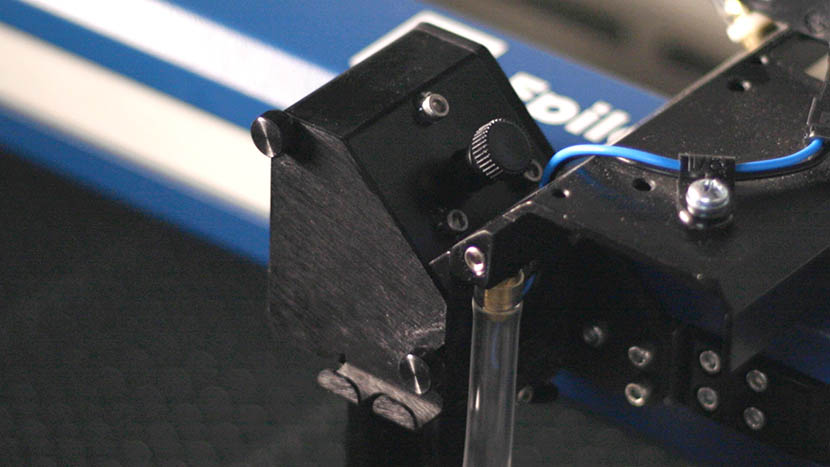
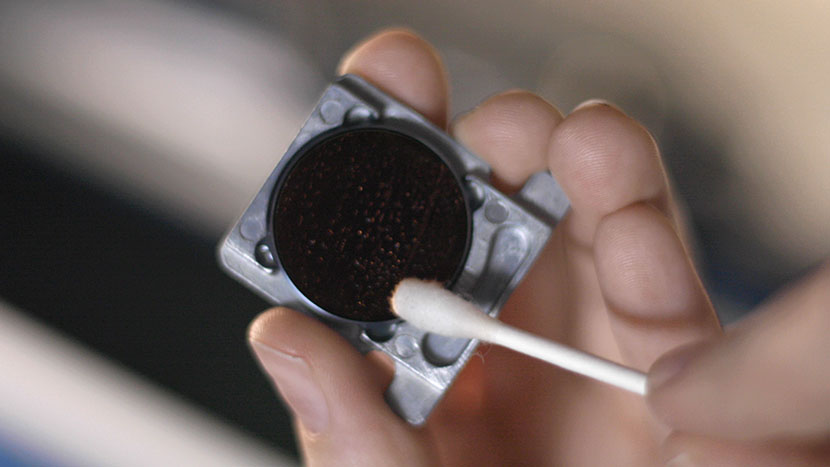
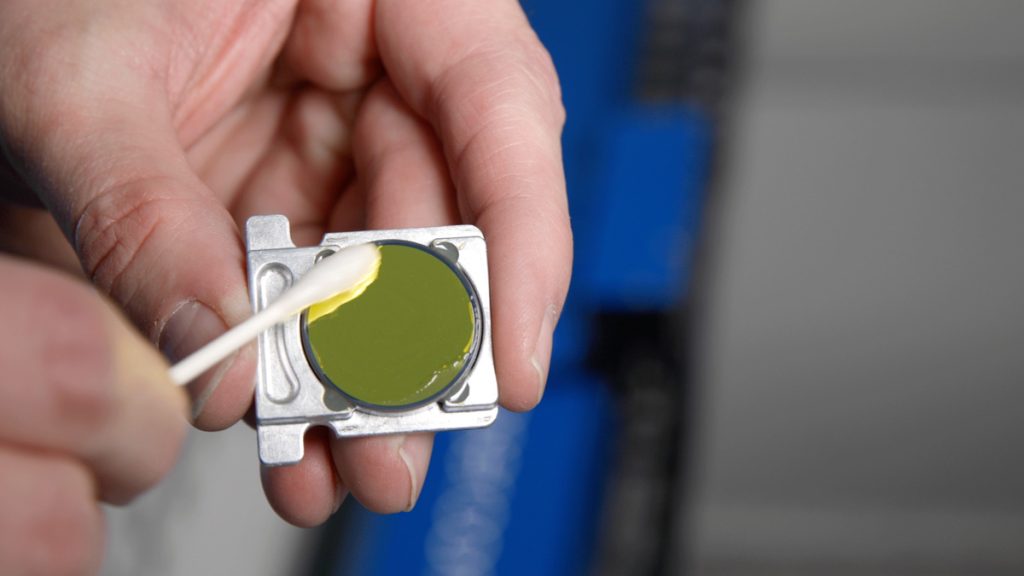
Daily Maintenance Cleaning Remove the lens and carriage mirror. Safely detach both the lens and carriage mirror using the video guide below. Figure 1. Lens and carriage mirror removal process. Carriage Optics Removal Steps Disconnect the air tubing from the lens. Loosen the thumb screws on the carriage cover and (...)
私のアートワークがエピログダッシュボードに表示されません

私のアートワークがエピログのダッシュボードに表示されず、実行時間が0:00と表示されるのはなぜですか?

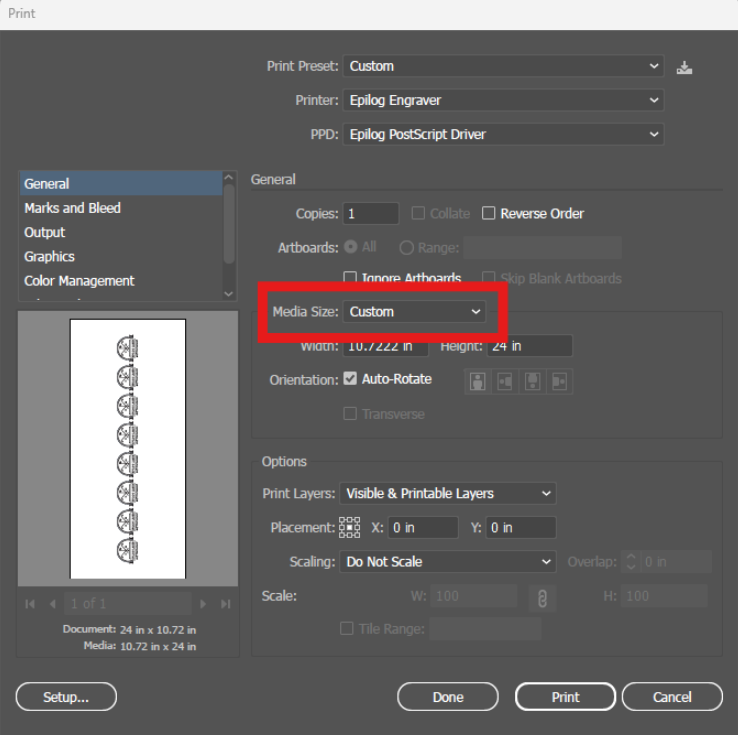
Explanation of the Symptoms When encountering this issue, you may see something similar to the image below—here we can see the artwork in the preview thumbnail, but the artwork does not appear in the work area: However, if zoomed out, we can see that the artwork did transfer to the (...)