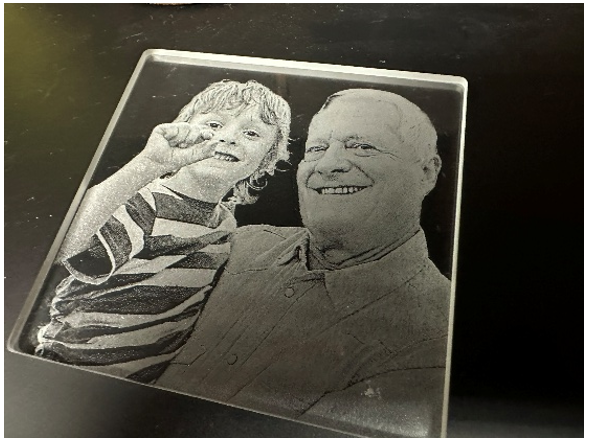
Photoshopでガラス彫刻用の写真を準備する
Glass Engraving Steps In the Channels tab, select only the Green channel. Go to Image > Calculations. Set the Blending to Overlay, adjust the opacity to approximately 80%, and set the Result to New Document. Go to Image > Mode > Grayscale. With the photo selected, click Remove Background. Right-click (...)