Filters
Filters
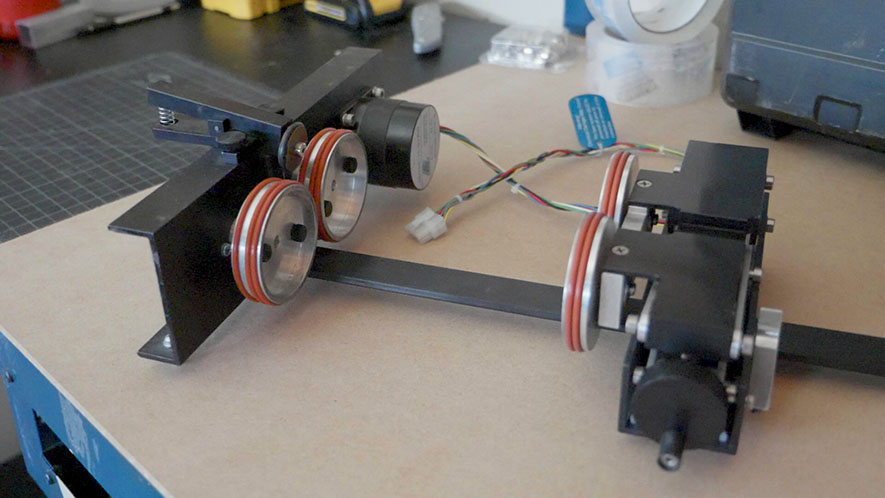
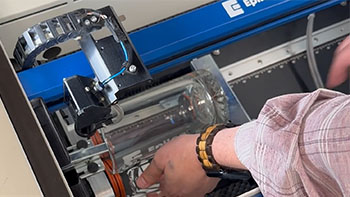
Installing the Rim-Drive Rotary Attachment
Learn how to install and uninstall the rim-drive rotary attachment for your machine.
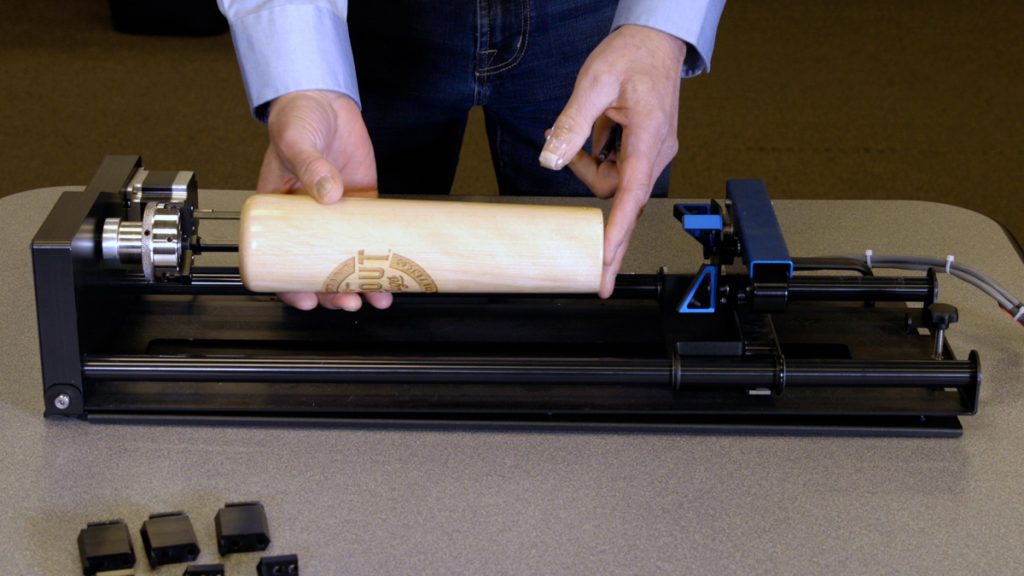
Using the 3-Jaw Chuck Rotary Attachment
The 3-Jaw Chuck style Rotary Attachment is an extremely versatile tool for marking and engraving cylindrical objects.
How to Quickly Make an Engraving Fix
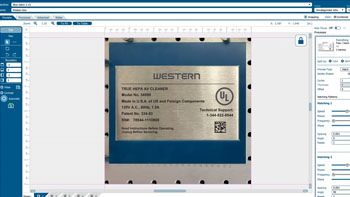
Using Epilog's IRIS camera to increase depth or improve engraving!
Creating Custom Shaped Artwork
Learn how to create custom-shaped artwork using the Epilog Laser Dashboard.
Using Bartender Variable Data
Learn to create and mark variable data using Bartender.
Creating a Readable Barcode on Stainless Steel
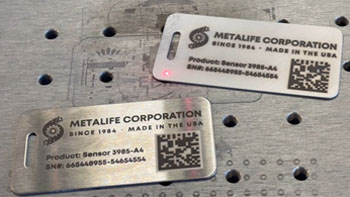
Two ways to etch a stainless steel tag with a readable barcode.
Use Print Merge to Customize Multiple Items
Learn to use the print merge feature in CorelDRAW to easily distinguish and engrave multiple items at once.
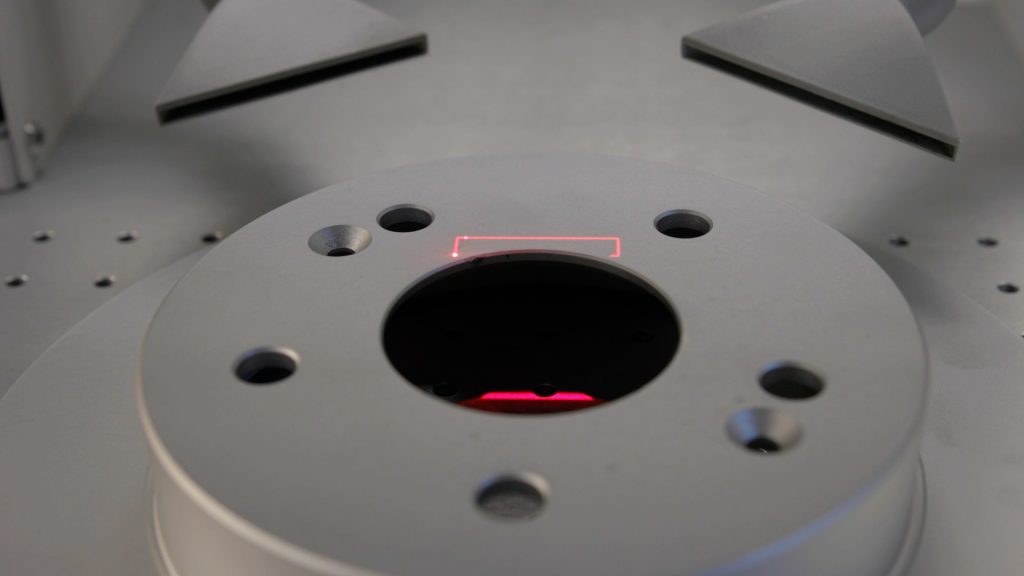
Precisely place artwork using the IRIS Camera
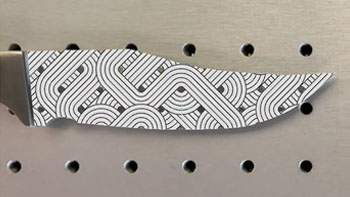
Learn to fit a graphic to a knife blade shape in minutes.
Using Registration Marks to Cut Preprinted Acrylic Keychains
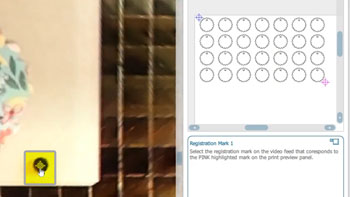
Use the IRIS™ Camera to find printed registration marks for precision cutting.
Creating a 3D Sphere Design for Laser Engraving
Create a spherical look using Adobe Illustrator’s 3D Revolve feature.
Removing Adhesive Backing from Acrylic
Quick tip on how to simply remove adhesive backing.