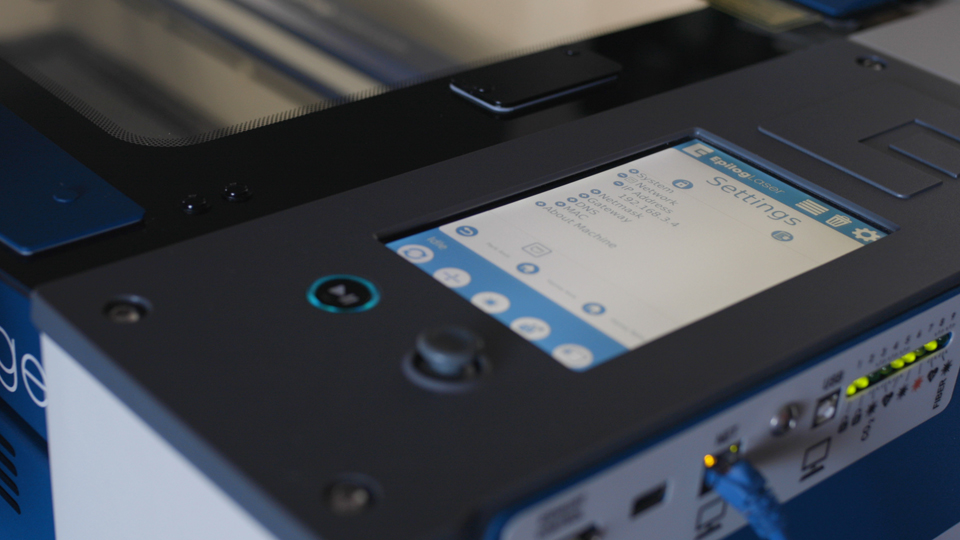
System Requirements & Setup

Filters


Getting Started (48)
Usage and Operation (125)
Service and Repair (270)
Manual (66)

Results: 30 items found
  • View:
Order by
Relevance

Filters


Getting Started (48)
Usage and Operation (125)
Service and Repair (270)
Manual (66)

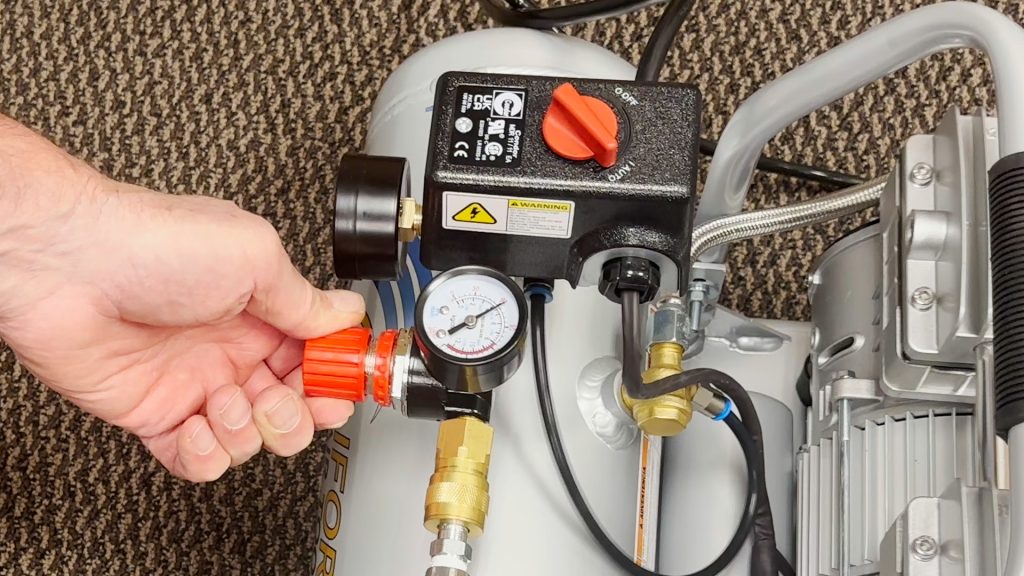
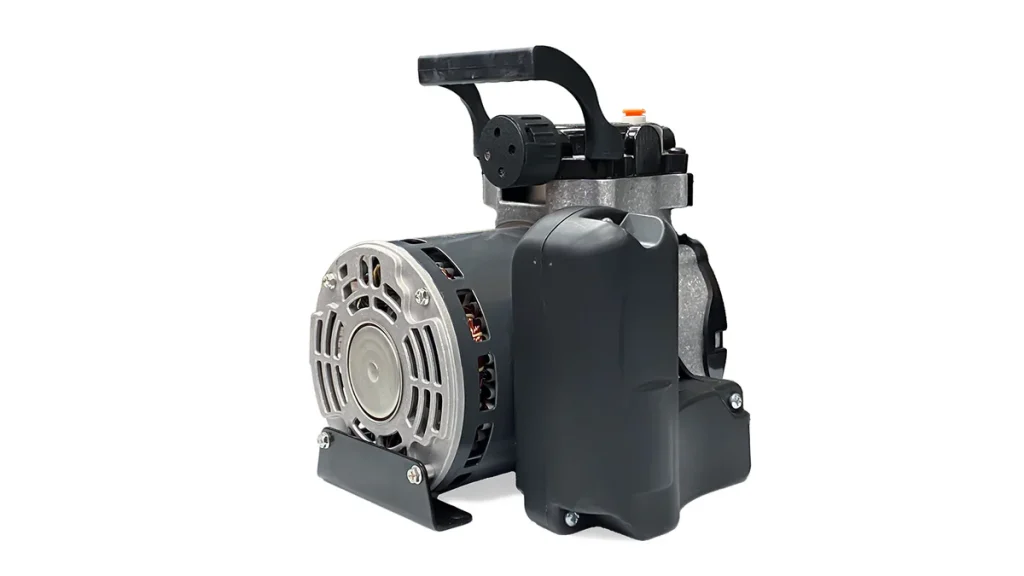
Air Assist – Default to Shop Air Conversion

Learn how to configure and convert your laser’s air assist solenoid for different compressor types to maintain safe, efficient airflow.

Understanding the Air Assist Solenoid The Ascent laser’s air assist solenoid manages airflow differently depending on your compressor setup. It is critical to configure the internal tubing correctly to prevent equipment damage or excessive compressor wear. Default Configuration (Constant-Run Pumps): Small diaphragm pumps lack a pressure shut-off switch and must (...)

How to Set Up Graphics Software for Epilog Laser Systems

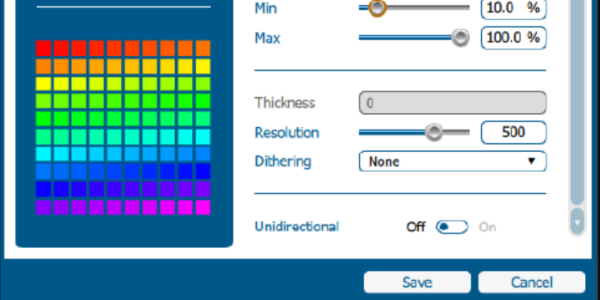
This guide provides step-by-step instructions for configuring and using popular graphic design software with Epilog Laser systems.

Software Setup CorelDRAW Setup Open CorelDRAW. Note: CorelDRAW Graphics Suite is the recommended CorelDraw version for use with Epilog Laser systems. Other versions, such as the Student or Standard version, may have different menu options and settings. Select Tools > Options > Global > Printing > Driver Compatibility. Choose Epilog (...)