Filters
Let's get started
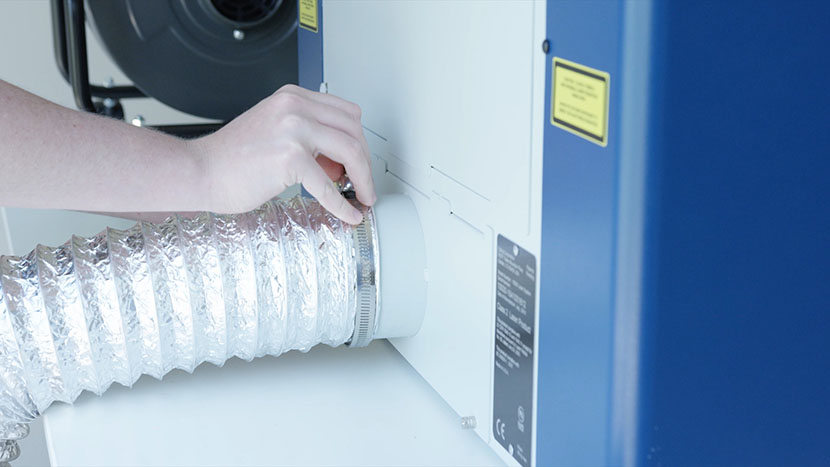
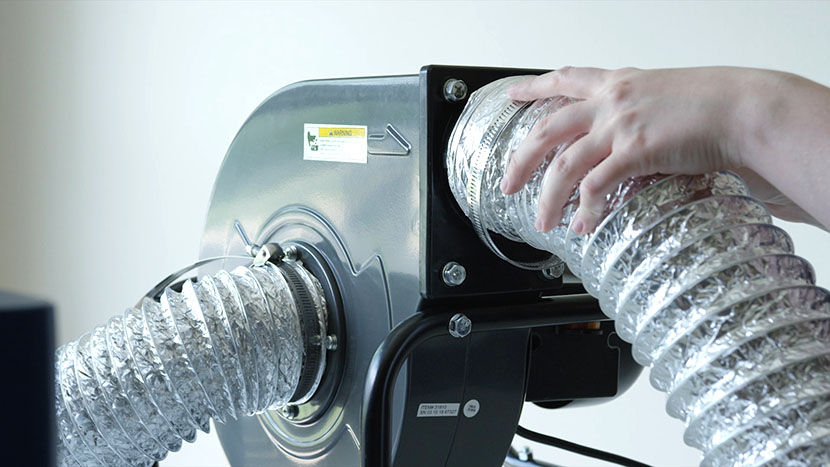
Setting up the Exhaust
Choose one of three options to remove fumes from your machine.
Welcome
Welcome to the Epilog Laser Support Center!
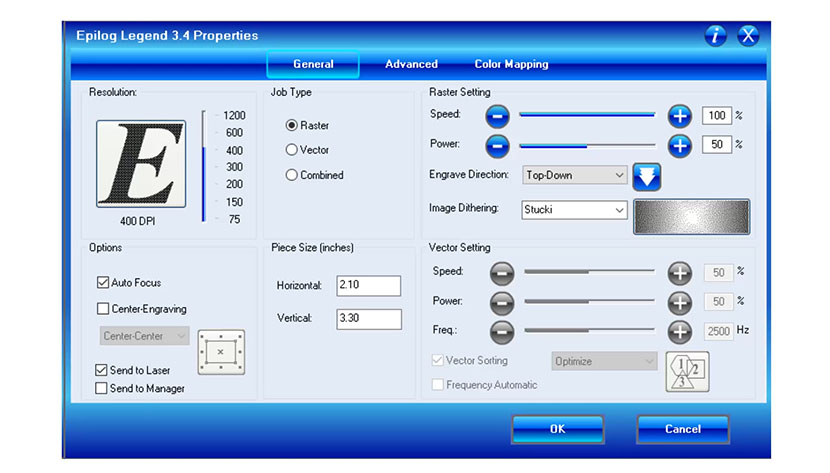
Print Driver Tour
Hook your system up to your computer and get to printing.
Print Driver Tour
Hook your system up to your computer and get to printing.
Print Driver Tour
Hook your system up to your computer and get to printing.
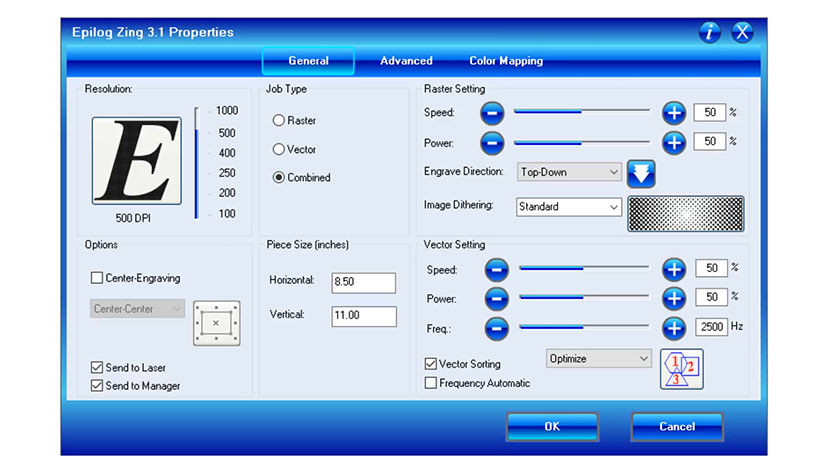
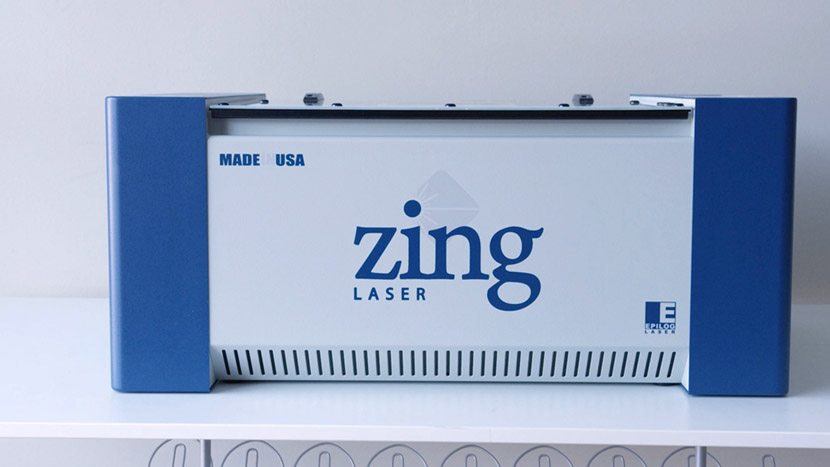
Print Driver Tour – Zing Laser
Hook your system up to your computer and get to printing.
Machine Tour – Zing Laser System
Get an overview of your new machine.
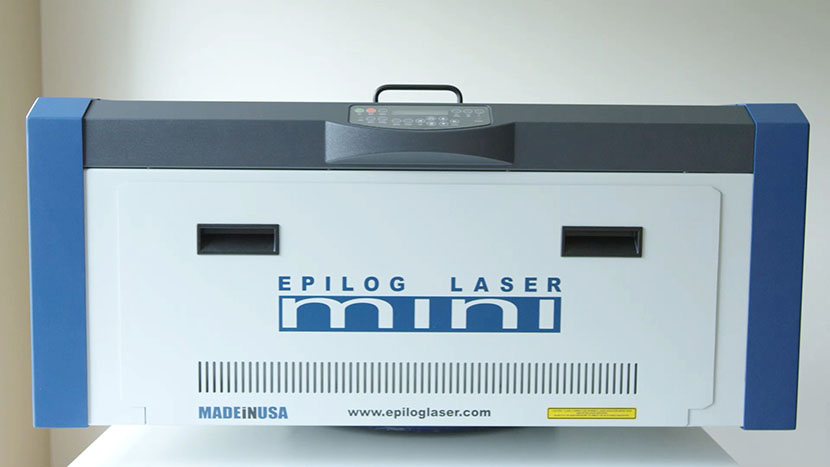
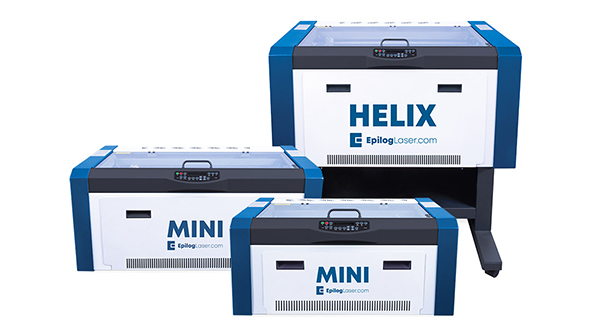
Machine Tour – Mini / Helix Lasers
Get an overview of your new machine.
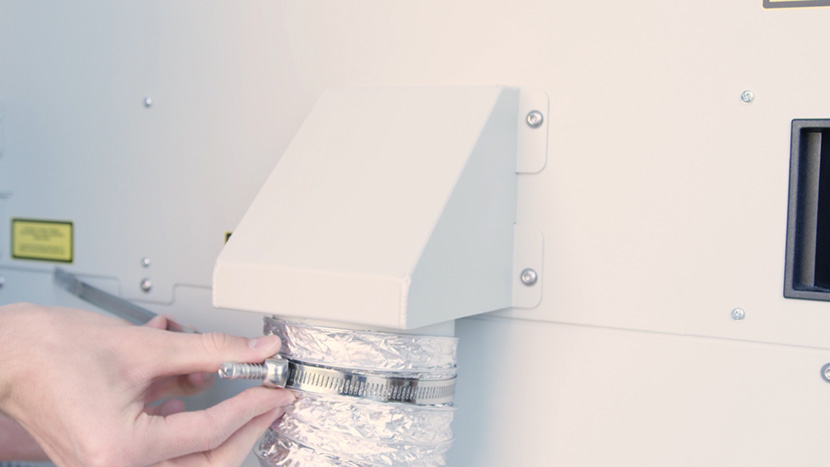
Setting up the Exhaust
Choose one of three options to remove fumes from your machine.
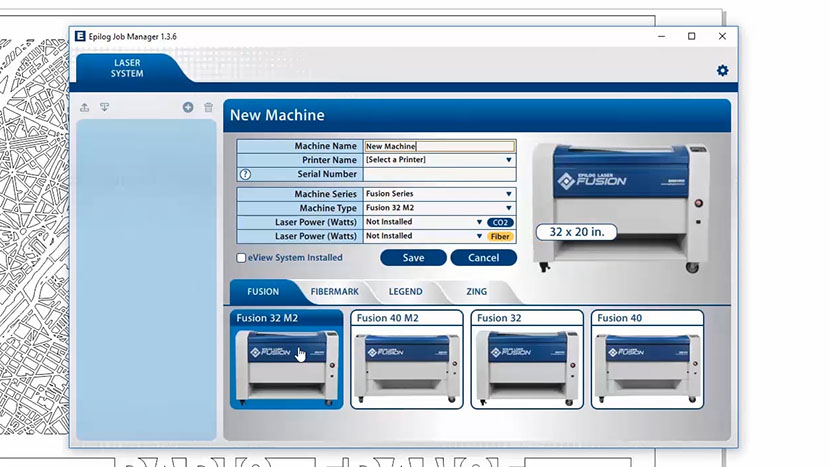
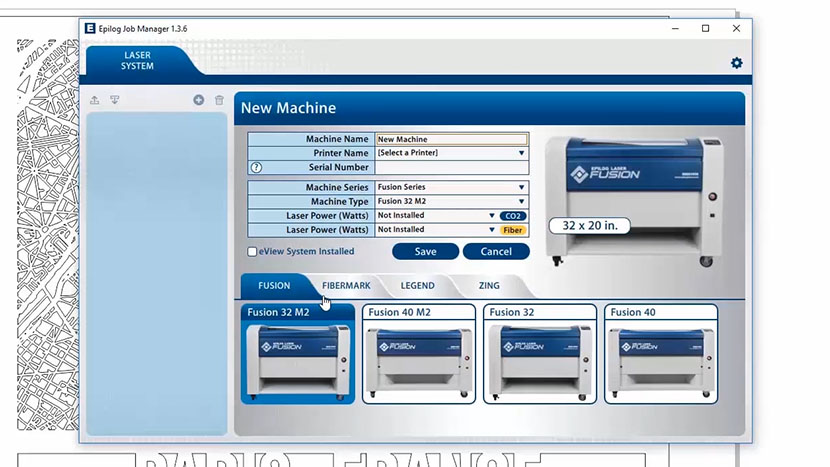
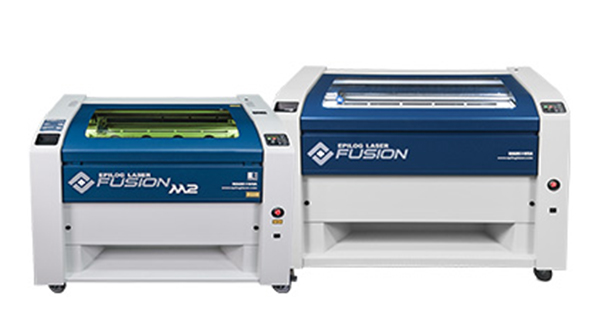
Job Manager Tour – Fusion M2 32/40
Install and configure Job Manager to get the most out of your laser.
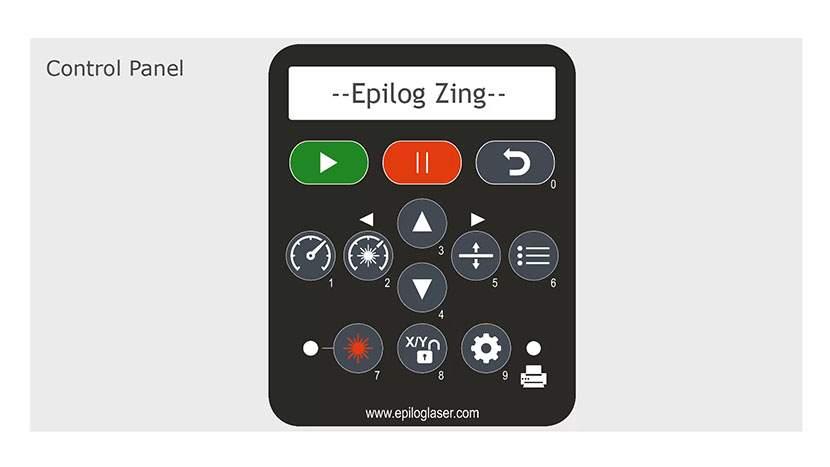
Control Panel Tour – Zing Laser
Learn all about your machine's keypad interface.
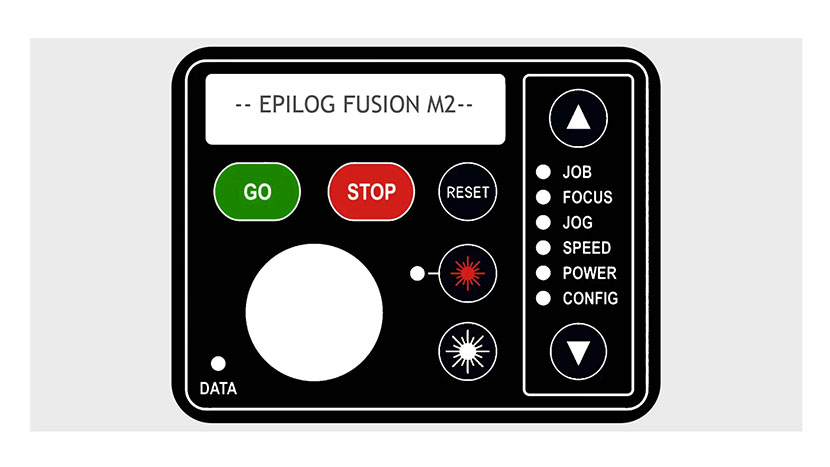
Control Panel Tour – Fusion M2 32/40
Learn all about your machine's keypad interface.
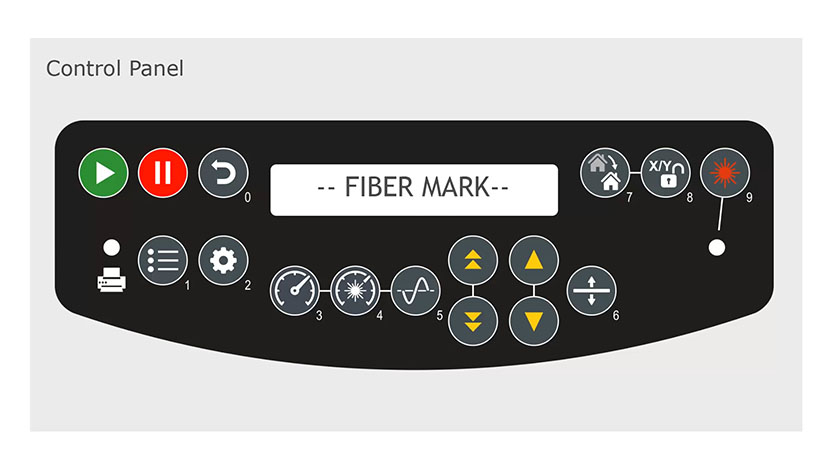
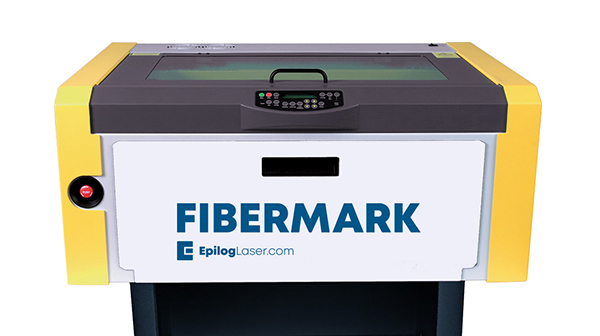
Control Panel Tour – FiberMark
Learn all about your machine's keypad interface
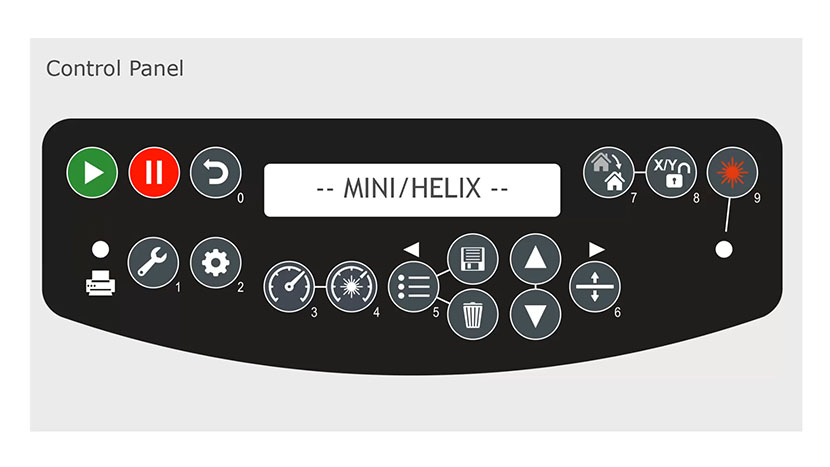
Control Panel Tour – Mini / Helix Lasers
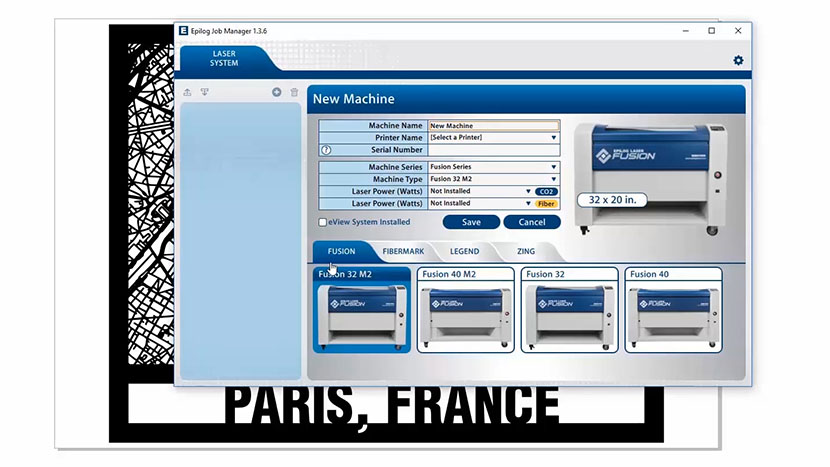
Learn all about your machine's keypad interface.
Job Manager Tour – Zing Lasers
Install and configure Job Manager to get the most out of your laser.
Job Manager Tour – Mini / Helix
Install and configure Job Manager to get the most out of your laser.
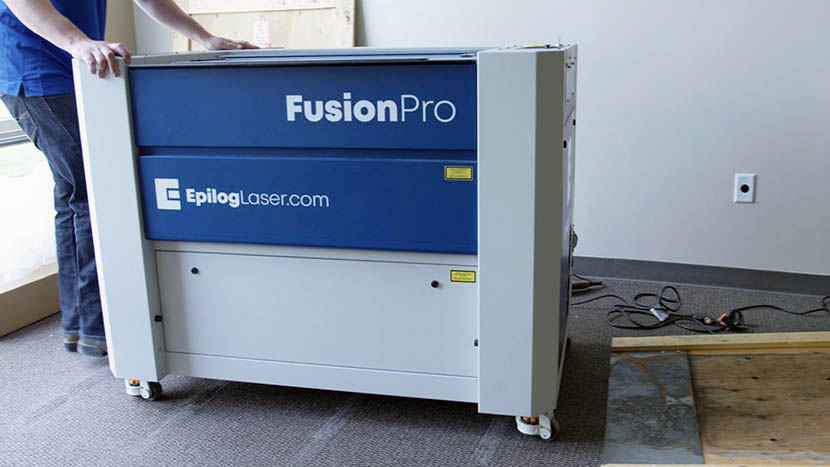
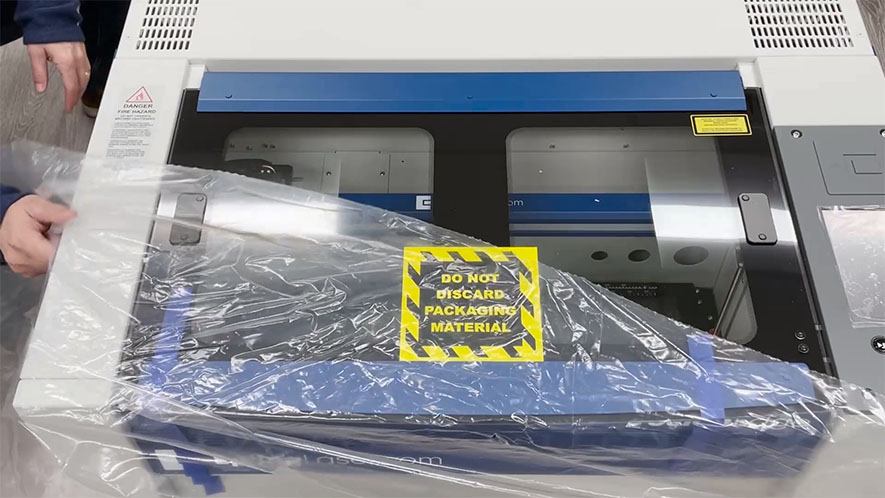
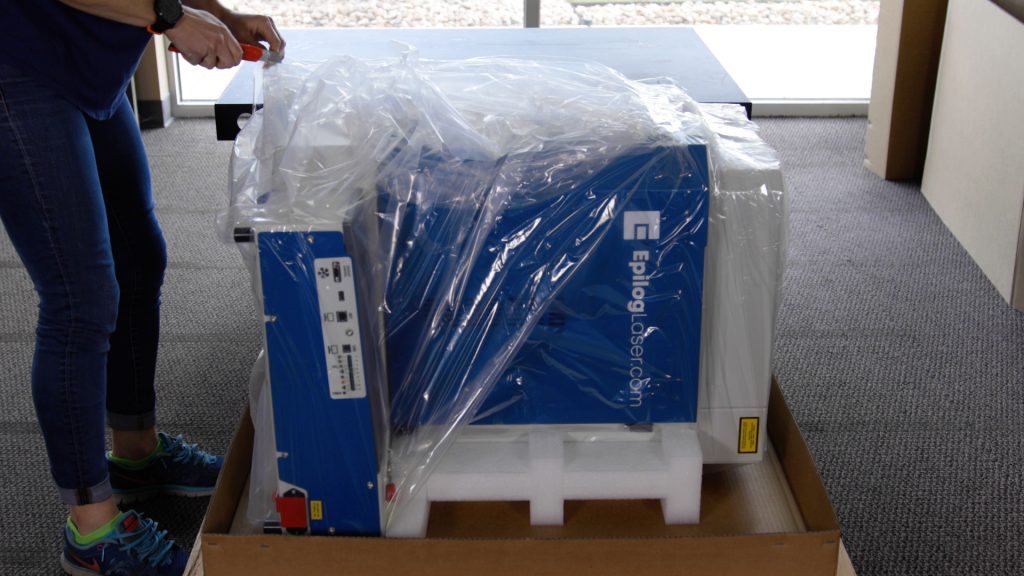
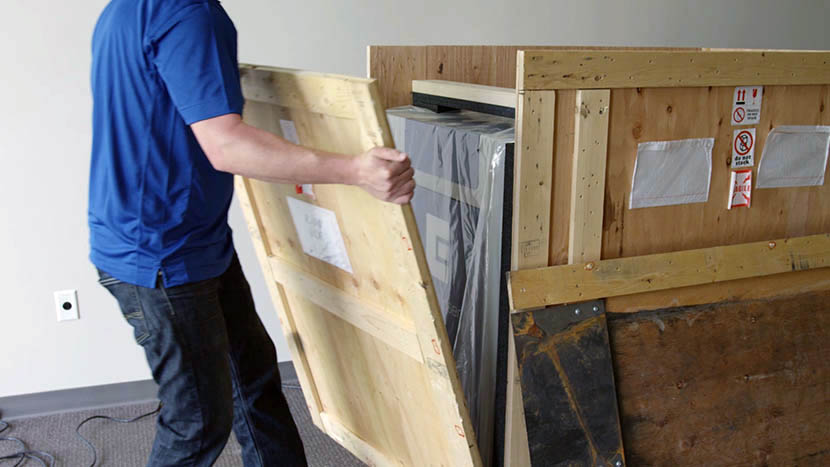
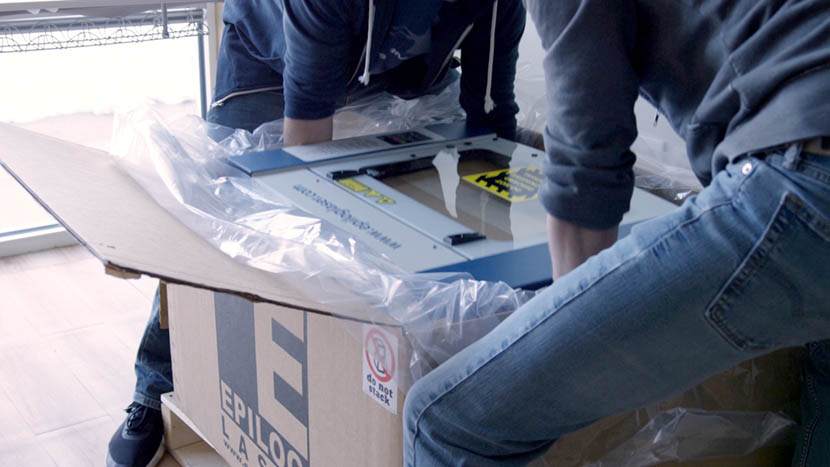
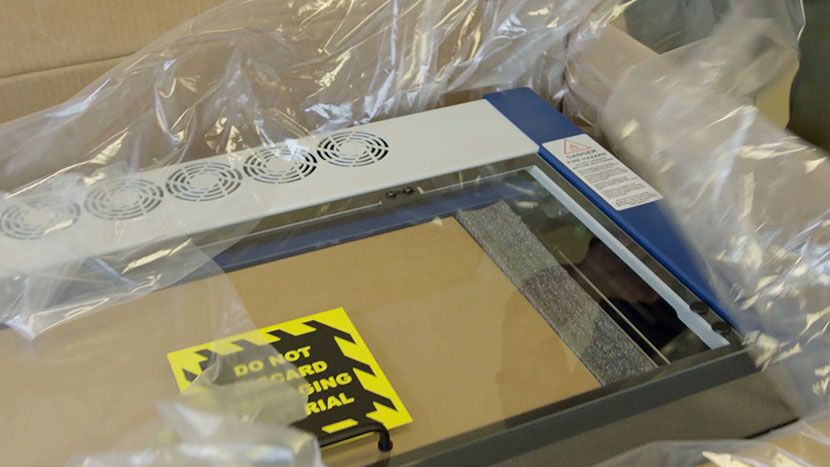
Unpacking the Laser
Unbox your new Fusion Pro and get started!
Welcome
Welcome to the Epilog Laser Training Suite!
Welcome
Welcome to the Epilog Laser Training Suite!
Welcome
Welcome to the Epilog Laser Training Suite!
Welcome
Welcome to the Epilog Laser Training Suite!
Welcome
Welcome to the Epilog Laser Training Suite!
Welcome
Welcome to the Epilog Laser Training Suite!
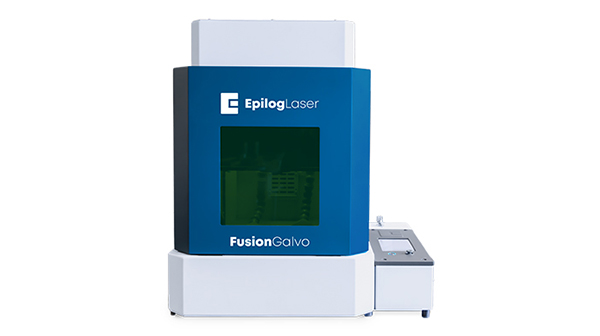
Unpacking the Laser
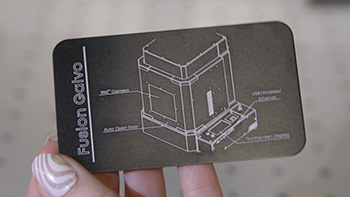
Unbox your new Fusion Galvo and get started!
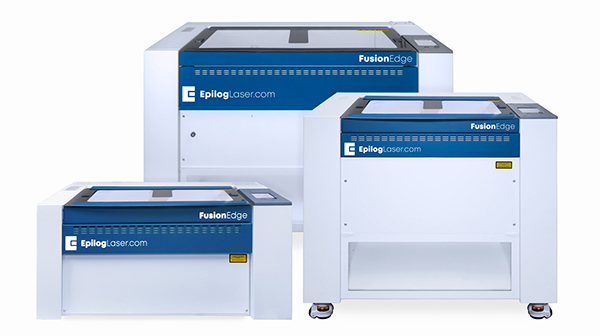
Unpacking the Laser
Unbox your new Fusion Edge and get started!
Unpacking the Laser
Unbox your new Fusion Maker and get started!
Setting up the Exhaust
Choose one of three options to remove fumes from your machine.
Unpacking the Laser
Unbox your new Fusion Pro and get started!
Unpacking the Laser
Unbox your New Zing and get started!
Unpacking the Laser
Unbox your New Mini/Helix and get started!
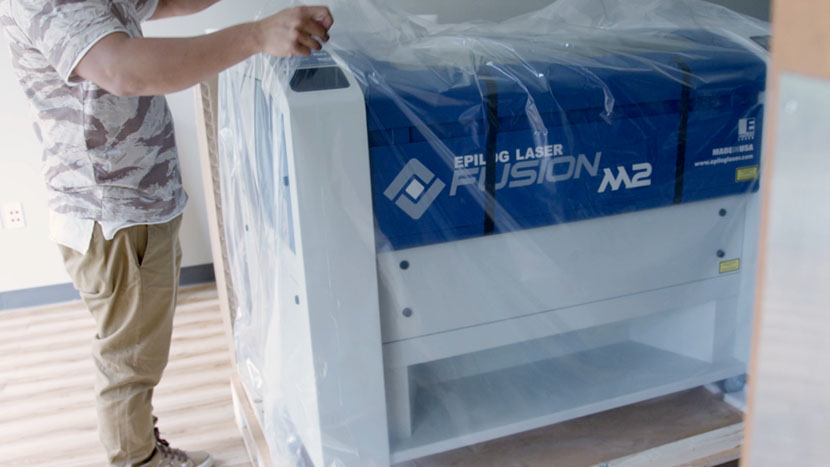
Unpacking the Laser
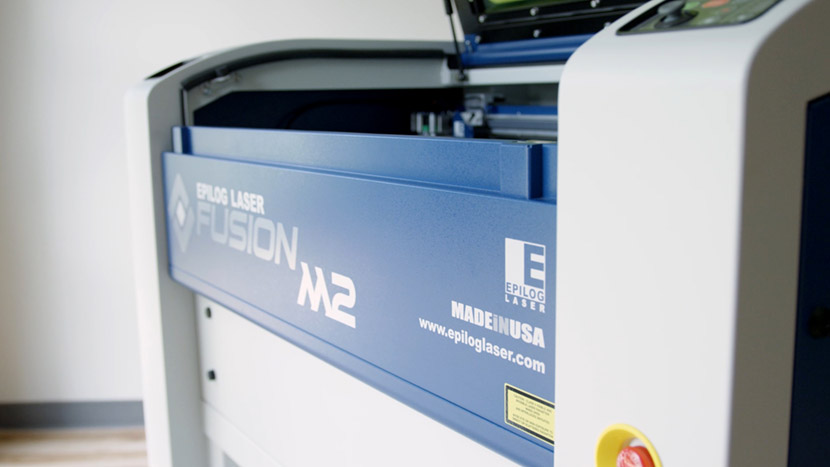
Unbox your New Fusion M2 and get started!
Removing the Pedestal
Temporarily remove the Fusion Pro's pedestal to fit your machine through standard-width doorways.
Setting up the Exhaust
Choose one of three options to remove fumes from your machine.
Fiber Laser Conversion – IPG to JPT
API Test
Welcome
Welcome to the Epilog Laser Training Suite!
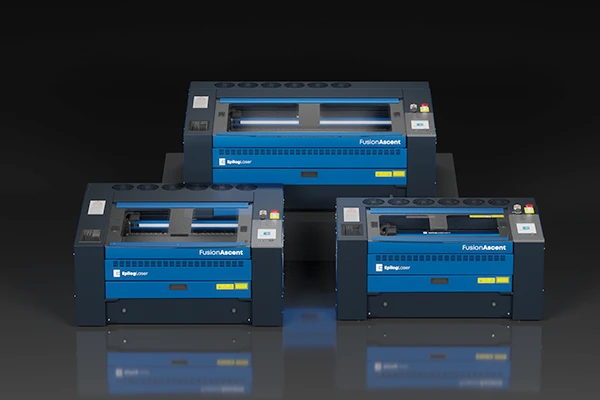
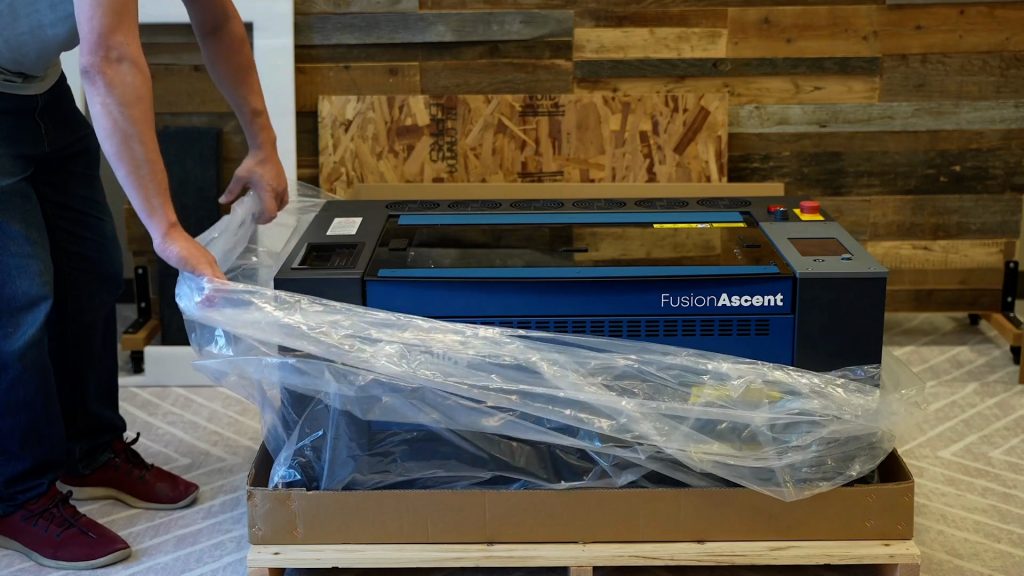
Unpacking the Laser
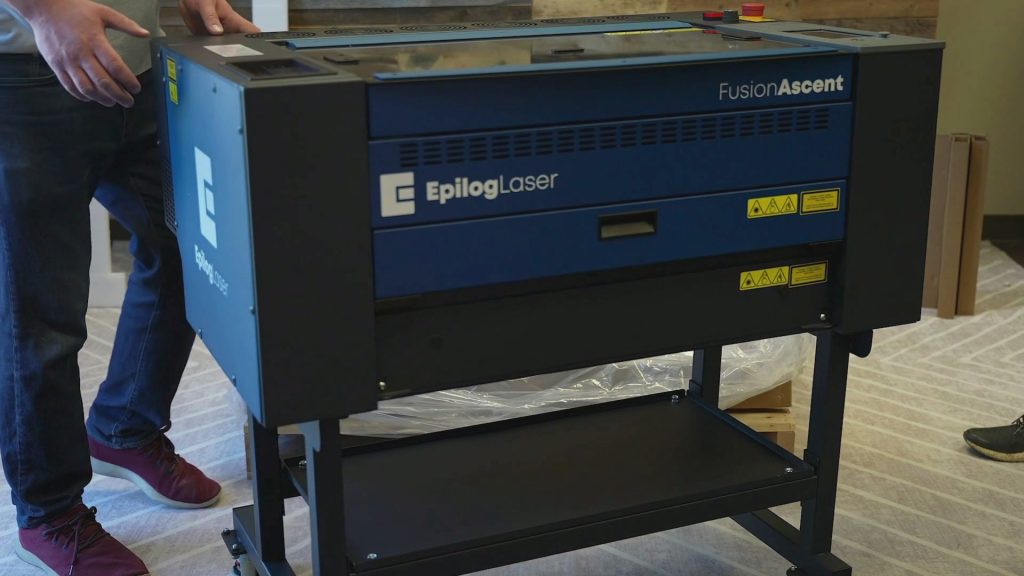
Unbox your new Fusion Ascent and get started!
Fusion Ascent Stand Assembly
Assemble the stand for your new Fusion Ascent
Initial Setup
Configure your system settings before you start using your new Epilog.
Sending Your First Job to the laser
How to Send Your First Job to the Laser.
Epilog Laser System Initial Setup
Configure your system settings before you start using your new Epilog.
Sending Your First Job to the Fusion Galvo G100 Laser
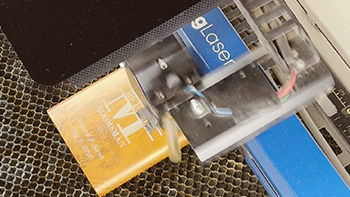
How to Send Your First Job to the Laser.
Sending Your First Job to the Laser
How to Send Your First Job to the Laser.
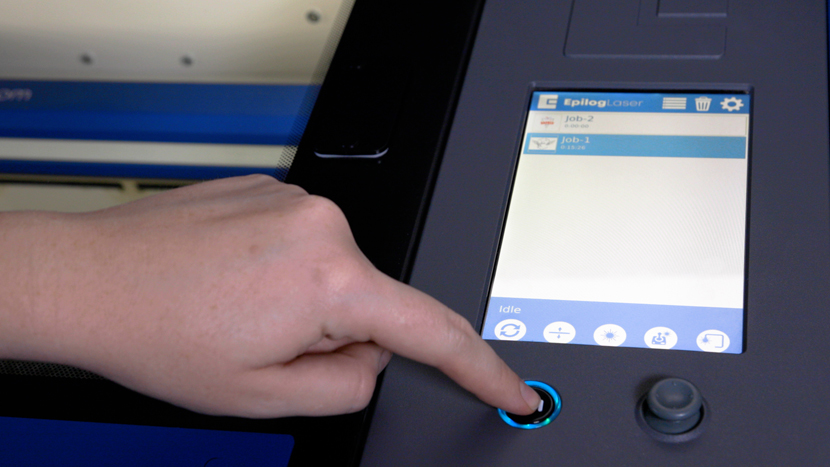
How to Permanently Save Jobs on Your Laser Engraver
Learn to save the jobs you use most often, directly on the laser itself.
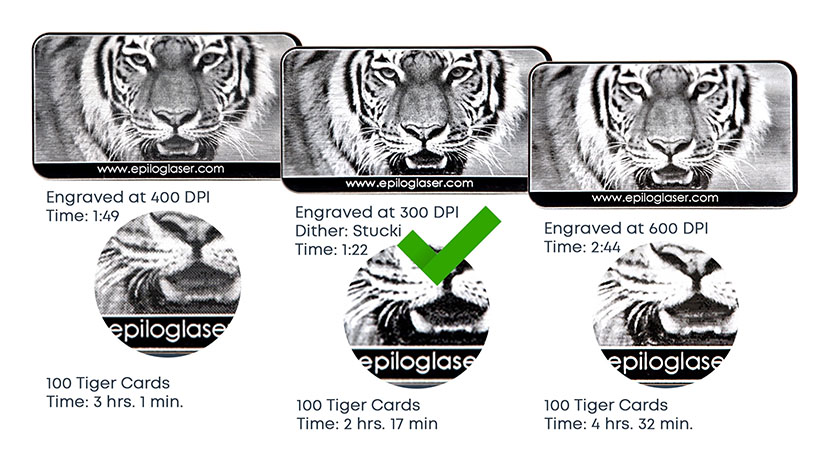
Image Resolution and How it Affects Engraving

Discover how changing your DPI will give you different engraving results.
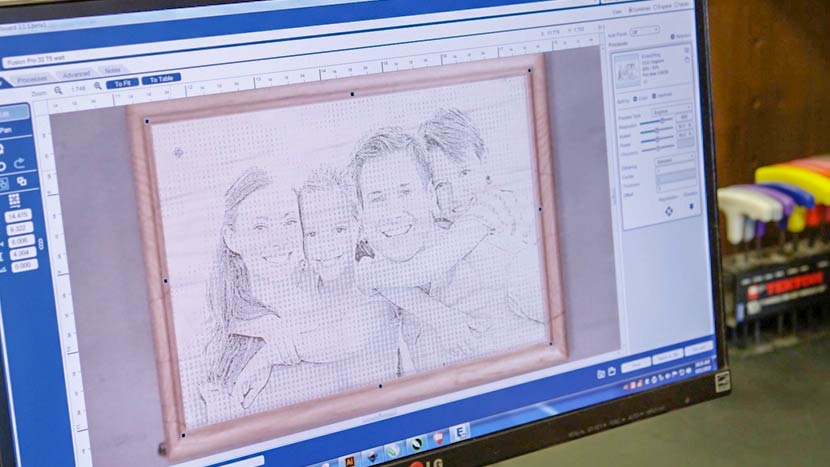
Bitmap (Raster) vs Vector Graphics for Engraving
Learn the difference between printing raster and vector files.
Control Panel Tour – Fusion Lasers (Pro, Edge, Maker, Galvo)
Learn all about your machine's touchscreen interface.
Usage and Operation
Now that you're up and running, it's time to take your training to the next level. Click next to advance to the Usage and Operation section.