Fusion Edge
Filters
Creating City Maps (CorelDRAW)
Learn how to source and prepare artwork for cutting and engraving city maps using CorelDRAW.
Creating City Maps (Illustrator)
Learn how to source and prepare artwork for cutting and engraving city maps using Adobe Illustrator.
Using PhotoLaser Plus
Learn how to quickly prepare photos for engraving using PhotoLaser Plus.
Use a Jig to Pre-Engrave an Item for Customization Later
Learn how to use a jig to save time on your most popular laser engraving projects.
Using Color Mapping in the Epilog Software Suite
Save time by setting up multiple passes with different settings.
Using Margins to Preview Your Engraving
Use this technique to quickly fine tune your engraving.
Center-Center vs Custom Center Engraving
Learn about preset positioning to center your artwork along with techniques to center offset graphics.
Using the Rim-Style Rotary Attachment
Here we’ll walk you through the steps of customizing a glass mug using the Rim-Drive Rotary Attachment.
Using the 3-Jaw Chuck Rotary Attachment
The 3-Jaw Chuck style Rotary Attachment is an extremely versatile tool for marking and engraving cylindrical objects.
How to Quickly Make an Engraving Fix
Using Epilog's IRIS camera to increase depth or improve engraving!
Use Print Merge to Customize Multiple Items
Learn to use the print merge feature in CorelDRAW to easily distinguish and engrave multiple items at once.
Precisely place artwork using the IRIS Camera
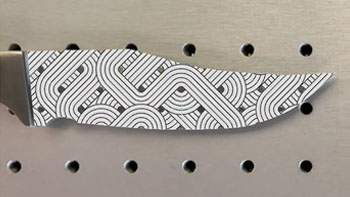
Learn to fit a graphic to a knife blade shape in minutes.
Creating a 3D Sphere Design for Laser Engraving
Create a spherical look using Adobe Illustrator’s 3D Revolve feature.
Removing Adhesive Backing from Acrylic
Quick tip on how to simply remove adhesive backing.
Updating the Peripherals
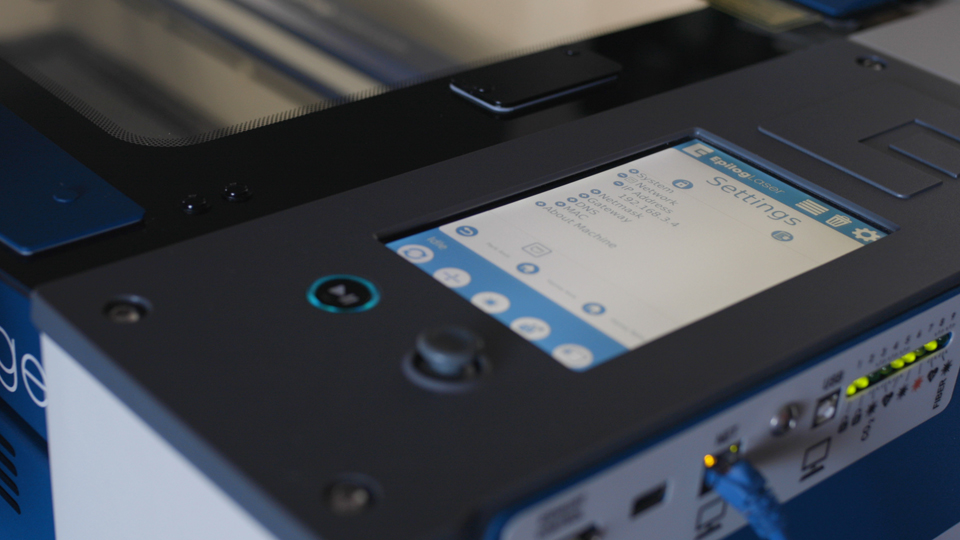
How do I update the peripherals in the Fusion Maker, Edge, Pro, and Galvo?
How to Set Up Graphics Software for Epilog Laser Systems
This guide provides step-by-step instructions for configuring and using popular graphic design software with Epilog Laser systems.