Filters
Filters
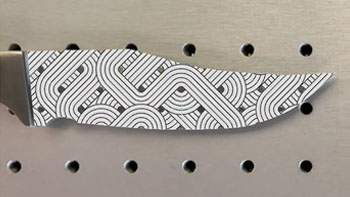
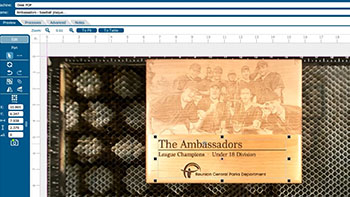
Precisely place artwork using the IRIS Camera
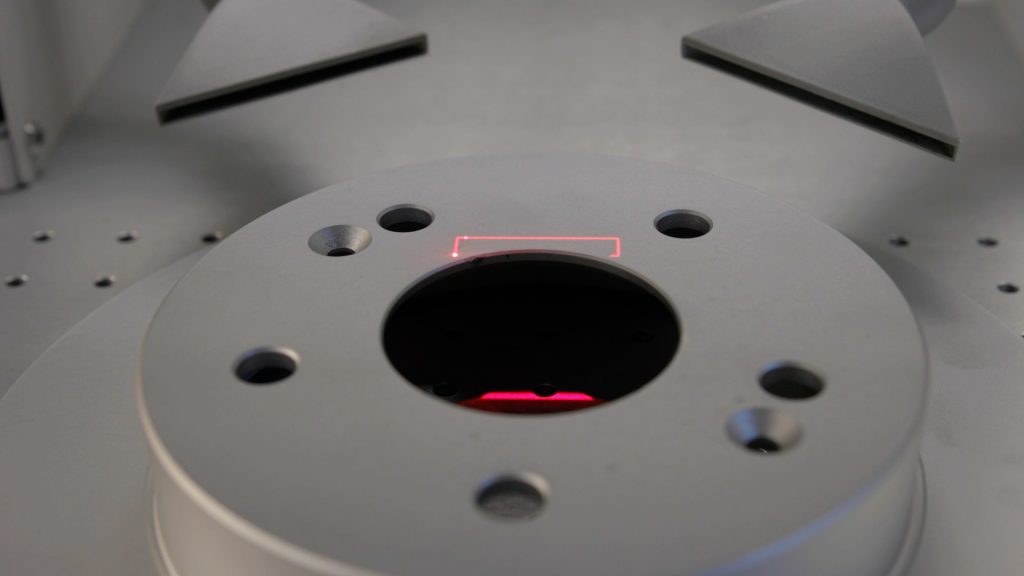
Learn to fit a graphic to a knife blade shape in minutes.
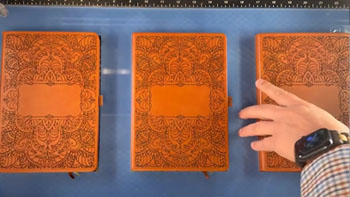
Use a Jig to Pre-Engrave an Item for Customization Later
Learn how to use a jig to save time on your most popular laser engraving projects.
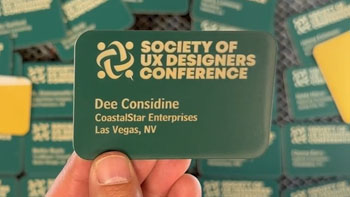
Use Print Merge to Customize Multiple Items
Learn to use the print merge feature in CorelDRAW to easily distinguish and engrave multiple items at once.
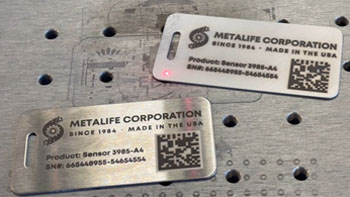
Creating a Readable Barcode on Stainless Steel
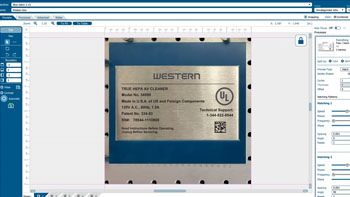
Two ways to etch a stainless steel tag with a readable barcode.
Using Margins to Preview Your Engraving
Use this technique to quickly fine tune your engraving.
Job Generator
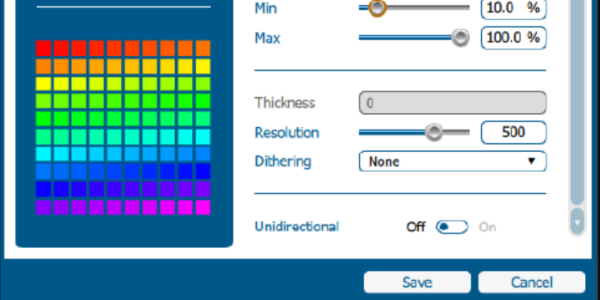
How do I use the "Generate" feature in the Epilog Software Suite?
Using Bartender Variable Data
Learn to create and mark variable data using Bartender.
Creating Custom Shaped Artwork
Learn how to create custom-shaped artwork using the Epilog Laser Dashboard.
How to Quickly Make an Engraving Fix
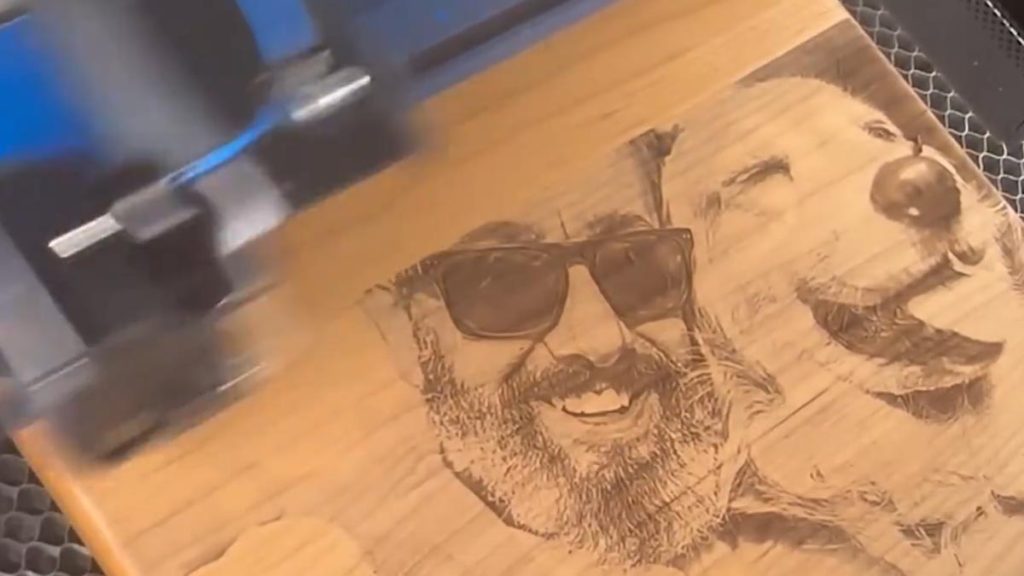
Using Epilog's IRIS camera to increase depth or improve engraving!
Center-Center vs Custom Center Engraving
Learn about preset positioning to center your artwork along with techniques to center offset graphics.
Printing to your Laser from AutoCAD
How do I print to my laser using AutoCAD?