Filters
Filters
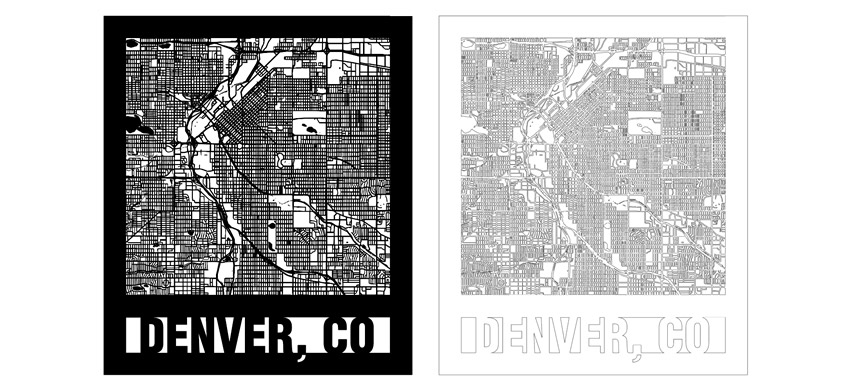
Creating City Maps (CorelDRAW)
Learn how to source and prepare artwork for cutting and engraving city maps using CorelDRAW.
Maximum Rotary Attachment Diameters
What is the maximum diameter/length that will fit on the Rotary Attachment?
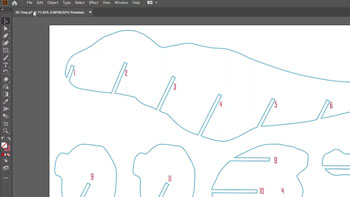
Creating City Maps (Illustrator)
Learn how to source and prepare artwork for cutting and engraving city maps using Adobe Illustrator.
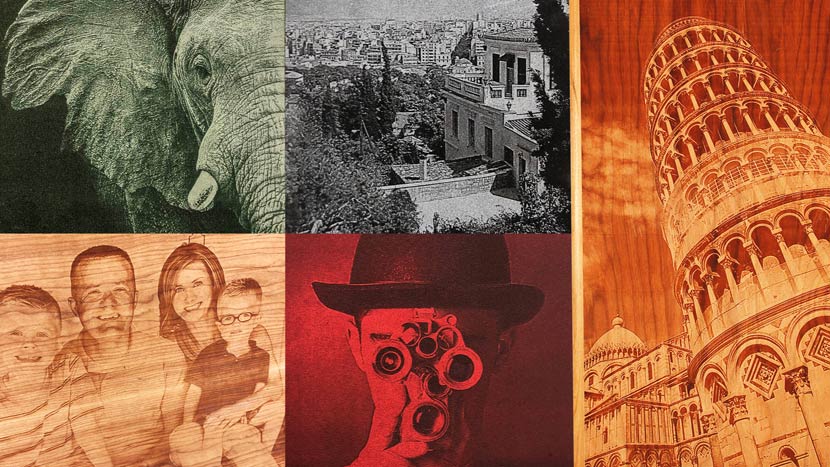
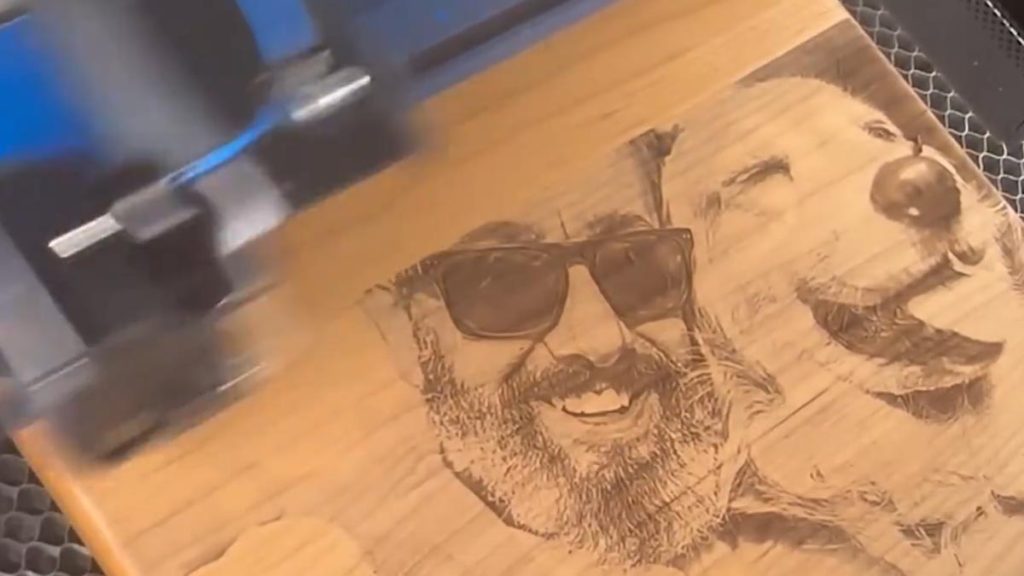
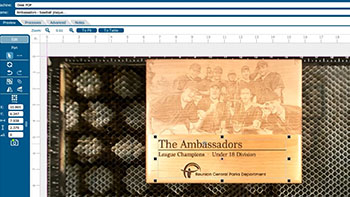
Using PhotoLaser Plus
Learn how to quickly prepare photos for engraving using PhotoLaser Plus.
Using Color Mapping in the Epilog Software Suite
Save time by setting up multiple passes with different settings.
Using Margins to Preview Your Engraving
Use this technique to quickly fine tune your engraving.
Center-Center vs Custom Center Engraving
Learn about preset positioning to center your artwork along with techniques to center offset graphics.
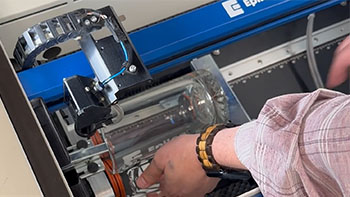
Using the Rim-Style Rotary Attachment
Here we’ll walk you through the steps of customizing a glass mug using the Rim-Drive Rotary Attachment.
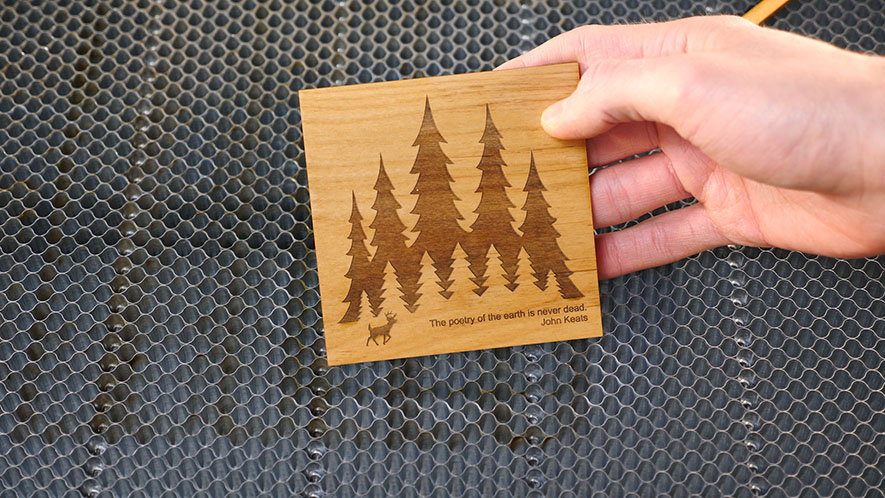
How to Quickly Make an Engraving Fix
Using Epilog's IRIS camera to increase depth or improve engraving!
Use Print Merge to Customize Multiple Items
Learn to use the print merge feature in CorelDRAW to easily distinguish and engrave multiple items at once.
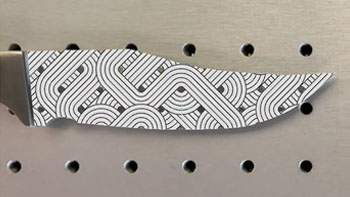
Precisely place artwork using the IRIS Camera
Learn to fit a graphic to a knife blade shape in minutes.