Filters
Filters
Center-Center vs Custom Center Engraving
Learn about preset positioning to center your artwork along with techniques to center offset graphics.
Using Margins to Preview Your Engraving
Use this technique to quickly fine tune your engraving.
Using Color Mapping in the Epilog Software Suite
Save time by setting up multiple passes with different settings.
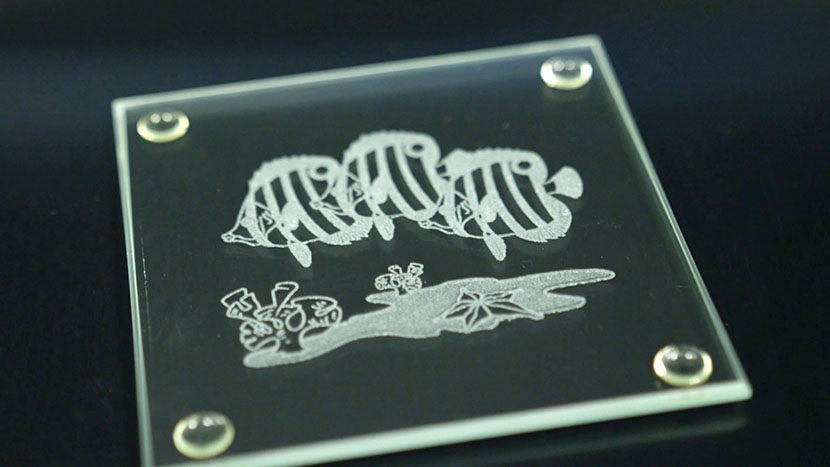
Glass Coaster
Become familiar with the basics of etching glass.
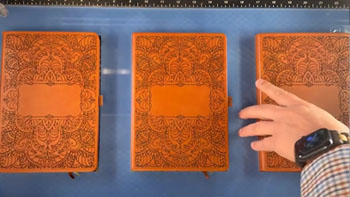
Use a Jig to Pre-Engrave an Item for Customization Later
Learn how to use a jig to save time on your most popular laser engraving projects.
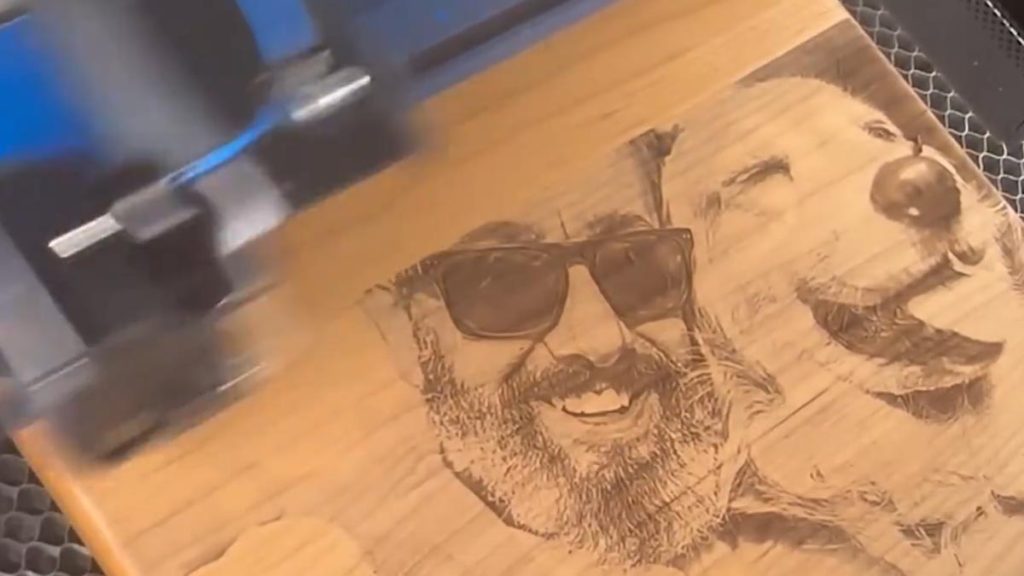
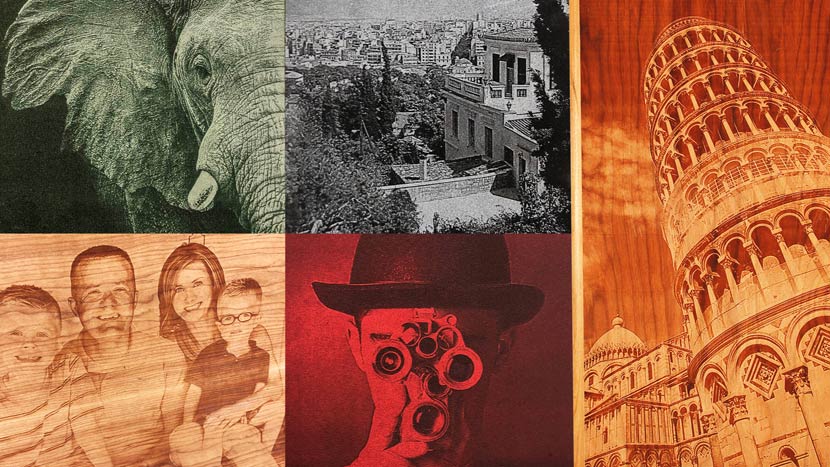
Using PhotoLaser Plus
Learn how to quickly prepare photos for engraving using PhotoLaser Plus.
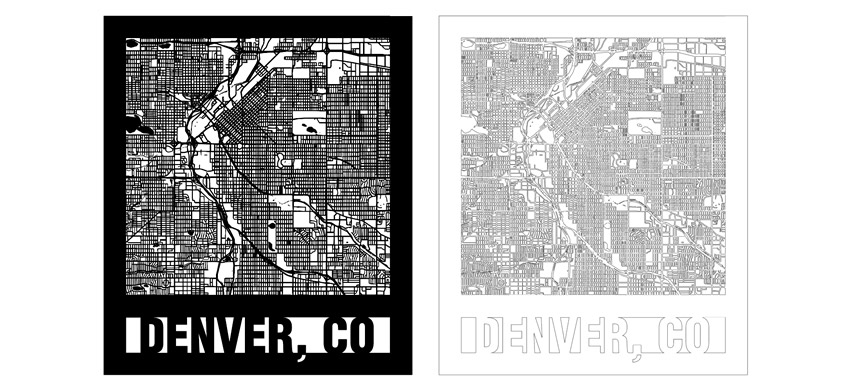
Creating City Maps (CorelDRAW)
Learn how to source and prepare artwork for cutting and engraving city maps using CorelDRAW.
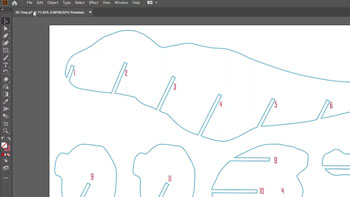
Creating City Maps (Illustrator)
Learn how to source and prepare artwork for cutting and engraving city maps using Adobe Illustrator.
Printing to your Laser from AutoCAD
How do I print to my laser using AutoCAD?
Photo Laser Engraving on Wood – CorelDRAW X5 – 2018
How do I prepare a photo for laser engraving on wood using CorelDRAW?
Expanding Thin Shapes for Laser Cutting
How do I thicken a line or shape to make it stronger when laser cut?