メインコンテンツへスキップ

使用方法と操作

シリーズ:18000

フィルター


はじめに (7)
使用方法および操作 (92)
サービスおよび修理 (25)
Manual (4)

Results: 92 items found
  • 表示:
順序で
関連性

フィルター


はじめに (7)
使用方法および操作 (92)
サービスおよび修理 (25)
Manual (4)

アクリルとガラスへのレーザー照射による3D効果の創出

ガラスやアクリルに3D効果を創出するために、レーザーをどのように使用すればよいですか?

1) This 3D effect will work for any block style font and many other types of shapes, but for this exercise we are going to apply the effect to the letter “E”. Start with a capital letter “E” to the specifications below. Font: Arial Black Size: 310 pt Convert to (...)
レーザーによる火災リスクの低減

レーザーが火災の危険から安全であることを確認するにはどうすればよいですか?

This article will guide you through recommendations to reduce fire hazard with your laser. Your laser system uses a high intensity beam of light that can generate extremely high temperatures when it comes into contact with the material being engraved, marked or cut. Some materials are extremely flammable and can (...)
周辺機器の更新

Fusion Maker、Edge、Pro、Galvoの周辺機器を更新するにはどうすればよいですか?

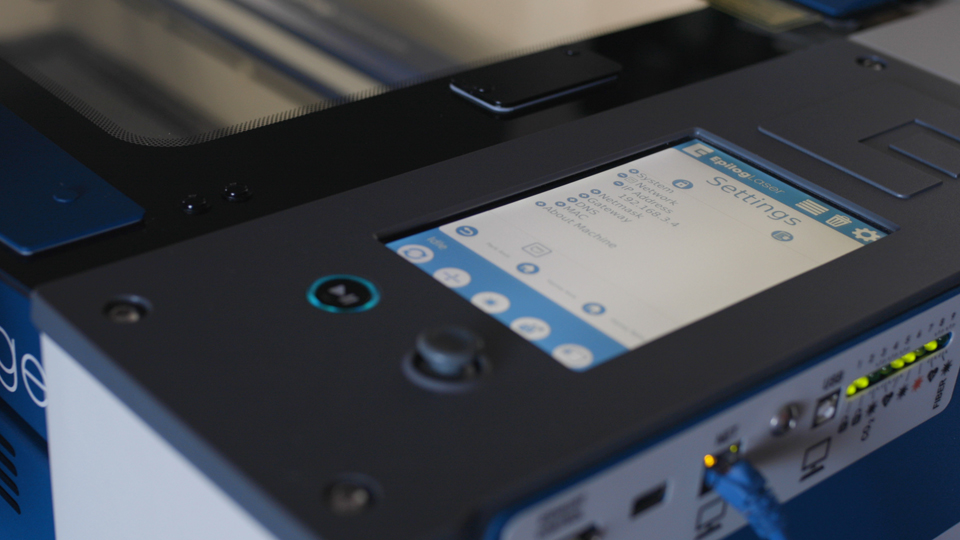
Peripheral updates ensure optimal performance and communication between the engraver’s programmable components by installing the latest firmware and configuration files. Programming the Peripherals On the display panel, tap the gear icon in the upper-right corner to open the Settings menu: Figure 1: Access the Settings menu by tapping the gear (...)