メインコンテンツへスキップ

サービスと修理

シリーズ:17000

フィルター


はじめに (8)
Usage and Operation (100)
Service and Repair (56)
マニュアル (0)

Results: 56 items found
  • 表示:
順序で
関連性

フィルター


はじめに (8)
Usage and Operation (100)
Service and Repair (56)
マニュアル (0)

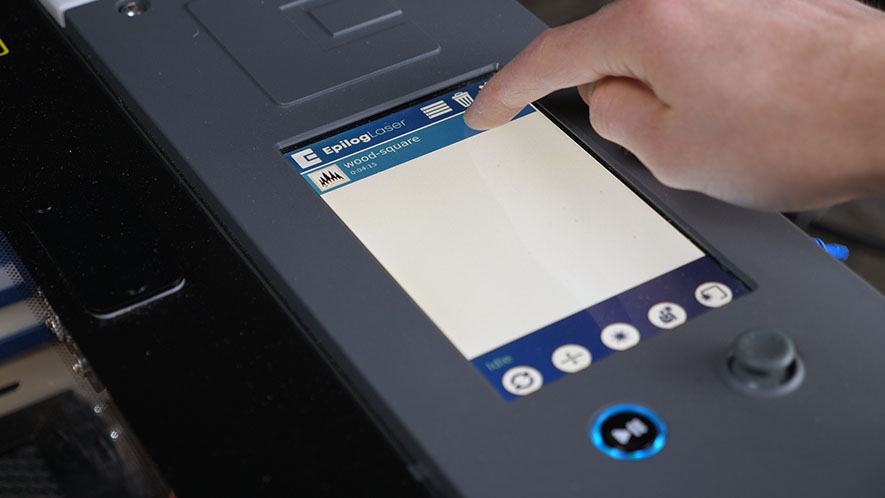
タッチパッドキャリブレーション – Fusion Maker、Edge、およびPro 24および36
プロ24、プロ36

Fusion Maker、Edge、およびPro 24と36のタッチパッドをどのようにキャリブレーションしますか?

Estimated time: 5 minutes • Skill: Basic Touchscreen calibration ensures accurate touch response when selecting options and settings on the display. This procedure is rarely required and should only be performed if the touchscreen is registering incorrect inputs or responding inconsistently. Touchscreen Calibration Procedure Open the Settings menu. At the (...)
ファイバーアライメント – Fusion Pro 32 & 48
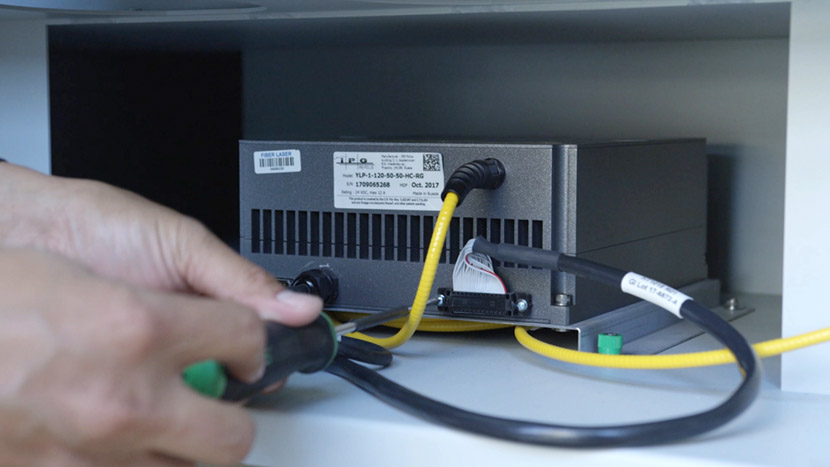
プロ32、プロ48

Fusion Pro FiberまたはDual sourceマシンでレーザーを調整するにはどうすればよいですか。

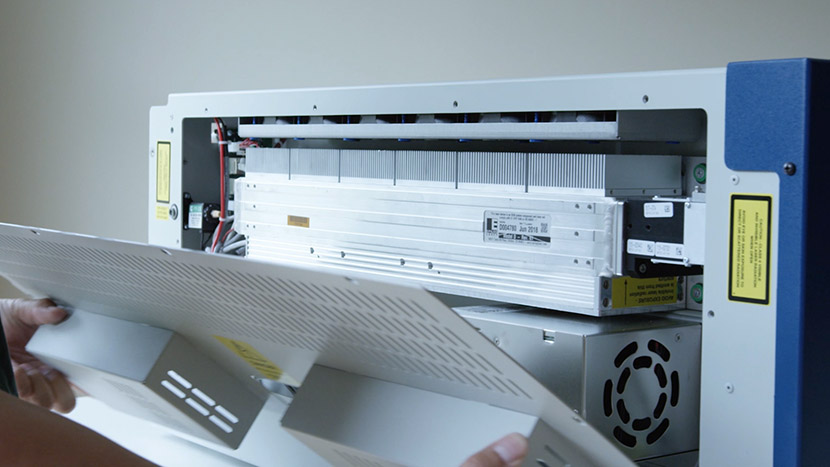
This guide provides step-by-step instructions for performing precise laser alignment on the Fusion Pro CO2 and Fiber laser systems. Proper alignment ensures optimal engraving performance and reduces the risk of hardware damage. Whether you’re troubleshooting a drop in laser power or aligning after maintenance, this document will walk you through (...)
レーザーアライメント – Maker / Edge / Pro
プロ24、プロ36

光学システムのミラーを調整し、レーザーが正確に発射されるようにしてください。

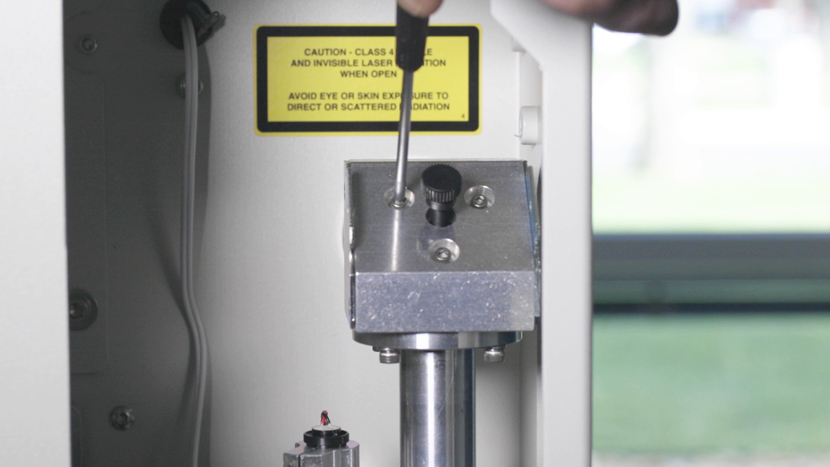
Turn On To begin the laser alignment procedure, power on the laser. For the following procedures, the table will be broken into four (4) positions. Each position is identified by its relative distance to the laser source and corresponds with the mirror to adjust for that position. Three of the (...)
ビジョンシステム修理:天井カメラの交換
プロ24、プロ36

Fusion Maker、Edge、およびPro 24/36のオーバーヘッドカメラを交換するにはどうすればよいですか?

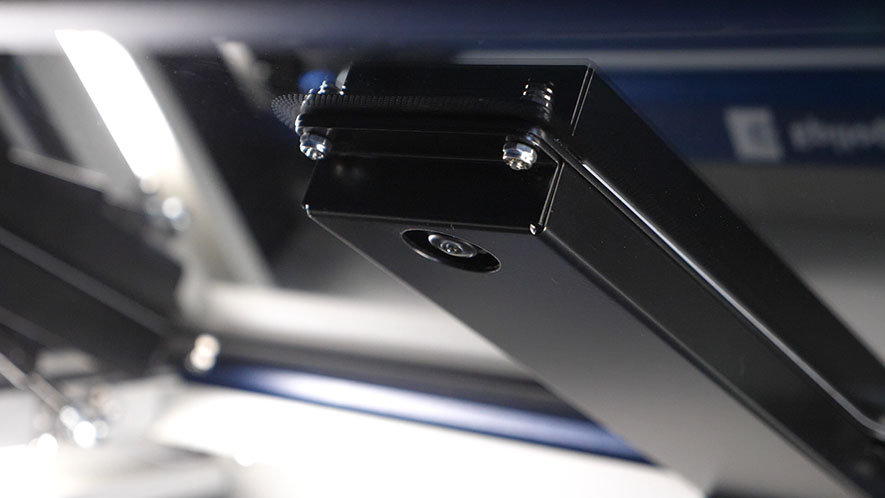
Estimated time: 20–30 minutes • Skill: Intermediate This procedure guides you through removing and replacing the Overhead Camera on Fusion Edge and Fusion Pro engravers. Following these steps ensures the camera assembly is installed correctly, and the system is updated and calibrated for accurate camera-based alignment and job preview functionality. (...)