メインコンテンツへスキップ

使用方法と操作

シリーズ: 16000-17000

フィルター


Getting Started (12)
Usage and Operation (105)
Service and Repair (117)
マニュアル (0)

Results: 105 items found
  • 表示:
順序で
関連性

フィルター


Getting Started (12)
Usage and Operation (105)
Service and Repair (117)
マニュアル (0)

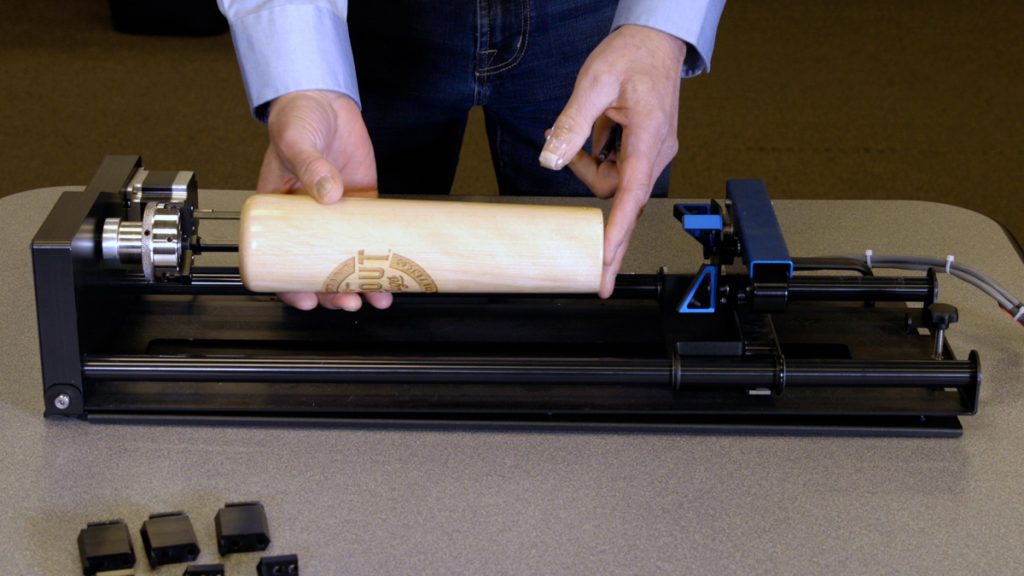
3爪チャック回転アタッチメントの使用

3爪チャック式ロータリーアタッチメントは、円筒状物体のマーキングや彫刻に極めて汎用性の高い工具です。

Installing the 3-Jaw Chuck   Before we get started, we will need to lower the laser table far enough to accommodate the 3-Jaw Chuck Rotary Attachment Once the table is low enough, power off the machine. Measure & record the diameter of the cylinder you plan on engraving; you will (...)
プリントマージを使用して複数のアイテムをカスタマイズする

CorelDRAW 印刷マージ機能を使用して、複数のアイテムを簡単に識別CorelDRAW 、一度に彫刻CorelDRAW 学びましょう。

Import Data Here we have a series of name badges to engrave and cut on the laser using print merge. First we’ll need to pull in the list of names.   Select File > Print Merge > Create/Load Print Merge Click Import File and navigate to your .csv, .rtf, or (...)
登録マークを使用した印刷済みアクリル製キーホルダーの切断

IRIS™カメラを使用して、精密な切断のための印刷された位置合わせマークを見つけます。

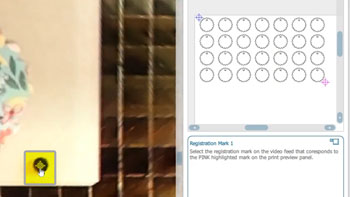
Setup Files   Here we have a sheet of keychains to cut out of an acrylic sheet we had preprinted with the flower design. In CorelDRAW, you can also see the file we printed, along with the four registration marks printed at the corners of the design. First, we’ll turn (...)
周辺機器の更新

Fusion Maker、Edge、Pro、Galvoの周辺機器を更新するにはどうすればよいですか?

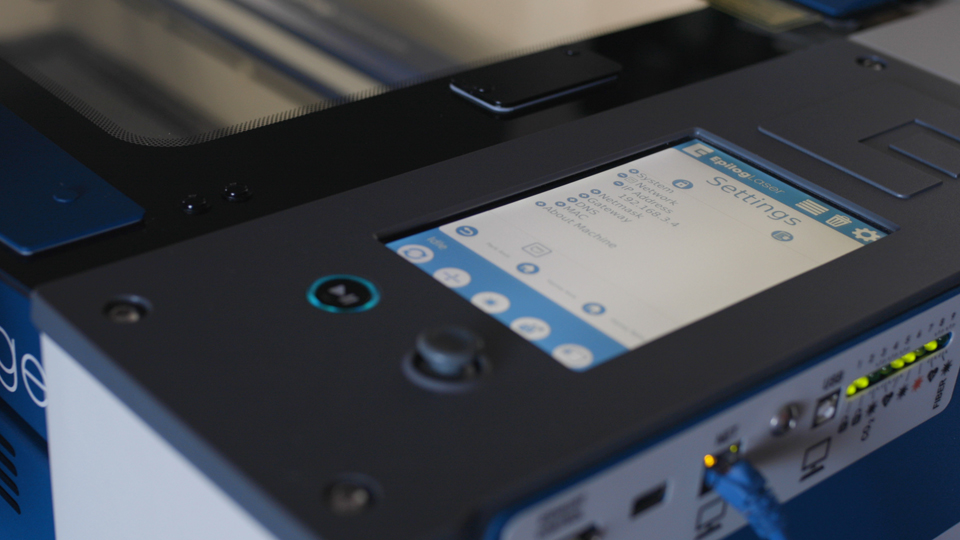
Peripheral updates ensure optimal performance and communication between the engraver’s programmable components by installing the latest firmware and configuration files. Programming the Peripherals On the display panel, tap the gear icon in the upper-right corner to open the Settings menu: Figure 1: Access the Settings menu by tapping the gear (...)
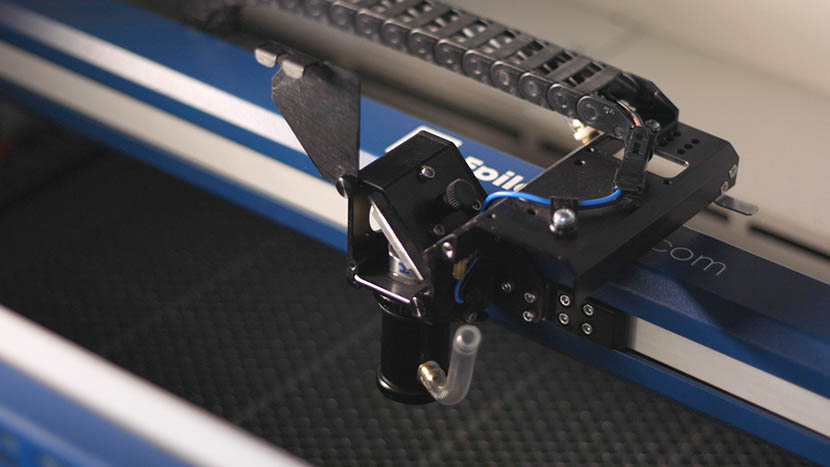
キャリッジ光学系の取り外しと取り付け

レーザーのキャリッジ光学系を取り外し、取り付けするにはどうすればよいですか?

Proper removal and installation of the carriage optics in the Fusion 17000 laser system are essential for maintaining optimal performance and precision. This guide provides step-by-step instructions for safely removing and reinstalling key components, including the mirror, lens tube, and air assist tubing. Following these procedures ensures that the optics (...)
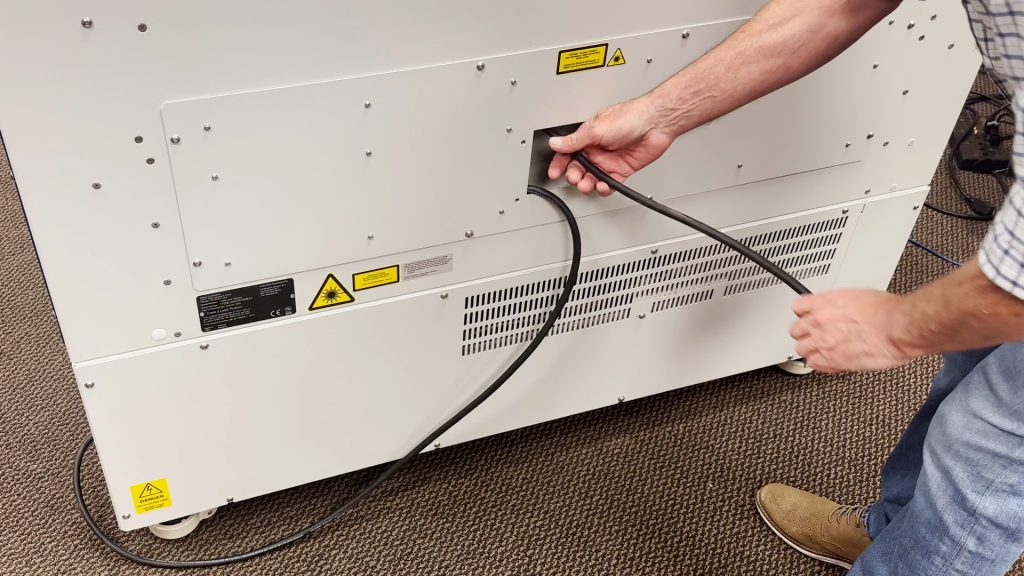
220VAC電源接続:コア端タイプと写真

220VACで動作させるには、どのような電源コードが必要ですか?

Epilog’s laser systems are equipped with auto-switching power supplies that accommodate input voltages ranging from 110 to 240 volts at 50–60Hz. We recommend using a dedicated 15A circuit breaker regardless of the operating voltage to ensure stable and reliable performance. For Systems Operating on 220V in the United States The (...)
fiber laserで実現可能な様々な加工痕

fiber laserを使用して金属に異なるマークの種類を付けるにはどうすればよいですか?

There are many different applications or finished “looks” fiber laser systems were designed to achieve. All of these looks are created using various speed, power, frequency and focus settings on the fiber laser system. Having an open-architecture system allows manufacturers to more quickly create exactly the mark they need because (...)