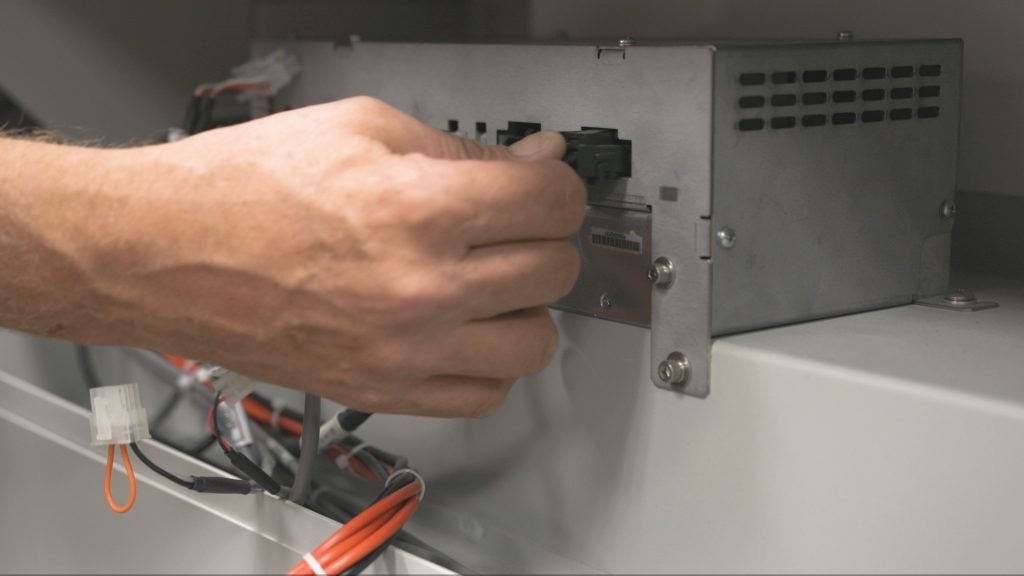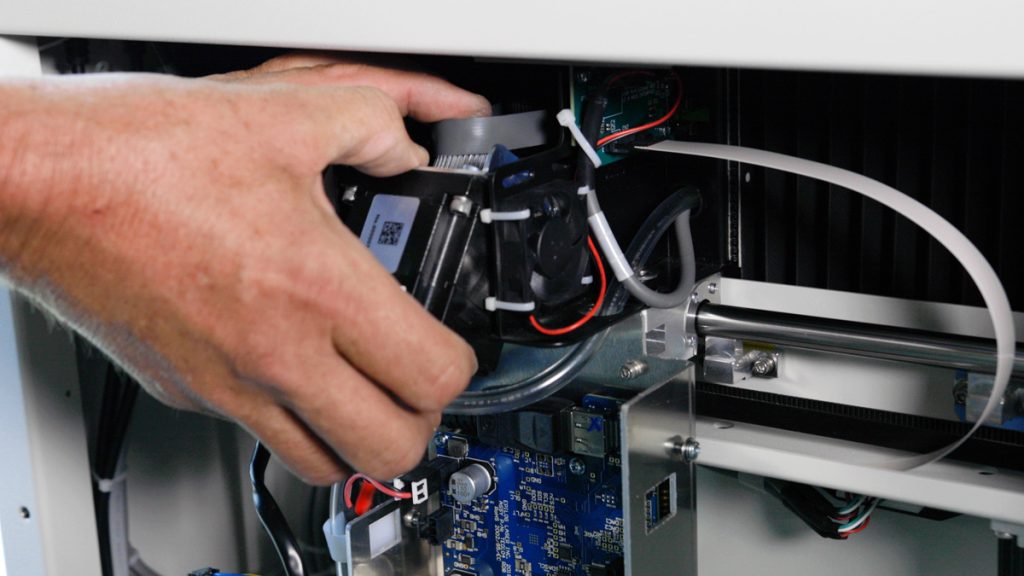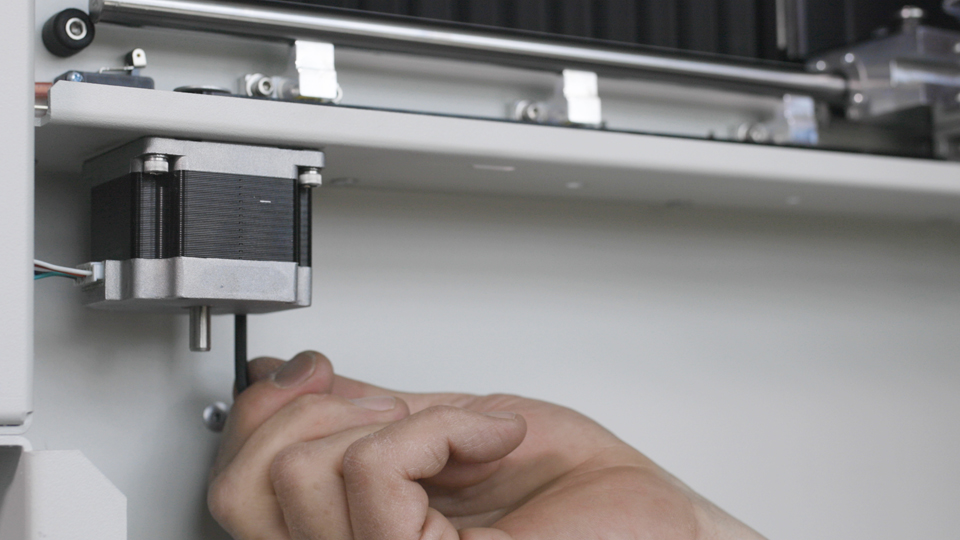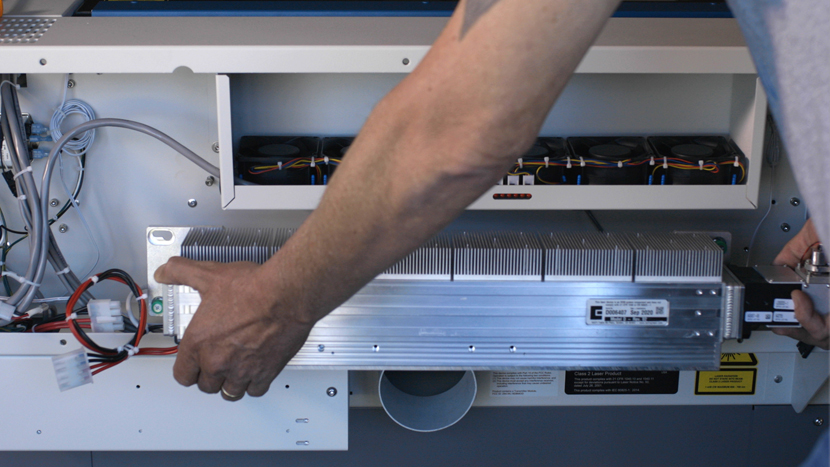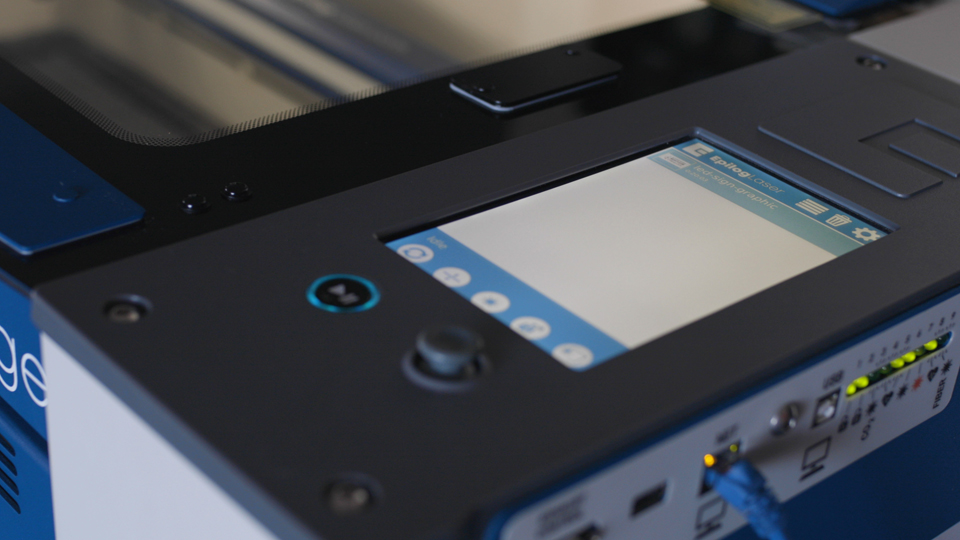
Focus Calibration Wizard Step-by-step guide to using the Focus Calibration Wizard, available in firmware version 1.1.2.1 and later. Estimated Time: 5–10 Minutes | Skill Level: Basic The Focus Calibration Wizard allows the laser system to automatically...
Autofocus Calibration Wizard Estimated Time: 2–5 Minutes | Skill Level: Basic The Autofocus Calibration Wizard allows the laser system to automatically...
Flashing SD Cards Learn how to flash an SD card for Epilog Laser systems using Balena Etcher. This guide outlines the steps for flashing an SD card for your laser system. A technician must provide the required...
Cleaning and Greasing the Linear Guide (IKO) This guide provides detailed instructions for cleaning and greasing the linear guide rail on your Epilog Laser system. Over time,...
LC1000 – Control Module Port and LED Overview The control module on Epilog laser systems provides connection points and LED indicators that offer system status and control feedback....
How to Install the Strain Relief Kit How do I install the strain relief kit on my epilog laser? Estimated time: 10–15 minutes • Skill: Basic This guide explains how to install the strain relief kit on the lens...
Pro 24, Pro 36 How to Replace the Overhead Camera Cables Learn how to replace the overhead camera cables on Epilog Fusion Edge, Maker, and Pro 24/36 laser systems with this step-by-step video guide. Was this helpful? Yes No Submit Cancel Thanks for your feedback!...
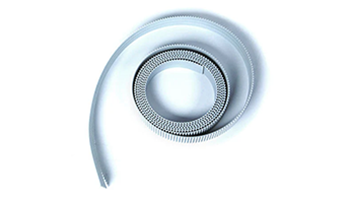
Adjusting the X-Axis Belt Tracking Estimated time: 30-45 minutes • Skill: Advanced This procedure outlines the proper method for adjusting belt tracking on the belt...
LC1000-TS Diagnostic Wizard The LC1000-TS main control board is the central processing unit for Epilog Fusion Edge, Maker, and Pro 24 / 36...
Laser System Preventative Maintenance Updated March 2026 | Frequency may vary based on material usage and throughput. To ensure peak performance and extend the...