Service and Repair

Series: 17000

Filters


Getting Started (8)
Usage and Operation (100)
Service and Repair (56)
Manual (0)

Results: 56 items found
  • View:
Order by
Relevance

Filters


Getting Started (8)
Usage and Operation (100)
Service and Repair (56)
Manual (0)

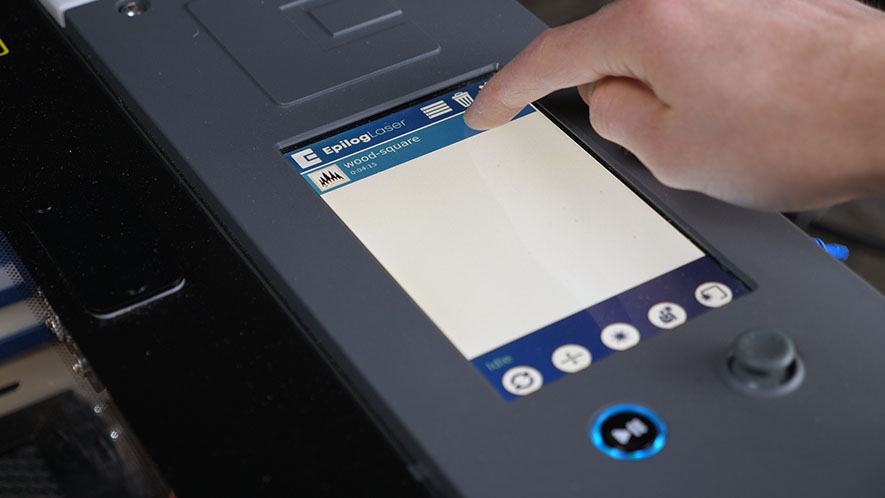
Touchpad Calibration – Fusion Maker, Edge, and Pro 24 and 36
Pro 24, Pro 36

How do I calibrate the touchpad on the Fusion Maker, Edge, and Pro 24 and 36?

Estimated time: 5 minutes • Skill: Basic Touchscreen calibration ensures accurate touch response when selecting options and settings on the display. This procedure is rarely required and should only be performed if the touchscreen is registering incorrect inputs or responding inconsistently. Touchscreen Calibration Procedure Open the Settings menu. At the (...)
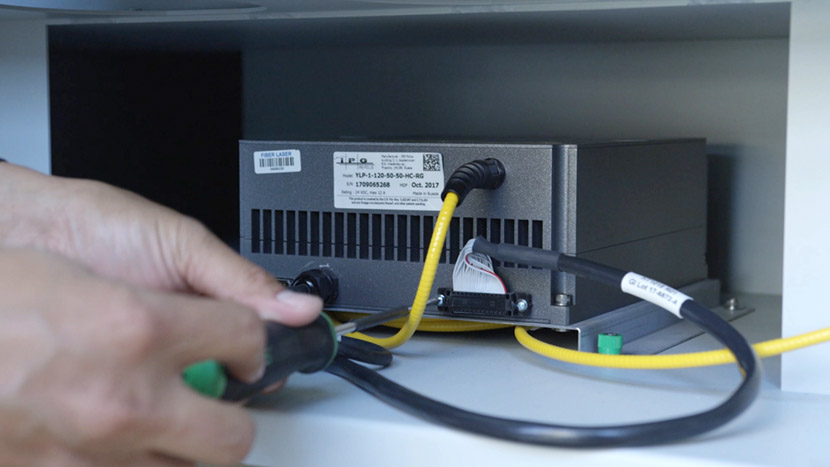
Fiber Alignment –  Fusion Pro 32 & 48
Pro 32, Pro 48

How do I align the laser in my Fusion Pro Fiber or Dual source machine.

This guide provides step-by-step instructions for performing precise laser alignment on the Fusion Pro CO2 and Fiber laser systems. Proper alignment ensures optimal engraving performance and reduces the risk of hardware damage. Whether you’re troubleshooting a drop in laser power or aligning after maintenance, this document will walk you through (...)
Vision System Repair: Replacing the Overhead Camera
Pro 24, Pro 36

How do I replace the overhead camera in the Fusion Maker, Edge, and Pro 24 / 36?

Estimated time: 20–30 minutes • Skill: Intermediate This procedure guides you through removing and replacing the Overhead Camera on Fusion Edge and Fusion Pro engravers. Following these steps ensures the camera assembly is installed correctly, and the system is updated and calibrated for accurate camera-based alignment and job preview functionality. (...)