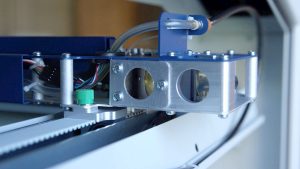
X-Axis Tensioning Belt

Adjust the belt that helps control your laser head's movement.

Introduction

In this lesson we’ll walk through adjusting the tension of the Epilog Fusion M2’s x-axis belt.

Remove Panel

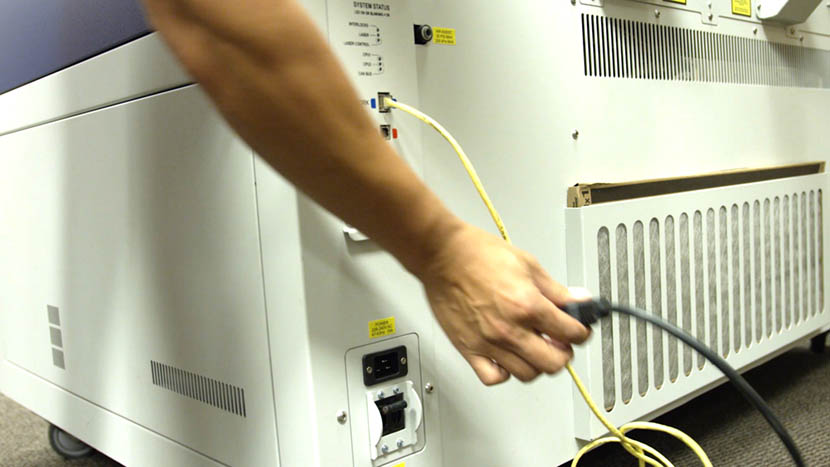
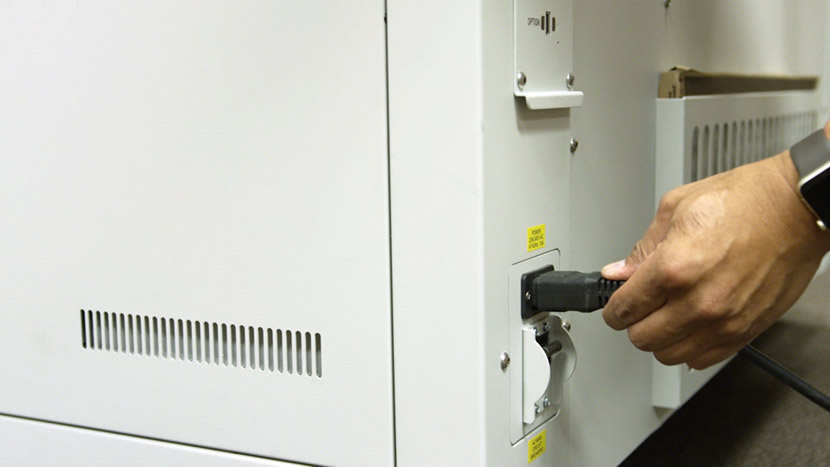
Shut off the laser and remove the power cord from the machine.
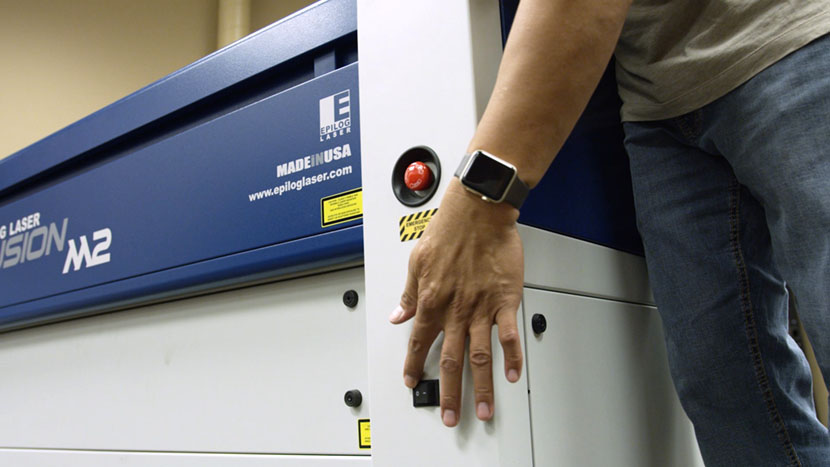
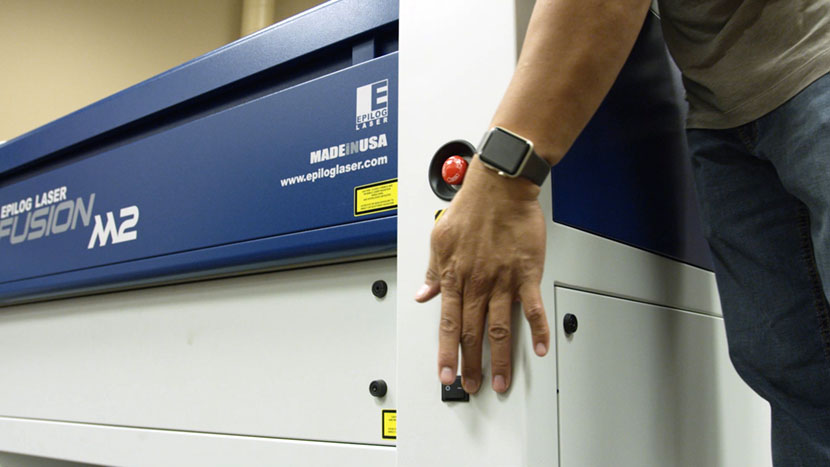
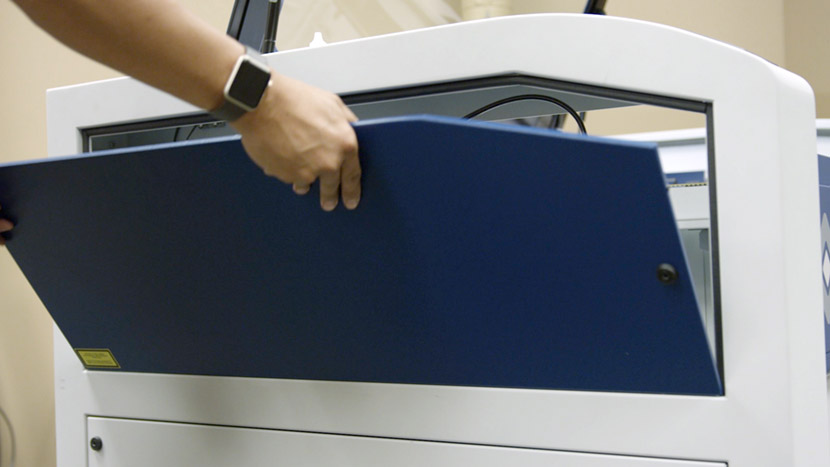
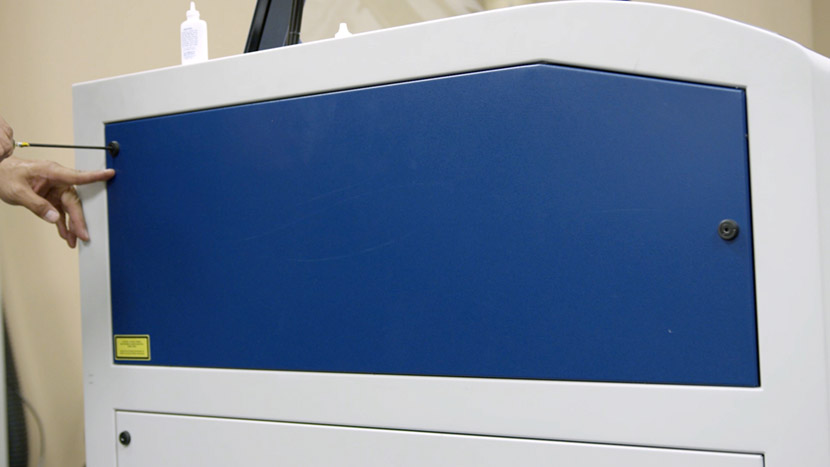
Remove the top access panel on the left side of the machine by using a 5/32” hex key to turn the black panel locks ¾ of the way counter-clockwise.
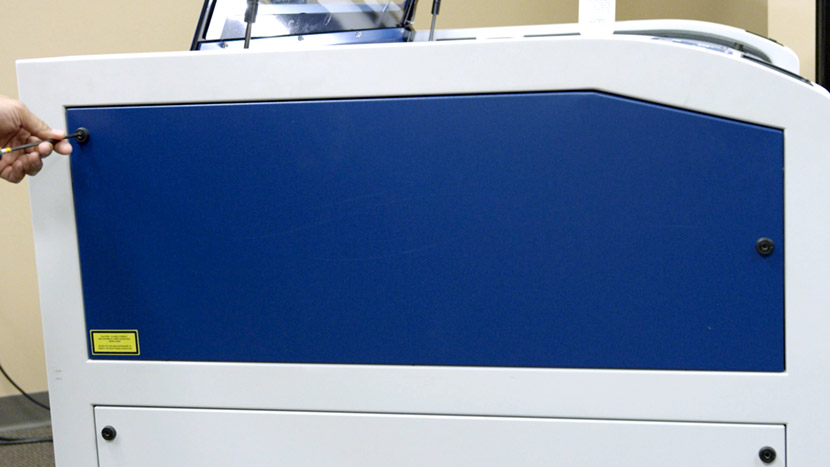
Adjust Belt Tension

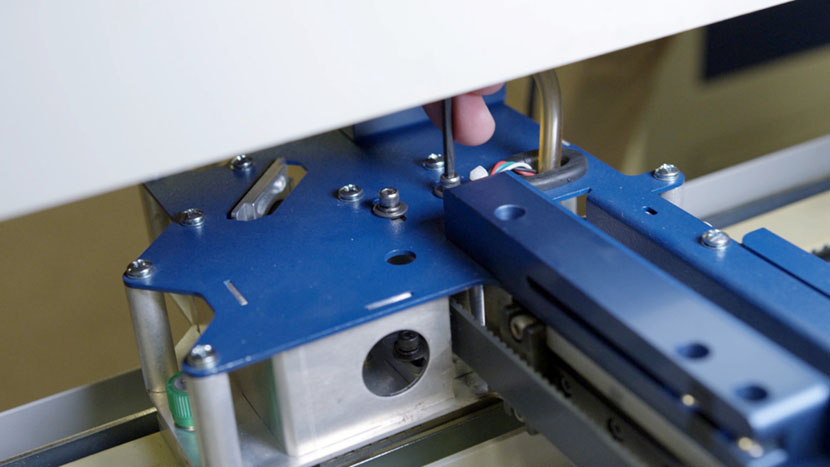
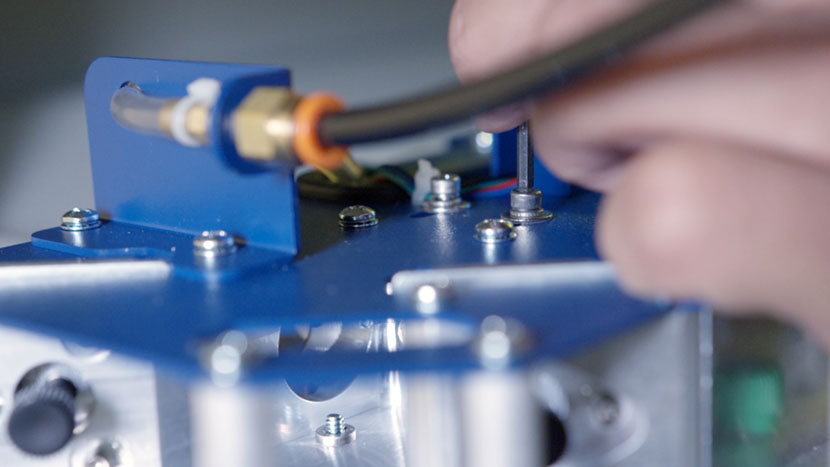
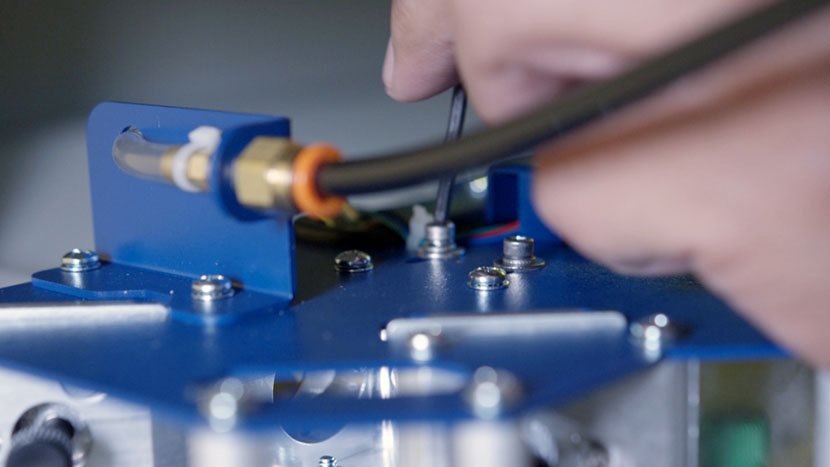
Use a 7/64” hex key to loosen the x-axis pulley mounting screw located in front of the x-axis belt, accessible through a circular hole in the top of the x-axis assembly. Then loosen the second mounting screw located in the open channel behind the x-axis belt.
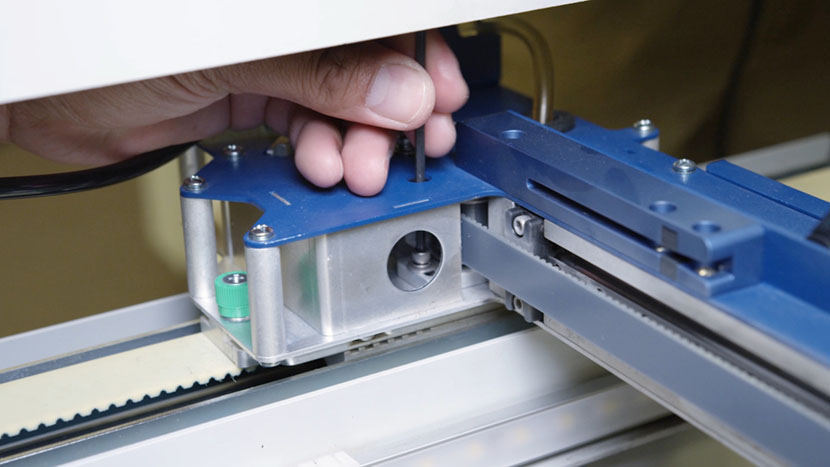
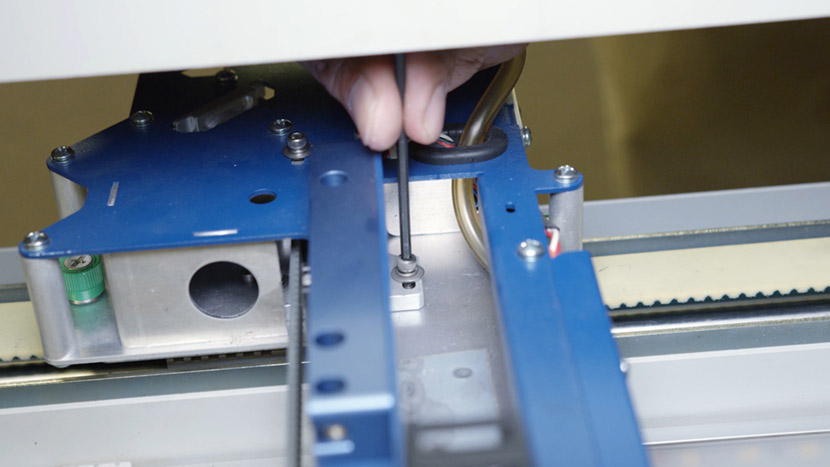
Next, loosen the two x-axis pulley mounting screws located on the top of the x-axis assembly.
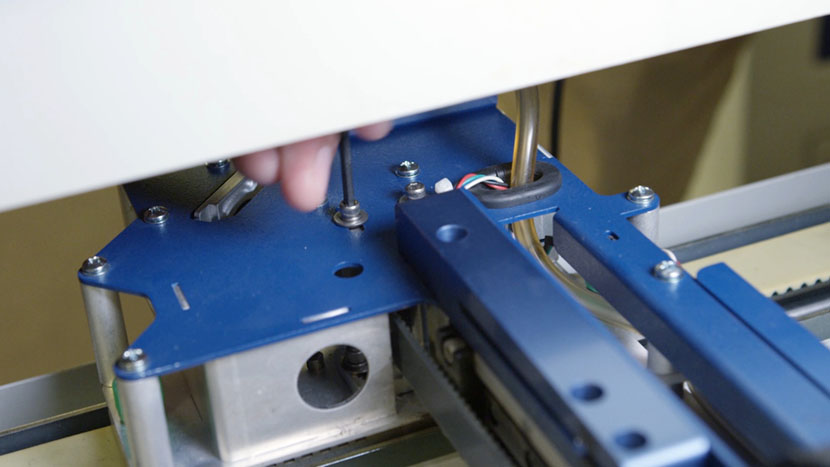
Use a 5/32” hex key to adjust the tensioning screw accessible from the end of the x-axis assembly.
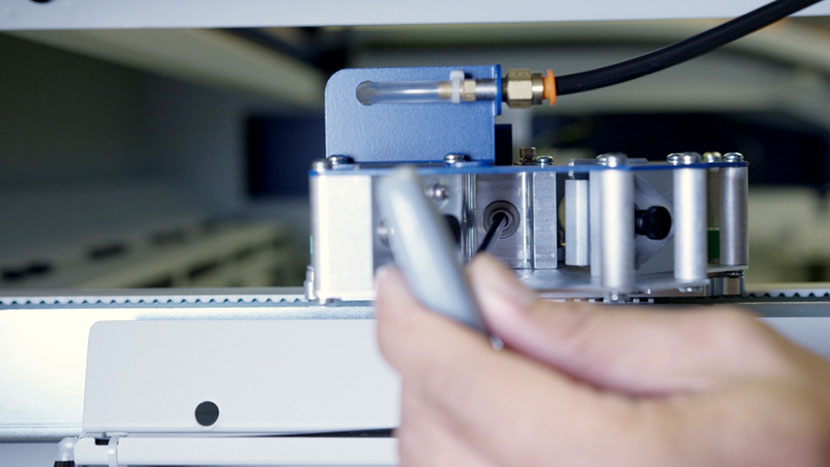
Loosening the screw will loosen the belt. Tightening the screw will tighten the belt.
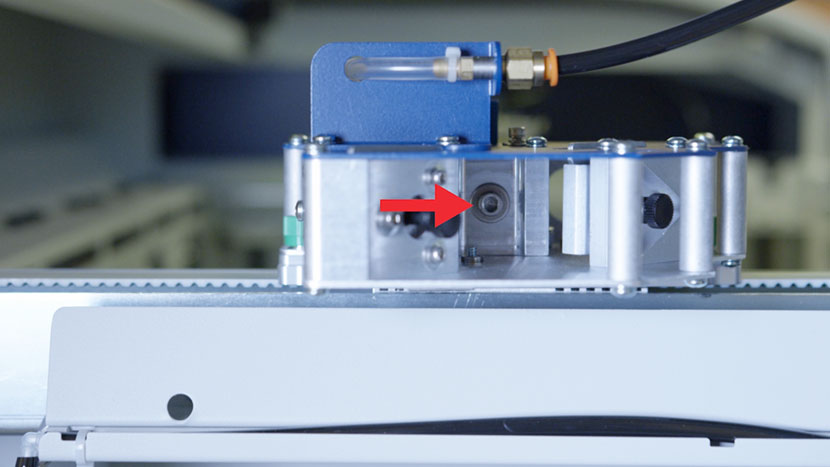
Once you’ve achieved the ideal tension, use a 7/64” hex key to retighten the two pulley mounting screws.
Reinstall Panel

Replace the top access panel on the left side of the machine, using a 5/32” hex key to turn the black panel locks ¾ of the way clockwise.
Plug the machine in and turn it on.
[helpful]
  • ID:
    TA-115
  • Date:
    09/24/2024

Tools:

  • 5/32" Allen / Hex Key
  • 7/64" Allen / Hex Key

Parts & Resources:

  • New Tensioning Belt
/* === Aggressive removal of PrintFriendly injected header elements === */ #printfriendly #pf-title, #printfriendly #pf-src, #printfriendly .pf-header, #printfriendly header, #printfriendly .printfriendly-header, #printfriendly h1:first-of-type, #printfriendly .page-header, #printfriendly [class*="header"], #printfriendly [id*="header"] { display: none !important; visibility: hidden !important; height: 0 !important; margin: 0 !important; padding: 0 !important; } /* Hide any top bar or source URL container */ #printfriendly #pf-src, #printfriendly .pf-src, #printfriendly [class*="src"], #printfriendly [class*="url"] { display: none !important; } /* Force page margins and centered page numbers */ @page { size: letter portrait; margin: 0.7in 0.5in; } @page :left, @page :right { @top-left { content: none !important; } @top-center { content: none !important; } @top-right { content: none !important; } @bottom-center { content: counter(page); font-size: 0.95em; padding-bottom: 25px; } }