Remove Back Panel
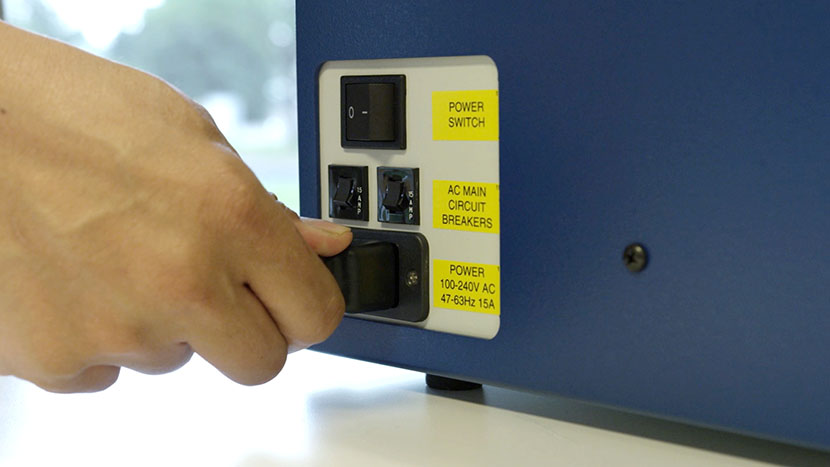
Shut off the laser and remove the power cord from the machine.
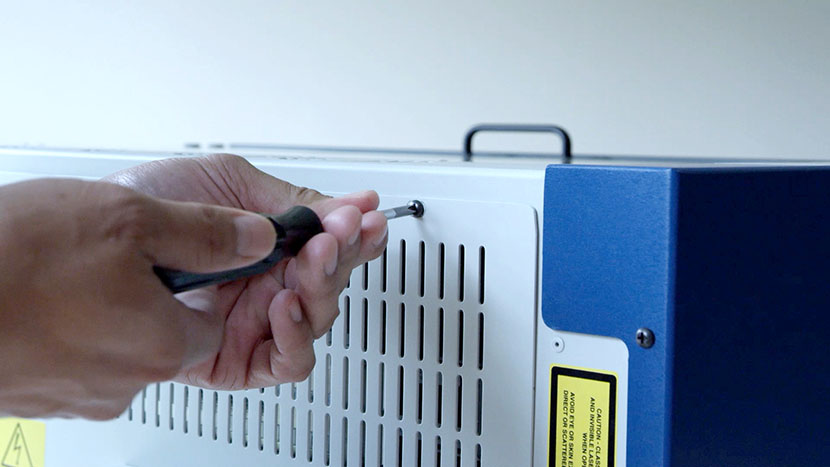
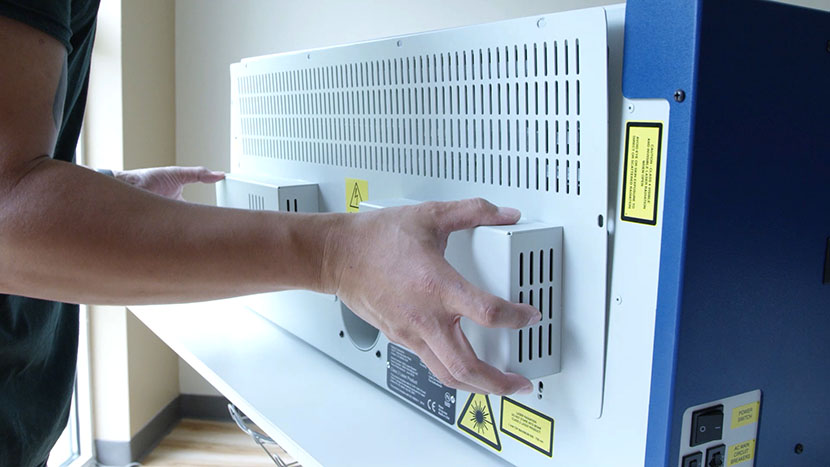
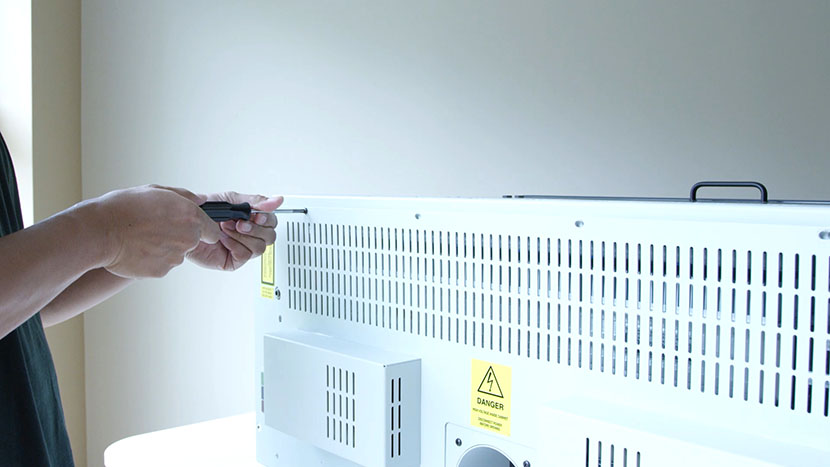
Loosen the 8 screws on the back of the machine and remove the back service panel.
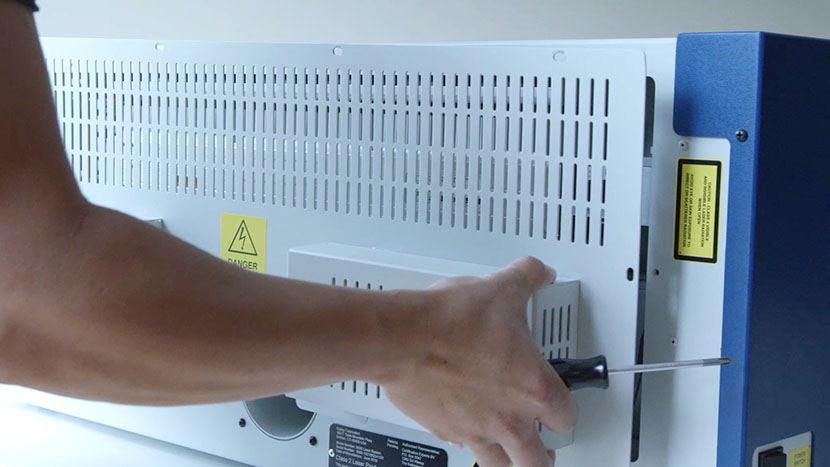
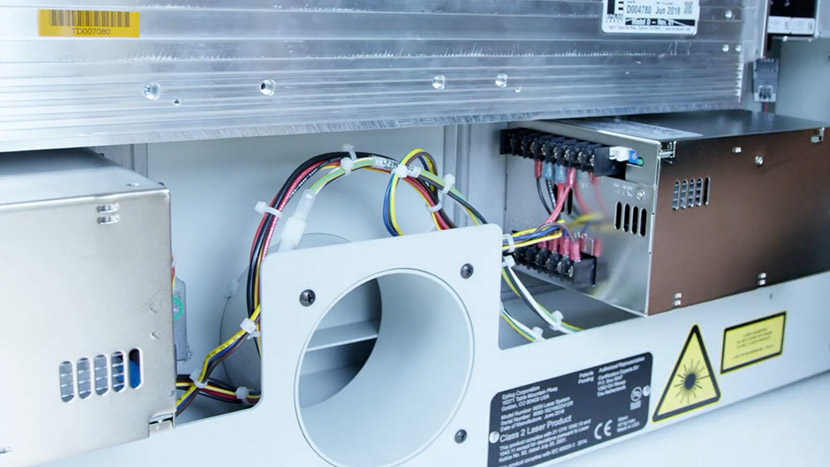
Locate the two power supplies.
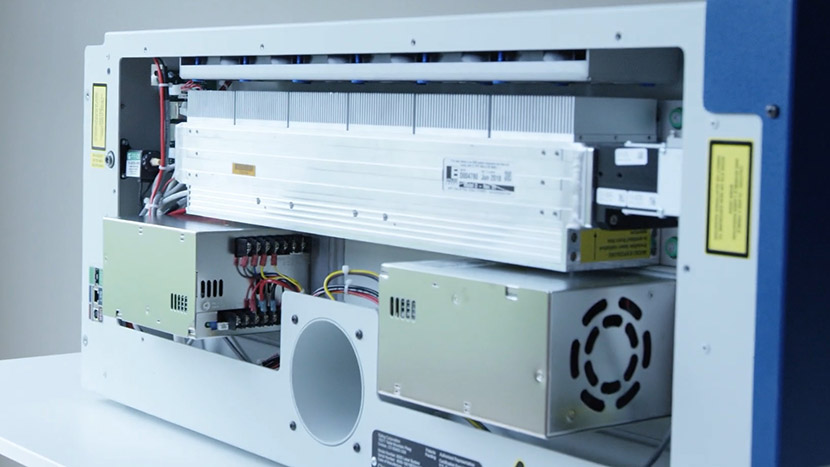
Disconnect Electrical Leads
Disconnect four of the electrical leads.
Disconnect the two connectors holding the green with yellow stripe, black, and white leads.
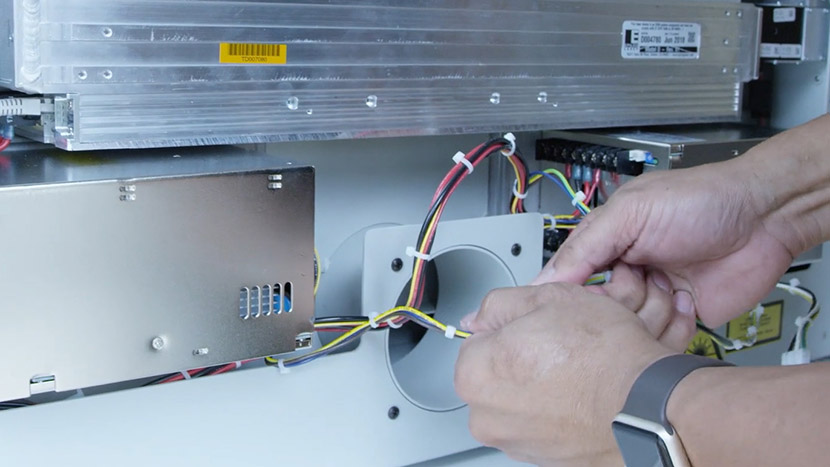
Disconnect the farthest left connector holding the black and red lead.
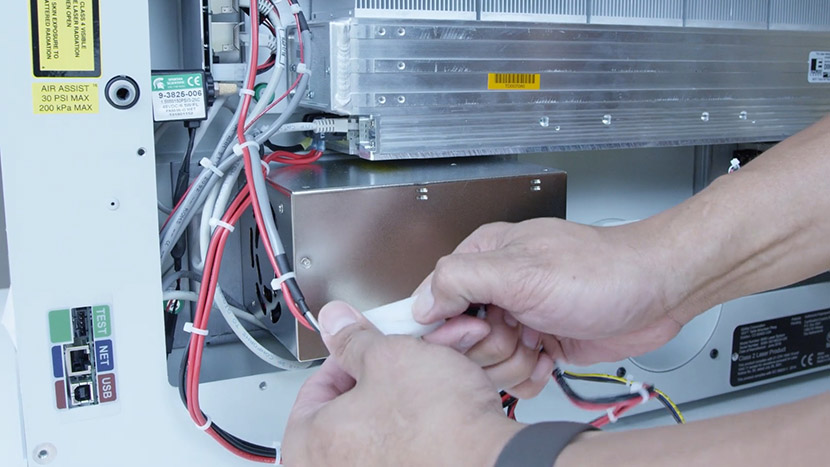
Disconnect the other connector holding the red and black lead. This connector is directly under the left edge of the laser tube.
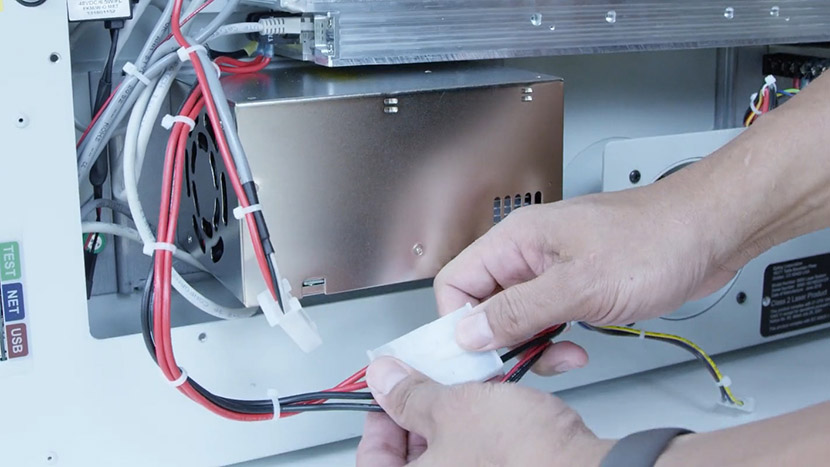
Remove Old Power Supplies
With a Philips head screw driver, unscrew the green screws located on each side of both of the power supplies.
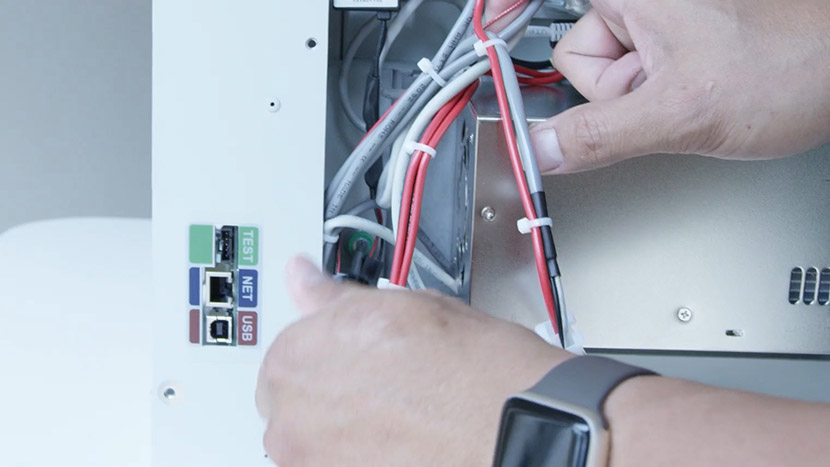
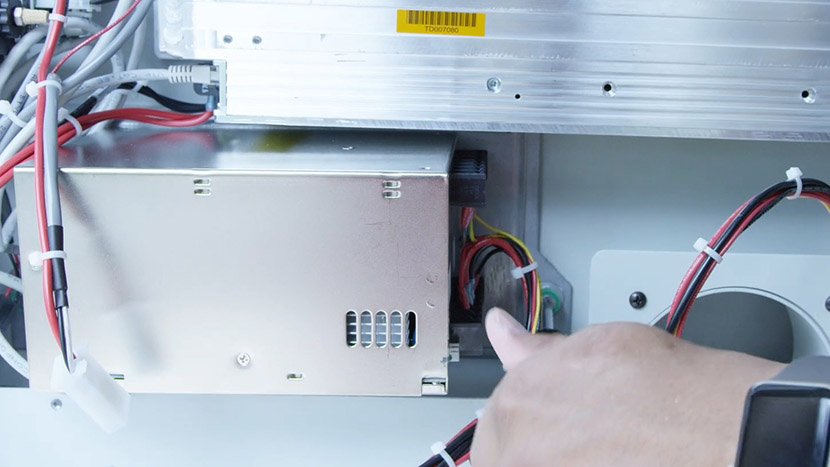
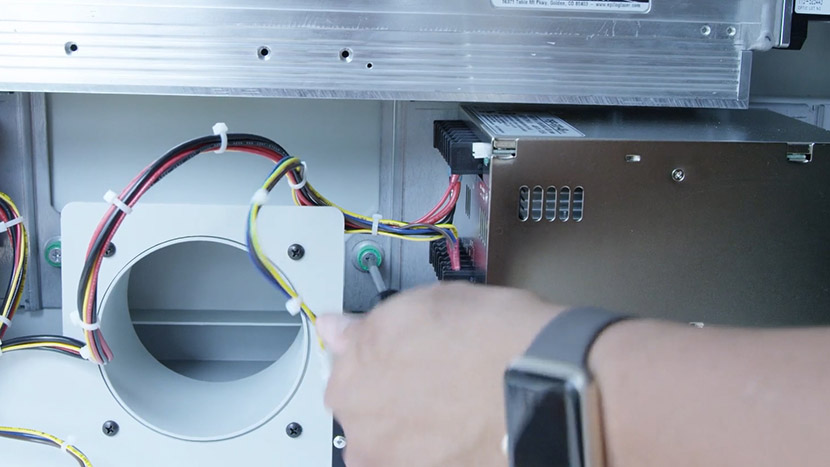
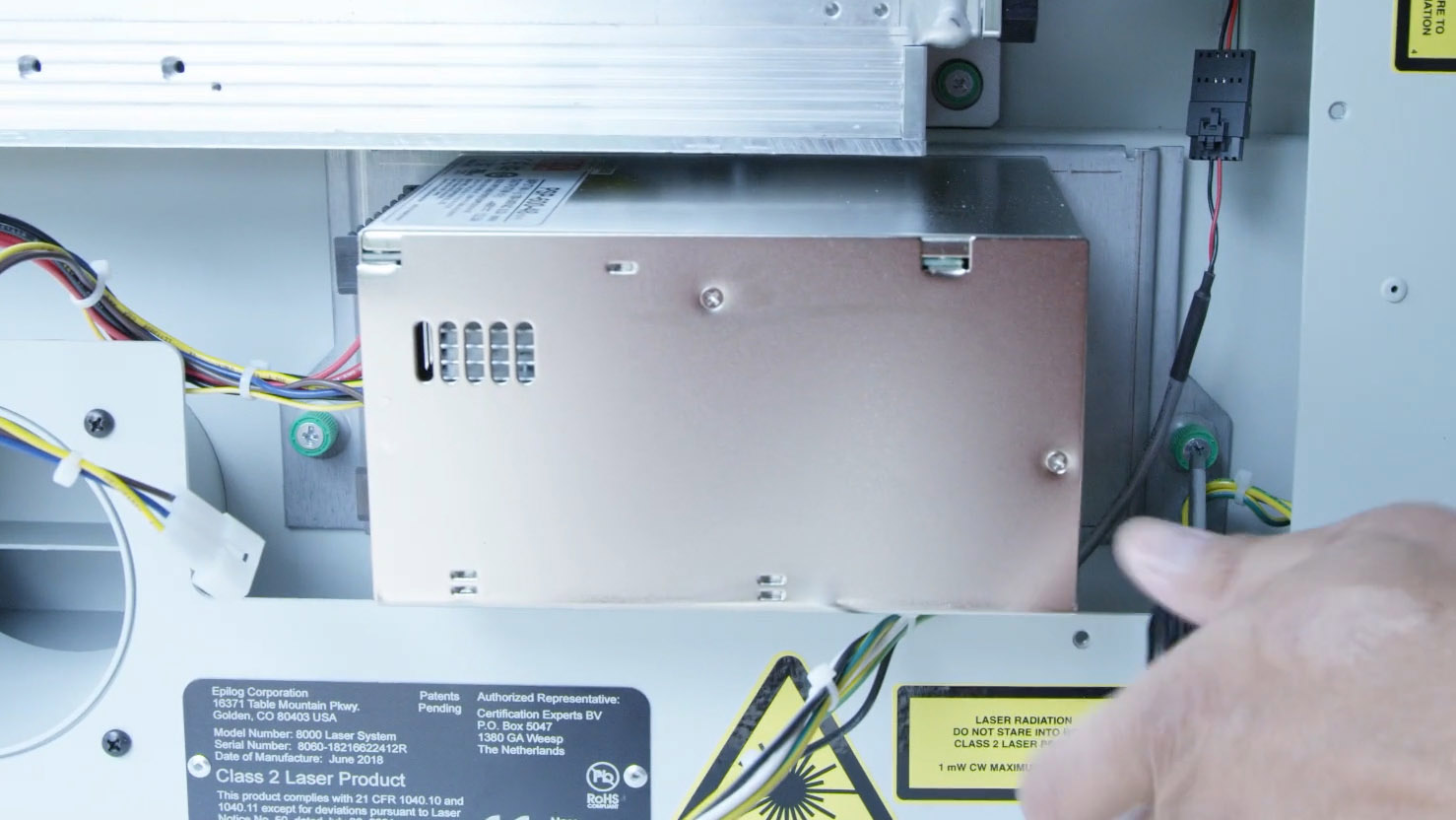
Remove the two power supplies.
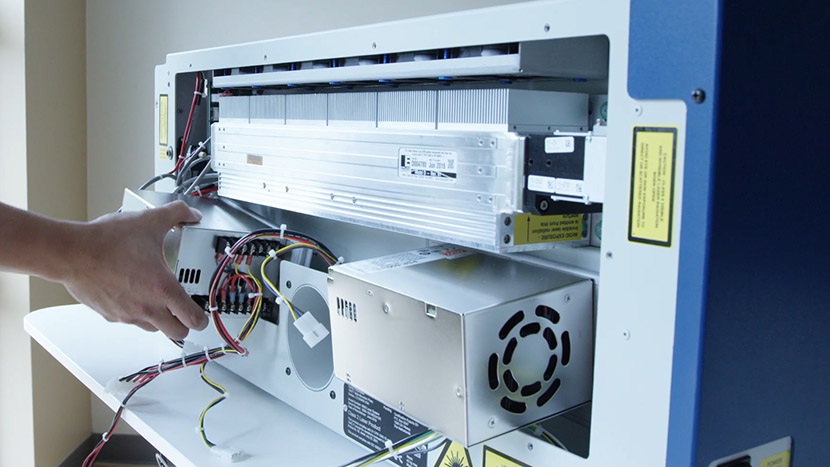
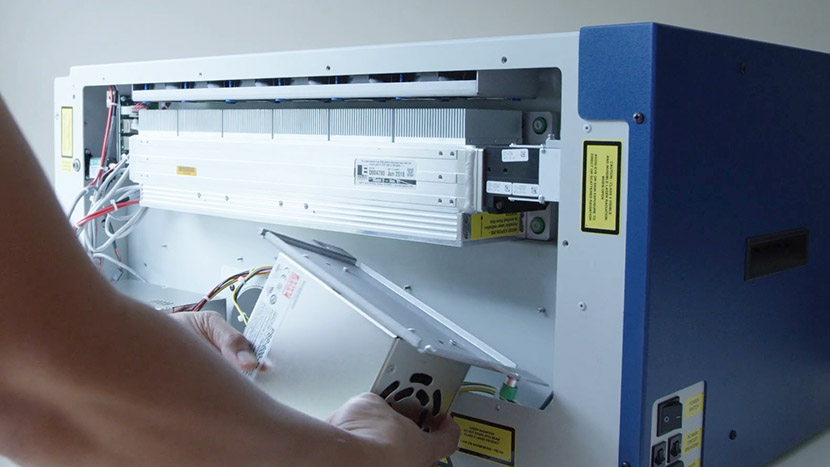
Install New Power Supplies
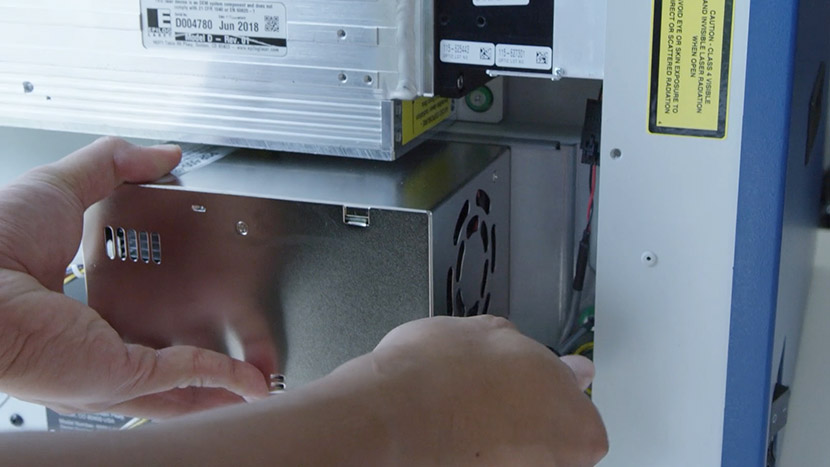
Before installing, position the new dual power supply, ensuring the connectors are facing each other in the middle, and the green captive screws are on the bottom.
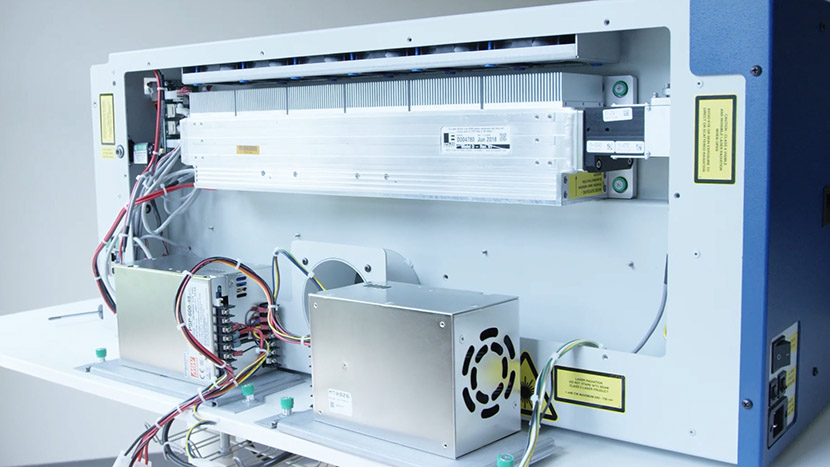
Install the dual power supply, tightening the green captive screws.
Reconnect Electrical Leads
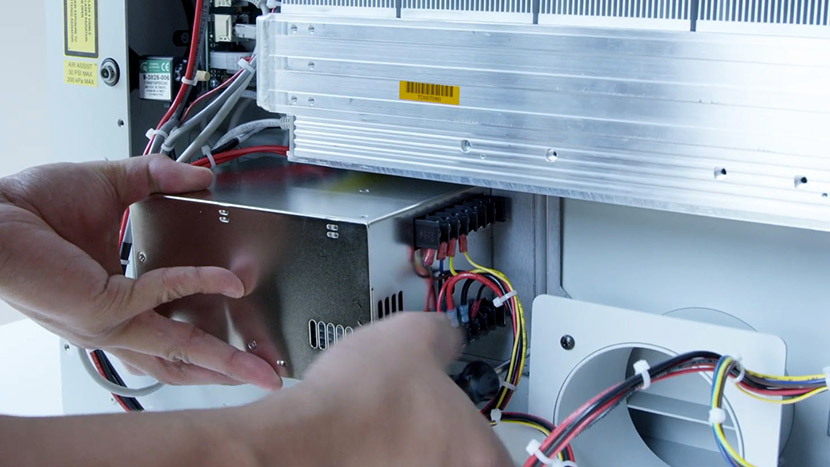
Reconnect the four electrical leads.
Reconnect the two connectors with the green with yellow stripe, black, and white leads, ensuring the short cables connect to each other and the long cables connect to each other.
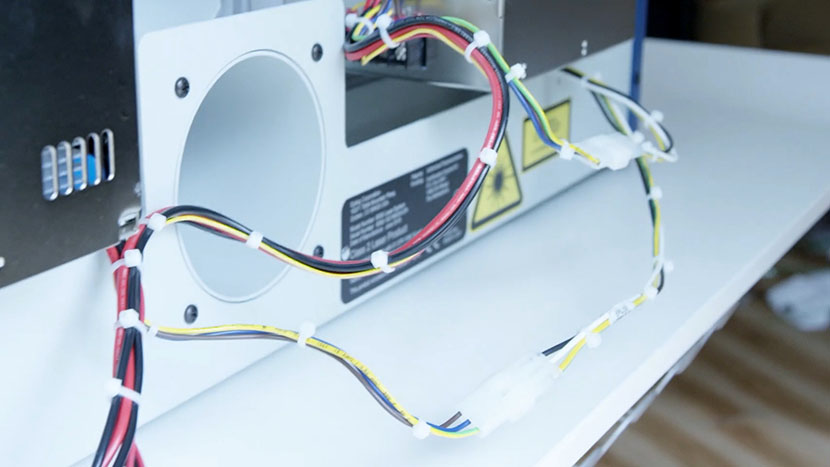
Reconnect the two connectors holding the red and black leads. The longer of the leads goes to the farthest left connector. The shorter lead connects to the lead from the laser tube.
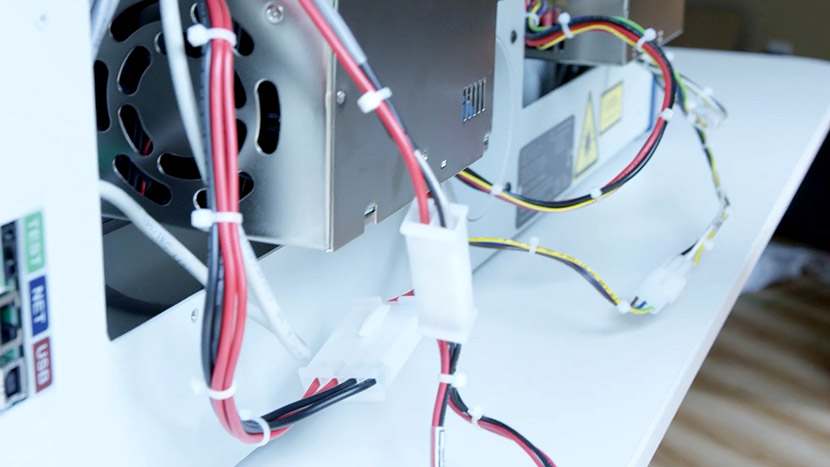
Tuck in the wires under the power supply.
Replace Back Panel
Replace the back service panel and tighten all 8 screws.
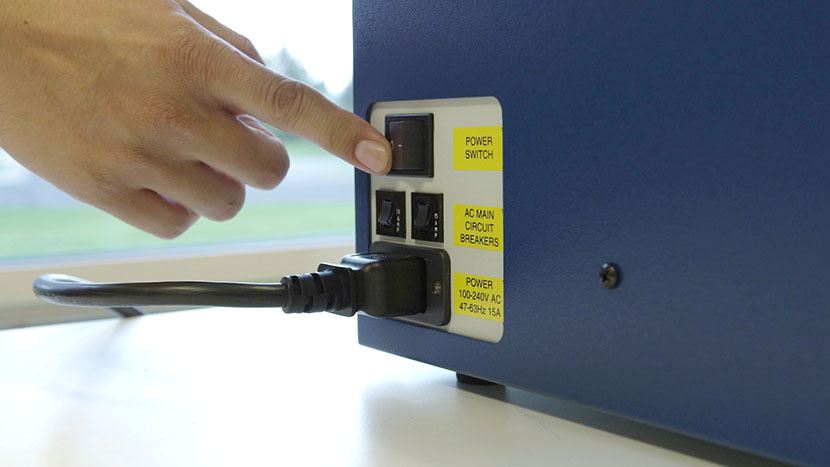
Plug the machine in and turn it on.