Articles:
47 items found
Here you'll find a variety of resources for your laser — from
unboxing your machine to running your very first job. You'll also
find videos on recommended maintenance practices and part
replacement instructions.
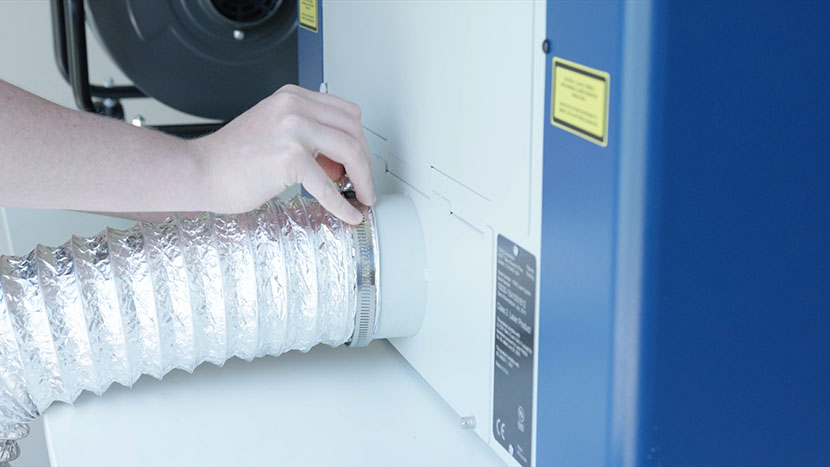
Setting up the Exhaust
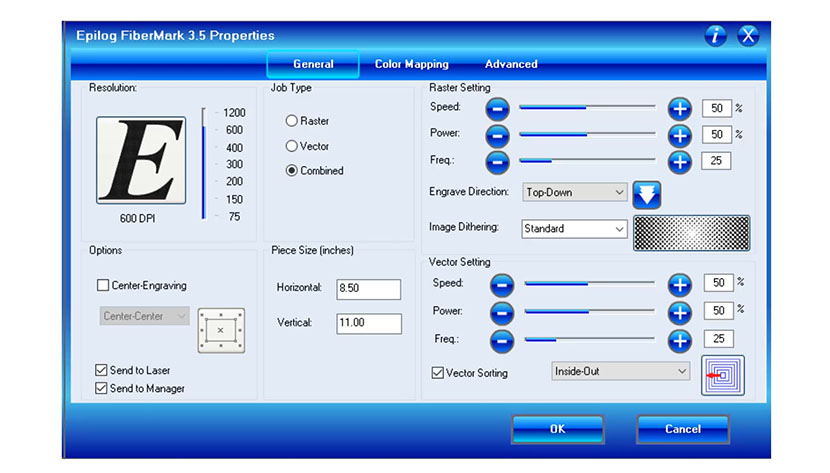
Print Driver Tour
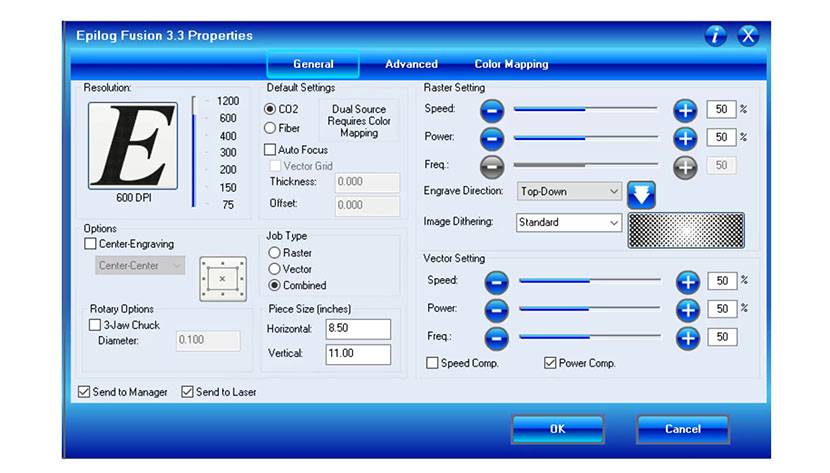
Print Driver Tour

Welcome
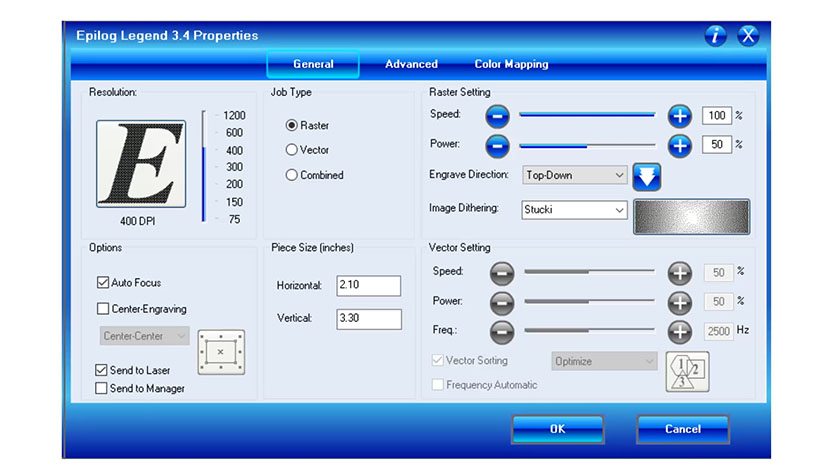
Print Driver Tour
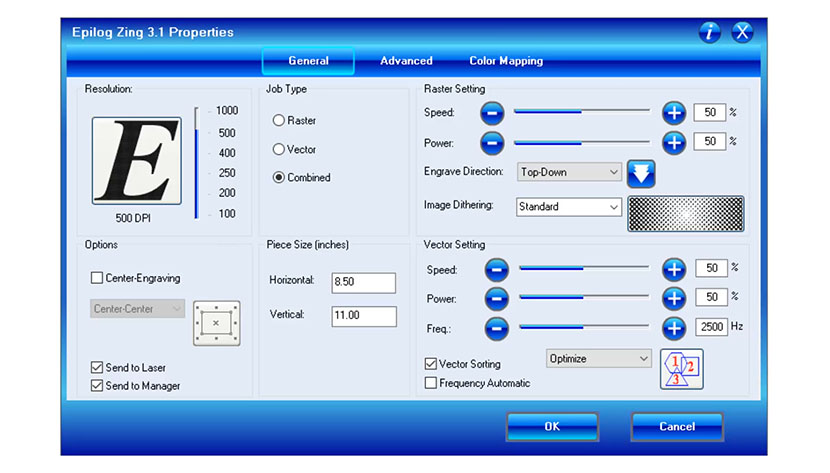
Print Driver Tour – Zing Laser
Machine Tour – Zing Laser System
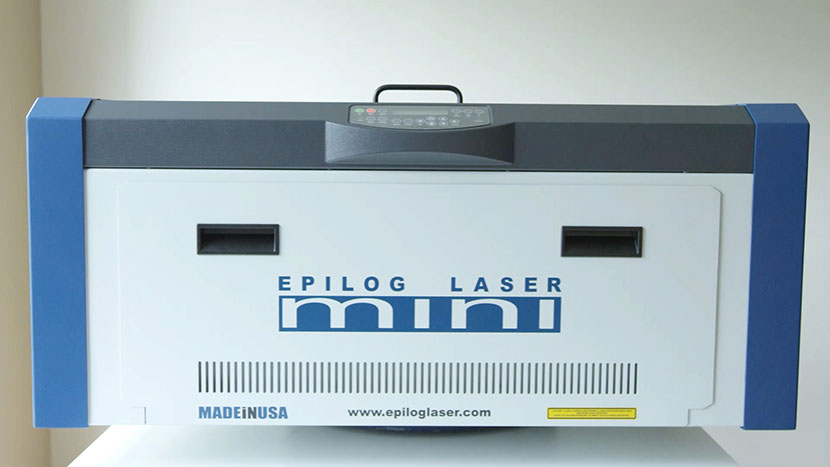
Machine Tour – Mini / Helix Lasers
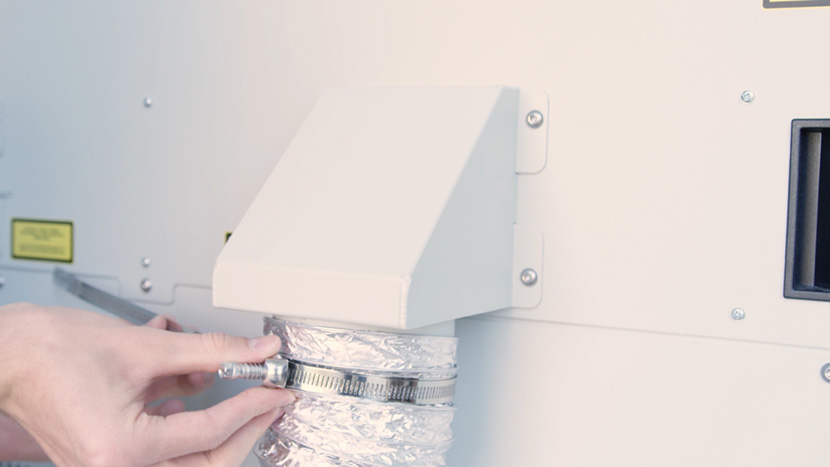
Setting up the Exhaust
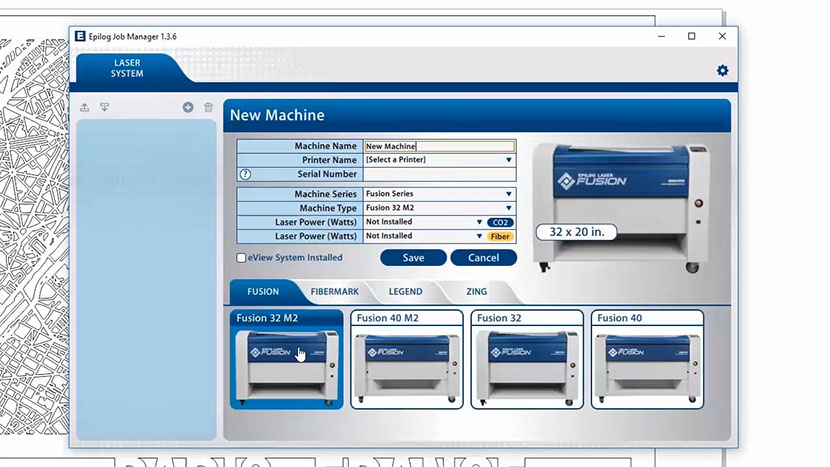
Job Manager Tour – Fusion M2 32/40
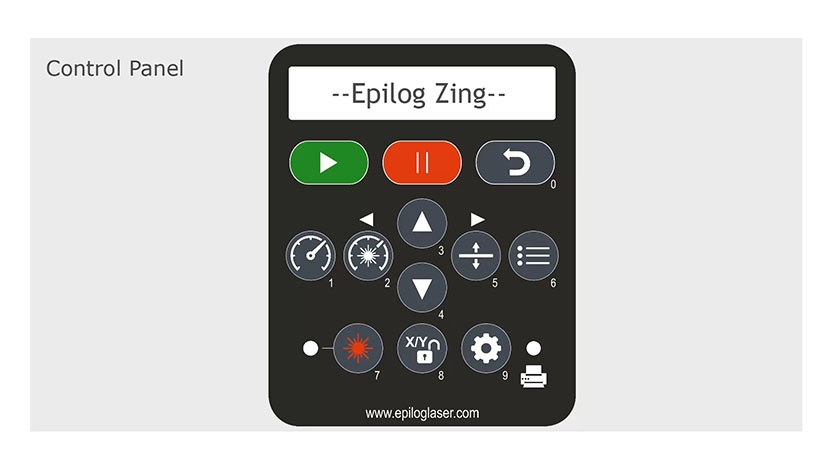
Control Panel Tour – Zing Laser
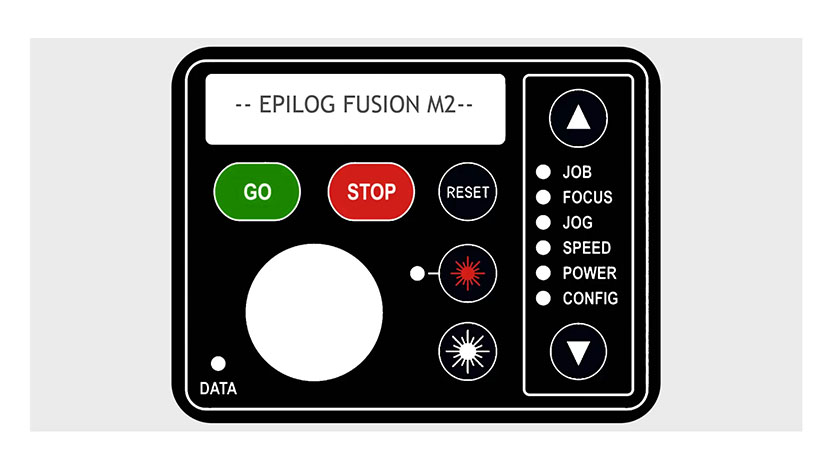
Control Panel Tour – Fusion M2 32/40
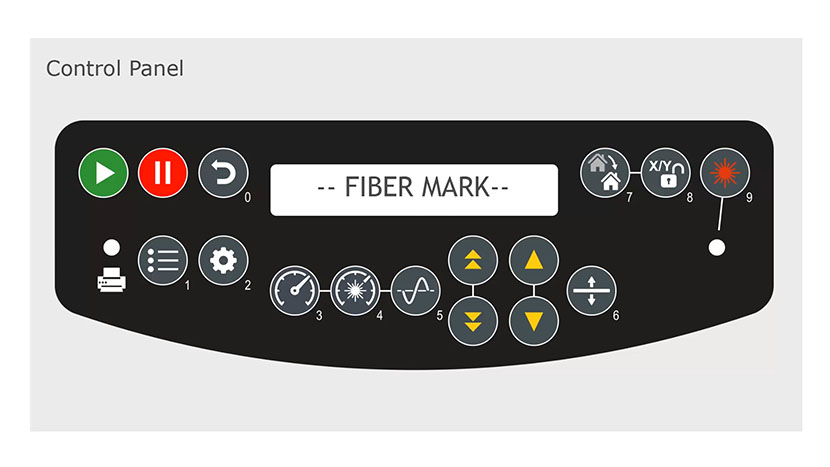
Control Panel Tour – FiberMark
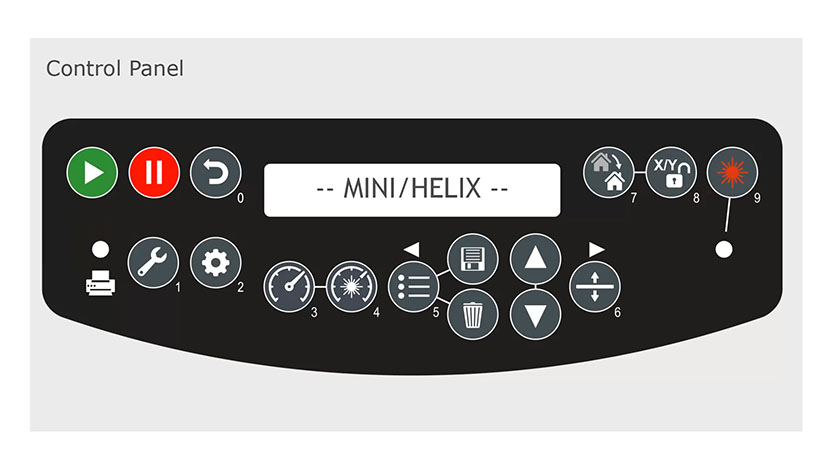
Control Panel Tour – Mini / Helix Lasers
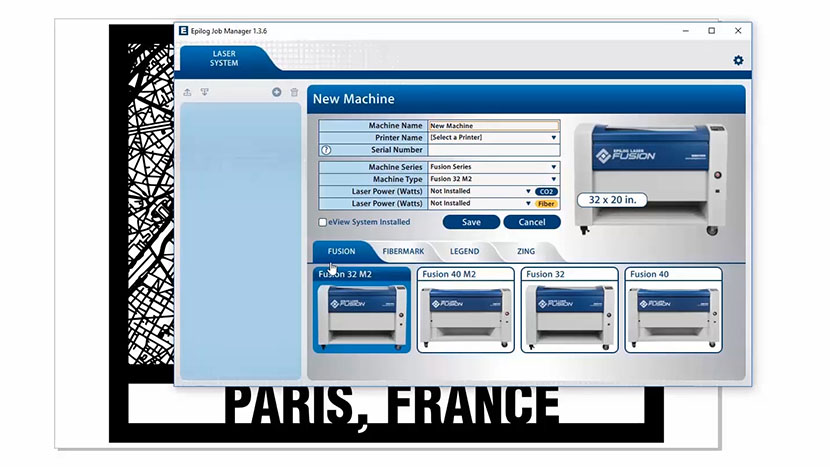
Job Manager Tour – Zing Lasers
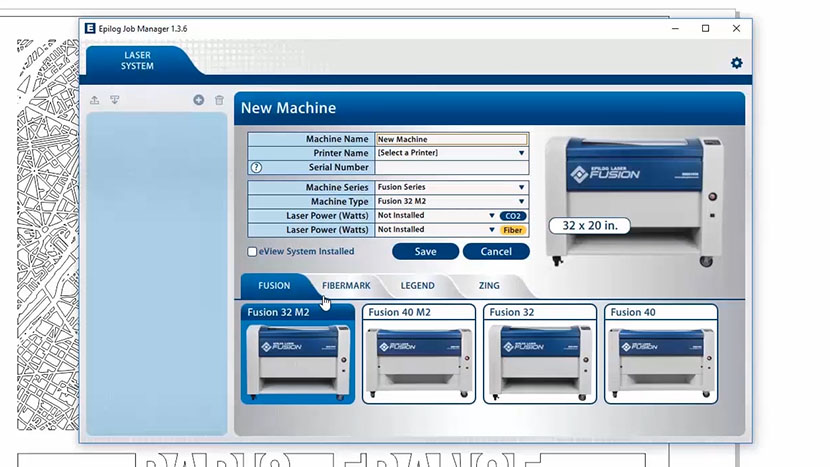
Job Manager Tour – Mini / Helix
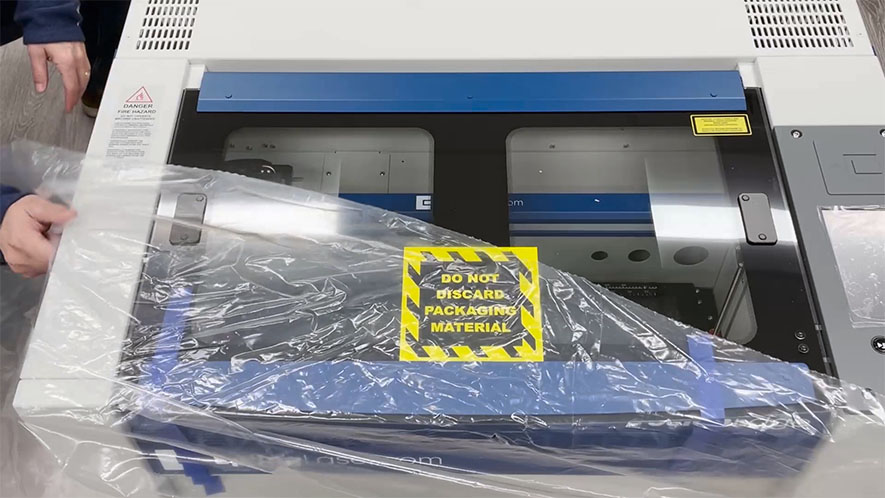
Unpacking the Laser
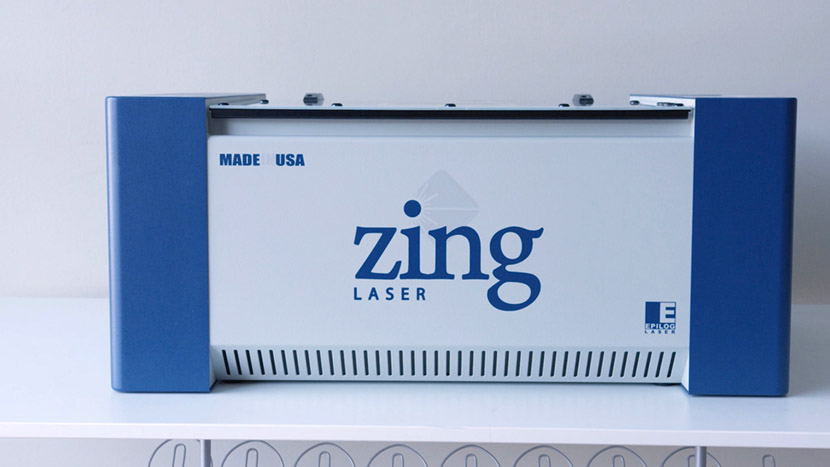
Welcome
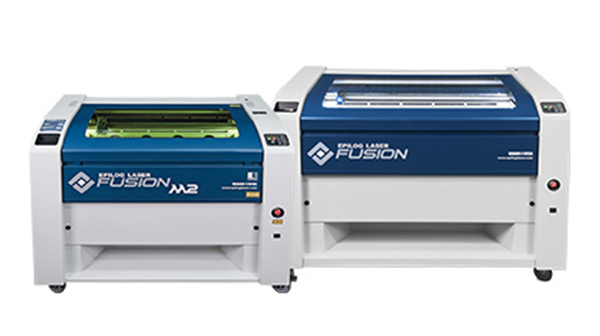
Welcome
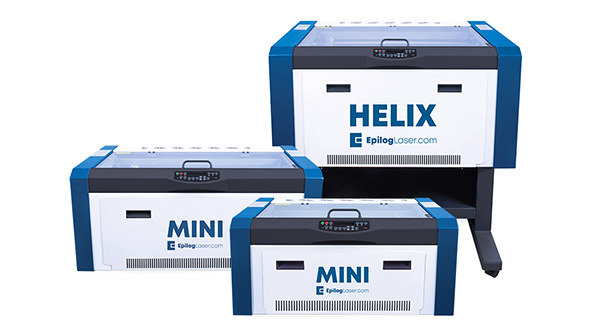
Welcome
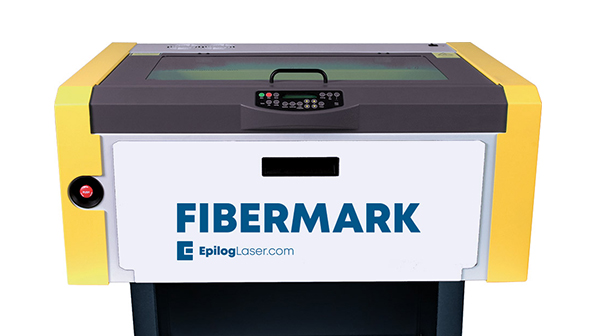
Welcome
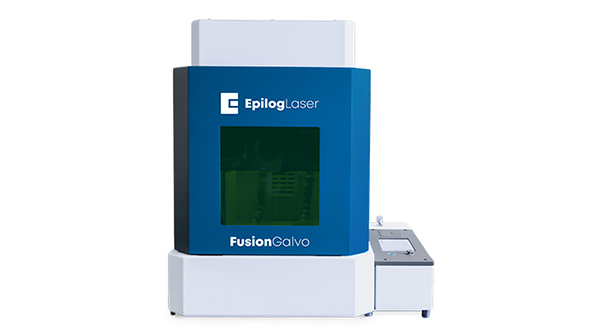
Welcome
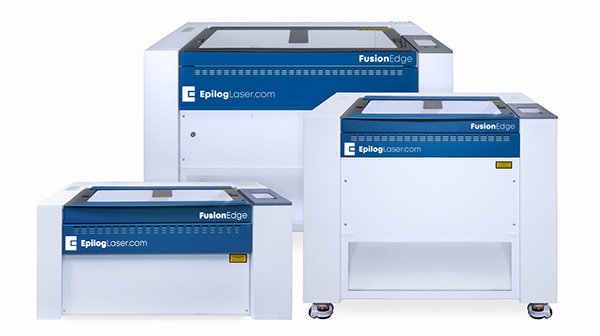
Welcome
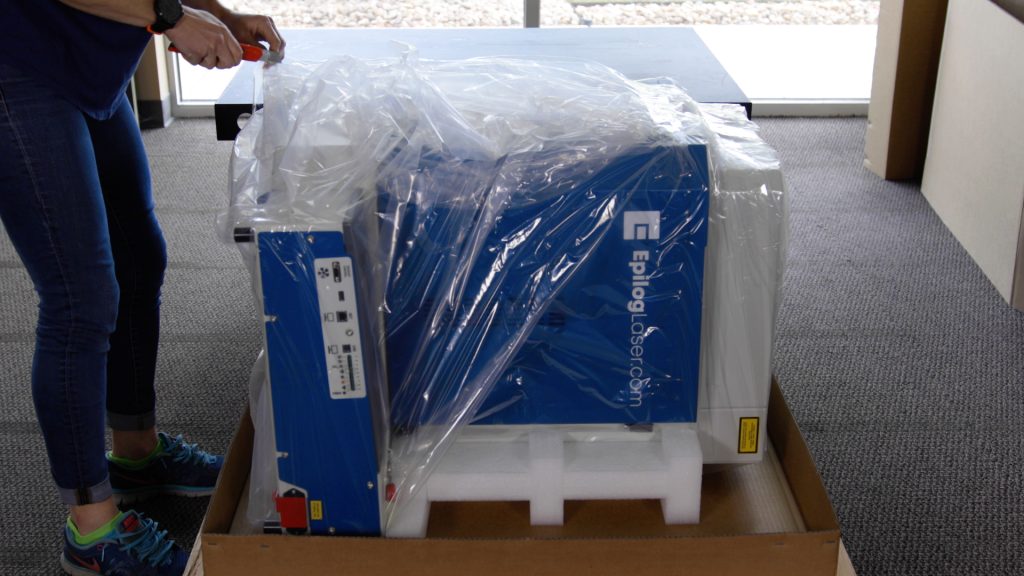
Unpacking the Laser
Unpacking the Laser
Unpacking the Laser
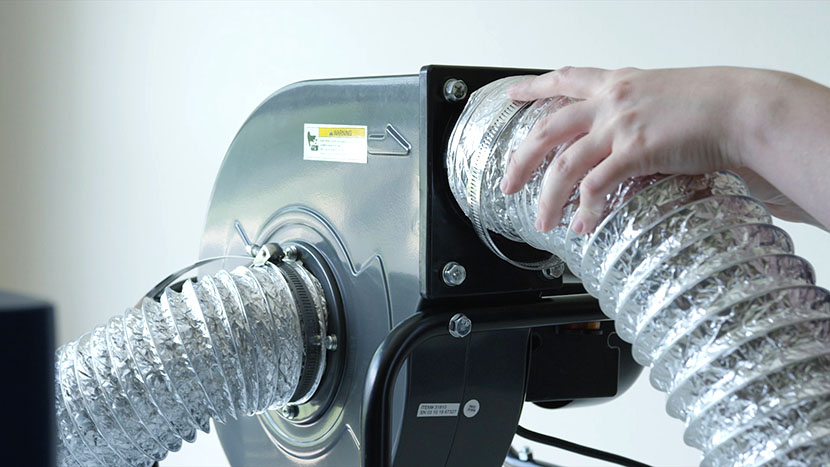
Setting up the Exhaust
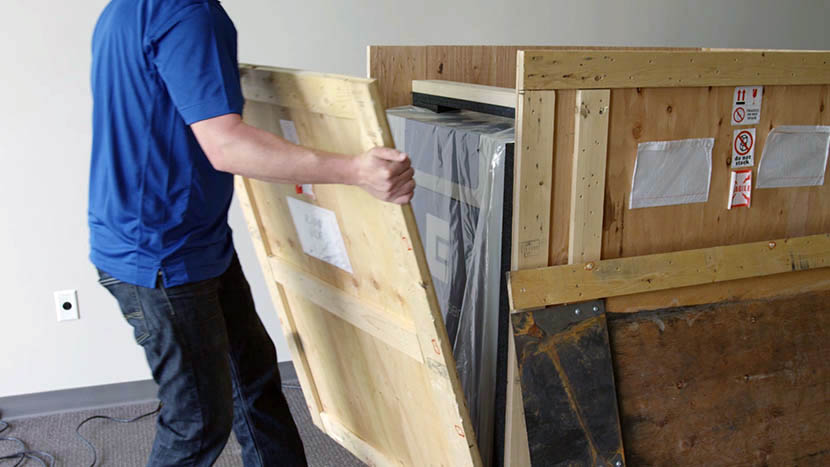
Unpacking the Laser
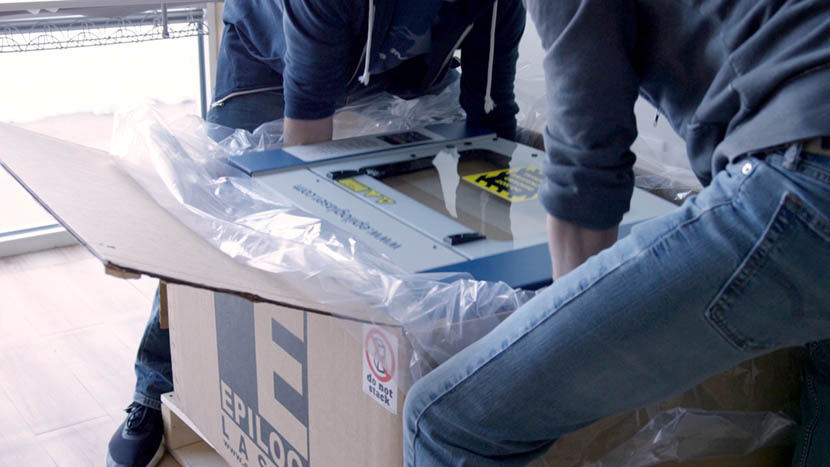
Unpacking the Laser
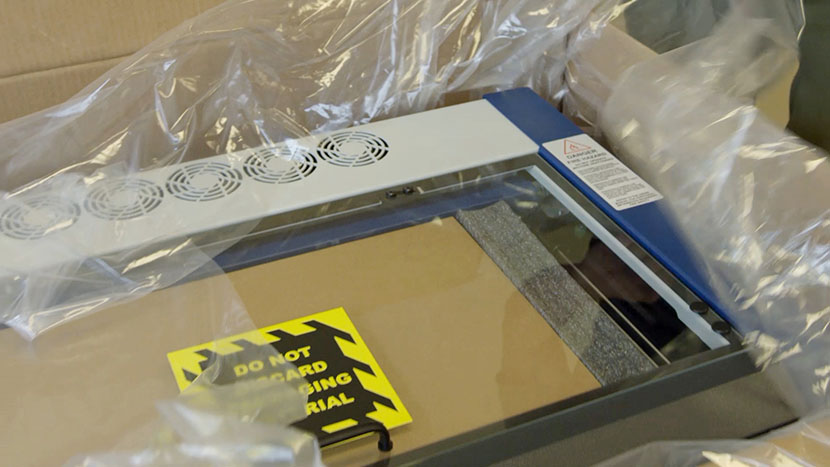
Unpacking the Laser
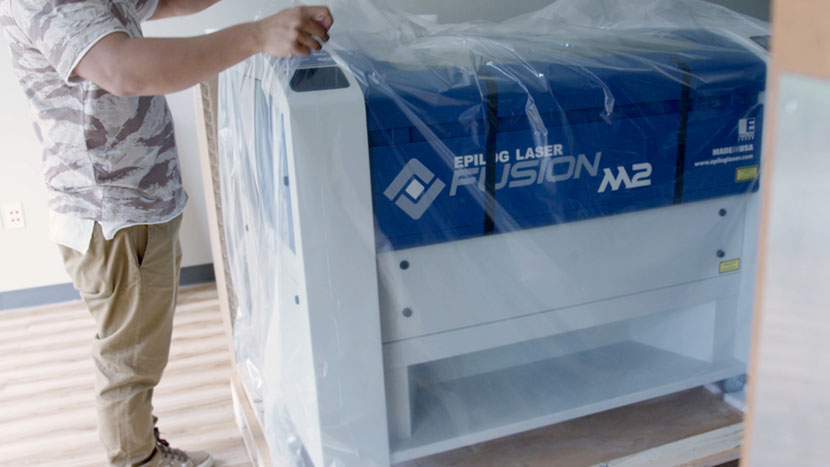
Unpacking the Laser
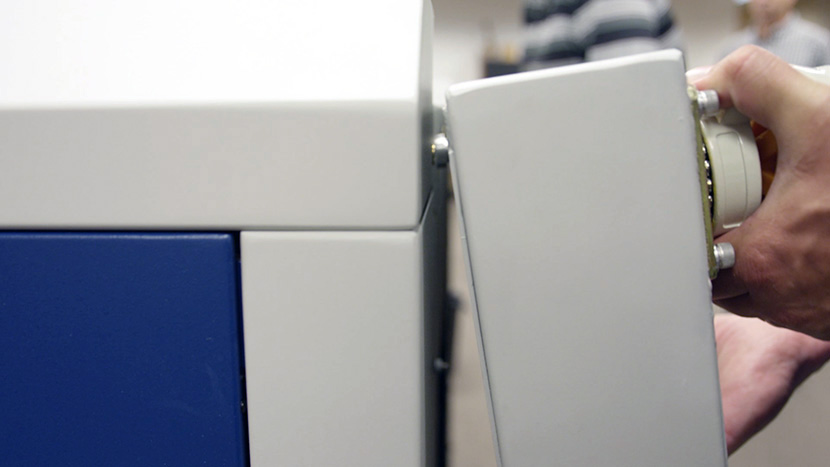
Removing the Pedestal
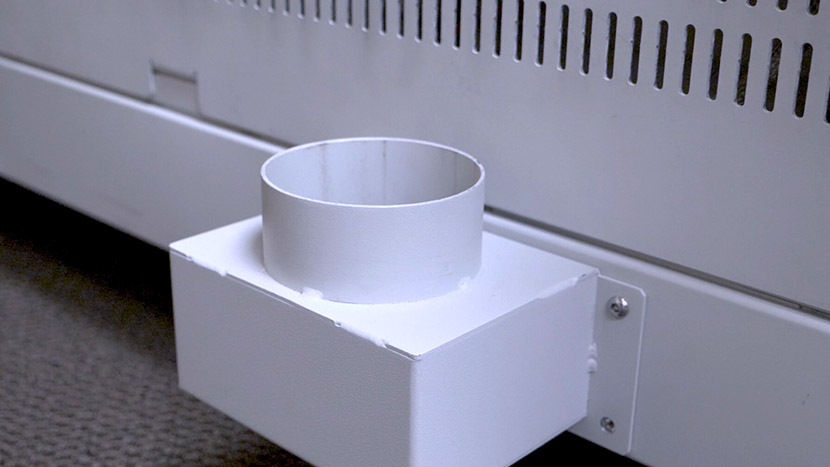
Setting up the Exhaust
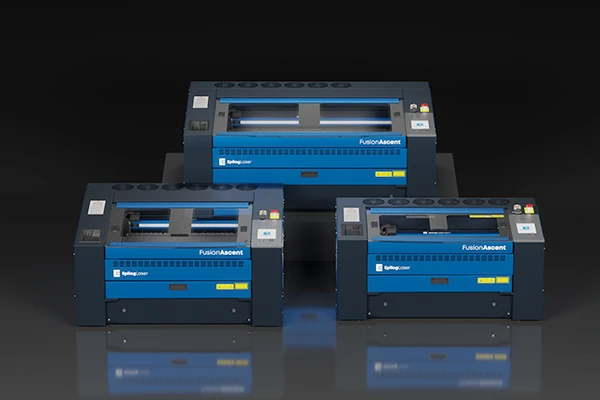
Welcome
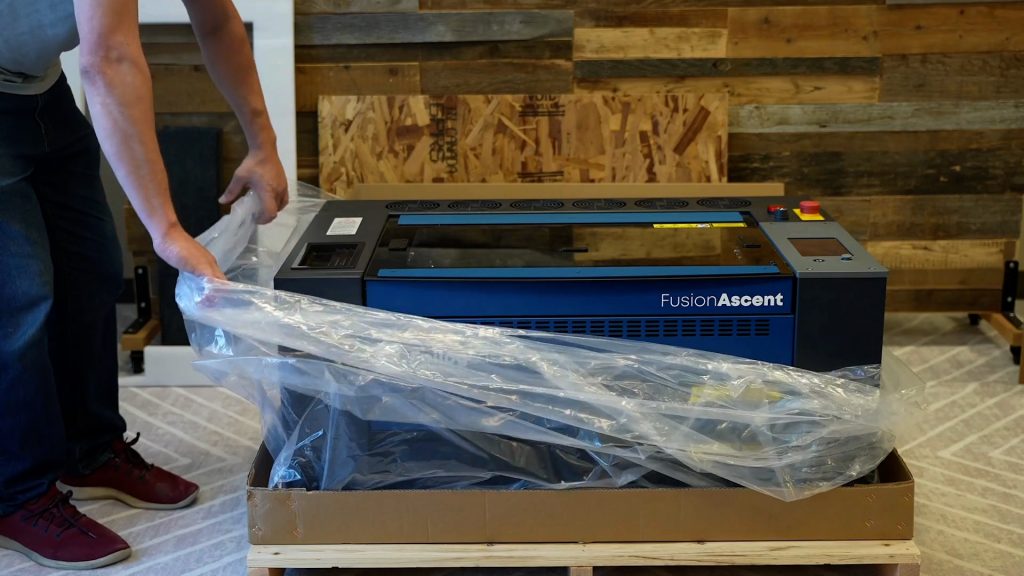
Unpacking the Laser
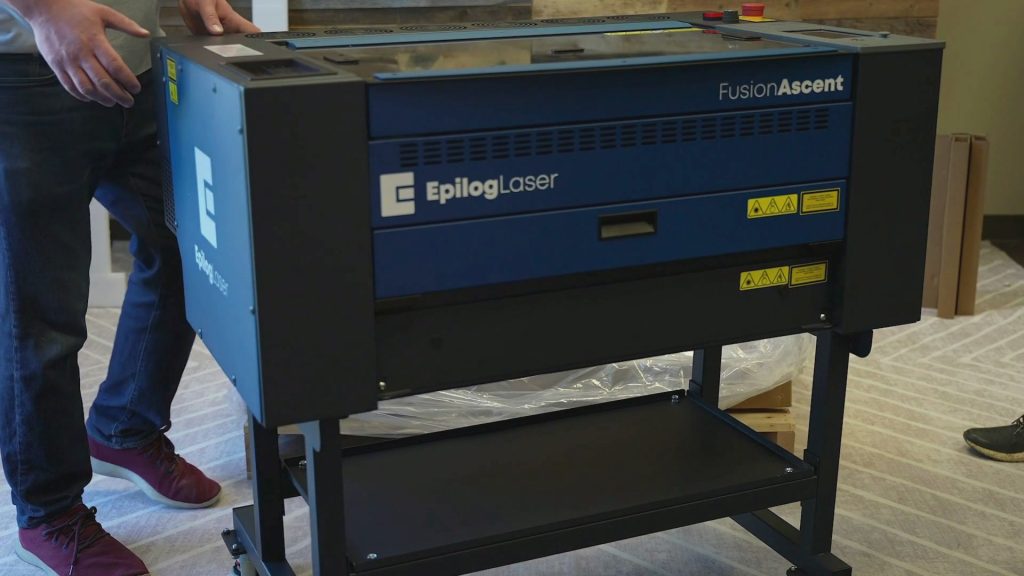
Fusion Ascent Stand Assembly
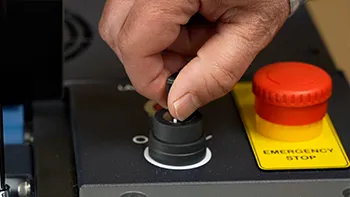
Initial Setup
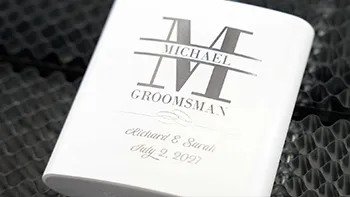
Sending Your First Job to the laser
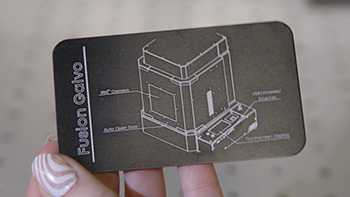
Epilog Laser System Initial Setup
Sending Your First Job to the Fusion Galvo G100 Laser
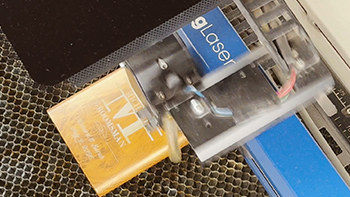
Sending Your First Job to the Laser
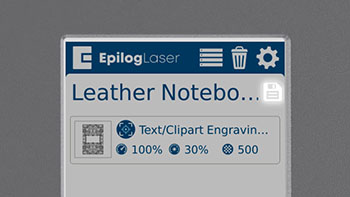
How to Permanently Save Jobs on Your Laser Engraver
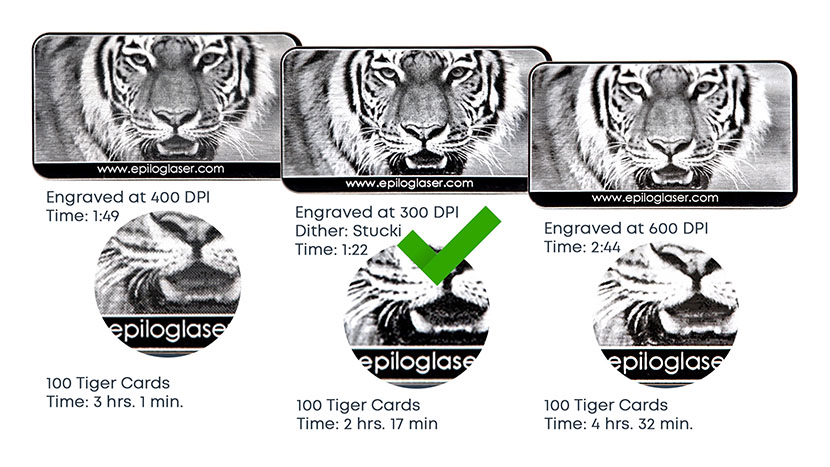
Image Resolution and How it Affects Engraving

Bitmap (Raster) vs Vector Graphics for Engraving
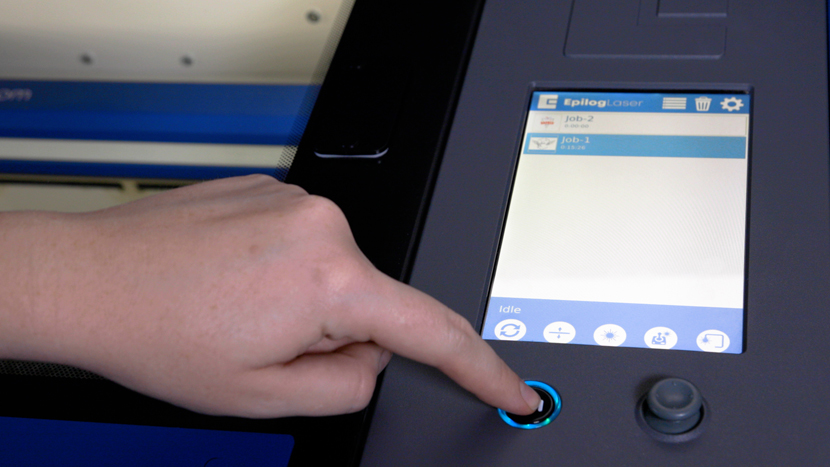
Control Panel Tour – Fusion Lasers (Pro, Edge, Maker, Galvo)
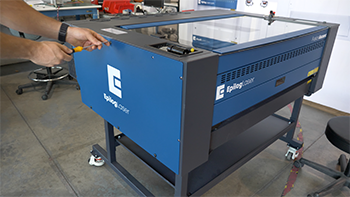
Technical Overview
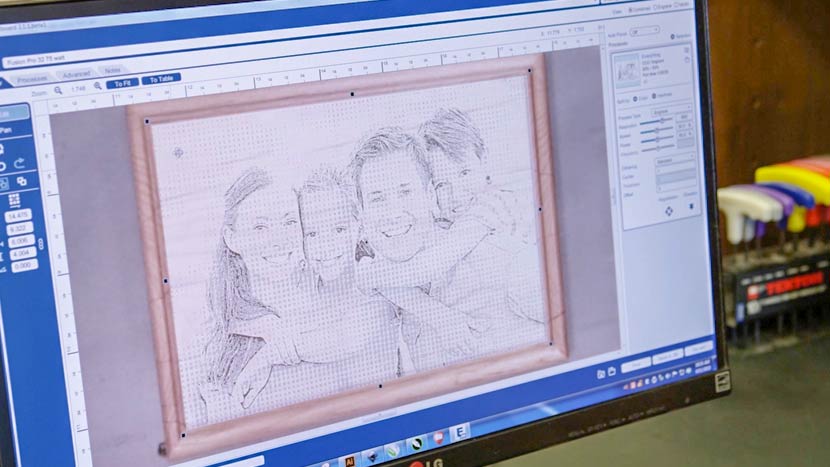
Usage and Operation
Now that you're up and running, it's time to take your training to the next level. Click next to advance to the Usage and Operation section.