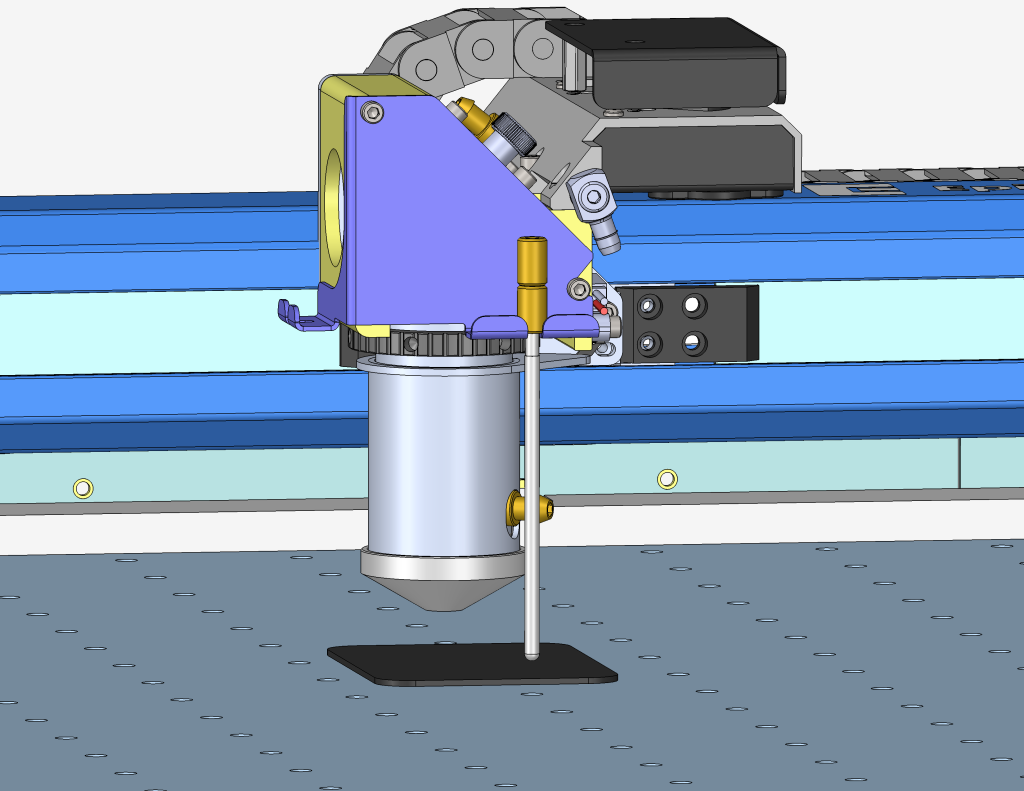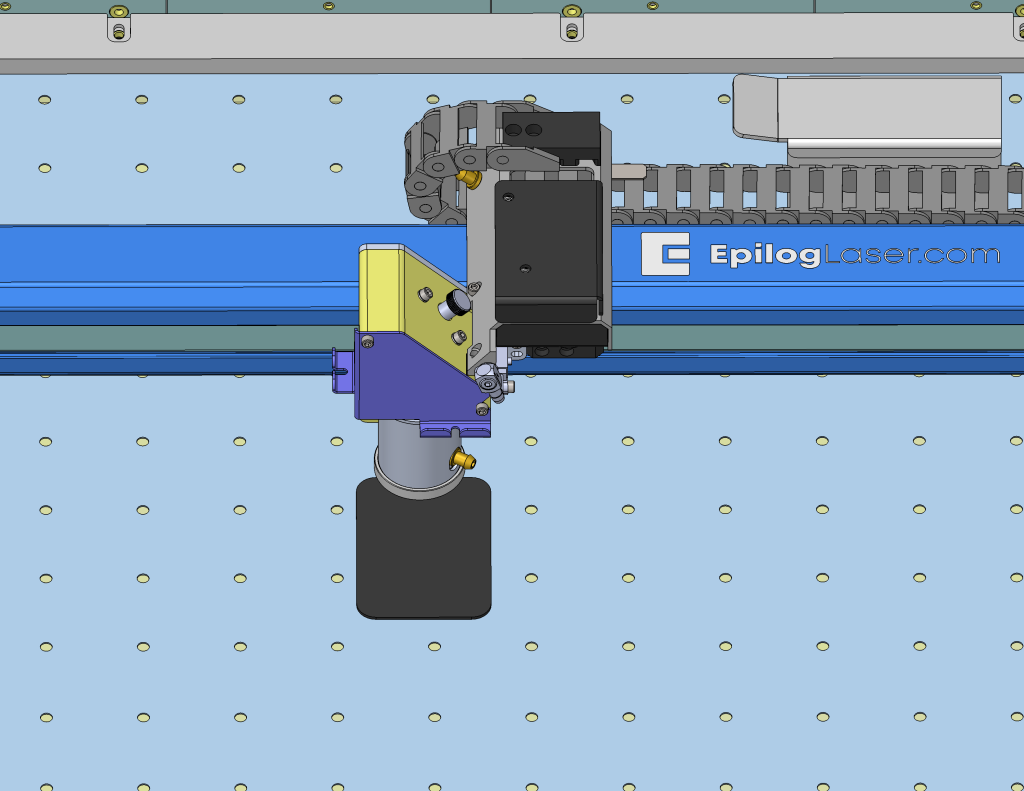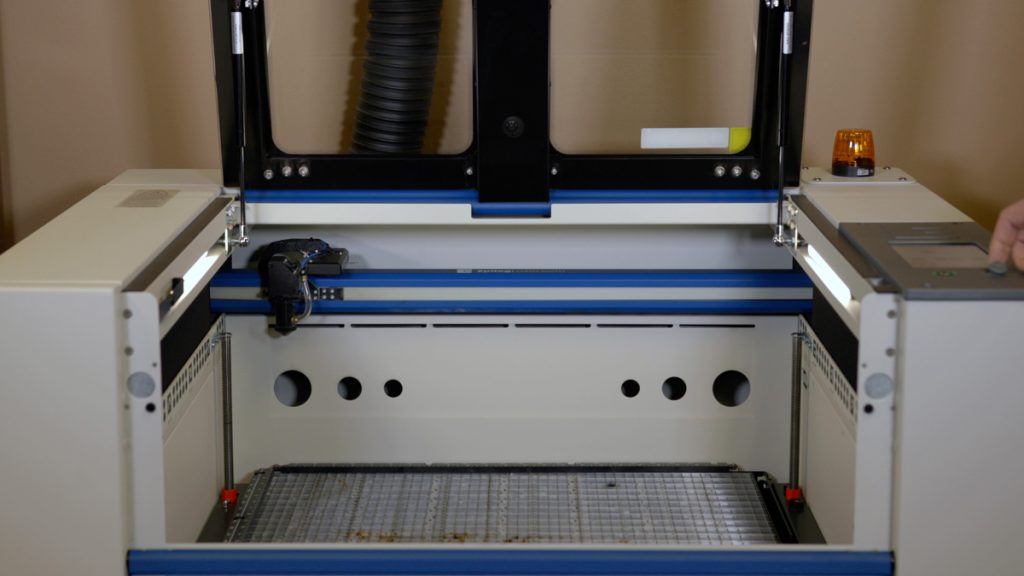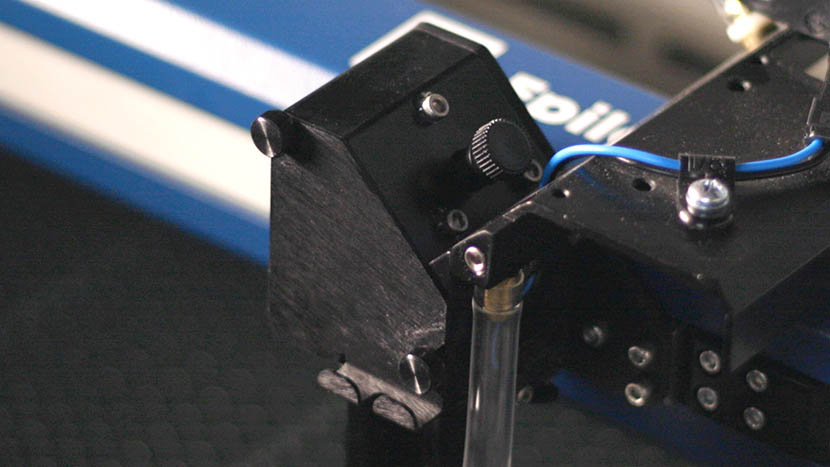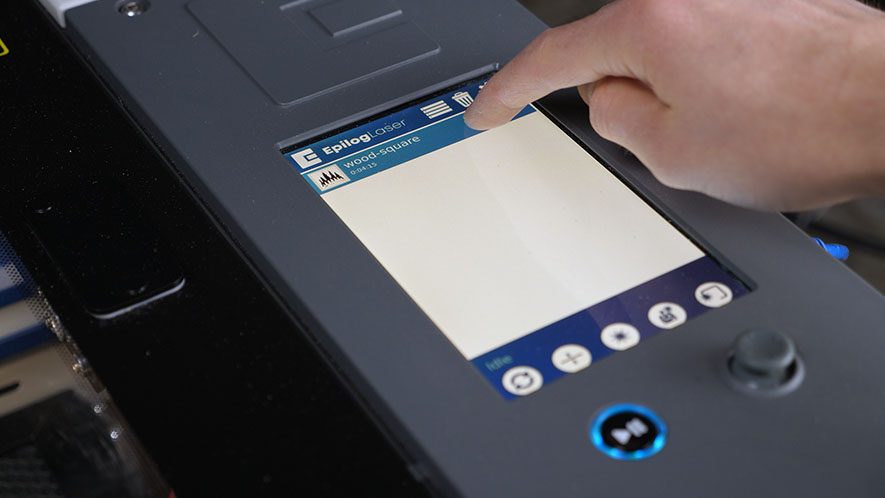
Estimated Time: 5–10 Minutes | Skill Level: Basic The Focus Calibration Wizard allows the laser system to automatically determine the optimal focal height for the installed lens. This process engraves a test pattern on anodized aluminum and identifies the focus position that produces the brightest mark. Running the (...)
Linear Guide Replacement (IKO) – Large Aperture Fusion Pro
Removal Procedure Power OFF the machine and disconnect the power cord. Remove the right and left side panels. Open the top door. Pull the rail to the middle of the machine. Move the carriage to the center. Loosen the thumb screws and open the mirror cover. Disconnect the air assist (...)
How to Set Up Graphics Software for Epilog Laser Systems
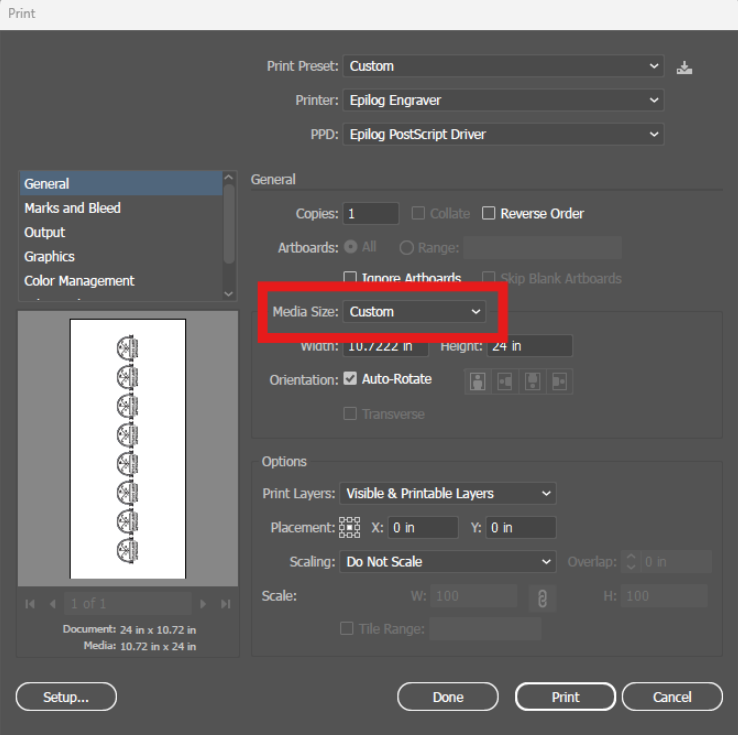
Software Setup CorelDRAW Setup Open CorelDRAW. Note: CorelDRAW Graphics Suite is the recommended CorelDraw version for use with Epilog Laser systems. Other versions, such as the Student or Standard version, may have different menu options and settings. Select Tools > Options > Global > Printing > Driver Compatibility. Choose Epilog (...)
Autofocus Switch Replacement – Fusion Maker, Edge, Pro 24 & 36
This procedure outlines the steps required to safely and effectively replace the Autofocus Switch on the Fusion Maker, Edge, and Pro, laser system. The Autofocus Switch is a critical component responsible for maintaining the proper focal distance during operation. This document provides detailed instructions to ensure proper removal, and installation (...)
Optics Cleaning – Fusion Maker, Edge, and Pro
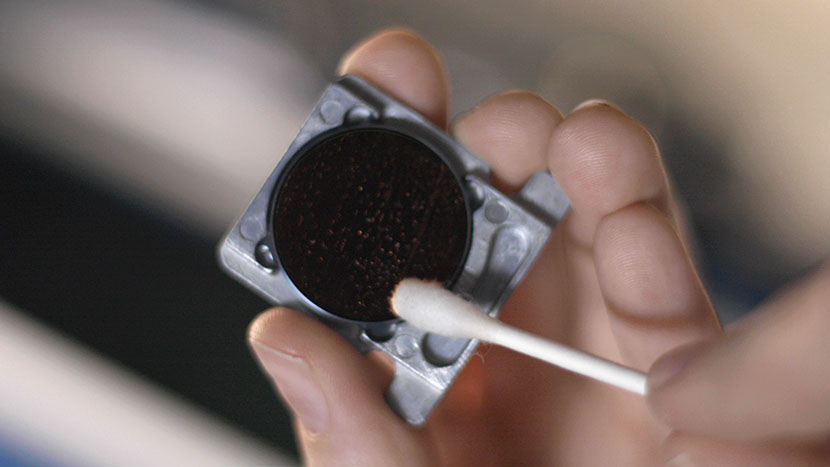
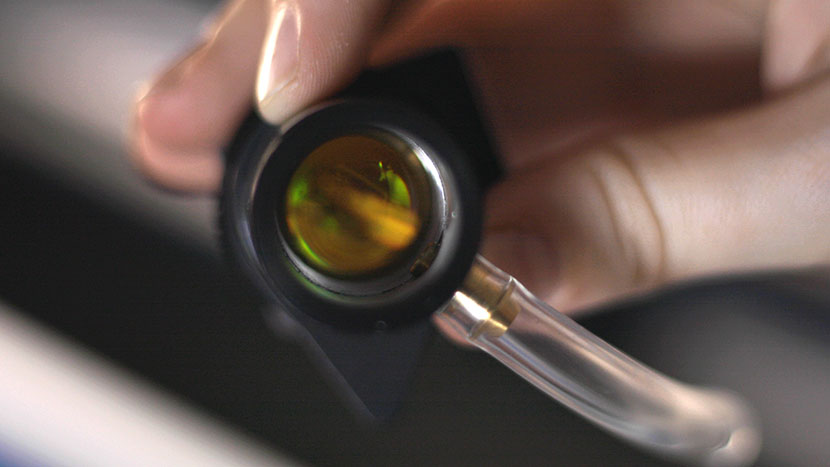
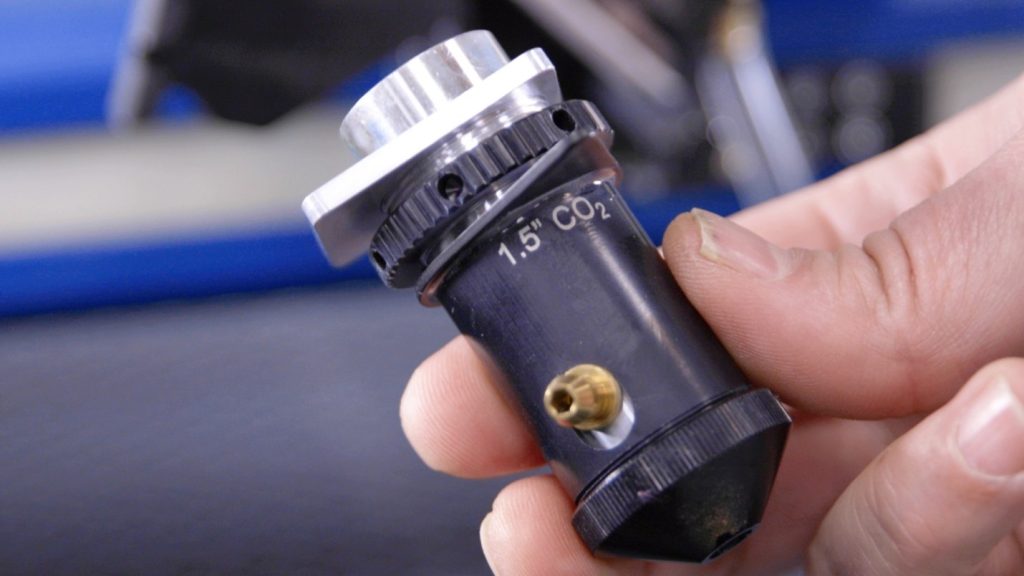
Daily Maintenance Cleaning Remove the lens and carriage mirror. Safely detach both the lens and carriage mirror using the video guide below. Figure 1. Lens and carriage mirror removal process. Carriage Optics Removal Steps Disconnect the air tubing from the lens. Loosen the thumb screws on the carriage cover and (...)
My Artwork isn’t showing up in the Epilog Dashboard
Explanation of the Symptoms When encountering this issue, you may see something similar to the image below—here we can see the artwork in the preview thumbnail, but the artwork does not appear in the work area: However, if zoomed out, we can see that the artwork did transfer to the (...)
Manual Focus Gauge Calibration – Fusion Maker, Edge, Pro
This procedure outlines the steps required to calibrate the manual focus gauge after completing the Focus Calibration Wizard. Proper calibration ensures that the gauge accurately reflects the correct focal height determined using the Calibration Wizard. Note: The Calibration Wizard is available only on firmware version 1.1.2.1 or later. To update (...)
How to Replace the X-Axis Motor Driver: Step-by-Step Guide
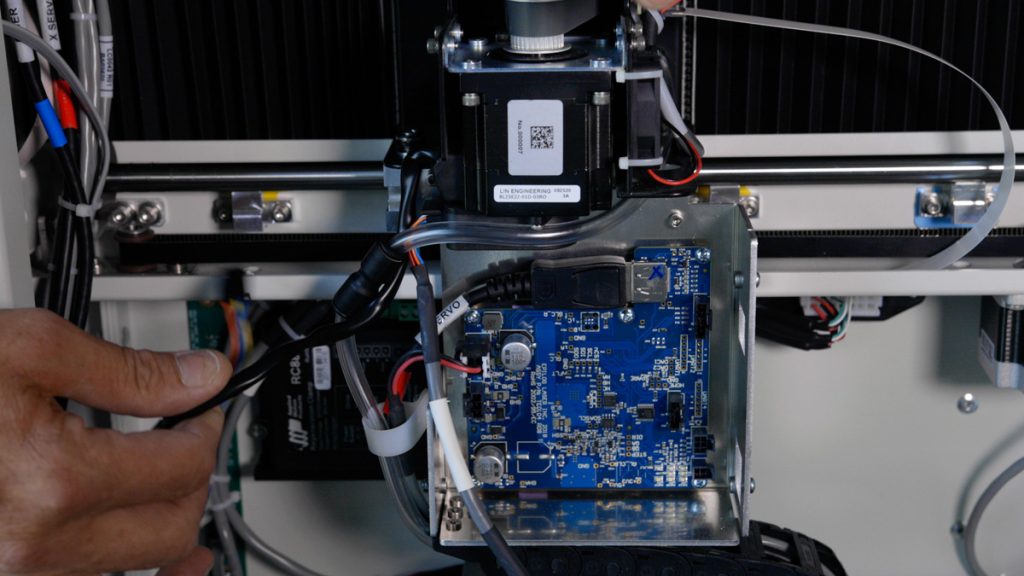
This guide will walk you through the process of removing, installing, and programming the X-Axis Drive Board for Fusion Edge and Pro 24 / 36 models. Proper precautions, including the use of an anti-static strap, are essential to ensure the safe handling of electronic components. Drive Board Replacement Procedure Models: (...)
Generating Machine Logs
Generating machine logs enables Epilog Technical Support to gather important information about the machine, aiding in its diagnosis and troubleshooting. The process is straightforward and requires either a USB flash drive or a network-connected machine. This guide will outline the steps for generating logs. Logs can be generated one of (...)
Cleaning Procedures – Fusion Maker, Edge, and Pro
Regular cleaning of the Fusion Pro engraver will result in a longer service life of the engraver and less down time. Additionally, regular cleaning of the Fusion Pro engraver can mitigate the risk of flare-ups and other thermal events. A mild household cleaner or degreaser can be used to clean (...)
CO2 Laser Replacement Checklist / Low Output
Having to continually reduce speed and increase power can indicate low output from the laser. This document will help identify a low output laser tube on a 17000 Maker, Edge, or Pro machine. Checklist Optics Alignment Focus Reference Engraving Download the sample file below. Reference Engraving Open the file and (...)
Control Module Replacement – Fusion Edge, Maker, Pro
The control module is a crucial component of your Fusion Maker, Fusion Edge, or Fusion Pro engraver, enabling seamless operation and precise control. This guide provides step-by-step instructions for safely removing and installing a new control module to ensure optimal performance. Following these procedures will help you maintain your engraver’s (...)