Custom Home Position / Center – Engraving
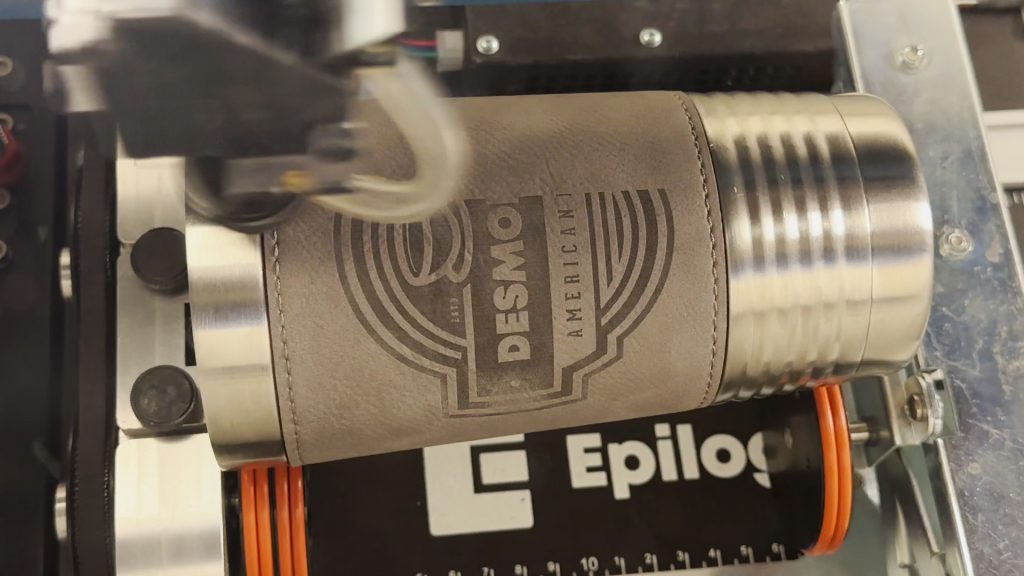
Laser Dashboard Setup Start by printing your file to the Epilog Engraver. The file will open in the Dashboard. In the Laser Dashboard, after choosing your settings, select the Advanced tab. Setting a temporary home position is part of the center engraving features of the laser dashboard. A center home (...)