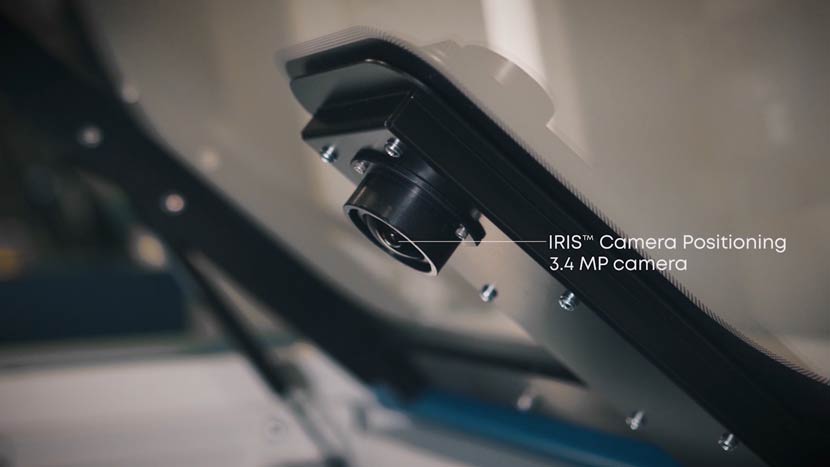
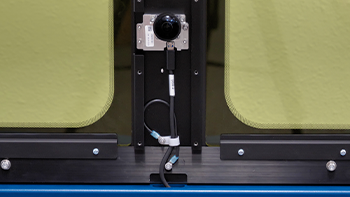
Camera Cable Replacement
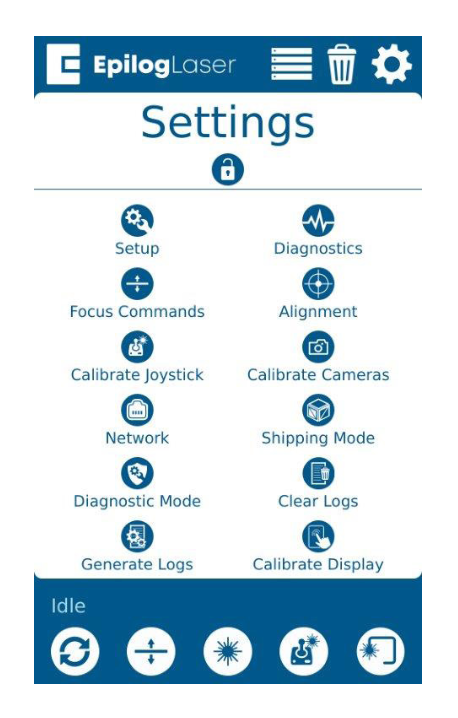
Updating the IRIS Camera System
This guide covers updating the IRIS camera system software from the display on the Fusion Maker, Fusion Edge and Fusion Pro 24, 32, 36 and 48. Parts Required None Tools Required None When to Update The camera update refreshes the software the IRIS camera system runs on. No internet connection (...)
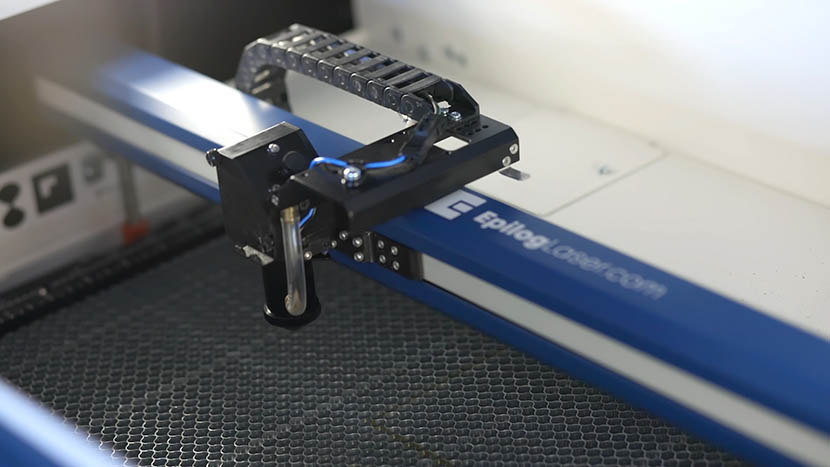
Carriage Camera Replacement – Fusion Pro 24 & 36
This guide covers replacing the carriage camera board on the Fusion Pro 24 and 36. After installation, the camera is updated from the engraver’s display and then calibrated. Parts Required LC0240 – Assy, Camera, X-Axis Tools / Materials Required 5/32" Allen Wrench Phillips Screwdriver Anti-Static Strap Safety First: Ensure the (...)
Vision System Repair: Replacing the Overhead Camera
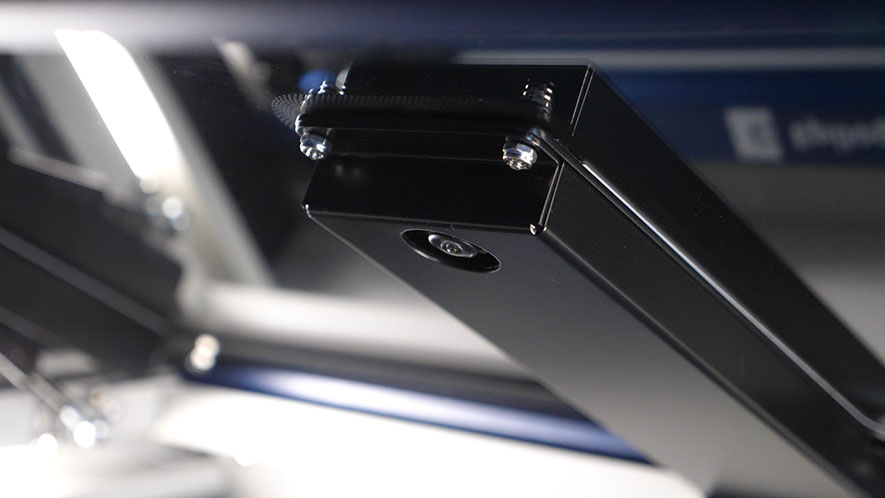
Estimated time: 30–45 minutes • Skill: Intermediate This guide outlines the procedure for replacing the overhead camera on the Epilog Fusion Pro 32 and 48 laser systems. Following these steps will ensure the camera is removed, installed, and updated correctly. For this procedure, you will need the required part: CS0834 (...)
Vision System Repair: Replacing the Overhead Camera
Estimated time: 20–30 minutes • Skill: Intermediate This procedure guides you through removing and replacing the Overhead Camera on Fusion Edge and Fusion Pro engravers. Following these steps ensures the camera assembly is installed correctly, and the system is updated and calibrated for accurate camera-based alignment and job preview functionality. (...)