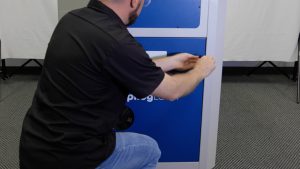
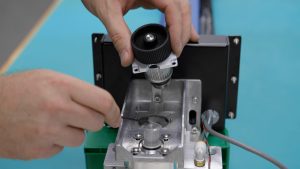
This guide covers replacing the manual focus gauge (MFG) on the Fusion Pro 32 and 48. The MFG is held on the lens carriage by a single screw, and its length is set to the engraver’s calibrated focus height after installation.
Parts Required
- CS1032 – Assy, Manual Focus Gauge
Tools Required
- 3/32" Allen Wrench
MFG Removal
Step 1
Turn Off Engraver
Turn off the engraver.
Step 2
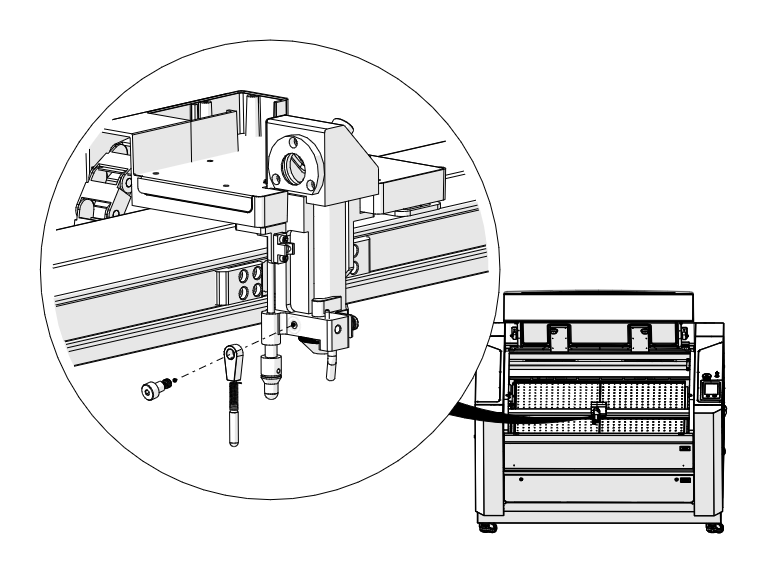
Remove the MFG
Loosen and remove the 3/32" Allen screw that holds the manual focus gauge in place, then remove the MFG.
MFG Installation
Step 3
Install the New MFG
Place the new CS1032 manual focus gauge in position. Install and tighten the 3/32" Allen screw.
Step 4
Turn On Engraver
Turn on the engraver.
Step 5
Match the MFG to Focus Height
Use the auto focus feature to move the table to the calibrated focus height. Then lengthen or shorten the MFG so its tip matches that focus height.