Service and Repair

Series: 16000-17000

Filters


Getting Started (12)
Usage and Operation (105)
Service and Repair (117)
Manual (0)

Results: 117 items found
  • View:
Order by
Relevance

Filters


Getting Started (12)
Usage and Operation (105)
Service and Repair (117)
Manual (0)

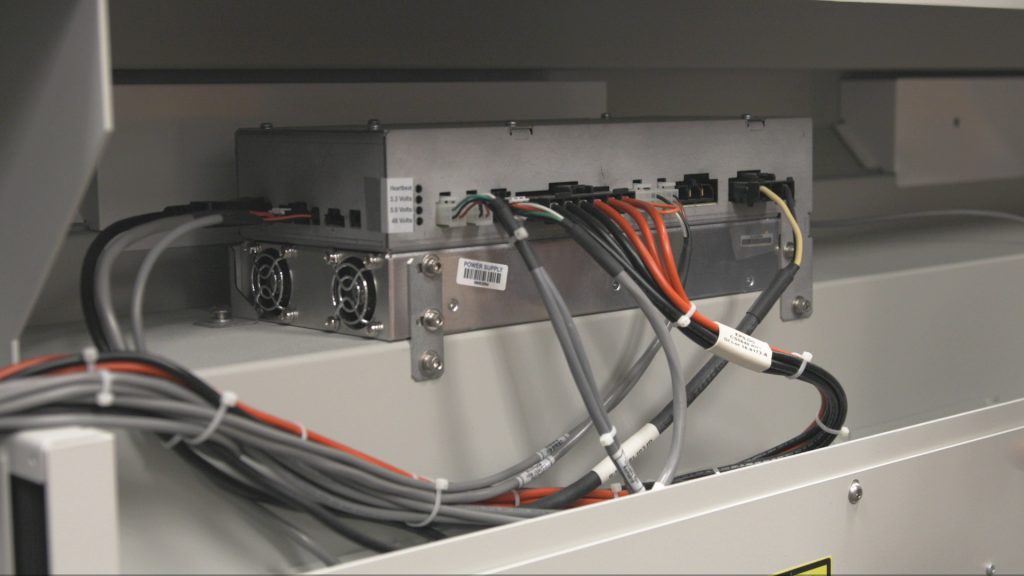
Power Supply Replacement – Fusion Pro 48 – 200 Watt
Pro 48

Step-by-step instructions for replacing the power supply in a Fusion Pro 48 200-Watt laser system.

WARNING: Servicing the power supply while the engraver is powered on can cause serious injury or damage to internal components. Always disconnect all power sources before beginning. Power Supply Removal Power OFF the system and disconnect the power cable. Remove the rear-top panel. Disconnect all electrical harnesses from the power (...)
Autofocus Switch Replacement – Fusion Maker, Edge, Pro 24 & 36
Pro 24, Pro 36

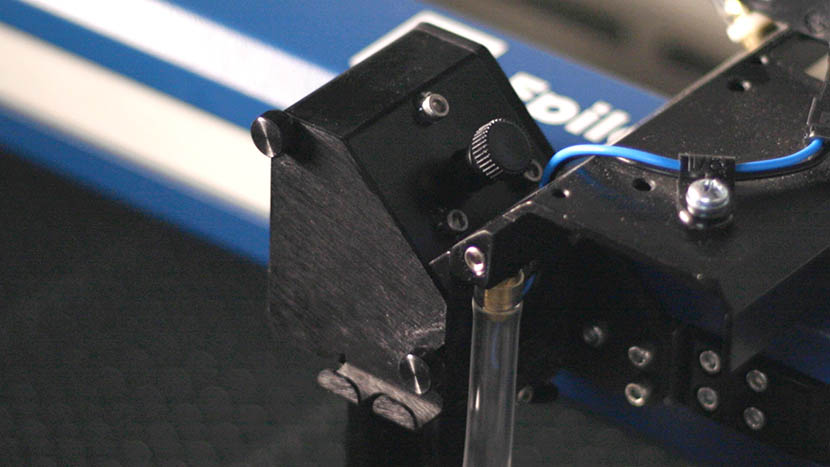
How do I replace the autofocus switch in the Fusion Maker, Edge, and Pro 24 and 36?

This procedure outlines the steps required to safely and effectively replace the Autofocus Switch on the Fusion Maker, Edge, and Pro, laser system. The Autofocus Switch is a critical component responsible for maintaining the proper focal distance during operation. This document provides detailed instructions to ensure proper removal, and installation (...)
Manual Focus Gauge Calibration – Fusion Maker, Edge, Pro
Pro 24, Pro 36

Learn how to calibrate the manual focus gauge on a Fusion Maker, Edge, or Pro machine.

This procedure outlines the steps required to calibrate the manual focus gauge after completing the Focus Calibration Wizard. Proper calibration ensures that the gauge accurately reflects the correct focal height determined using the Calibration Wizard. Note: The Calibration Wizard is available only on firmware version 1.1.2.1 or later. To update (...)
How to Replace the X-Axis Motor Driver: Step-by-Step Guide
Pro 24, Pro 36

Learn how to replace the TE0104 X-Axis Drive Board on 17000 Edge and Pro machines. This fix can potentially resolve various X-Axis motion issues and help restore smooth operation.

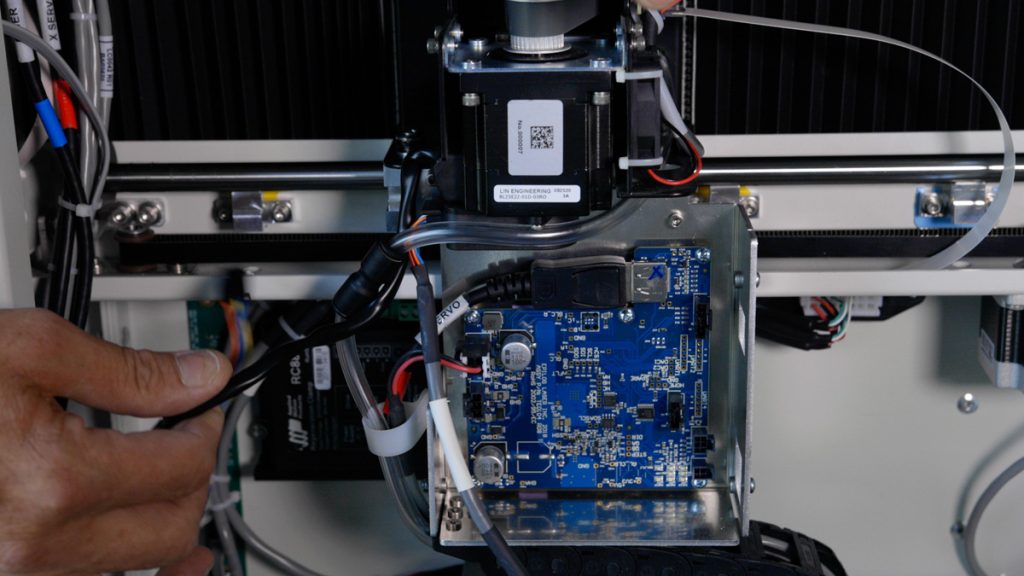
This guide will walk you through the process of removing, installing, and programming the X-Axis Drive Board for Fusion Edge and Pro 24 / 36 models. Proper precautions, including the use of an anti-static strap, are essential to ensure the safe handling of electronic components. Drive Board Replacement Procedure Models: (...)
Laser Alignment (Large Aperture Optics) – Fusion Pro
Pro 24, Pro 36

How do I align the laser on my Fusion Pro with large aperture optics.

To ensure your CO2 laser engraver delivers optimal performance and consistent cutting quality, proper beam alignment is essential. Over time, vibration, wear, or component replacement can cause the laser beam to deviate from its intended path. This can result in reduced cutting power, inconsistent engraving, or premature wear of optics. (...)