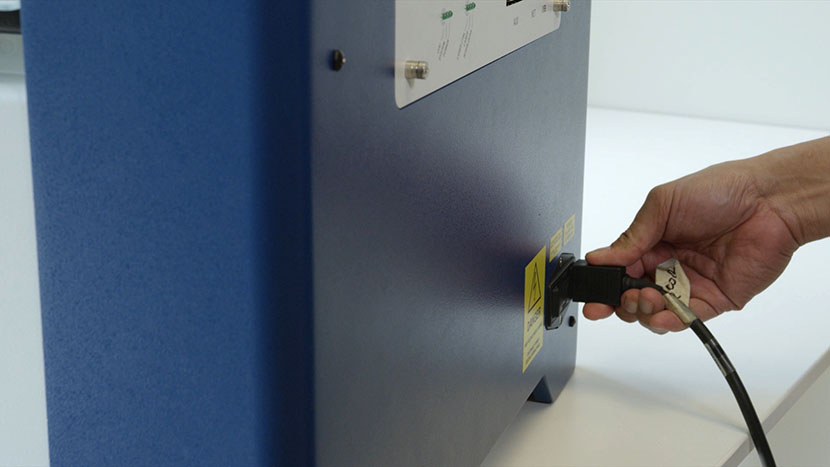
Option 1: Lower the Table
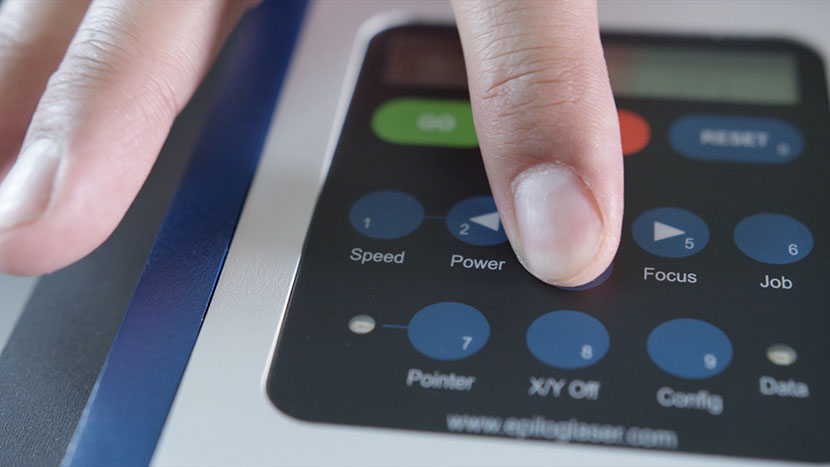
If your machine has power, lower the table to the bottom of the machine by pressing the ‘Focus’ button, then holding the down arrow button.
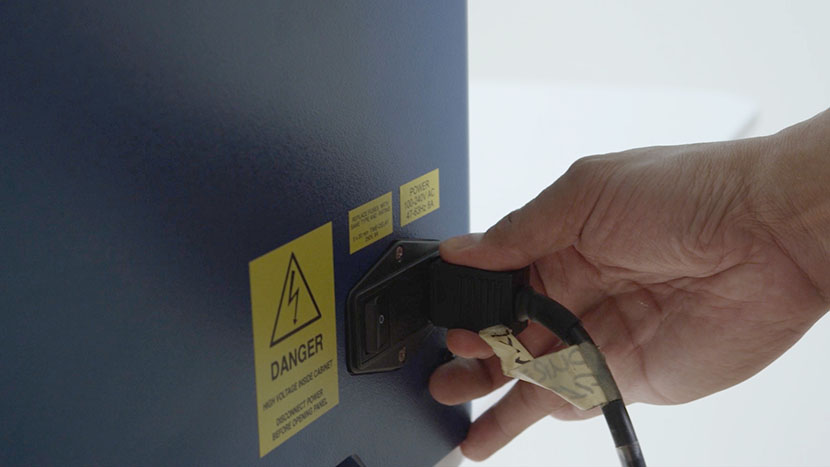
Shut off the laser and remove the power cord from the machine.
Option 2: Remove the Table
If your machine won’t turn on, you’ll need to remove the engraving table.
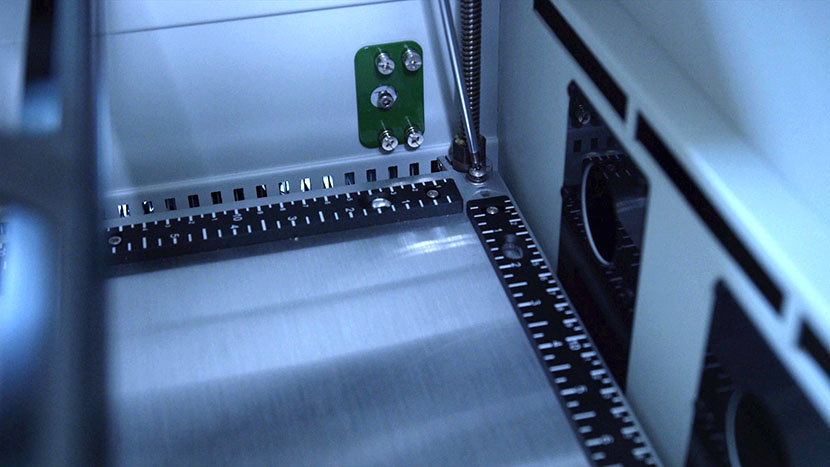
Make sure the power cord has been unplugged from the machine, then remove the four screws located at the corners of the table.
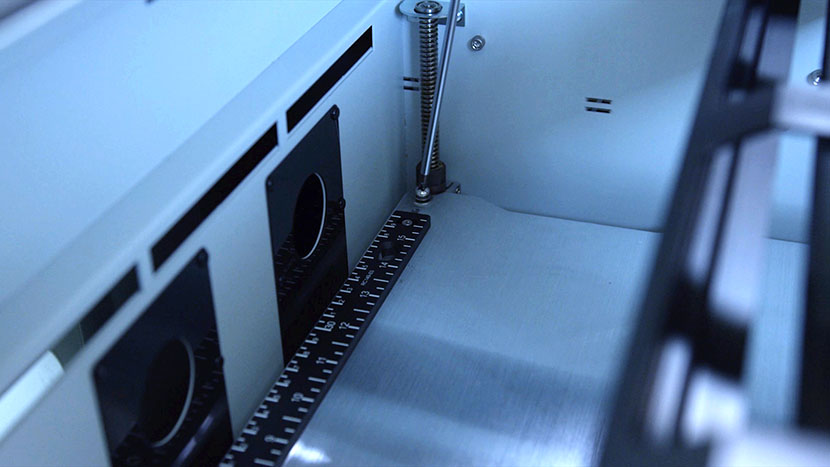
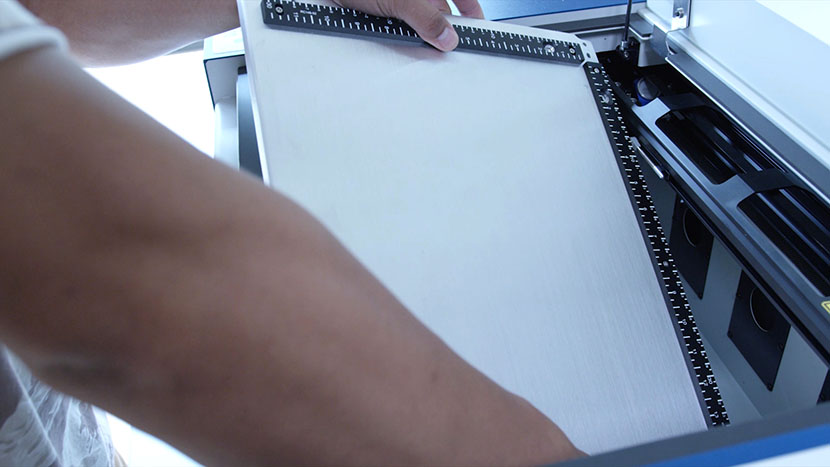
Tilt the table and lift it out, then set it aside.
Remove the Display Panel
Now, put on the anti-static strap. Clip the strap onto any metal part of the machine. Always wear the antistatic strap when handling the control board to avoid damaging the unit through static discharge.
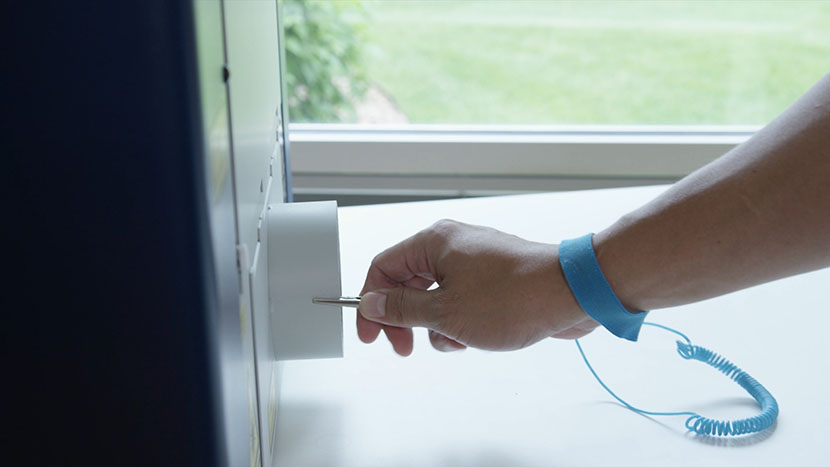
Loosen the two screws on the side of the display panel.
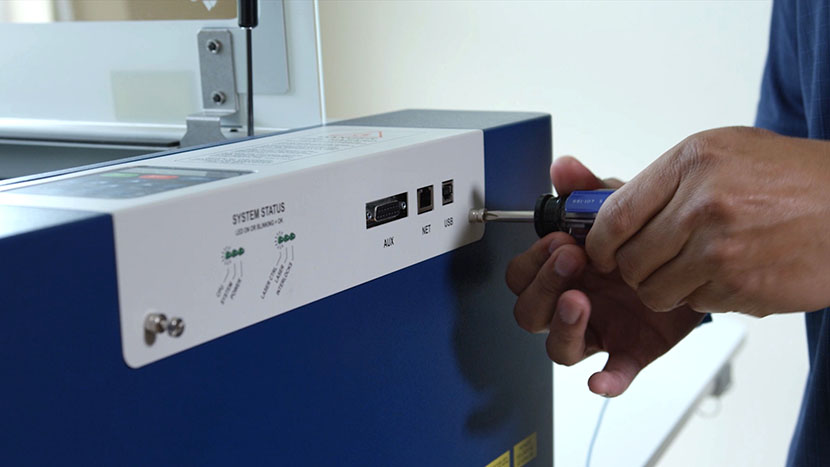
Then grasp the two screws and pull the controller away from the engraver. A small amount of force will be required to remove the board from the machine as you disconnect the electrical connections.
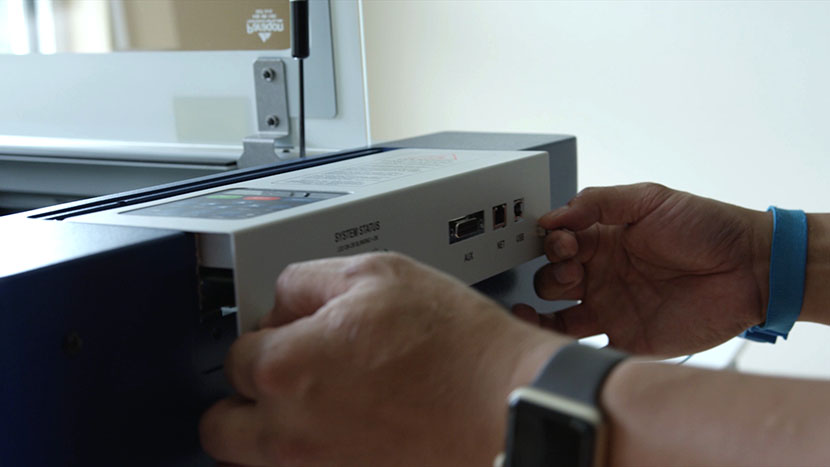
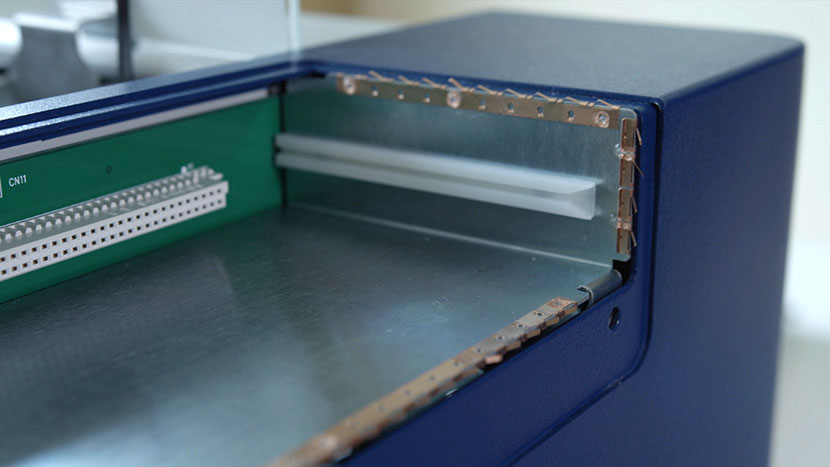
Make sure the copper strips inside the control housing stay in place when you remove the board.
Remove the Side Panel
Next we’ll remove the right side panel from the machine. Remove the screws on the side of the machine.
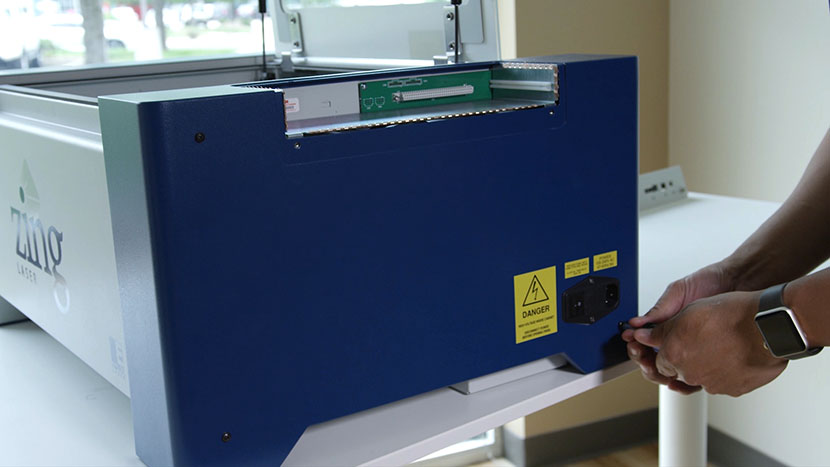
Remove the screw on the back of the machine holding on the side panel.
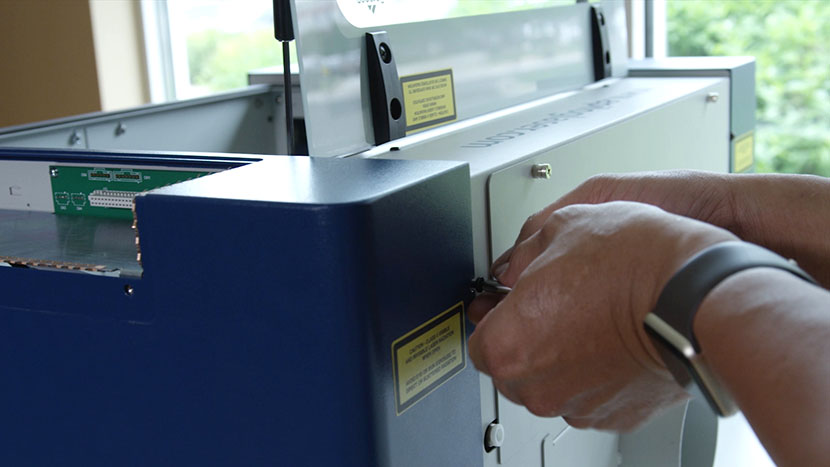
Remove the right side panel by lifting up on the bottom of the cover and pulling toward you.
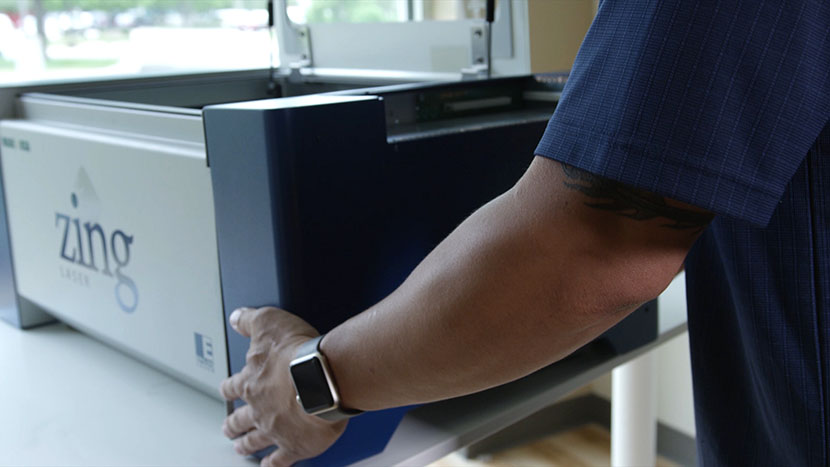
Remove the Old Power Supply
Cut the zip tie on the chassis, and then disconnect the three power connections on the right side of the power supply.
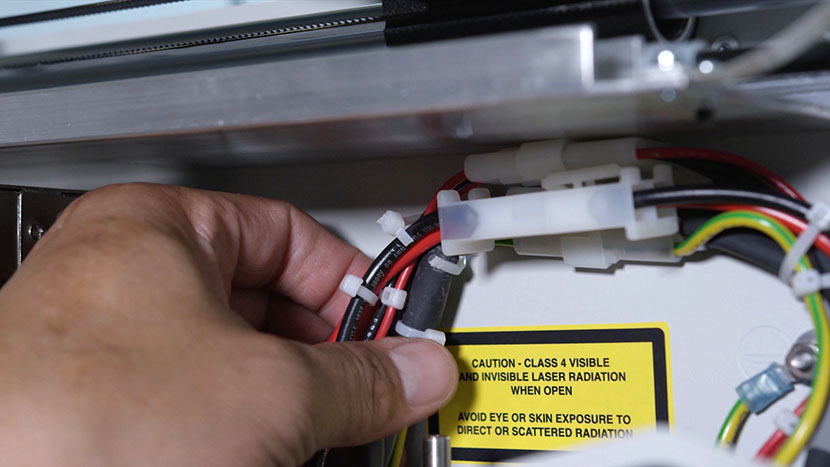
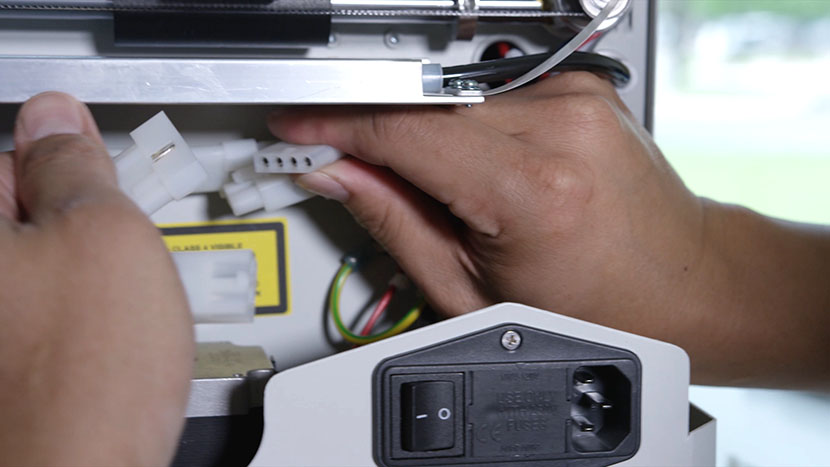
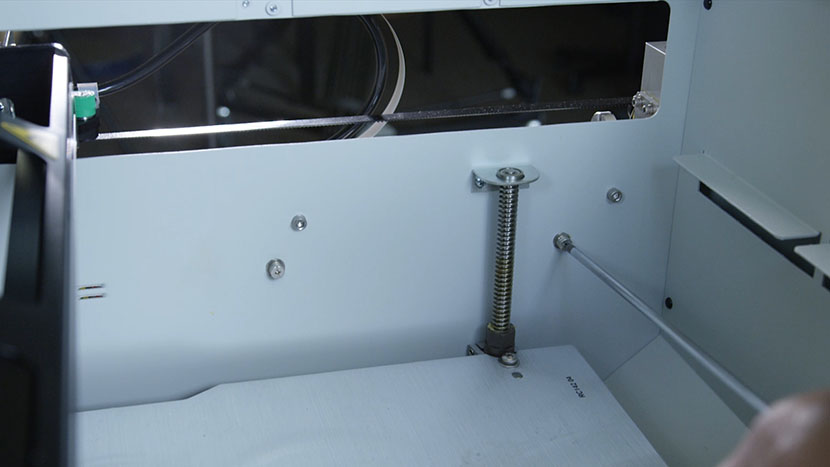
Open the top door of the machine and on the right side of the chassis loosen the two power supply captive Phillips mounting screws.
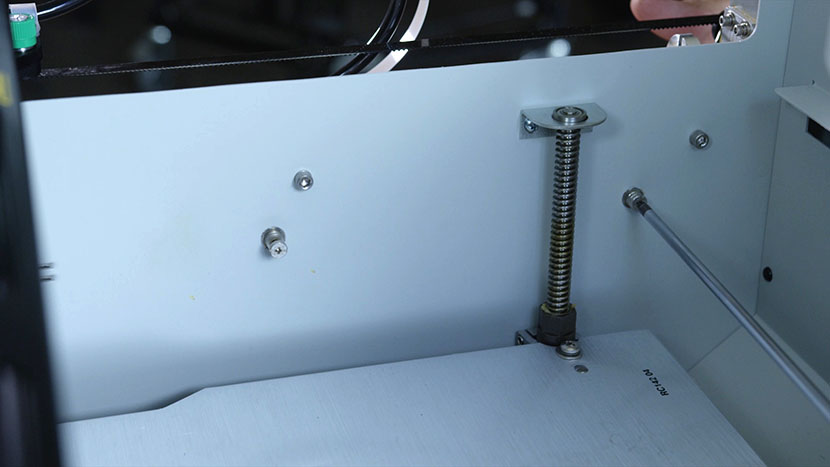
You may now remove the power supply, the silver box on the lower left side of the machine.
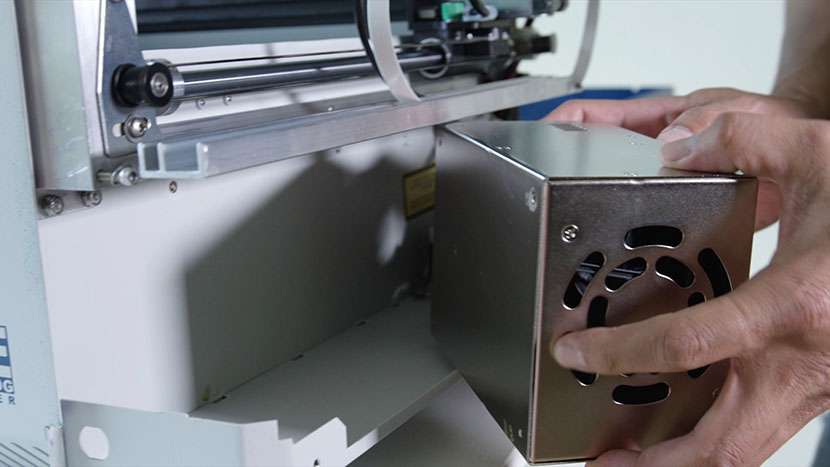
Insert the New Power Supply
Place the new power supply in the machine chassis lining up the two top holes to the two captive screws. Reattach the two screws inside the machine to the power supply.
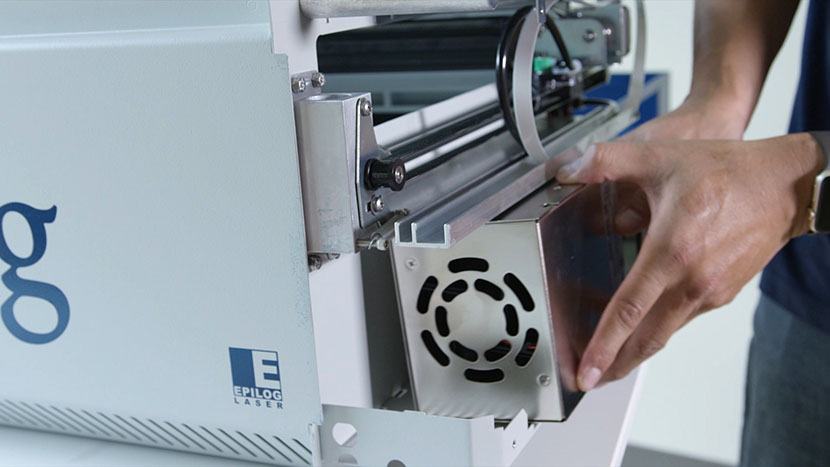
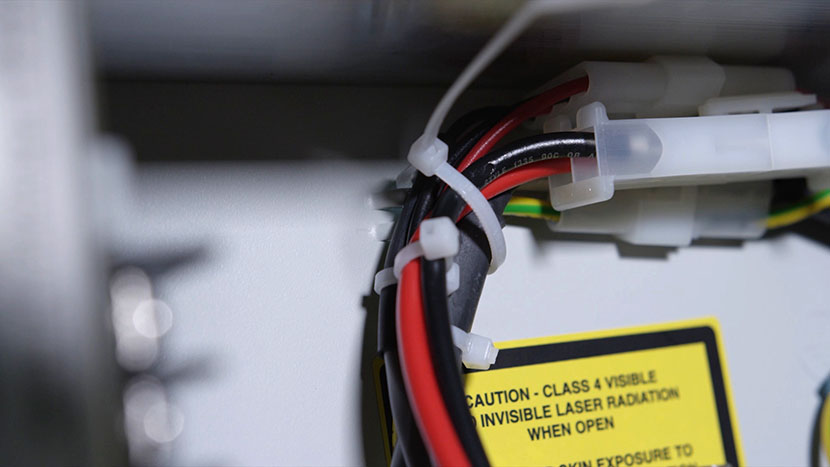
Loop a zip tie on to the chassis, then reconnect the three power supply connections. Each connection is different and cannot be attached to the incorrect wire.
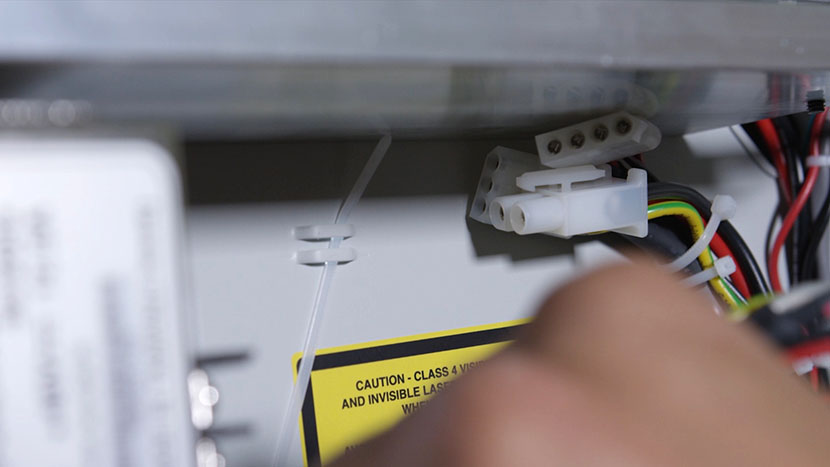
Secure the cords by tightening the zip tie.
Reattach the Side Panel
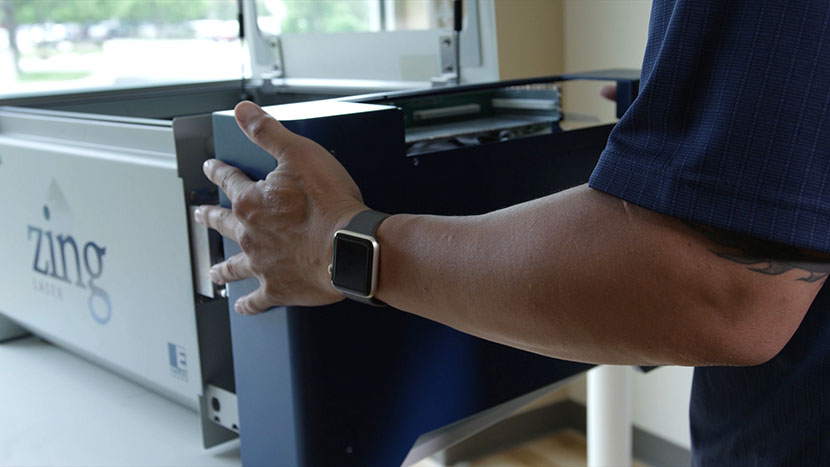
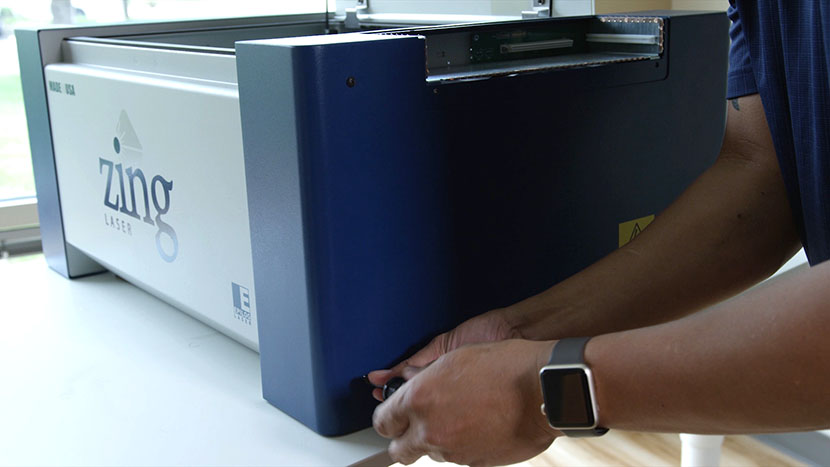
Replace the right side panel, tightening the screws on the side of the panel.
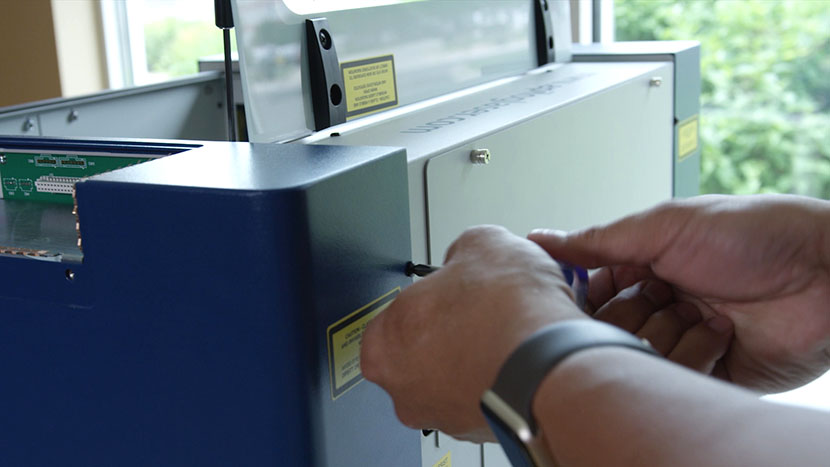
Tighten the screw on the back of the machine.
Reinsert the Display Panel
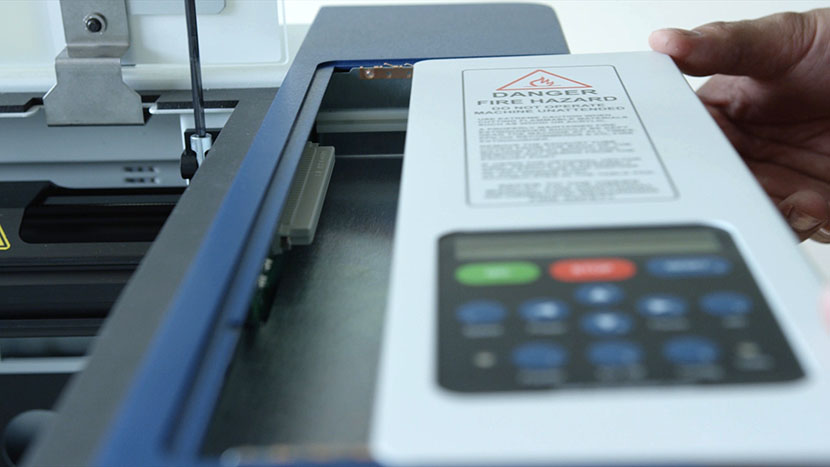
Slide the display unit into place, ensuring the tabs on the control unit fit into the grooves on the side of the housing. Push the display unit all the way into the slots until it is fully seated. Tighten the two screws to secure the display unit in place.
Reinsert the Table
If you removed the engraving table earlier, reinsert the table by tilting it and placing it back inside the machine, making sure the holes in the table line up with the screw holes below.
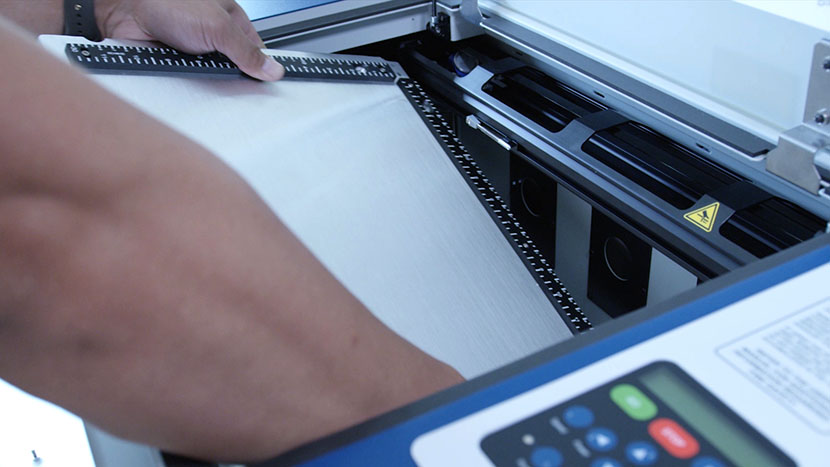
Screw in the four screws, loosely at first, then tighten them once you’re sure all four are lined up.
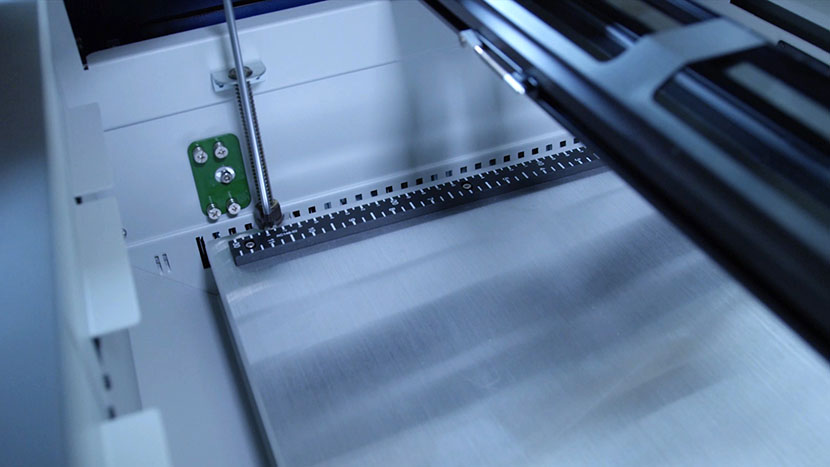
Plug the machine in and turn it on.