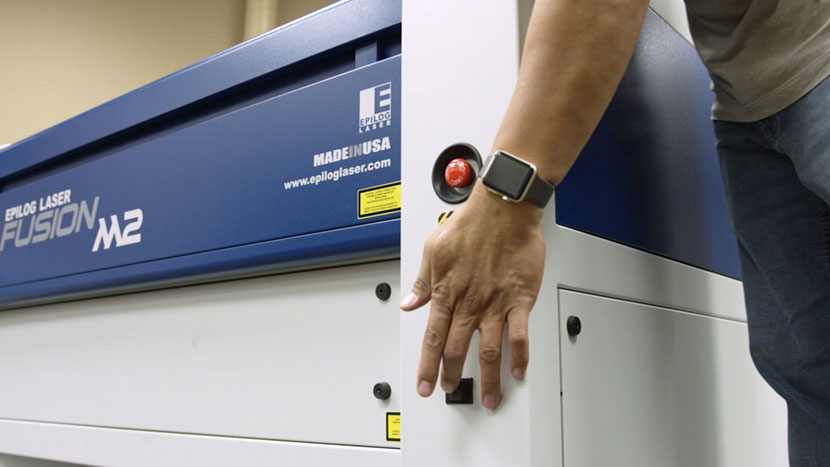
In this lesson we’ll walk through replacing the Epilog Fusion M2’s RF Power Supply.
Remove Panel
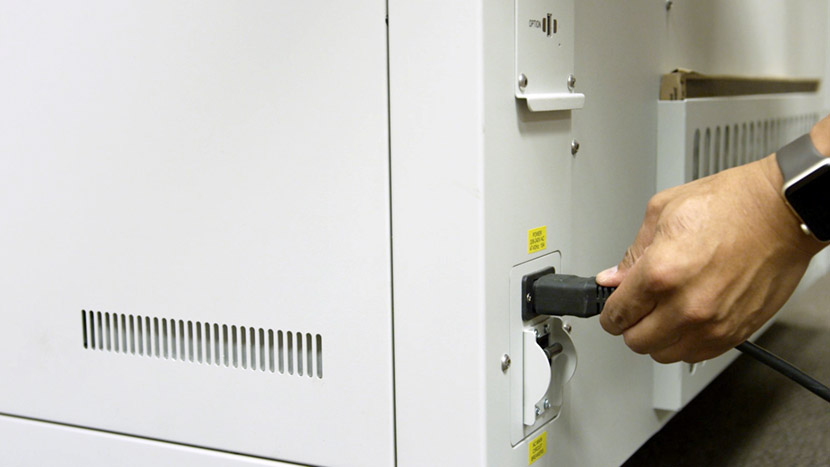
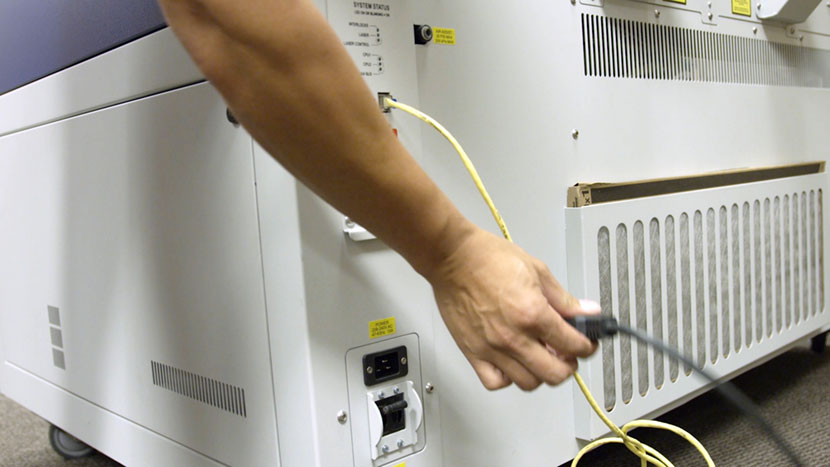
Shut off the laser and remove the power cord from the machine.
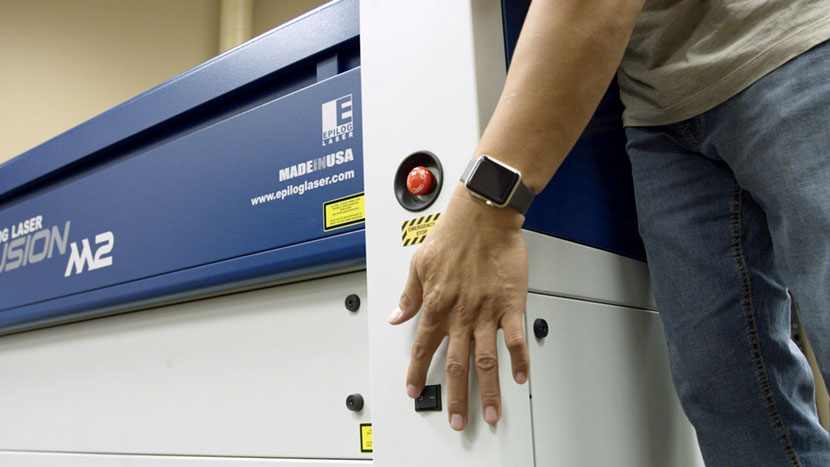
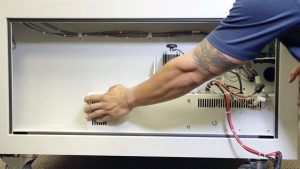
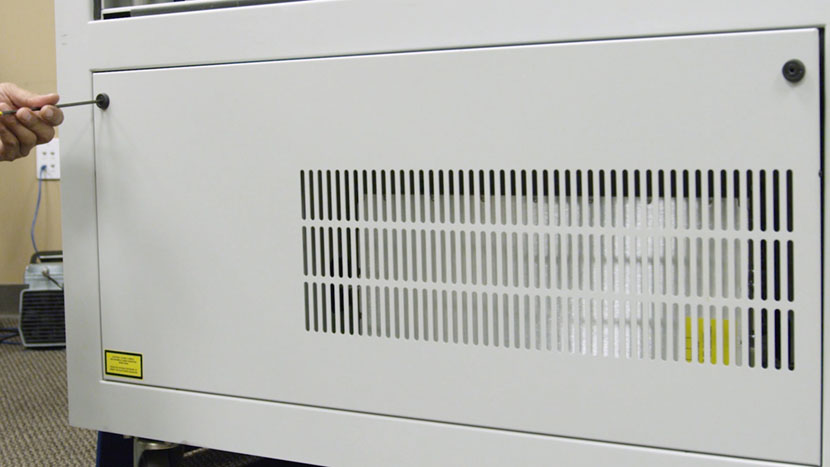
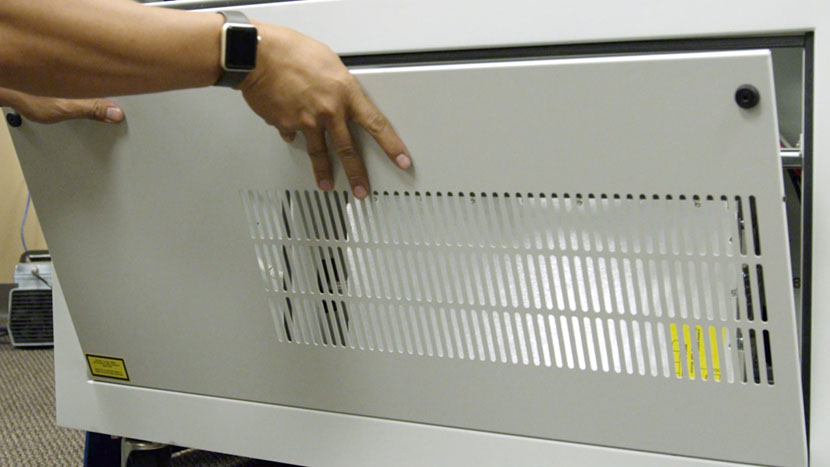
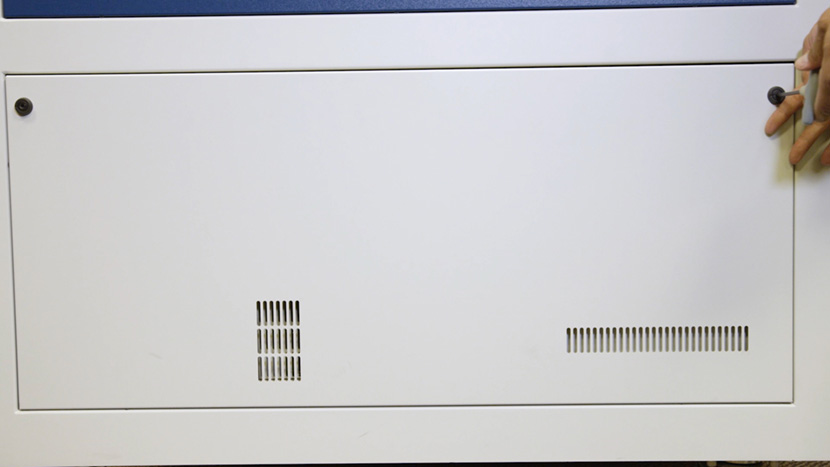
Remove the bottom access panel on the left side of the machine by using a 5/32” hex key to turn the black panel locks ¾ of the way counter-clockwise.
Remove Old RF Power Supply
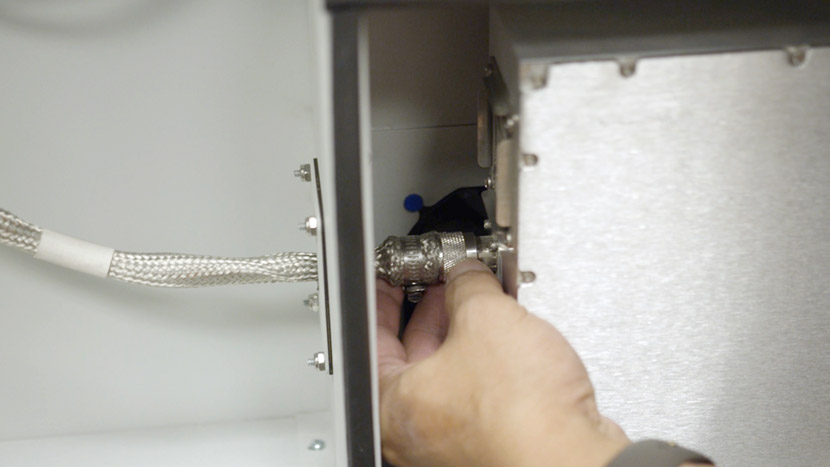
Unscrew the RF Power Supply cable from the side of the unit.
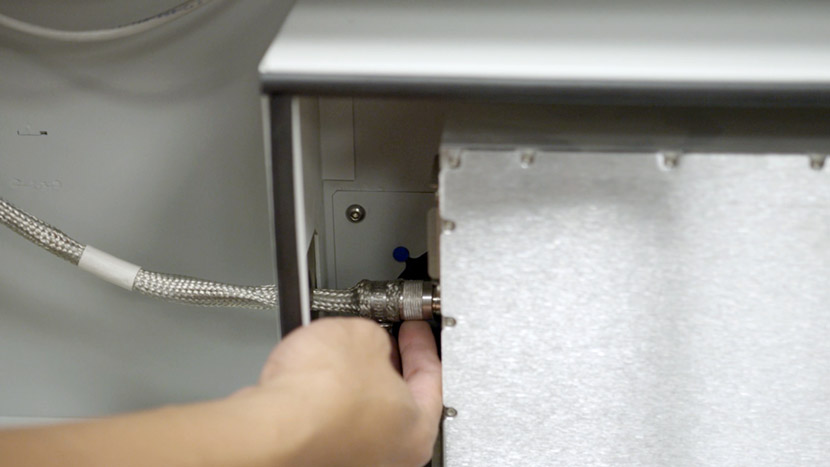
Disconnect the large black connector from the other side of the unit.
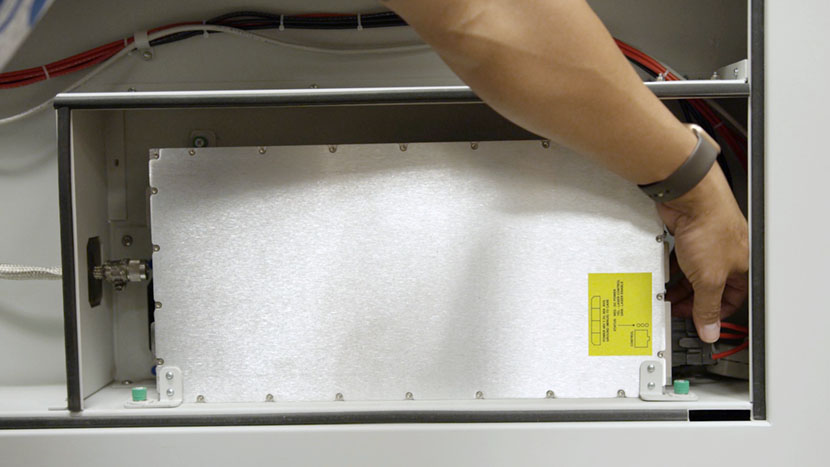
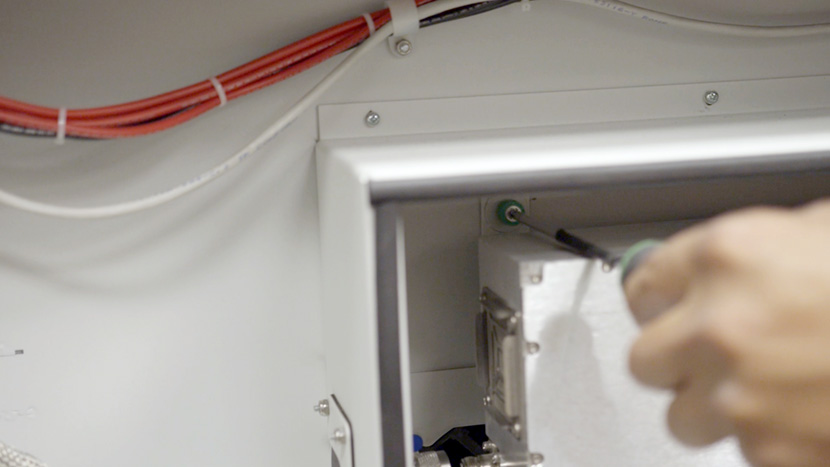
Use a Phillips head screwdriver to loosen the unit’s four green captive screws, two at the top near the back, and two at the bottom near the front.
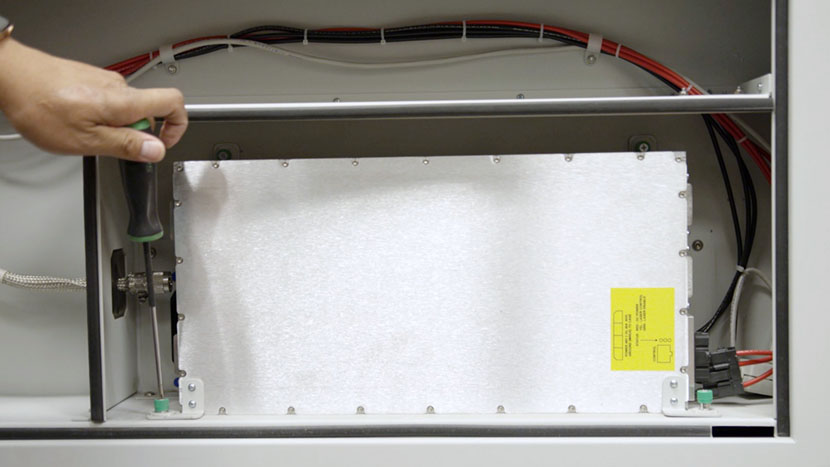
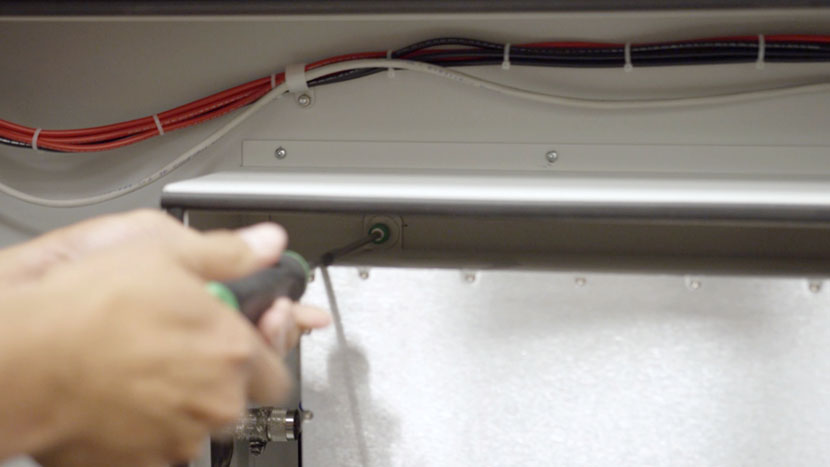
Pull out the RF Power Supply. Be careful, as the unit is heavy.
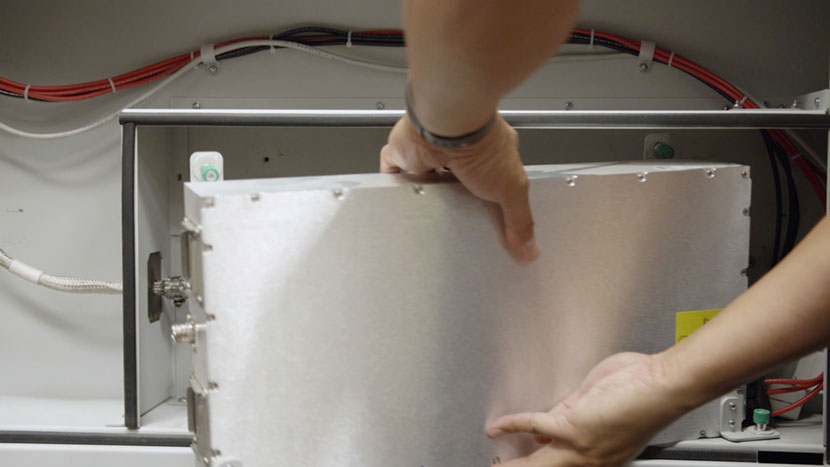
Disconnect the 8-Pin connector, which resembles an Ethernet or telephone cord.
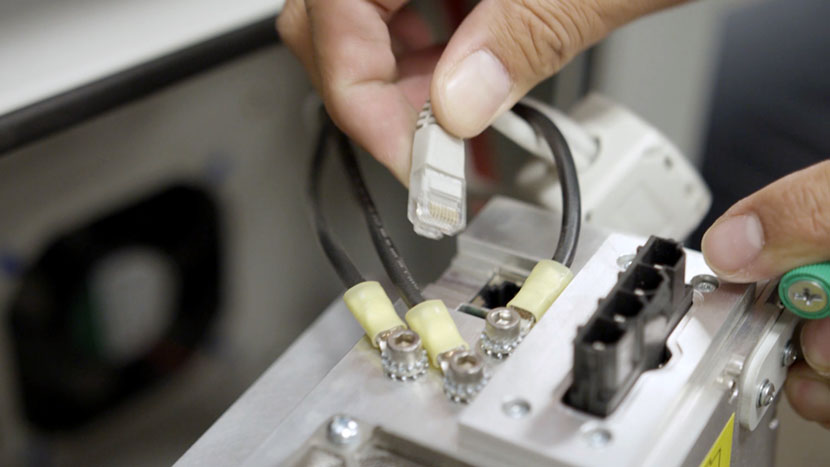
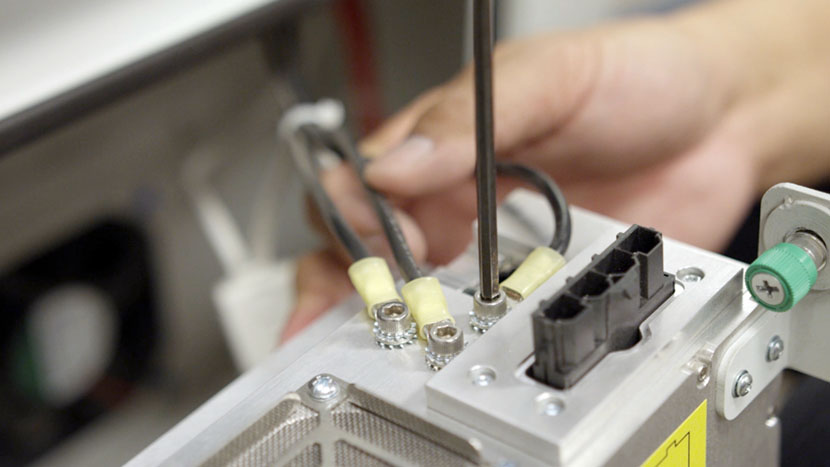
Use a 5/32” hex key to remove the three grounding wires, setting the lock washers aside.
Install New RF Power Supply
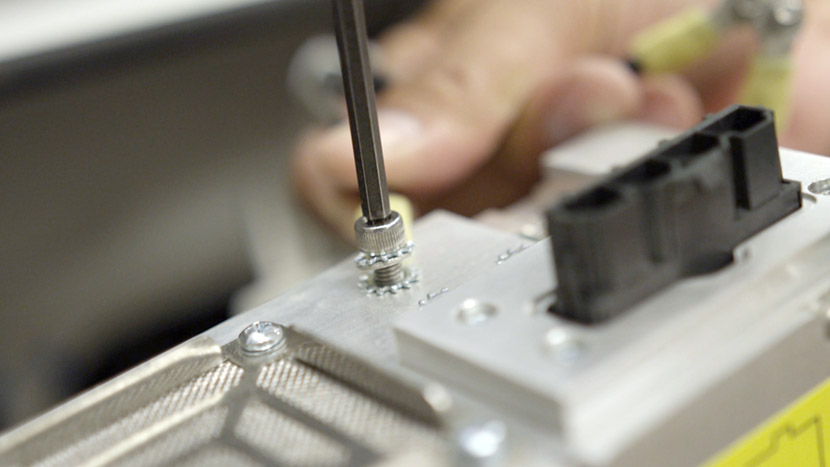
To install the new RF Power Supply, use a 5/32” hex key to attach the three grounding wires by inserting the hex screws. Make sure each grounding wire is sandwiched by two lock washers.
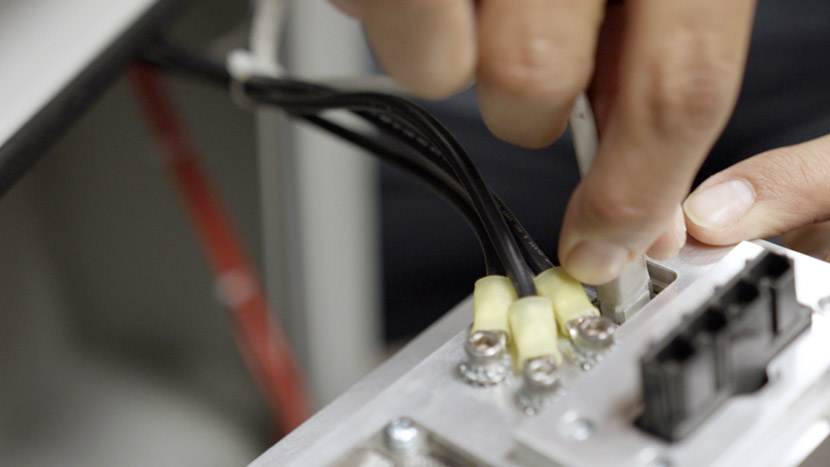
Insert the 8-pin connector.
Place the RF Power Supply into the compartment within the chassis.
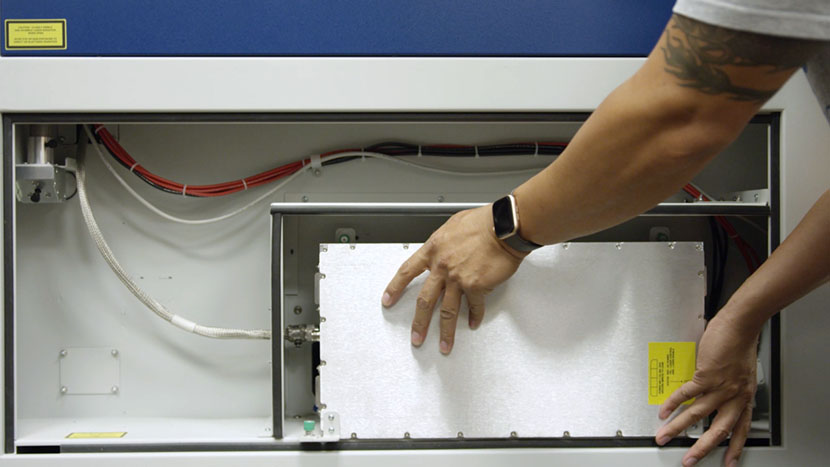
Insert the large black connector.
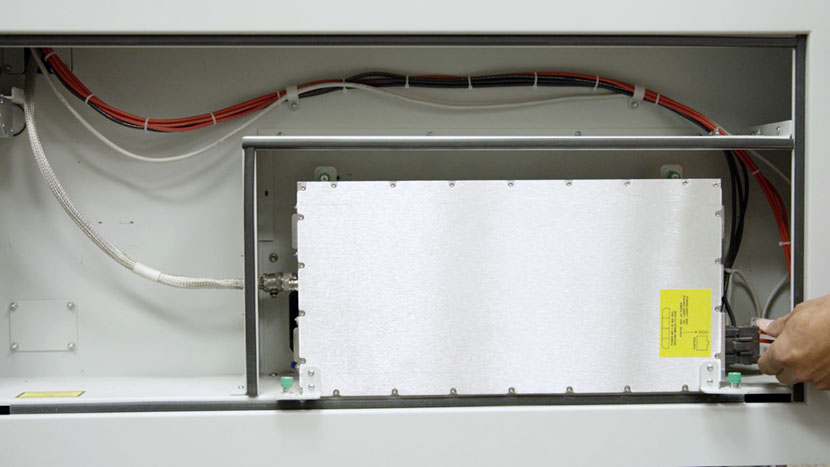
Align the RF Power Supply’s green captive screws with the screw holes on the chassis.
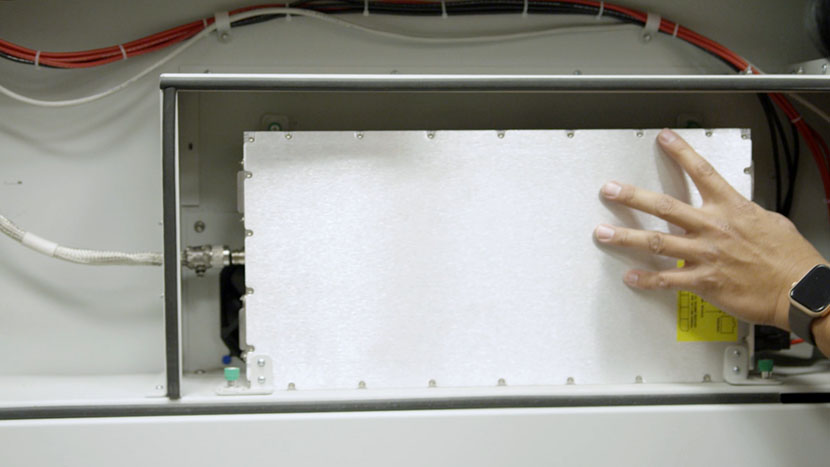
Use a Phillips head screwdriver to tighten the four captive screws.
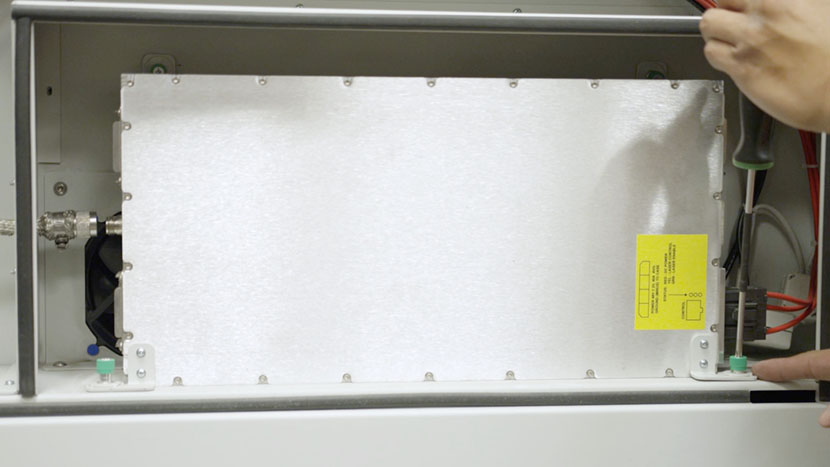
Screw the RF Power Supply cable into the side of the unit.
Reinstall Panel
Replace the top access panel on the left side of the machine, using a 5/32” hex key to turn the black panel locks ¾ of the way clockwise.
Plug the machine in and turn it on.