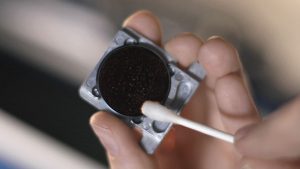
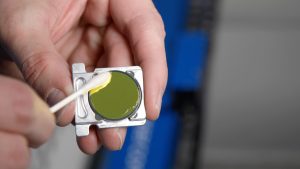
Moisture and debris naturally accumulate inside the filter regulator module during machine operation. Regular draining helps maintain proper airflow and protects downstream pneumatic components.
Safety First:
Disconnect the main air supply and fully depressurize the pneumatic system before servicing the filter assembly.
Drain Procedure
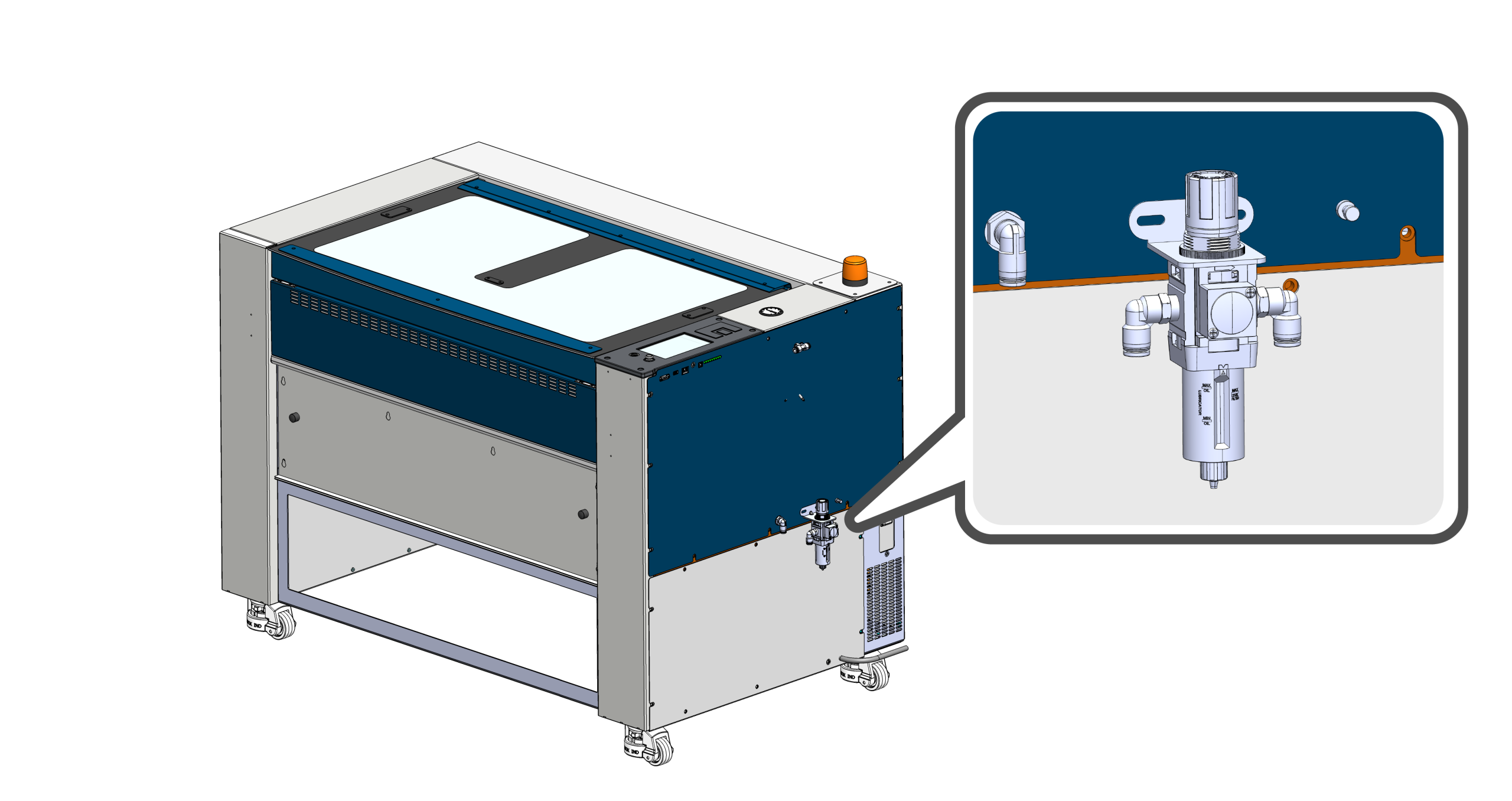
Locate the Filter Assembly
Locate the main air filter assembly on the right side of the machine.
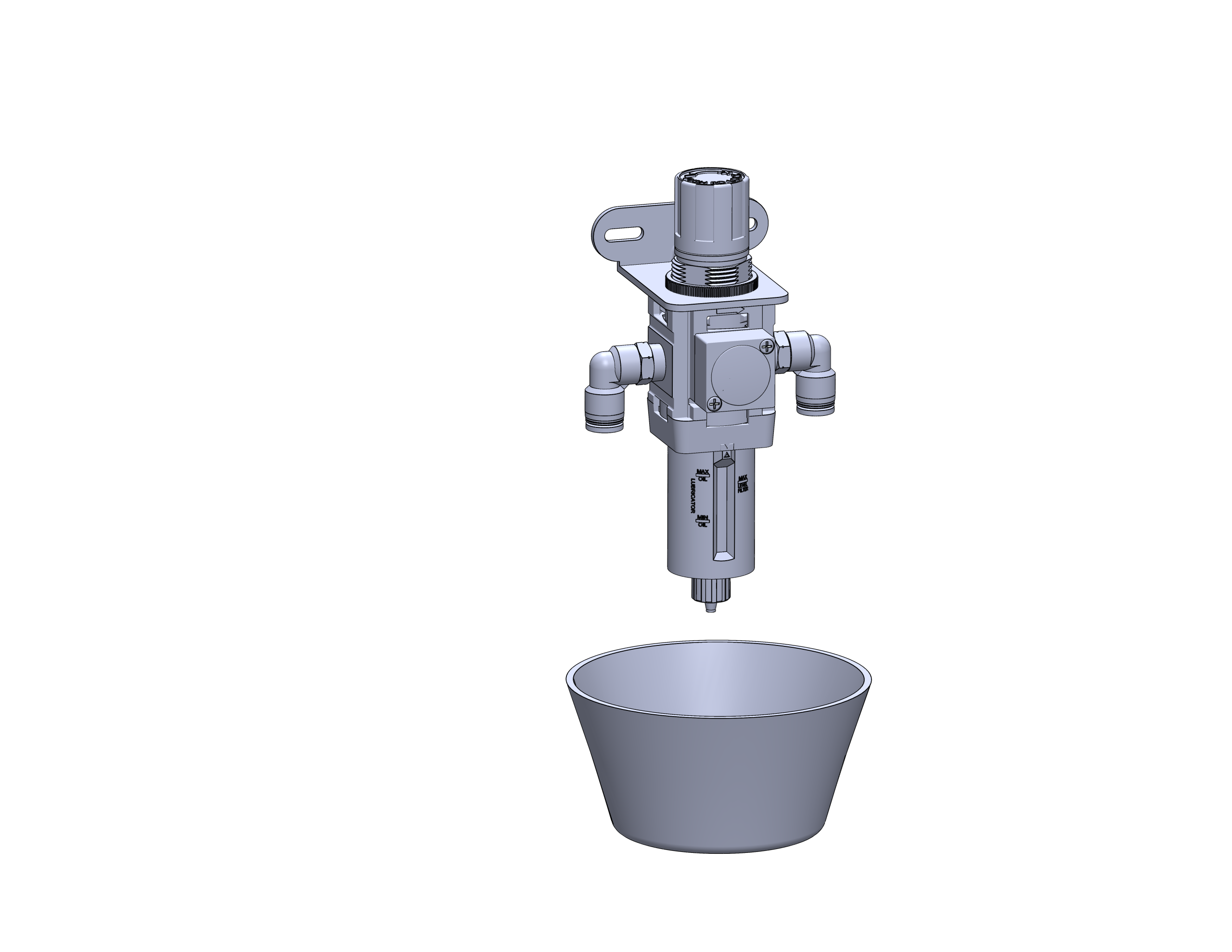
Position a Container
Place a small cup or absorbent towel beneath the drain valve to collect any moisture or debris released from the filter bowl.
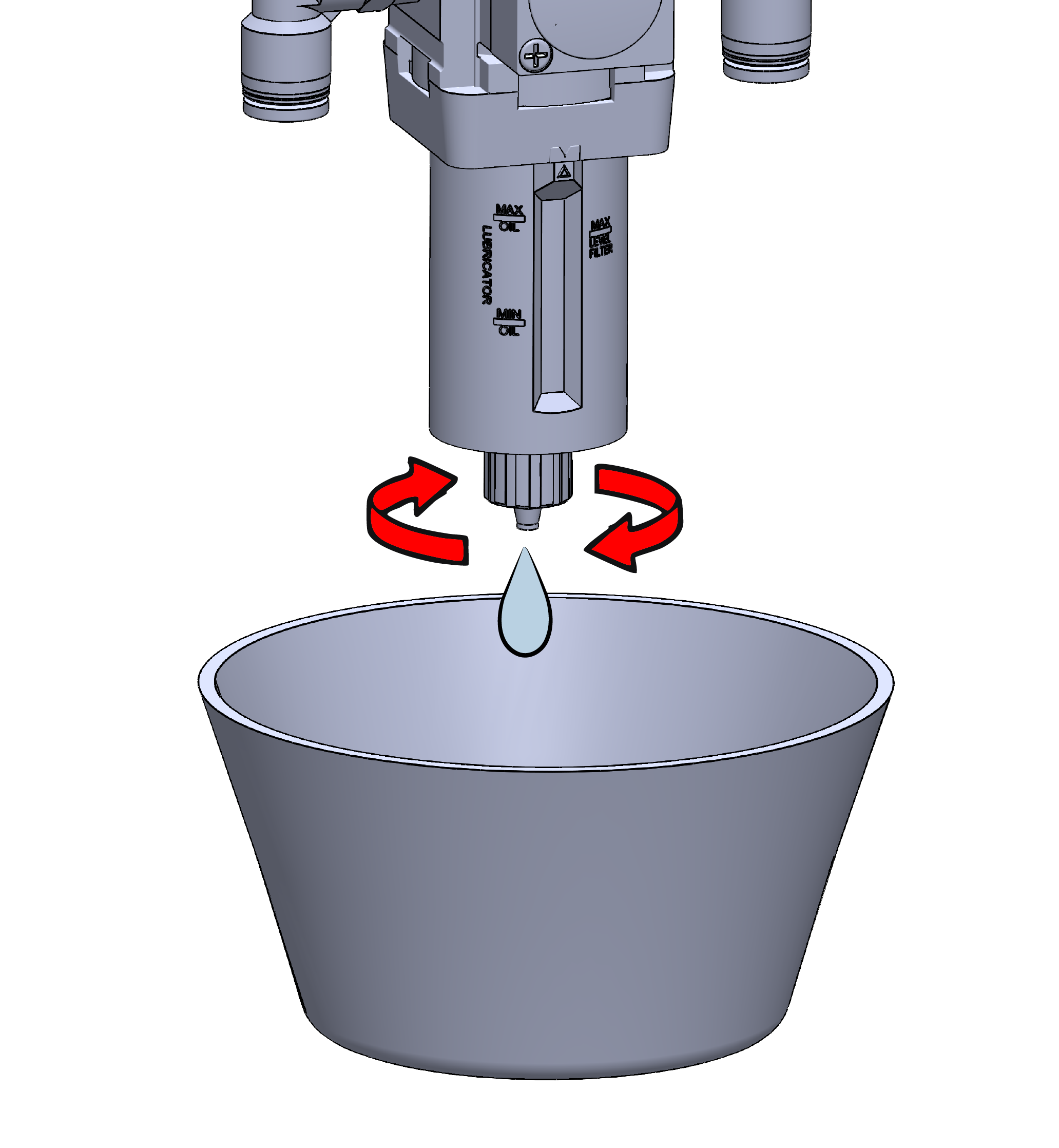
Drain the Filter Bowl
Rotate the manual drain valve located at the bottom of the filter. Allow all accumulated water and contaminants to drain completely before closing the valve.
Maintenance Tip:
Inspect the bowl while draining. If excessive contamination is present or the filter element appears damaged, replace the filter assembly before returning the machine to service.