Usage and Operation
Filters
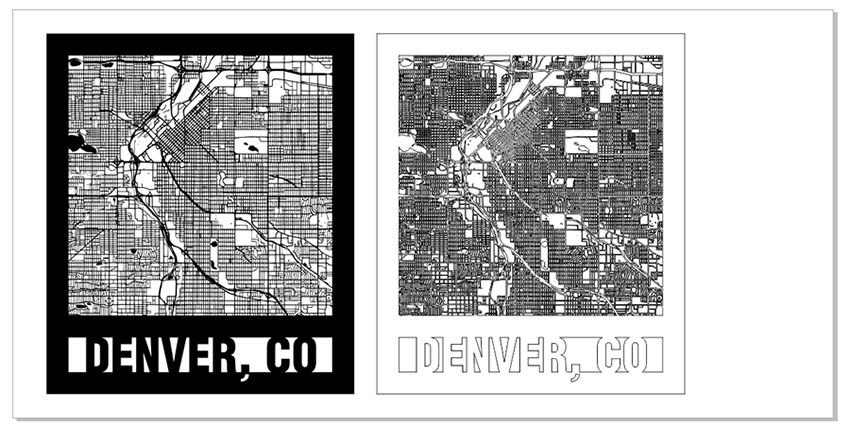
Creating City Maps (CorelDRAW)
Learn how to source and prepare artwork for cutting and engraving city maps using CorelDRAW.
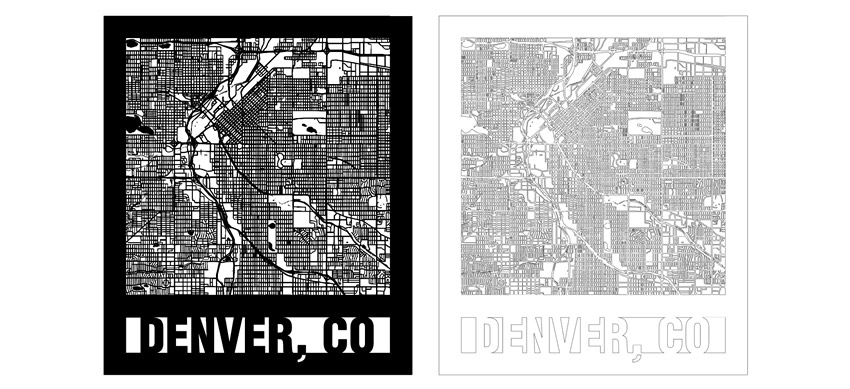
Creating City Maps (Illustrator)
Learn how to source and prepare artwork for cutting and engraving city maps using Adobe Illustrator.
Creating Custom Shaped Artwork
Learn how to create custom-shaped artwork using the Epilog Laser Dashboard.
Custom Home Position / Center – Engraving
Cycles vs Copies vs Passes
Design Tips for Non-Designers
I'm not a designer, so how do I create great looking samples with the laser?
Different Marks You Can Achieve with a fiber laser
How can I get different mark types on metal using a fiber laser?
Driver and Firmware Downloads
Where can I download the latest drivers and firmware for my laser?
Duplicating Around a Center Point in CorelDRAW
How do I create a graphic with duplicated sections rotated around a center point?
Easily Remove Engraving Residue from Wood
How can I remove sticky residue after engraving wood?
Engraver Table Weight Limits
How much weight can the Epilog engraver table hold?
Engraving Small Wood Photos with PhotoLaser Plus
How can I engrave small photos on wood with PhotoLaser Plus?
Epilog Pulse Setup Guide
How do I setup and connect my laser using the new Epilog Pulse App?
Ethernet Connection Setup
How do I connect my machine with an Ethernet cable?
Everything You Wanted to Know about Fonts…and Then Some!
How do I use fonts in my designs for the laser?
Expanding Thin Shapes for Laser Cutting
How do I thicken a line or shape to make it stronger when laser cut?
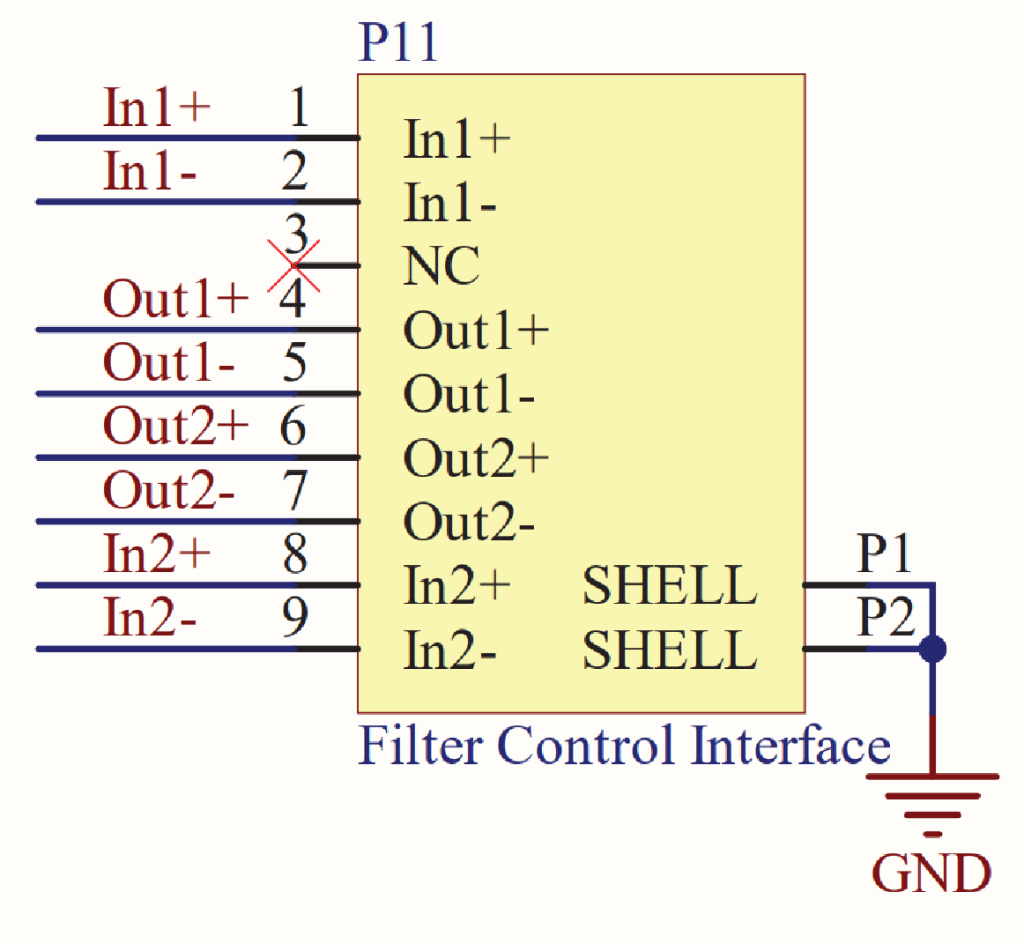
Filter Control – Connection Guide
Wiring diagrams and pinouts for connecting external filtration systems to your Epilog.