Usage and Operation

Usage and Operation


Filters


Usage and Operation


Articles: 179 items found

  • View:
Order by
Title (A-Z)
How to Set Up Graphics Software for Epilog Laser Systems

This guide provides step-by-step instructions for configuring and using popular graphic design software with Epilog Laser systems.

Software Setup CorelDRAW Setup Open CorelDRAW. Note: CorelDRAW Graphics Suite is the recommended CorelDraw version for use with Epilog Laser systems. Other versions, such as the Student or Standard version, may have different menu options and settings. Select Tools > Options > Global > Printing > Driver Compatibility. Choose Epilog (...)
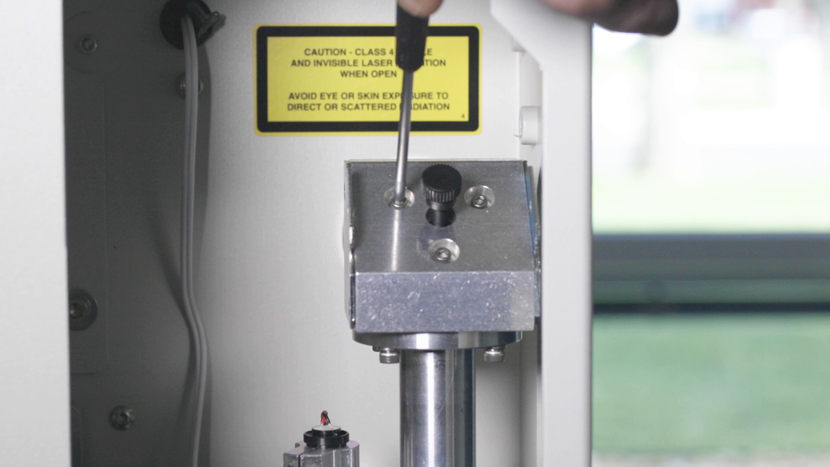
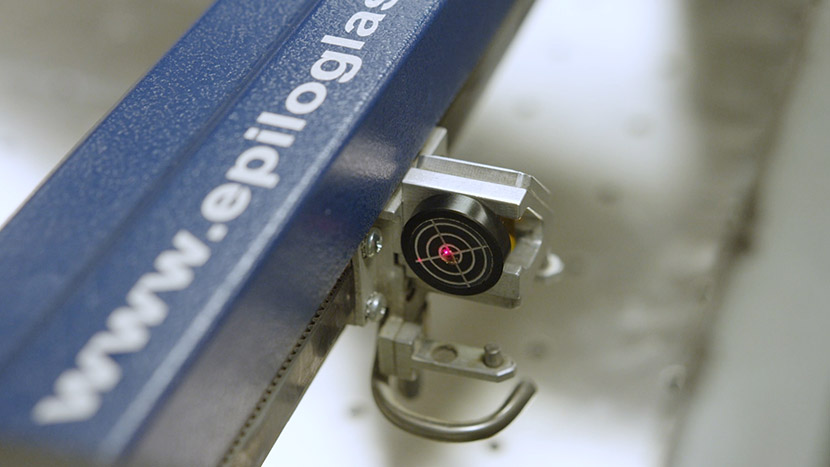
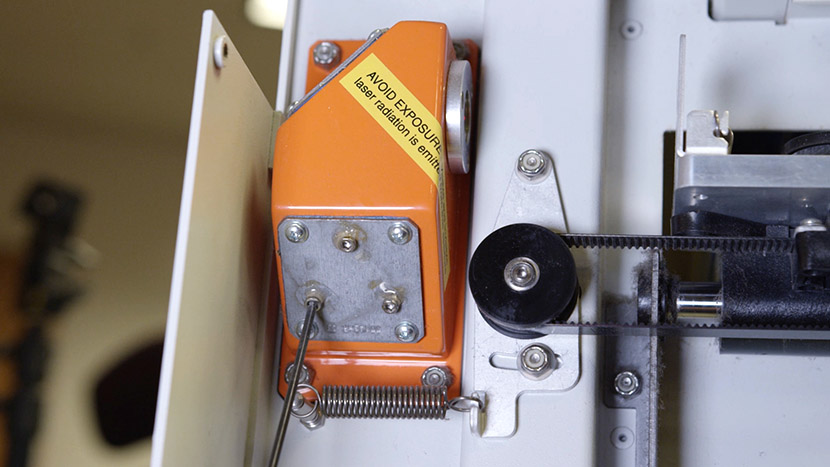
Laser Alignment (Large Aperture Optics) – Fusion Pro
Pro 24, Pro 36

How do I align the laser on my Fusion Pro with large aperture optics.

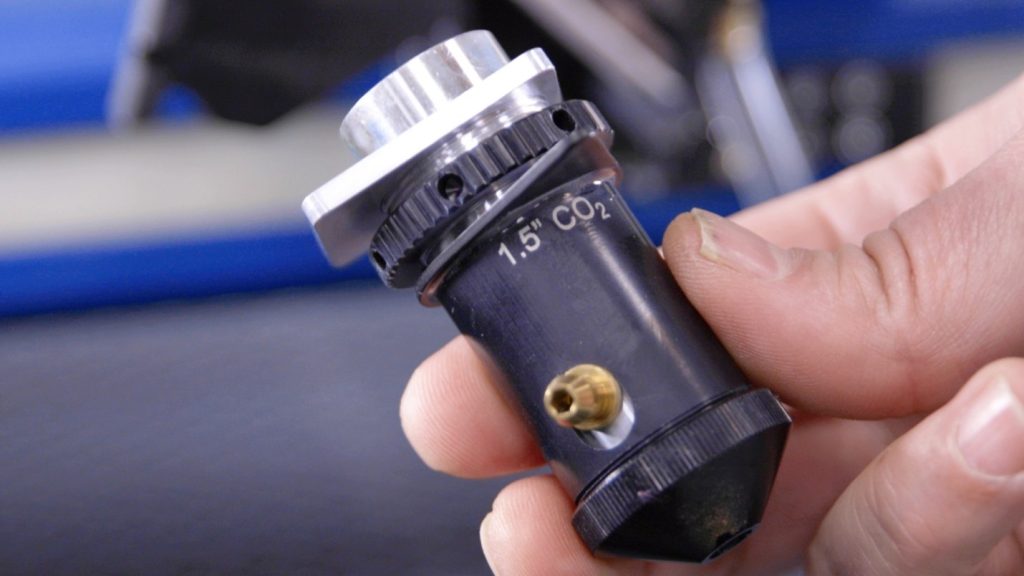
To ensure your CO2 laser engraver delivers optimal performance and consistent cutting quality, proper beam alignment is essential. Over time, vibration, wear, or component replacement can cause the laser beam to deviate from its intended path. This can result in reduced cutting power, inconsistent engraving, or premature wear of optics. (...)