Usage and Operation
Filters
Using a Mask to Create a Color Fill
How can I color fill my project?
Using an Apple Computer with Fusion and Fusion M2.
How can I use a Mac with the Fusion or Fusion M2?
Using Bartender Variable Data
Learn to create and mark variable data using Bartender.
Using Color Mapping in the Epilog Software Suite
Save time by setting up multiple passes with different settings.
Using Margins to Preview Your Engraving
Use this technique to quickly fine tune your engraving.
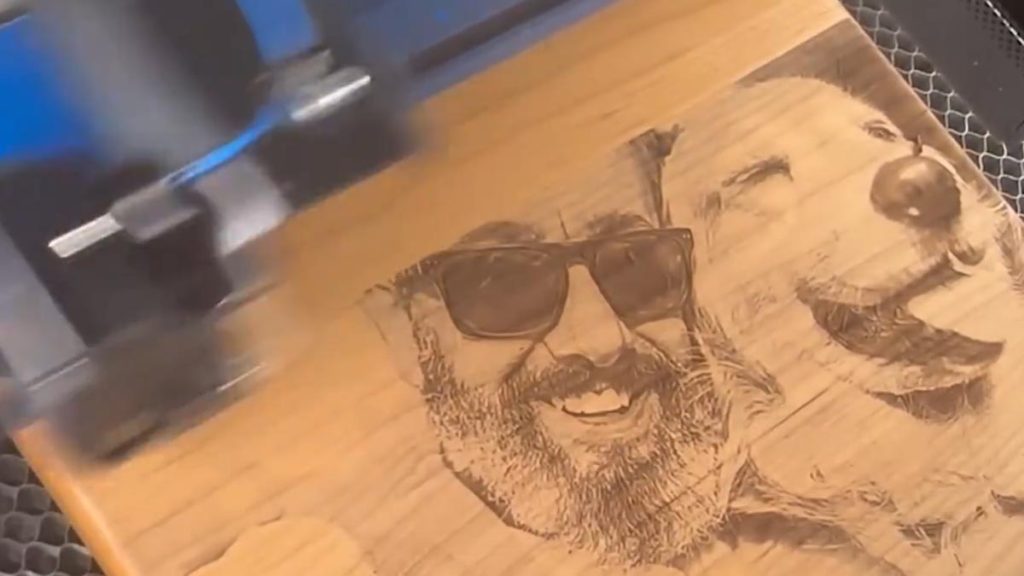
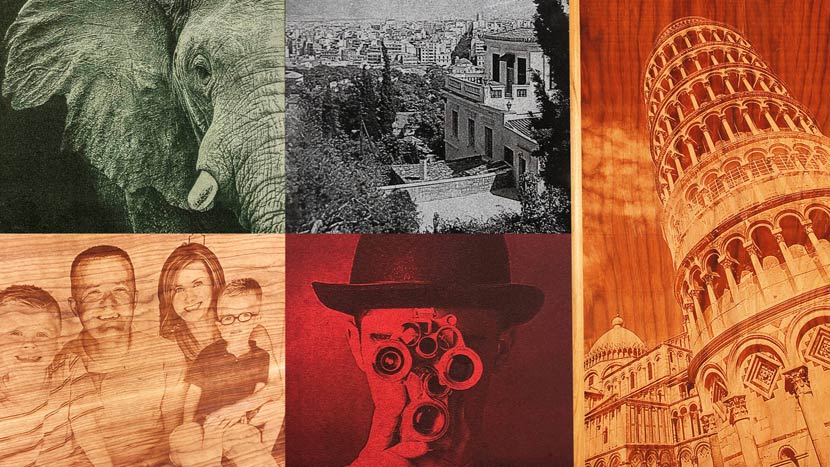
Using PhotoLaser Plus
Learn how to quickly prepare photos for engraving using PhotoLaser Plus.
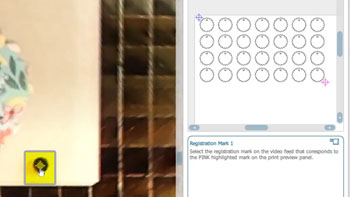
Using Registration Marks to Cut Preprinted Acrylic Keychains
Use the IRIS™ Camera to find printed registration marks for precision cutting.
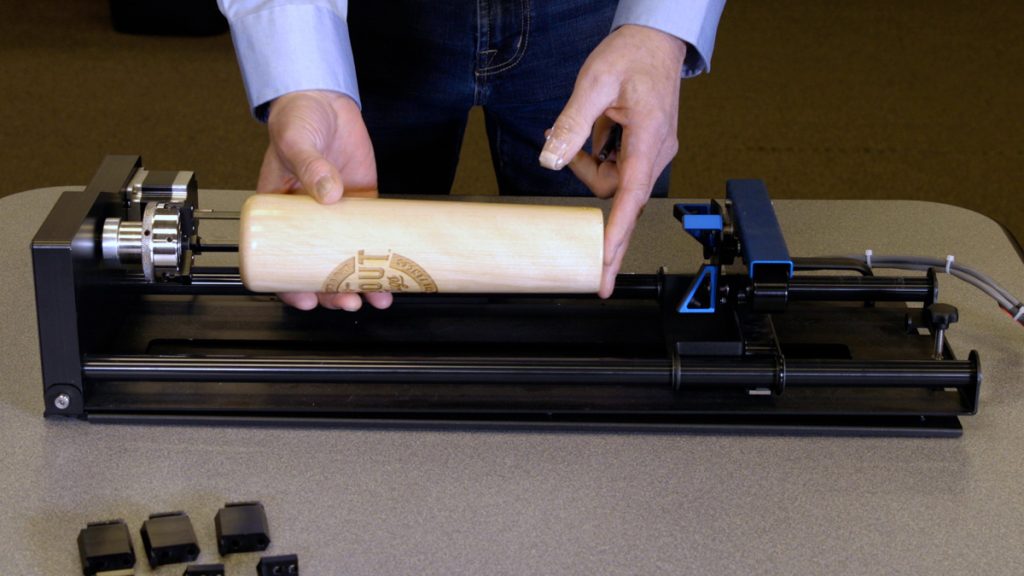
Using the 3-Jaw Chuck Rotary Attachment
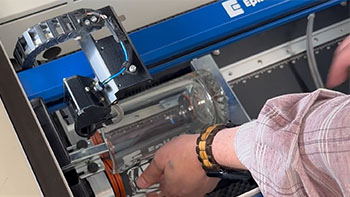
The 3-Jaw Chuck style Rotary Attachment is an extremely versatile tool for marking and engraving cylindrical objects.
Using the Bottom-Up Engraving Option in the Laser Dashboard
When and how do I use the bottom-up engraving option that I see in the print driver?
Using the Center-Center Option in the Epilog Laser Dashboard
How can I use the Center-Center option in the print driver for easy positining of my engraving?
Using the Rim-Style Rotary Attachment
Here we’ll walk you through the steps of customizing a glass mug using the Rim-Drive Rotary Attachment.
Using the Weld Tool in CorelDRAW
How can I combine shapes using the weld tool in Corel?
Using What the Font to Identify Fonts
How do I identifiy a font in a document a customer sends me?
When to Calibrate the IRIS Camera System
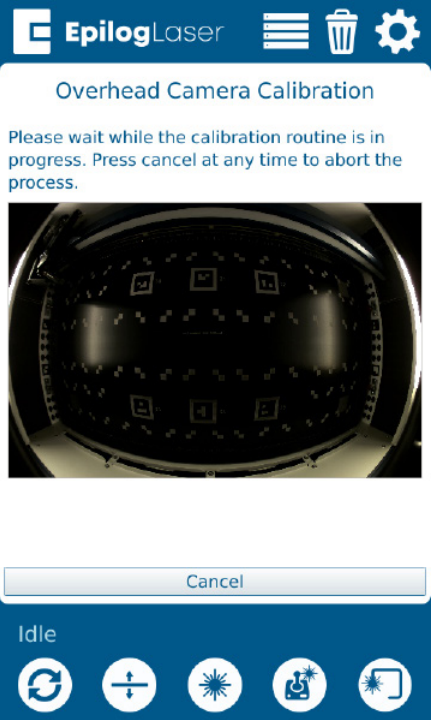
When do I need to calibrate the IRIS camera system?
Windows 10 TCP/IP Port Setup
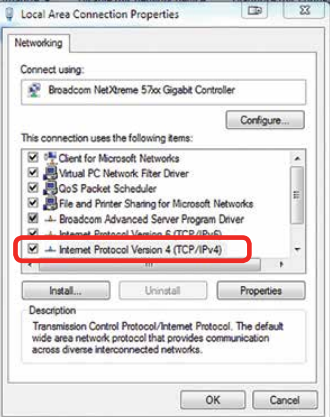
How do I set up the TCP/IP Port settings on my computer?
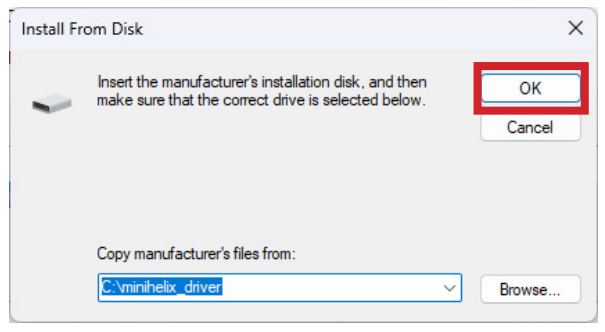
Windows 11 Legacy Driver Install
How do I install the Legacy drivers on Windows 11?
Windows 11 TCP/IP Port Setup
How do I set up the TCP/IP port on my computer?