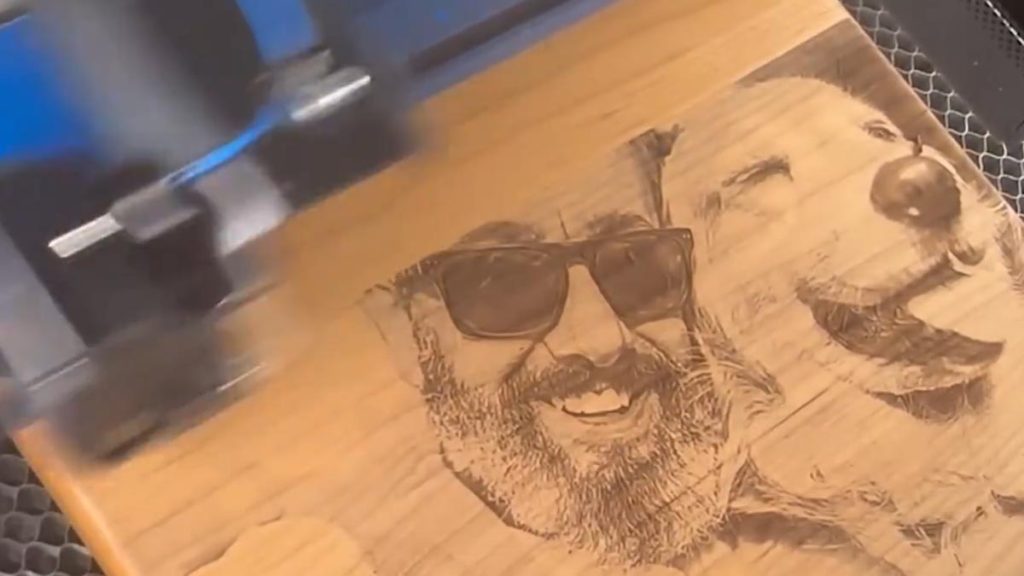
Removing the Background from a Photo How do I remove the background from a photograph? Anyone who has engraved photographs has had the experience of someone bringing in a photograph with a dark background that...
Selecting an Uninterrupted Power Supply for your Epilog Laser System Which uninterruptible power supply is best for my Epilog Laser system? Spring is a time for many things, including unpredictable weather. While many people have battery backup for clocks, computers and...
Sending Vector Jobs from Adobe Illustrator When working with Adobe Illustrator, frequent updates can sometimes alter default settings or introduce changes that interfere with how vector...
Setting up a Gun Stock for Engraving How do I setup a gunstock in the laser for engraving? Engraving an irregular or curved shaped object, like a gun stock, can be quite the challenge. We’re going to show...
Silent Installation of Epilog Software Suite As of version 2.2.16.2, the Epilog Software Suite installer includes support for silent installation, with some important caveats: Silent installation...
Tracing a Logo in CorelDRAW 13 How do I trace a logo in CorelDRAW? Have you ever received a logo from a client that needs to be in vector format, but they only have...
Tracing Clipart to Remove a White Background from Clipart How do I trace a clipart image to remove the white background? You’ve received your client’s image for a project, and all they have available is a bitmap with a white background....
Transforming a Vignette in PhotoLaser Plus How can I create a vignette in PhotoLaser Plus for my laser? If you’re looking for a more sophisticated look when cropping and engraving photos, consider a vignette – a cropping technique...
Updating the Firmware How do I update the Firmware in the Fusion engraver? In firmware version 1.0.9.0, the update process has been streamlined for efficiency. Systems running 1.0.9.0 or later can update using...
Updating the Peripherals How do I update the peripherals in the Fusion Maker, Edge, Pro, and Galvo? Peripheral updates ensure optimal performance and communication between the engraver’s programmable components by installing the latest firmware and configuration files....
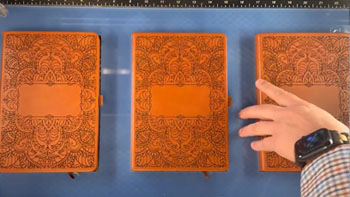
Use a Jig to Pre-Engrave an Item for Customization Later Learn how to use a jig to save time on your most popular laser engraving projects. Setup the Artwork Here we are creating a jig to pre-engrave four leather notebooks. We’ll add customized names...
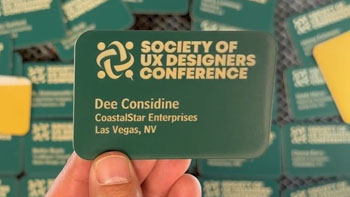
Use Print Merge to Customize Multiple Items Learn to use the print merge feature in CorelDRAW to easily distinguish and engrave multiple items at once. Import Data Here we have a series of name badges to engrave and cut on the laser using print merge....
Using a Mask to Create a Color Fill How can I color fill my project? For this exercise, we’ll be demonstrating how to use a mask or application tape to create a color fill. Application...
Using Bartender Variable Data Learn to create and mark variable data using Bartender. Import Variable Data We have our file for a 5” x 3” serial tag setup in Bartender. There are two...
Using Color Mapping in the Epilog Software Suite Save time by setting up multiple passes with different settings. It’s easy to color map with the Epilog Dashboard. Prepare the Artwork for Color Mapping For this file, we want...
Using Margins to Preview Your Engraving Use this technique to quickly fine tune your engraving. For a helpful tip, we’ll show how to use margins in the Epilog Dashboard to preview the engraving to make...
Using the Bottom-Up Engraving Option in the Laser Dashboard When and how do I use the bottom-up engraving option that I see in the print driver? As any engraver knows, most materials you engrave or cut can produce a certain amount of debris. This is especially...
Using the Center-Center Option in the Epilog Laser Dashboard How can I use the Center-Center option in the print driver for easy positining of my engraving? When engraving a uniquely-shaped item, the Center-Center option within the Epilog Laser Dashboard can be an invaluable tool. The Center-Center...