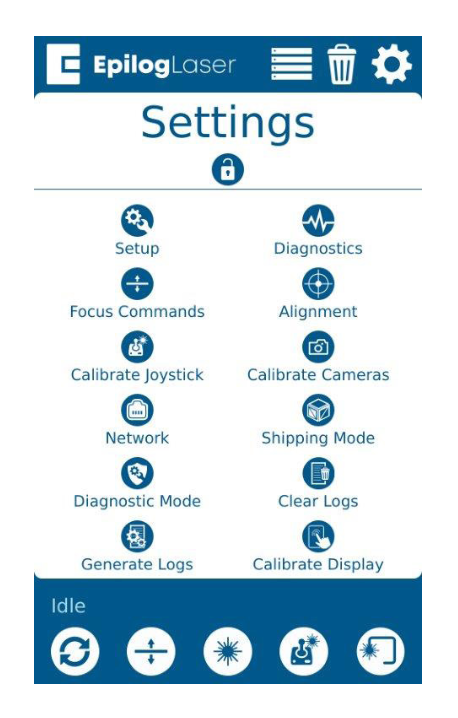
This guide covers updating the IRIS camera system software from the display on the Fusion Maker, Fusion Edge and Fusion Pro 24, 32, 36 and 48. Parts Required None Tools Required None When to Update The camera update refreshes the software the IRIS camera system runs on. No internet connection (...)
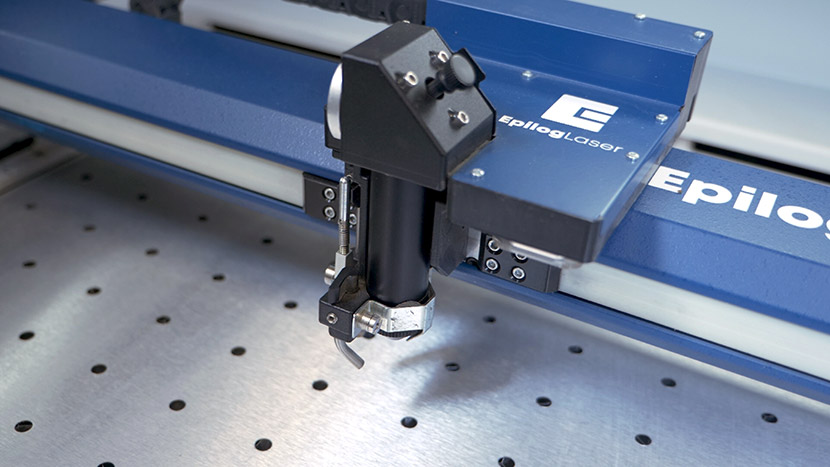
Autofocus Repair Guide: Replacing the Autofocus Plunger (AFP)
Estimated time: 15–20 minutes • Skill: Beginner This procedure will guide you through the process of removing and replacing the Autofocus Plunger (AFP) assembly on your laser system. The AFP is a critical component used to automatically set the correct focus distance between the laser head and the material surface. (...)
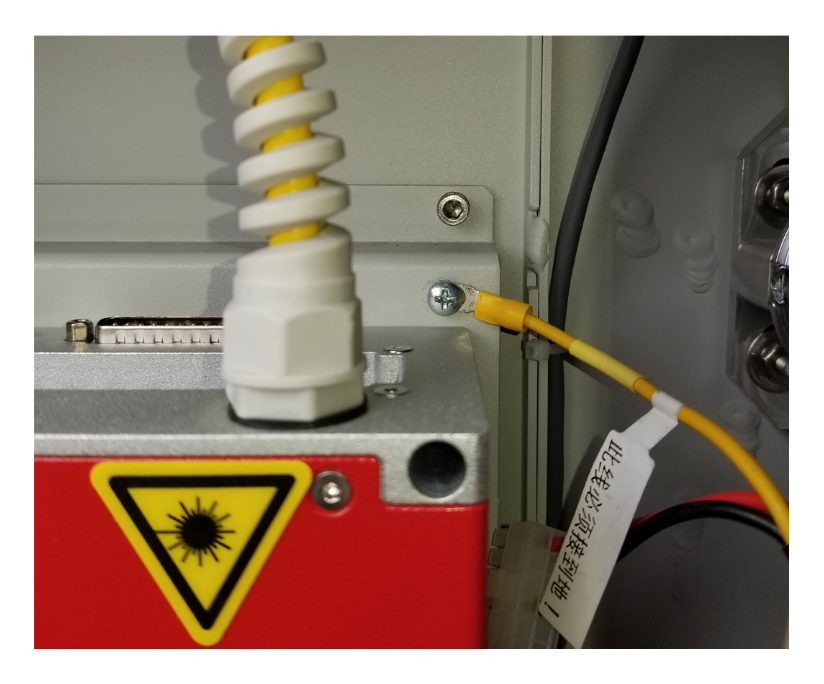
JPT 50 Watt Fiber Laser Conversion – Fusion Pro 48
This guide covers converting a Fusion Pro 48 from a Raycus or IPG fiber laser to a JPT 50 watt fiber laser. It covers removing the old power harness and fiber laser, installing the JPT laser, mounting bracket and power harness, and updating the engraver’s peripherals from the display. Parts (...)
Air Assist Tubing Replacement – Fusion Maker, Edge, Pro 24 & 36
The Air Assist (AA) Tubing in your engraver plays a crucial role in ensuring optimal performance by directing a stream of air to the engraving area. Over time, this tubing may wear out or become damaged, necessitating a replacement. This guide provides a step-by-step process for safely removing and installing (...)
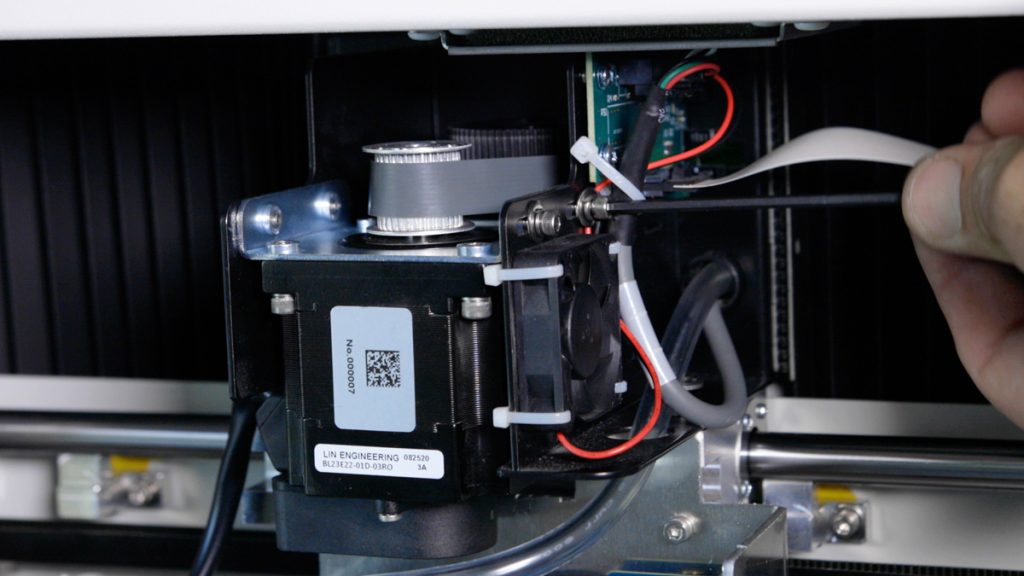
X-Axis Reducer Belt Replacement – Fusion Edge, Pro 24 & 36
The X-Axis Reducer Belt is a crucial component in ensuring the smooth and precise movement of the engraving machine. Over time, it may require replacement due to wear and tear, ensuring that the engraver continues to perform at optimal efficiency. This guide provides step-by-step instructions for safely removing and installing (...)
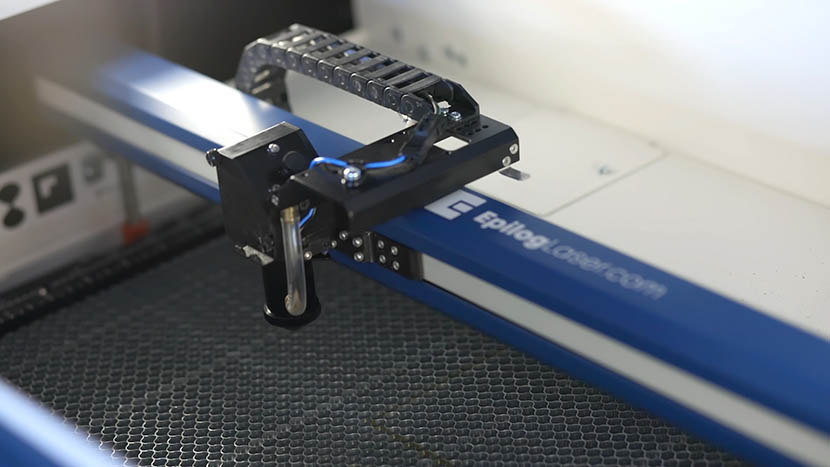
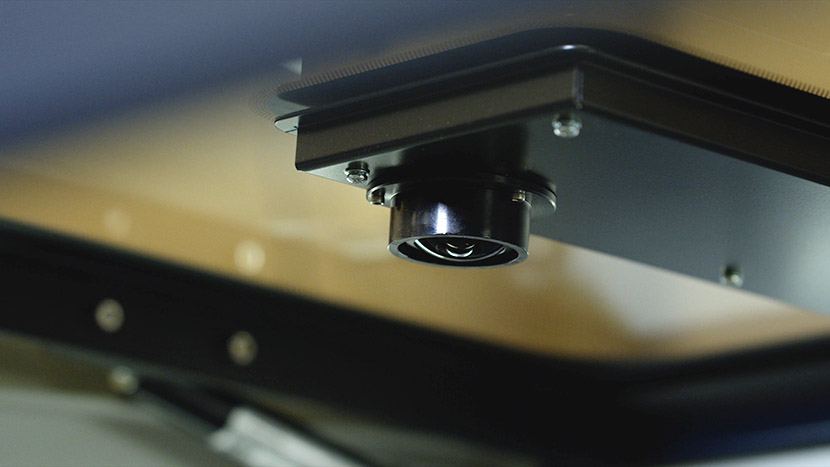
Carriage Camera Replacement – Fusion Pro 24 & 36
This guide covers replacing the carriage camera board on the Fusion Pro 24 and 36. After installation, the camera is updated from the engraver’s display and then calibrated. Parts Required LC0240 – Assy, Camera, X-Axis Tools / Materials Required 5/32" Allen Wrench Phillips Screwdriver Anti-Static Strap Safety First: Ensure the (...)
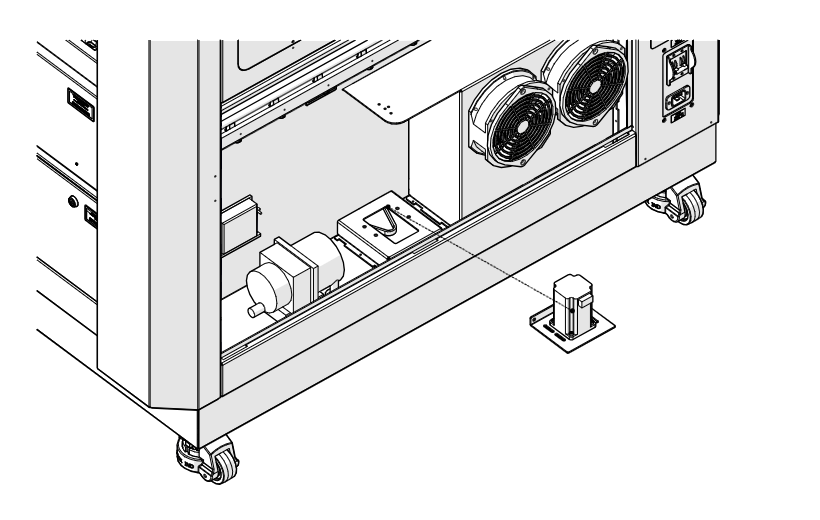
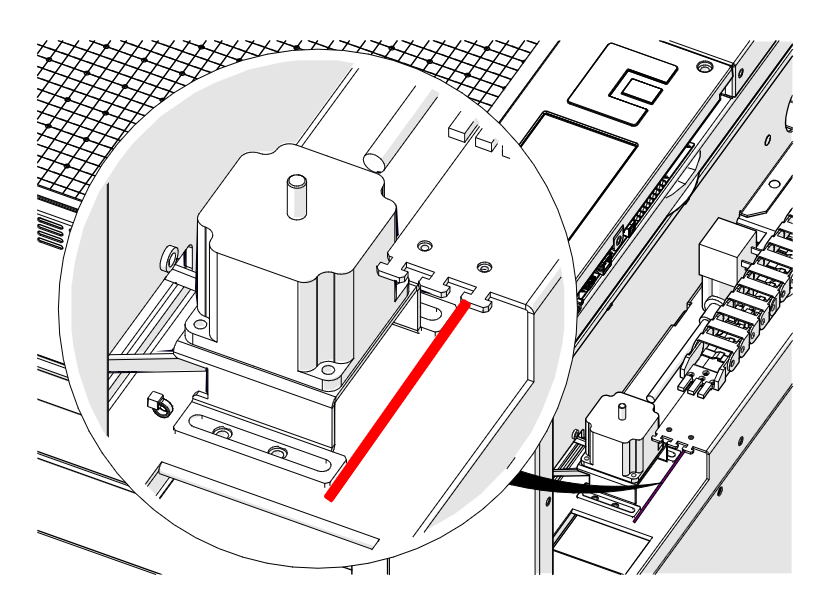
Table Motor Replacement – Fusion Pro 32 & 48
This guide covers replacing the table (z-axis) motor on the Fusion Pro 32 and 48. The motor is behind the right panel, and its position sets the tension on the table belt, so it is marked before removal and the new motor is lined up with that mark. Parts Required (...)
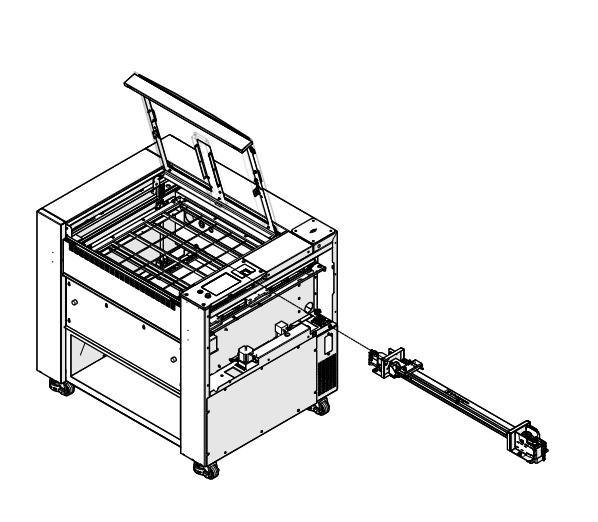
X-Axis Assembly Replacement – Fusion Maker, Edge, Pro 24 & 36
This guide covers replacing the complete x-axis assembly on the Fusion Maker, Fusion Edge and Fusion Pro 24 and 36. The x-axis assembly contains circuit boards, cameras and a motor, so after installation the carriage camera (Pro models) and the engraver peripherals are updated from the display. Parts Required X-axis (...)
Table Motor Replacement – Fusion Maker, Edge, Pro 24 & 36
This guide covers replacing the table (z-axis) motor on the Fusion Maker, Fusion Edge and Fusion Pro 24 and 36. The motor’s position sets the table belt tension, so it is marked before removal and the new motor is lined up with that mark. Parts Required LC0489 – Assy, Table (...)
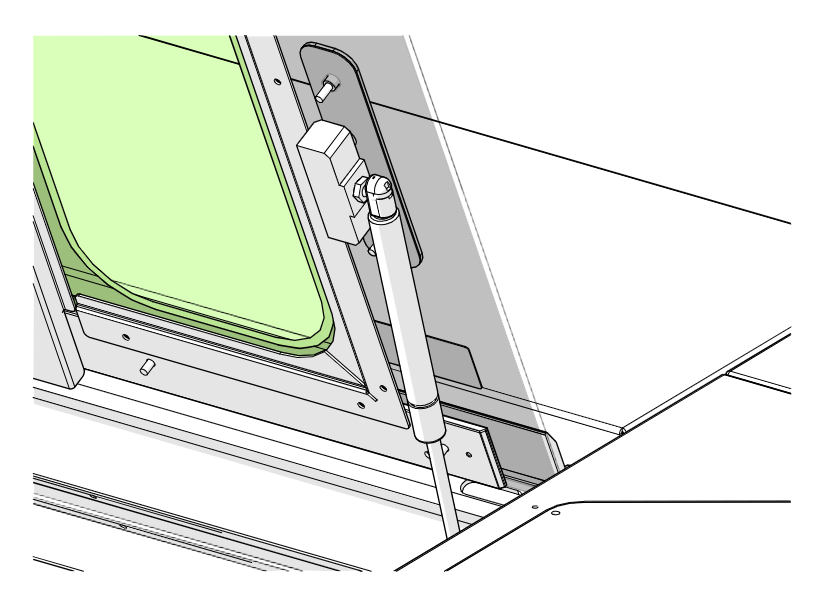
Top Door Gas Shock Replacement
This guide covers replacing a top door gas shock on the Fusion Pro 32 and 48. The gas shock snaps onto ball studs and is held by a locking clip at each end. Parts Required CS0483 – Shock, Top Door, 48×36 (Fusion Pro 48) HT0429 – Shock, Gas, Top Door, (...)
Manual Focus Gauge (MFG) Replacement – Fusion Pro 32 & 48
This guide covers replacing the manual focus gauge (MFG) on the Fusion Pro 32 and 48. The MFG is held on the lens carriage by a single screw, and its length is set to the engraver’s calibrated focus height after installation. Parts Required CS1032 – Assy, Manual Focus Gauge Tools (...)
Lens Camera Board and USB-C Cable Replacement – Fusion Pro 32 & 48
This procedure outlines how to replace both the Carriage Camera PCB and the X-Axis USB-C cable on a 16000 Series Fusion Pro laser system. The Carriage Camera PCB also integrates the Auto Focus sensor, which is critical to system performance. Follow each step carefully to ensure proper installation and avoid (...)